
Windows 10 (version 1607) – Aug, 2016 – Anniversary Update
Windows 10 version 1607 (Anniversary Update, Redstone 1) was released on 2 August 2016. It followed version 1511 and was one of the larger early updates to the operating system.
This release is best remembered for introducing the Windows Ink Workspace, expanding Cortana, and bringing the first real extension support to Microsoft Edge, along with a large number of smaller refinements.
Key changes in 1607
- Windows Ink Workspace
- Extension support in Microsoft Edge
- Improved Cortana (including lock-screen interaction)
- Windows Hello enhancements
- Bash on Ubuntu on Windows (early Windows Subsystem for Linux)
- Dark theme refinements
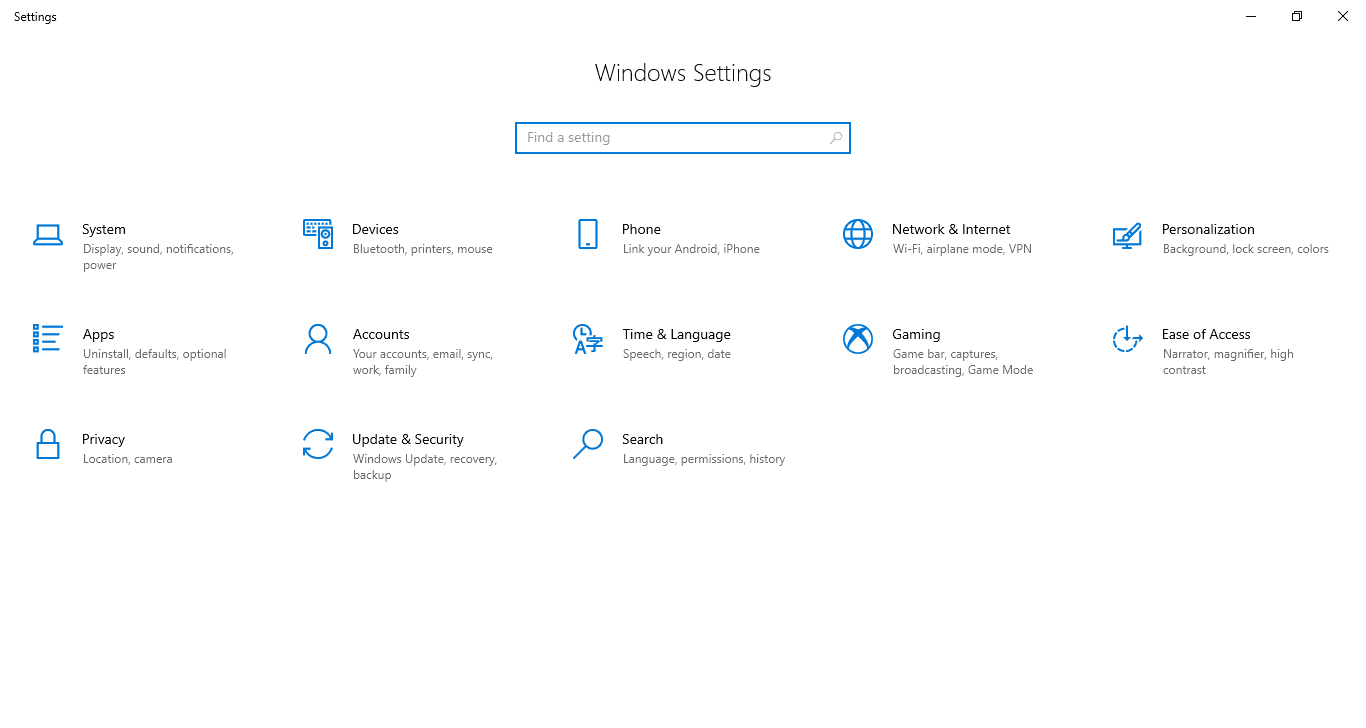
- More consistent Settings experience
- Better tablet and Continuum behaviour
As with most early feature updates, some users still encountered Edge bugs and occasional stability issues after the initial rollout.
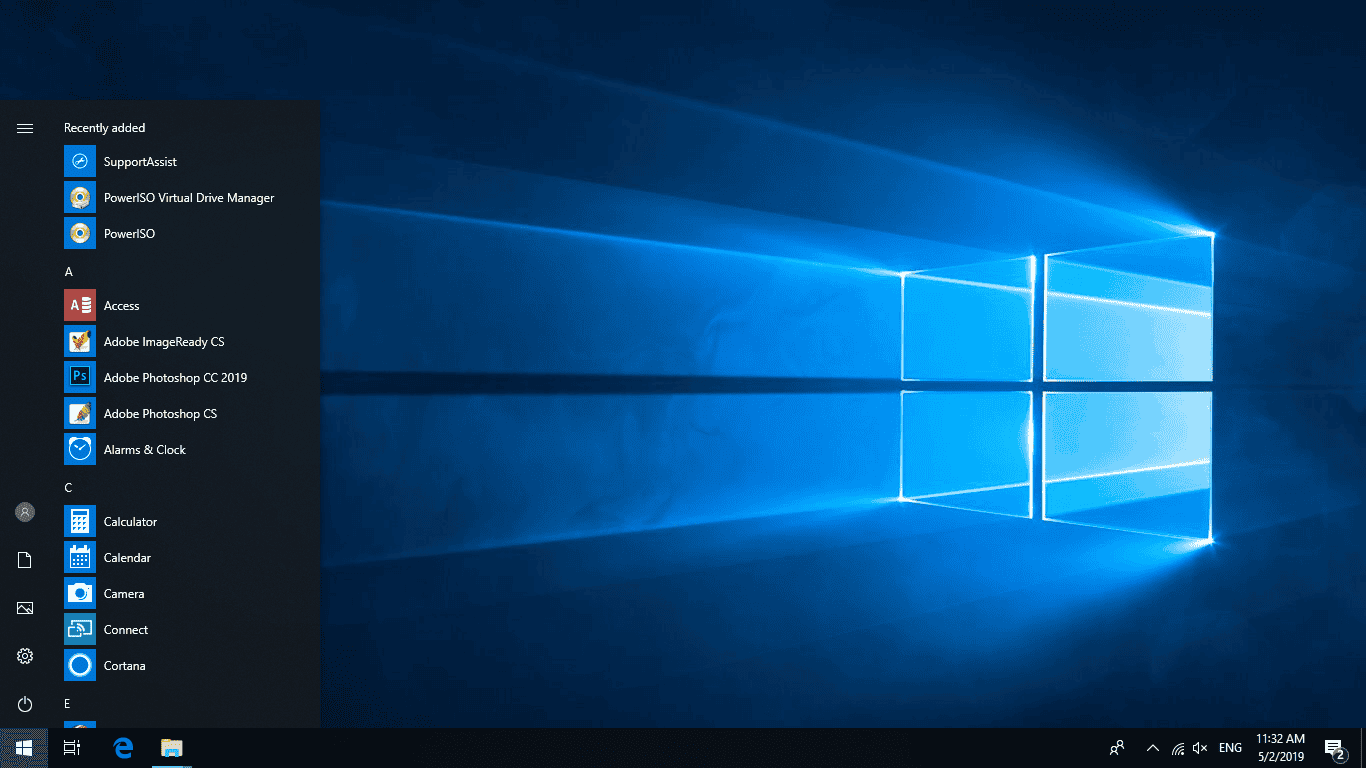
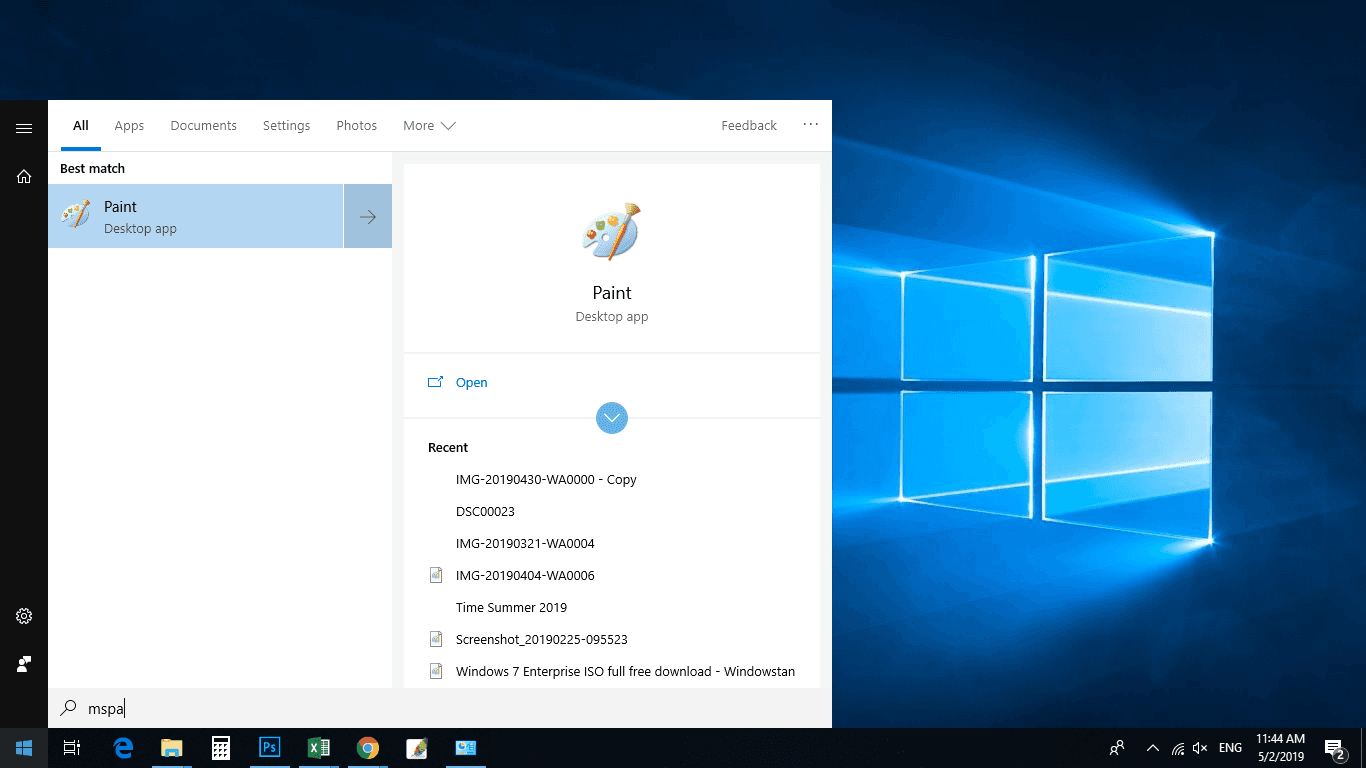
Screenshots
Editions
1607 was available in Home, Pro, Enterprise, Enterprise LTSC and Education. Windows 10 has never offered an Ultimate edition.
Download Windows 10 1607
Windows 10 (1607) 64-bit ISO – approx. 3.9 GB
Windows 10 (1607) 32-bit ISO – approx. 3.0 GB
These are the original Anniversary Update images. If you need a Windows 10 installation that remained supported the longest, use the final release: version 22H2.
How to install
Create a bootable USB with Rufus or the Media Creation Tool, boot from it, and choose either an upgrade or a clean install. After Windows finishes the initial setup, run Windows Update to install any remaining cumulative updates that were still published for 1607.
Mounting the ISO and running setup.exe also works for an in-place upgrade.
Notes
- Windows 10 reached end of support on 14 October 2025. Version 1607 stopped receiving regular updates years earlier.
- A genuine product key matching the edition is required for activation.
- For any new installation today, prefer 22H2.
All Windows 10 versions are listed on the main Windows 10 download page.