
Photoshop CC 2019
Adobe Photoshop CC 2019 is a professional image-editing application for Windows. Released in October 2018, Photoshop CC 2019 introduced improvements to Content-Aware Fill, brushes, typography, layer management, and other creative workflows. This page covers the features, version details, system requirements, compatibility, and download information for Photoshop CC 2019.
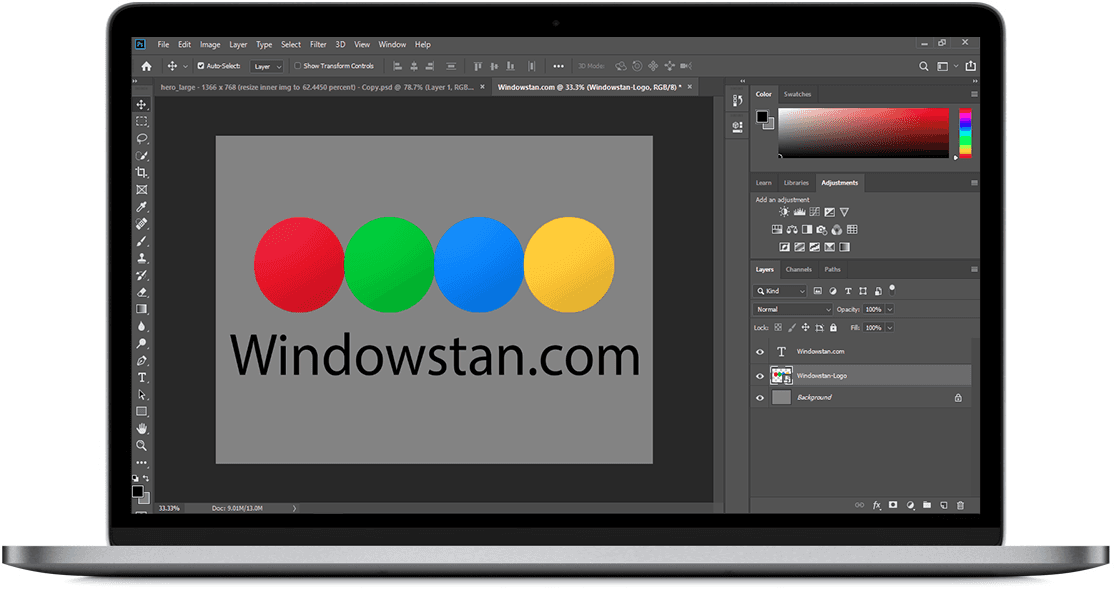
Adobe Photoshop is a professional graphics and photo-editing application used for image retouching, compositing, graphic design, digital artwork, typography, and other creative work. Photoshop CC 2019 is an older release in the Creative Cloud series and is best considered a legacy version rather than the current Photoshop release.
If you are looking for an alternative photo-editing application, Affinity Photo for Windows is another option worth considering.
For users who specifically need an older Photoshop release, the related versions below may also be useful.
What’s New in Adobe Photoshop CC 2019
Photoshop CC 2019 introduced several new features and workflow improvements. Some of the most useful additions and changes are outlined below.
Improved Brush Management
Photoshop CC 2019 improved the way brush presets are organized and managed. The updated brush workflow makes it easier to work with larger collections of brushes and access frequently used presets.
Lightroom Photo Access
Photoshop CC 2019 improved the workflow for accessing photographs managed through Adobe Lightroom, making it easier to move between Lightroom-based photo management and Photoshop editing workflows.
Smoother Brush Strokes
Brush stroke smoothing was improved in Photoshop CC 2019. The smoothing controls can help create cleaner and more consistent strokes when drawing or painting, particularly when using a graphics tablet.
Variable Fonts
Photoshop CC 2019 added support for variable fonts. With compatible fonts, designers can adjust supported font characteristics and create more flexible typography without needing a separate font file for every variation.
Quick Share
The Quick Share feature provides a convenient way to share a Photoshop document or exported image through supported sharing options. Sharing a flattened image does not protect the original layered document, so the original project file should be kept separately when necessary.
Content-Aware Fill
Content-Aware Fill received significant improvements in Photoshop CC 2019. The updated workspace provides more control over the source area used to fill a selected part of an image, making it easier to remove unwanted objects and produce more natural-looking results.
Here is a useful explanation of how to use Content-Aware Fill in Photoshop CC 2019:
Improved Layer Workflows
Photoshop CC 2019 introduced improvements to layer management, including better workflows for selecting and working with multiple layers. Multiple layers can also be copied and pasted between Photoshop documents when working on compatible projects.
More Photoshop CC 2019 Improvements
Along with the major features above, Photoshop CC 2019 included a number of smaller improvements and workflow changes.
- Improved support for high-resolution monitors
- Select and Mask improvements
- Better brush organization
- Brush performance improvements
- Brush stroke smoothing
- Variable font support
- Quick Share options
- Custom path color and width
- Group layer arranging improvements
- Enhanced tooltips
- 360-degree panorama workflow improvements
- Properties panel improvements
- Microsoft Dial support
- Paste as plain text
- Depth Map import from HEIF
For detailed information about Photoshop features and Adobe’s product documentation, visit the official Adobe Photoshop Help Center.
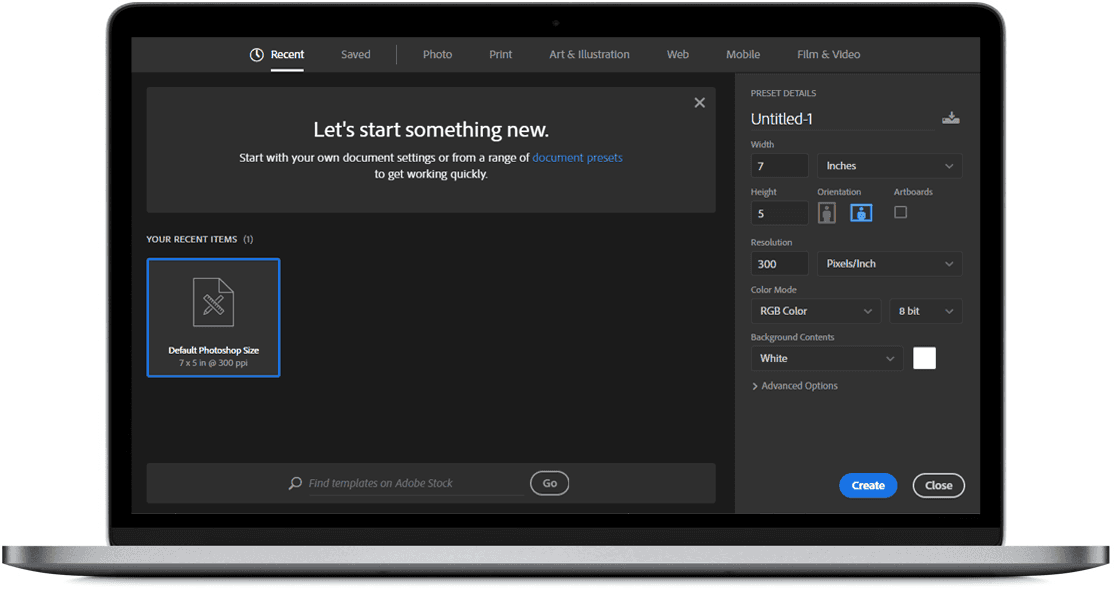
Adobe Photoshop CC 2019 Features
User Interface
Photoshop provides a flexible workspace with customizable panels, toolbars, menus, and shortcuts. Users can arrange the workspace according to their editing and design workflow.
Print Options
Photoshop includes print settings that allow users to control image dimensions, orientation, color handling, scaling, and other options before sending a project to a printer.
File Format Support
Photoshop supports a wide range of image and document formats, including PSD, JPEG, PNG, TIFF, BMP, GIF, PDF, and other formats depending on the file and workflow. The native PSD format preserves Photoshop-specific elements such as layers and editable content.
Professional Editing Workflow
Photoshop combines layers, masks, selections, adjustment tools, filters, brushes, and retouching features in one application. Performance and stability can vary depending on the computer hardware, document size, installed plugins, and operating-system configuration.
Photoshop CC 2019 System Requirements
Photoshop CC 2019 is an older release, so its requirements should not be confused with the requirements for current versions of Photoshop. Adobe’s documentation for this generation specifies 64-bit Windows support and a minimum of 2 GB of RAM, along with available storage and compatible graphics hardware.
| Requirement | Photoshop CC 2019 |
|---|---|
| Platform | Windows |
| Architecture | 64-bit |
| RAM | 2 GB minimum |
| Storage | Several GB of available space required |
| Graphics | Compatible graphics processor |
| Display | 1280 × 800 or better recommended |
Because CC 2019 is no longer a current Photoshop release, check your Windows configuration and the specific installer requirements before installation.
Download Adobe Photoshop CC 2019
Adobe Photoshop CC 2019 was distributed as commercial software through Adobe Creative Cloud. It was not released as a permanently free full version.
If you need Photoshop CC 2019 for an older workflow, make sure that the installer you use matches the correct release and architecture. Avoid modified installers, cracks, or unauthorized activation tools.
Photoshop CC 2019 64-bit: Download Adobe Photoshop CC 2019 64-bit
Official Adobe option: Visit Adobe Photoshop
Important: Before installing an older Photoshop build, verify the source, file integrity, licensing requirements, and compatibility with your Windows installation.
Is Photoshop CC 2019 Free?
No. Photoshop CC 2019 is proprietary Adobe software and was distributed through Adobe’s Creative Cloud licensing model. It should not be described as a permanently free full version.
If a website offers a pre-activated or modified copy of Photoshop CC 2019, use caution. Unauthorized installers and activation tools can introduce security risks and may violate Adobe’s licensing terms.
Photoshop CC 2019 32-bit vs 64-bit
When installing an older Photoshop release, the installer should match the architecture supported by your Windows system. For Photoshop CC 2019, Adobe’s documented Windows requirements for this generation are based on 64-bit systems.
If you have an old 32-bit installer labelled as Photoshop CC 2019, verify the exact release before publishing or installing it. Do not assume that every older Photoshop download labelled “32-bit” belongs to the CC 2019 release.
How to Install Photoshop CC 2019
- Download the installer from a trusted and verifiable source.
- Check that your Windows system meets the requirements for the release.
- Close unnecessary applications before starting the installation.
- Run the Photoshop installer.
- Follow the instructions displayed by the installer.
- Sign in with the Adobe account associated with your license if required.
- Complete activation and launch Photoshop.
Do not use unofficial activation tools or modified files to bypass Adobe’s licensing system.
Photoshop CC 2019 Version History
Photoshop has received many releases over the years. The version-history table below provides a quick way to compare older Photoshop versions.
Is Photoshop CC 2019 Still Worth Using?
Photoshop CC 2019 can still be useful if you specifically need an older Photoshop environment, an older workflow, or compatibility with a particular project.
However, CC 2019 is no longer the current Photoshop release. Newer versions provide additional features, compatibility improvements, and workflow enhancements that are not available in this older version.
For a new installation, consider the current Adobe Photoshop release first. Choose CC 2019 when you have a specific reason to use this older version.
Frequently Asked Questions
What version is Photoshop CC 2019?
Photoshop CC 2019 belongs to Adobe Photoshop’s 20.x generation. Adobe lists version 20.0.10 as the latest update for this release line.
When was Photoshop CC 2019 released?
Photoshop CC 2019 was released in October 2018.
Is Photoshop CC 2019 free?
No. Photoshop CC 2019 is proprietary Adobe software and was not released as a permanently free application.
Does Photoshop CC 2019 support Windows?
Yes. Photoshop CC 2019 was released as a Windows desktop application. Since it is an older release, compatibility with newer Windows configurations should be checked before installation.
What is the latest update for Photoshop CC 2019?
Adobe lists Photoshop CC 2019 version 20.0.10 as the latest update for this release.
Can I still use Photoshop CC 2019?
You can use an older Photoshop release when you have a legitimate installation and license and your computer supports it. However, it does not include features introduced in newer Photoshop versions.
Is Photoshop CC 2019 safe to download?
The safety of an installer depends on its source and whether the file has been modified. Unknown repacks, cracks, and modified installers can create security risks. Use a trusted and verifiable source whenever possible.
Final Thoughts
Adobe Photoshop CC 2019 remains a useful legacy release for photo editing, retouching, compositing, typography, and graphic design. Its notable improvements include Content-Aware Fill, brush workflow enhancements, variable font support, and improvements to layer management and other editing workflows.
Adobe’s legacy documentation lists version 20.0.10 as the latest update in the CC 2019 line. Since this is an older release, it is better described as a legacy version rather than the latest Photoshop. Always verify compatibility, licensing, and the authenticity of an installer before installation.