

Content Highlights
Adobe Photoshop CC 2022 is a professional photo editing and graphic design application for Windows. Photoshop 2022 introduced several improvements to object selection, Neural Filters, collaboration, and other creative workflows. This version is available through Adobe Creative Cloud and is not freeware.
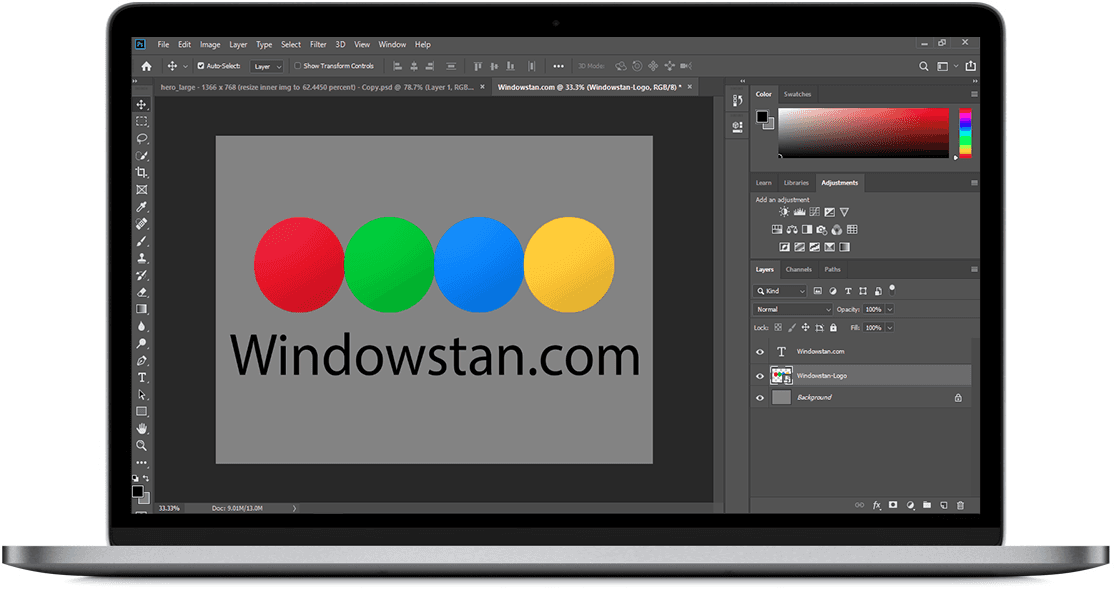
Adobe Photoshop is one of the most widely used image editing applications for photographers, graphic designers, digital artists, and other creative professionals. It provides tools for photo retouching, compositing, color correction, typography, digital painting, and professional image manipulation.
Photoshop CC 2022, also known as Photoshop 23.0, introduced several workflow improvements designed to make common editing tasks faster and more precise. These included an improved Object Selection Tool, Object Finder, new and enhanced Neural Filters, improved cloud document collaboration, and other performance and workflow enhancements.
TIP: Affinity Photo for Windows is a popular alternative for users looking for professional photo editing software.
Adobe Photoshop is designed for both beginners and experienced professionals. Although it requires a paid Adobe plan, users can download and use the official trial when offered by Adobe.
Older versions: If you are looking for an earlier release of Photoshop, you can also explore the versions listed below.
Related: Download Picasa for Windows
About Adobe Photoshop CC 2022
Adobe Photoshop CC 2022 was released as Photoshop version 23.0. It focused on improving existing editing workflows while introducing new AI-powered tools and creative features. The Object Selection Tool received significant improvements, while new Neural Filters and collaboration features expanded what users could do directly inside Photoshop.
What's New in Adobe Photoshop CC 2022
Photoshop CC 2022 introduced a number of useful features and improvements. Some of the most notable additions are described below.
Improved Object Selection and Object Finder
Photoshop 2022 improved the Object Selection Tool with an Object Finder feature. Instead of manually drawing a selection around every object, users can move the pointer over an object and Photoshop can detect it automatically. This makes selecting people, animals, vehicles, buildings, and other subjects much faster.
The Object Selection Tool can also be used with different selection modes to add or subtract areas from an existing selection. This is particularly useful when working with complex images where precise selections are required.
Harmonize Neural Filter
Harmonize was introduced as a Neural Filter designed to help composite images look more natural. It analyzes elements within a composition and can adjust aspects such as color and lighting so that a foreground subject blends more naturally with the background.
This feature can be useful when combining people or objects from different photographs into a single composition. Because Harmonize was introduced through the Neural Filters workflow, availability and behavior may vary depending on the Photoshop release and system configuration.
Landscape Mixer Neural Filter
The Landscape Mixer Neural Filter can transform the appearance of landscape photographs by combining visual characteristics from different landscapes. It can be used to create different seasons, environments, and atmospheric effects without manually rebuilding the entire scene.
Landscape Mixer is especially useful for creative experimentation. Photographers and digital artists can use it to quickly explore different versions of the same landscape.
Improved Neural Filters
Photoshop 2022 continued Adobe's expansion of Neural Filters, which use machine learning to simplify complex image-editing tasks. These filters can assist with tasks such as portrait adjustments, depth effects, colorization, and other creative transformations.
Some Neural Filters may require an internet connection to download their models or process certain effects. Availability can also depend on the specific Photoshop version.
Share for Review
Photoshop 2022 improved collaboration through cloud documents and sharing features. Users can share their work for review and collect feedback without relying entirely on traditional file-sharing workflows.
This can be useful for designers working with clients, colleagues, or other collaborators who need to review a project before it is finalized.
Comments and Collaboration
Cloud documents can be used with Photoshop's collaboration features to make reviewing and commenting on projects easier. Users can share a document and receive feedback as part of the Photoshop workflow.
Content Credentials
Photoshop 2022 also introduced Content Credentials as part of Adobe's efforts to provide attribution and editing-history information for supported content. When enabled, supported information can travel with exported content to help indicate how the content was created or modified.
Improved Cloud Documents
Cloud documents make it possible to save supported Photoshop projects to Adobe's cloud storage and access them across compatible Photoshop applications. Photoshop 2022 included improvements to cloud document workflows, making it easier to manage versions and collaborate on projects.
Improved Selection Workflow
The improved selection features in Photoshop 2022 reduce the amount of manual work required for many common editing tasks. Object detection can help users quickly isolate individual subjects before applying masks, adjustments, or other effects.
Camera Raw Improvements
Photoshop works closely with Adobe Camera Raw for processing RAW photographs. Updates around the Photoshop 2022 release also brought improvements to the RAW photo workflow and support for newer camera and lens profiles.
Better Creative Workflow
Along with major features, Photoshop 2022 included improvements to performance, stability, and everyday editing workflows. These changes may not be as noticeable as new AI tools, but they can make Photoshop more comfortable to use during longer editing sessions.
Here is a useful video explaining some of the major features introduced with Photoshop 2022:
Adobe Photoshop CC 2022 Features
Some of the important features and improvements available in Photoshop CC 2022 include:
- Improved Object Selection Tool
- Object Finder for faster subject selection
- Harmonize Neural Filter
- Landscape Mixer Neural Filter
- Improved Neural Filters
- Cloud document improvements
- Share for Review and collaboration features
- Comments and feedback workflow
- Content Credentials
- Improved RAW photo workflow
- Support for newer camera and lens profiles
- Improved selection and masking workflow
- Performance and stability improvements
Adobe Photoshop Features
User Interface
Photoshop provides a professional yet flexible interface with customizable panels, toolbars, menus, and workspace layouts. Users can arrange their workspace according to the type of editing they perform.
Professional Print Options
Photoshop includes a range of printing and color-management options for users who need to prepare images for professional printing. Settings can be adjusted according to the document, printer, paper, and intended output.
Format Support
Photoshop supports many common image and document formats. Popular formats include PSD, PSB, JPEG, PNG, TIFF, GIF, BMP, and PDF, with support varying according to the file type and document features.
Layers and Masks
Layers and masks are among Photoshop's most important editing features. They allow users to make complex changes while keeping different elements of a project separate and easier to modify.
Advanced Selection Tools
Photoshop includes several selection tools for isolating parts of an image. The Object Selection Tool, Quick Selection Tool, Magic Wand, Lasso tools, and Select and Mask workspace provide different approaches for creating accurate selections.
Professional Photo Retouching
Photoshop provides tools such as the Healing Brush, Spot Healing Brush, Clone Stamp, Patch Tool, and other retouching features for correcting imperfections and improving photographs.
Brushes and Digital Painting
The Brush Tool supports digital painting, masking, retouching, and creative artwork. Users can choose from different brush presets and customize brush settings for their particular workflow.
Text and Typography
Photoshop includes extensive typography controls for creating posters, social media graphics, banners, advertisements, and other designs. Text layers can be edited independently from other elements in a document.
Content-Aware Tools
Content-Aware features can analyze surrounding pixels to help remove or replace unwanted areas of an image. These tools are useful for cleaning photographs and performing common retouching tasks more efficiently.
AI-Powered Neural Filters
Neural Filters use machine-learning technology to simplify certain image-editing tasks. Depending on the available filter and Photoshop release, users can apply creative effects or make adjustments that would otherwise require several manual editing steps.
Download Adobe Photoshop CC 2022
Adobe Photoshop CC 2022 is professional software and is not available as a permanently free application. Adobe distributes Photoshop through Creative Cloud plans, and availability of trials or older versions may depend on Adobe's current policies.
For the safest installation, use Adobe's official Creative Cloud application or Adobe's official Photoshop download page. Avoid modified or unauthorized copies because they can create security, stability, and licensing problems.
Download Adobe Photoshop CC 2022
Download Photoshop from Adobe's official website.
Final Words
Photoshop CC 2022 remains an important release in the development of Adobe's desktop image editor. Its improved Object Selection workflow, Object Finder, Neural Filters, Landscape Mixer, Harmonize, and collaboration features made everyday editing and creative compositing more convenient.
If you need the newest Photoshop features, however, it is better to use a current Adobe release because Photoshop has continued to receive new features, performance improvements, and security updates after the 2022 release.