
Adobe InDesign 2026 (v21.6.0.057)
Adobe InDesign 2026 Free Download for Windows
If you’ve ever opened a beautifully laid-out magazine, product catalog, or interactive PDF and wondered what built it, the answer is almost always Adobe InDesign. It’s the desktop publishing tool graphic designers, marketing teams, and publishers reach for whenever a project needs more structure than a general design app can offer — think multi-page documents, precise typography, and consistent formatting across dozens or hundreds of pages.
What sets InDesign apart from something like Photoshop or Illustrator is its focus: it’s built specifically around laying out text and graphics together at scale, not creating individual images. On Windows, InDesign 2026 is distributed and managed through the Adobe Creative Cloud desktop app, with a 7-day free trial available before committing to a subscription. Whether you’re designing a single flyer or a 200-page catalog, InDesign gives you the layout precision and typographic control that print and digital publishing genuinely demand.
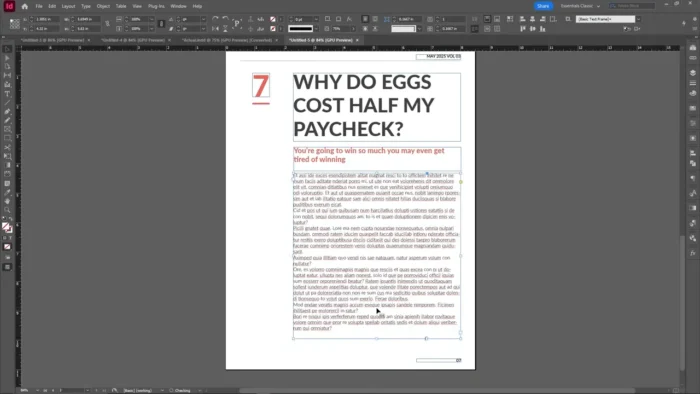
Overview
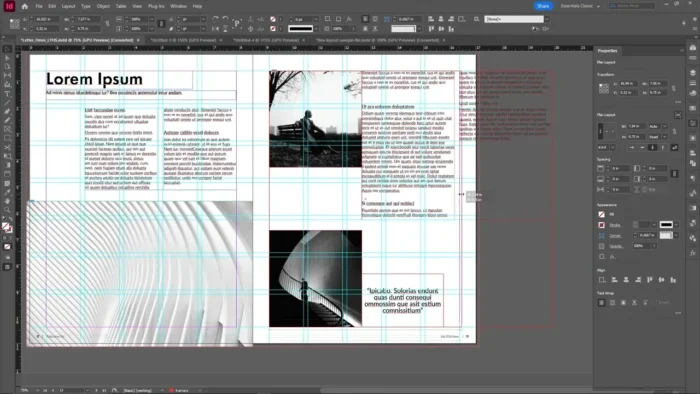
InDesign is a page layout and desktop publishing application, distinct from illustration or photo-editing tools in that its core strength is arranging text and graphics together across multi-page documents with consistent styling.
- Purpose: Professional page layout for print and digital publishing
- Main workflow: Set up master pages and styles → place text and graphics → apply consistent formatting → export for print or digital distribution
- Ideal users: Graphic designers, publishers, marketing teams, and anyone producing multi-page or highly structured documents
- File/output support: Interactive PDFs, print-ready files, eBooks, digital publications, SVG and vector graphics
- Major strengths: Advanced typography, master-page consistency across large documents, and tight Creative Cloud integration
Key Features
- Advanced Typography Controls – Character and paragraph styles, OpenType and variable font support, optical margin alignment, and precise kerning/tracking give you the same level of control a professional print shop expects, which matters enormously for anything text-heavy like books or magazines.
- Master Pages – Define a layout template once (headers, page numbers, footer branding) and apply it consistently across hundreds of pages, saving huge amounts of manual formatting work on long documents.
- Multi-Format Publishing Support – Design once and export to print-ready PDFs, interactive digital PDFs, eBooks, or web-ready formats, so the same InDesign file can serve print and digital distribution without rebuilding the layout.
- Rich Media & Interactive Elements – Embed video, audio, hyperlinks, interactive buttons, and QR codes directly into a layout, useful for digital catalogs or interactive presentations that need to do more than sit on a page.
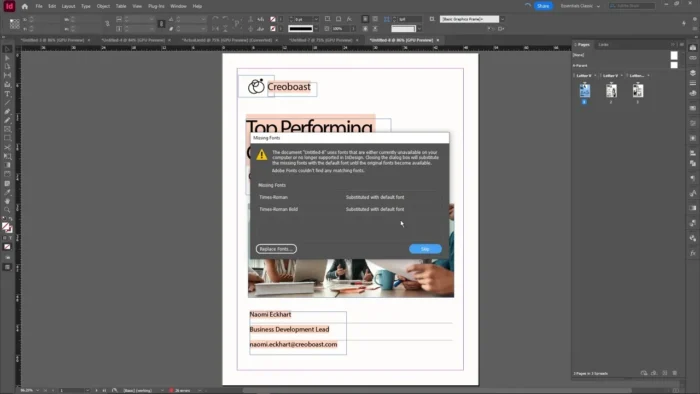
- Preflight Checking – Automatically flags layout issues (missing fonts, low-resolution images, overset text) before you export, catching print-ready mistakes that would otherwise only surface after a costly print run.
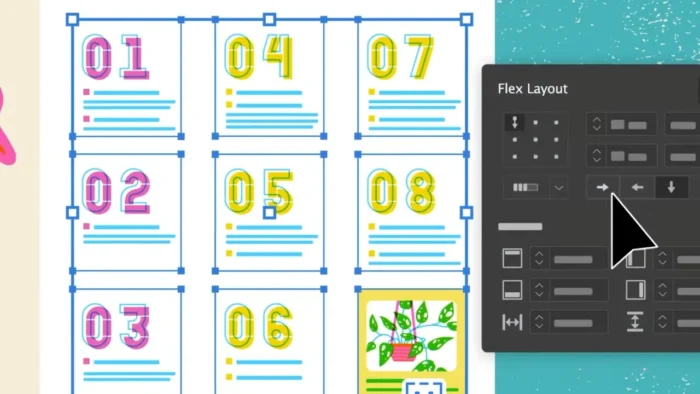
- Smart Guides & Object Styles – Alignment, distribution, and consistent object styling keep complex layouts visually tidy without needing to manually nudge every element into place.
- Professional Color Management – Control spot and process colors, apply gradients and transparency, and manage color profiles to ensure what you see on screen matches what comes off a commercial printer.
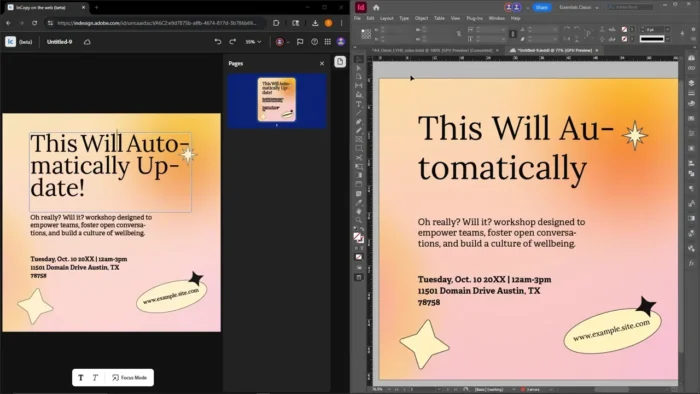
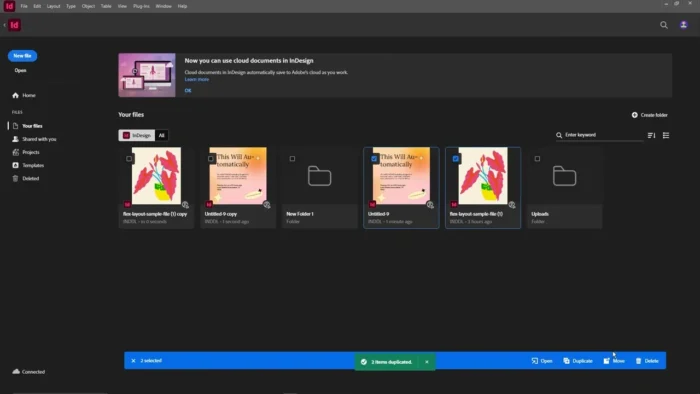
- Creative Cloud & Cloud Document Integration – Move assets seamlessly between Photoshop, Illustrator, and InDesign, and use cloud documents to access projects across devices or hand off work to collaborators with version tracking.
- AI-Assisted Image Tools – The 2026 release includes AI-assisted image expansion and text-to-image generation, useful for quickly filling out a layout with placeholder or supporting visuals during the design process.
- High-Resolution Display Support – Layouts render with precision on modern Windows high-DPI displays, which matters when checking fine typographic detail before sending a file to print.
What’s New in 2026
- AI-assisted image expansion and text-to-image generation tools
- Improved style management for faster, more consistent formatting
- Better accessibility support for exported PDFs
- Enhanced image placement and alignment tools
- Improved search and formatting controls
- Expanded cloud document capabilities
- Faster document opening, scrolling, and export performance
Exact features vary by release — check Help > About InDesign inside the app for your installed version’s full changelog.
System Requirements
| Component | Minimum | Recommended |
|---|---|---|
| Operating System | Windows 10 (64-bit) or Windows 11 | Latest Windows 11 update |
| Processor | Intel or AMD multicore processor | Faster multicore processor |
| RAM | 8 GB | 16 GB or more |
| Storage | Sufficient for installation + project files | SSD with ample free space |
| Graphics | GPU with DirectX 12 support | Dedicated GPU for smoother performance |
| Internet | Required for activation and updates | Required for cloud features |
Requirements shift slightly between InDesign versions, so confirm the specs for your exact release on Adobe’s official system requirements page before installing.
How to Install
InDesign is distributed through the Adobe Creative Cloud desktop app rather than as a standalone offline installer.
- Go to Adobe’s official InDesign page and select a free trial or subscription plan.
- Sign in with your Adobe ID, or create one if needed.
- Download the Creative Cloud desktop app for Windows.
- Open the Creative Cloud app, navigate to the Apps tab, and click Install next to InDesign.
- Launch InDesign from your Start menu or desktop shortcut once the install finishes.
A valid subscription or active free trial is required to continue using the software after setup.
Pros
- Unmatched typography and layout precision for text-heavy, multi-page documents
- Master pages make large documents dramatically faster to format consistently
- Handles print and digital/interactive publishing from a single file
- Preflight checking catches costly print errors before export
- Deep integration with Photoshop and Illustrator for a smooth creative pipeline
- Strong performance on modern Windows hardware, including large document handling
Cons
- Rich feature set takes real time to master, especially for users new to page layout software
- Subscription-only — no perpetual license or one-time purchase
- Some collaboration and cloud features require an active internet connection
- Overkill for simple single-page graphics that a lighter tool like Canva or Illustrator could handle faster
Why Download from WindowsTan?
We link directly to Adobe’s official Creative Cloud installer, so you’re getting a clean, verified path to InDesign with no bundled extras — kept current with accurate, up-to-date information about the latest release.
Who Should Use InDesign?
- Graphic designers producing brochures, magazines, catalogs, or books
- Marketing teams building consistent branded materials across many documents
- Publishers and editorial teams managing long-form print or digital content
- Educators and businesses producing manuals, reports, or structured PDFs
Who may not need it: if your design work is mostly single images or social graphics rather than multi-page documents, Illustrator or Photoshop will likely serve you better and with a gentler learning curve.
Frequently Asked Questions
Is InDesign free for Windows? No, but Adobe offers a 7-day free trial so you can test the full toolset before subscribing.
Does InDesign support Windows 11? Yes, it’s optimized for both Windows 10 and Windows 11.
Is there an offline installer available? No. InDesign installs and updates through the Adobe Creative Cloud desktop app; there’s no standalone offline installer.
Is an internet connection required? Yes, for activation, updates, and cloud document features. Core editing can be done offline once the app is installed and activated.
Can beginners use InDesign? Yes, the interface follows Adobe’s familiar design language, and simple layouts are approachable quickly, though mastering advanced typography and master pages takes practice.
Does InDesign support interactive PDFs and digital publications? Yes, you can embed hyperlinks, buttons, video, and audio directly into exported interactive PDFs and digital publications.
How does InDesign differ from Illustrator? Illustrator is built for vector illustration and single-image design; InDesign is built for laying out text and graphics together across multi-page documents.
Does InDesign support print-ready color management? Yes, including spot and process color control, ICC profile management, and preflight checks to catch issues before sending files to a commercial printer.
Final Verdict
Adobe InDesign 2026 for Windows is the clear choice for anyone producing structured, multi-page print or digital publications — its typography controls, master-page system, and preflight checking solve real problems that general-purpose design tools simply aren’t built for. Graphic designers, publishers, and marketing teams working on brochures, catalogs, magazines, or long-form reports will get the most value from it.
If your projects are mostly single images or quick social graphics, InDesign’s depth may be more than you need — but for anyone regularly building multi-page, professionally formatted documents, it remains the industry standard, and the free trial is a straightforward way to see if it fits your workflow before subscribing.