

Microsoft Office 2021 Professional Plus
Microsoft Office 2021 Professional Plus for Windows – Complete Guide
Office 2021 Professional Plus is the edition most people searching for it have actually encountered at work rather than bought themselves — it’s Microsoft’s volume-licensed edition of Office, distributed to organizations rather than sold individually at retail like Office 2021 Home & Business. Understanding that distinction matters, because it changes how you can legitimately get access to it.
This guide covers what Professional Plus actually includes, how it differs from the retail editions of Office 2021, who can legitimately obtain it, and system requirements for running it on Windows.
Overview
Office 2021 Professional Plus is Microsoft’s volume-licensing edition of the Office 2021 suite, built for organizations that manage software deployment centrally rather than through individual retail purchases.
- Applications included: Word, Excel, PowerPoint, Outlook, OneNote, Publisher, Access, Skype for Business
- Licensing model: Volume licensing, distributed to organizations — not sold individually at retail
- Ideal users: Businesses, schools, and institutions managing Office deployment across many devices under a volume license agreement
- Distinguishing factor from retail Office 2021: Includes Publisher and Access, which aren’t in the consumer Home & Business edition, plus centralized deployment and management tools
What Makes Professional Plus Different
Retail Office 2021 (Home & Student or Home & Business) is purchased individually and tied to a single Microsoft account. Professional Plus, by contrast, is licensed at the organizational level:
- Broader application set – Includes Access and Publisher alongside the standard Word, Excel, PowerPoint, Outlook, and OneNote.
- Centralized deployment – Organizations can deploy and manage installations across many devices using tools like the Office Deployment Tool, rather than installing and activating each copy individually.
- Volume activation – Activated through an organization’s volume licensing agreement (KMS or Active Directory-based activation) rather than a single retail product key tied to one Microsoft account.
- Enterprise features – Some additional compliance, security, and management integrations aimed at IT-managed environments.
Key Features
- Microsoft Word – Full document creation and editing with advanced formatting, collaboration, and accessibility tools.
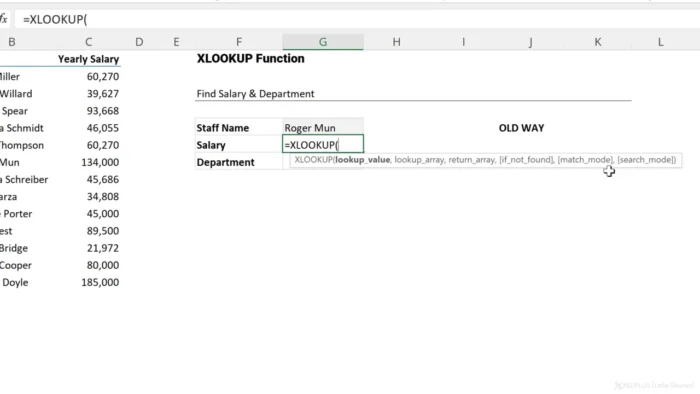
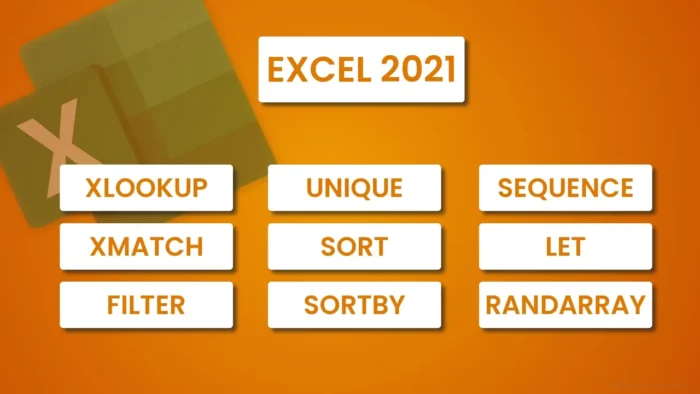
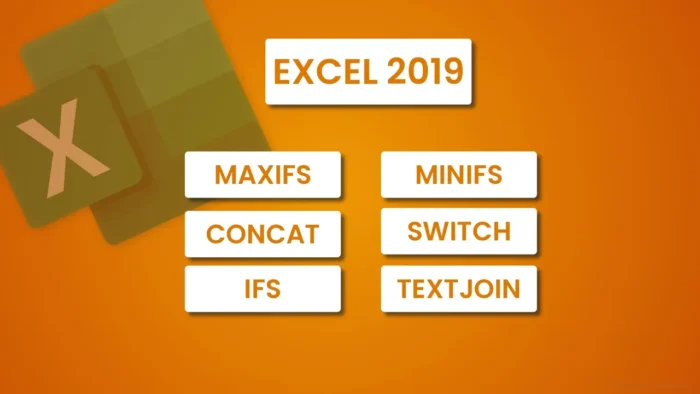
- Microsoft Excel – Advanced spreadsheet and data analysis tools, including PivotTables, complex formulas, and data visualization.
- Microsoft PowerPoint – Professional presentation design with animations, transitions, and presenter tools.
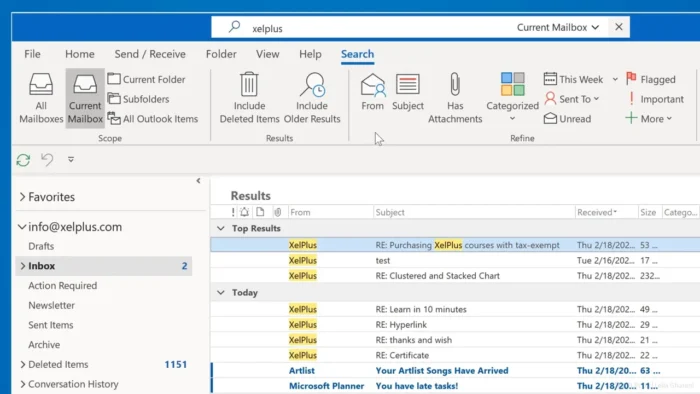
- Microsoft Outlook – Full email, calendar, and contact management integrated into one workspace.
- Microsoft OneNote – Digital notebook for organizing notes, ideas, and multimedia content.
- Microsoft Access – Relational database management tools for organizations handling structured data beyond what a spreadsheet comfortably manages.
- Microsoft Publisher – Desktop publishing tools for newsletters, brochures, and marketing materials.
- Centralized IT Management – Group Policy support and deployment tooling that lets IT departments configure and roll out Office consistently across an organization.
System Requirements
| Component | Minimum |
|---|---|
| Operating System | Windows 10 or later (64-bit recommended) |
| Processor | 1.6 GHz or faster, 2-core processor |
| RAM | 4 GB (64-bit) |
| Storage | 4 GB available disk space |
| Display | 1280 × 768 resolution |
| Graphics | DirectX 9 or later with WDDM 2.0 driver for graphics hardware acceleration |
| Internet | Required for installation, activation, and updates |
How to Legitimately Obtain Office 2021 Professional Plus
Because Professional Plus is a volume-licensed edition, it isn’t available through a standard retail purchase or personal download the way Office 2021 Home & Business is. Legitimate access generally comes through one of these paths:
- Through your employer or school – If your organization has a volume licensing agreement or a qualifying Microsoft 365 plan that includes Office Professional Plus, your IT department handles deployment and activation, typically through the Microsoft 365 admin portal or an internal deployment tool.
- Organizational purchase via Microsoft Volume Licensing – Businesses can purchase volume licenses directly through Microsoft’s Volume Licensing Service Center or an authorized Microsoft partner/reseller.
- Qualifying Microsoft 365 subscription – Certain Microsoft 365 business and enterprise plans include Office Professional Plus (sometimes now referred to as Microsoft 365 Apps for enterprise) as part of the subscription.
If you’re an individual user rather than part of an organization with a volume license, Office 2021 Home & Business is the retail equivalent available for direct purchase, and it covers Word, Excel, PowerPoint, and Outlook for personal or small business use — just without Access and Publisher.
Installer files claiming to offer Professional Plus as a free, standalone download outside these channels are not legitimate distribution — genuine Professional Plus requires organizational volume-license activation, and files distributed otherwise are typically modified, paired with unauthorized activation tools, and carry real malware risk.
Pros
- Broadest application set among Office 2021 editions, including Access and Publisher
- Centralized deployment tools make large-scale organizational rollout efficient
- Same core, familiar Office applications as retail editions
- Strong file compatibility across the wider Office ecosystem
- Suited to IT-managed environments needing consistent configuration across many devices
Cons
- Not available for individual retail purchase — access depends on organizational licensing
- Requires a volume license agreement or qualifying Microsoft 365 plan, adding complexity for individual users
- Individuals wanting similar functionality without organizational licensing need to purchase retail Office 2021 or a personal Microsoft 365 subscription instead
Frequently Asked Questions
Can I buy Office 2021 Professional Plus directly as an individual? No, it’s a volume-licensed edition distributed to organizations, not sold individually at retail. Individuals should look at Office 2021 Home & Business or a personal Microsoft 365 subscription instead.
What’s the difference between Professional Plus and Home & Business? Professional Plus includes Access and Publisher and uses volume/organizational activation. Home & Business includes Word, Excel, PowerPoint, and Outlook, purchased individually and activated with a personal Microsoft account.
How is Professional Plus activated? Through an organization’s volume licensing agreement, typically via KMS or Active Directory-based activation managed by IT, rather than a single retail product key.
Is Office 2021 Professional Plus part of Microsoft 365? Some Microsoft 365 business and enterprise plans include equivalent access, sometimes referred to as Microsoft 365 Apps for enterprise.
Does Professional Plus include Access and Publisher? Yes, both are included, unlike the retail Home & Business edition.
Is it safe to download Professional Plus installers from third-party sites offering it for free? No — genuine Professional Plus requires organizational volume licensing to activate. Files offered as free, standalone downloads outside that process are not legitimate and often carry malware or bundled unauthorized activation tools.
What are the system requirements? Windows 10 or later (64-bit recommended), a 1.6 GHz dual-core processor, 4 GB RAM, and 4 GB of storage, similar to other Office 2021 editions.
If my company doesn’t offer Professional Plus, what should I use instead? Office 2021 Home & Business (retail purchase) or a personal Microsoft 365 subscription both provide the core Office applications for individual use.
Final Verdict
Office 2021 Professional Plus is a genuinely capable, full-featured edition of Office — but it’s built specifically for organizations managing licensing and deployment at scale, not for individual retail purchase. If you’re accessing it through your employer or school’s volume license, it delivers the complete Office application set, including Access and Publisher, with centralized management built in.
If you’re an individual without access to an organizational license, Office 2021 Home & Business or a personal Microsoft 365 subscription will get you the same core productivity tools through a legitimate retail path. Whichever route applies to you, activation through Microsoft’s genuine licensing channels — organizational or personal — is what keeps the software secure, updated, and properly supported.