

SketchUp Pro 2026 v26.2.243
SketchUp Pro Free Download for Windows
Most 3D modeling software makes you learn its logic before you can build anything useful. SketchUp Pro flips that — you draw a shape, push or pull it into a 3D form, and the model just exists, without wrestling with menus built for engineers rather than designers. That’s exactly why it’s become the default choice for architects sketching early concepts, interior designers mocking up a room, and product designers who want an idea in 3D fast, without a steep technical on-ramp first.
Download SketchUp Pro directly from Trimble’s official website for Windows 10 and 11 (64-bit). It keeps that same direct, visual modeling philosophy while adding the professional layer serious projects need: cloud collaboration through Trimble Connect, construction documentation via LayOut, and access to a massive library of pre-built models through 3D Warehouse. Whether you’re designing a house from scratch or need to quickly visualize a piece of furniture before committing to it, SketchUp Pro is built to get you from idea to 3D model with the least friction possible.

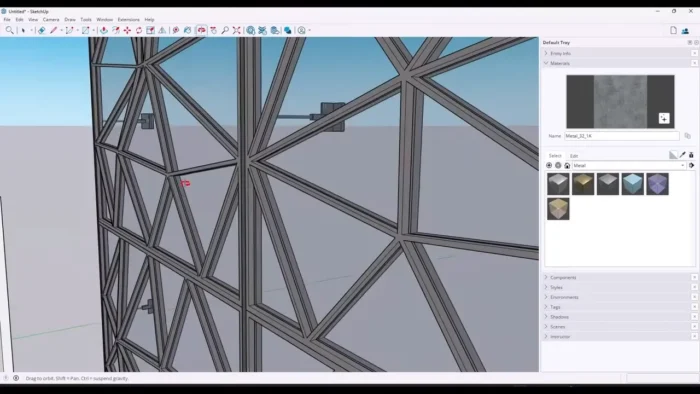
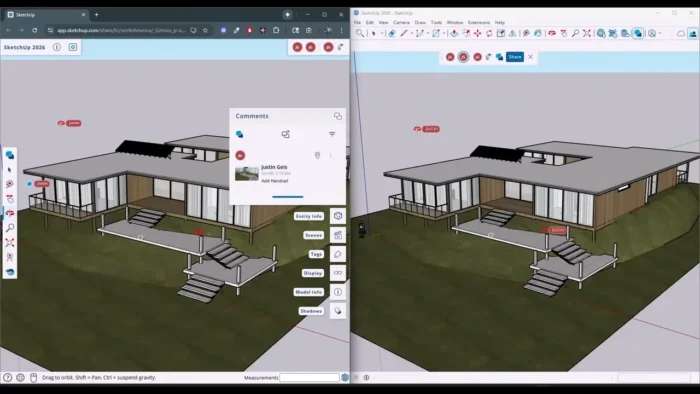
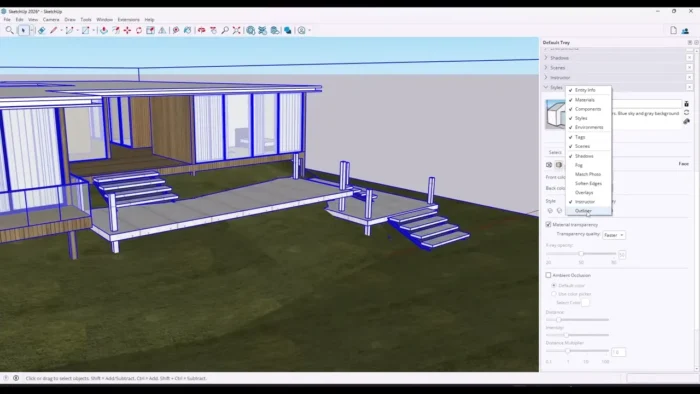
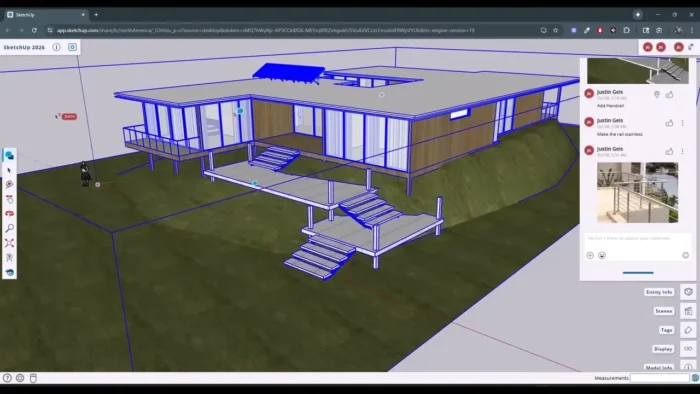
Overview
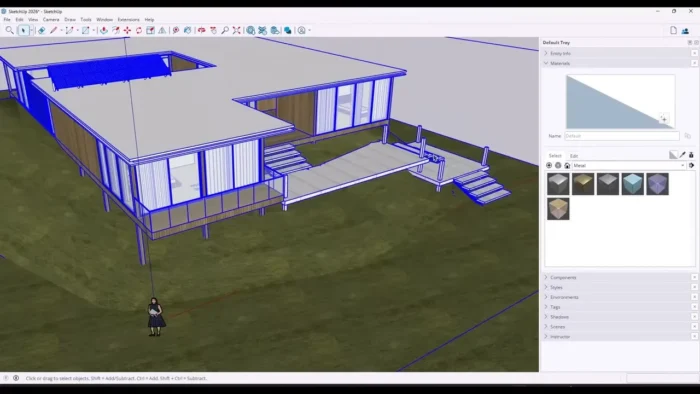
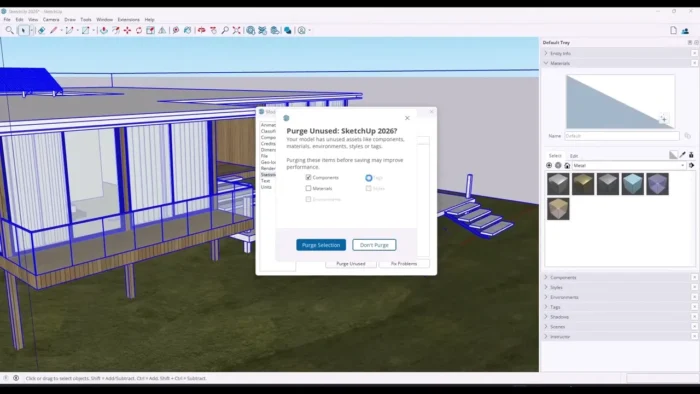
SketchUp Pro is a 3D modeling application built around direct, visual drawing rather than the complex technical workflows typical of traditional CAD software.
- Purpose: Fast, intuitive 3D modeling for architecture, interior design, product design, and visualization
- Main workflow: Draw flat shapes → push/pull into 3D forms → refine with precision tools → document in LayOut → collaborate via Trimble Connect
- Ideal users: Architects, interior designers, engineers, construction professionals, product designers, and landscape designers
- File formats supported: DWG, DXF, 3DS, KMZ, JPG, PNG, PDF, STL
- Major strength: An unusually accessible modeling workflow that doesn’t sacrifice professional documentation and collaboration capability
Key Features
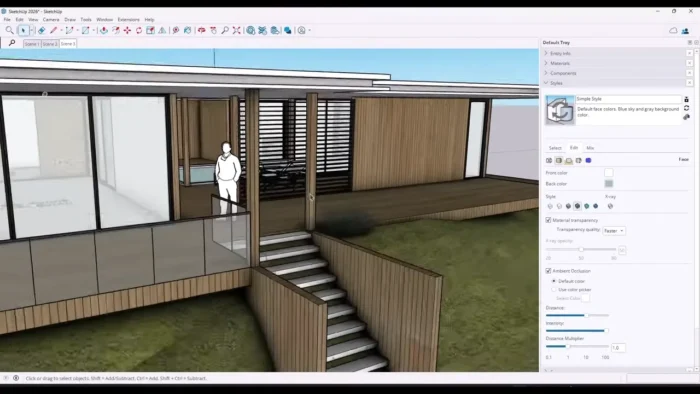
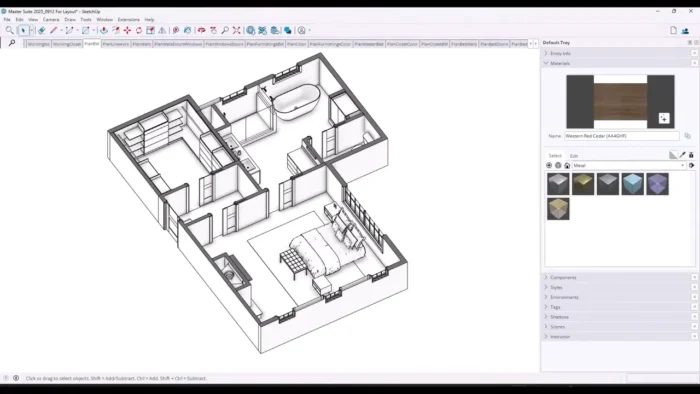
- Push and Pull Modeling – Draw a flat shape and extrude it into a 3D form directly, which is the core reason SketchUp feels so much faster to learn than traditional CAD tools built around technical menus and commands.
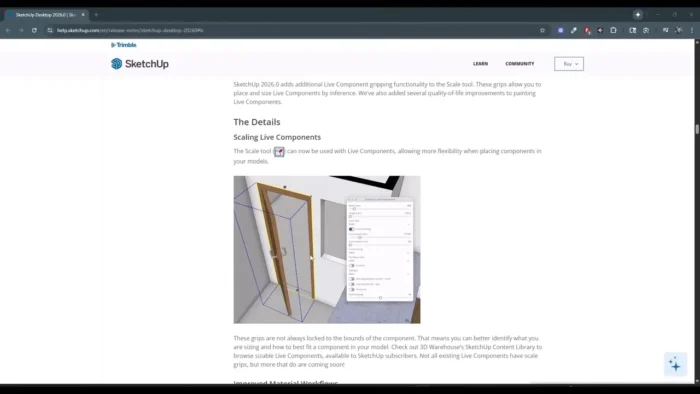
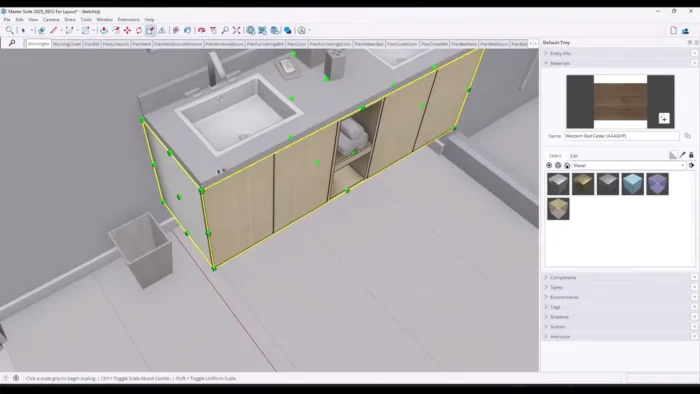
- Precision Editing Tools – Lines, arcs, curves, exact measurements, and guides let you move from rough conceptual sketching to dimensionally accurate models without switching software.
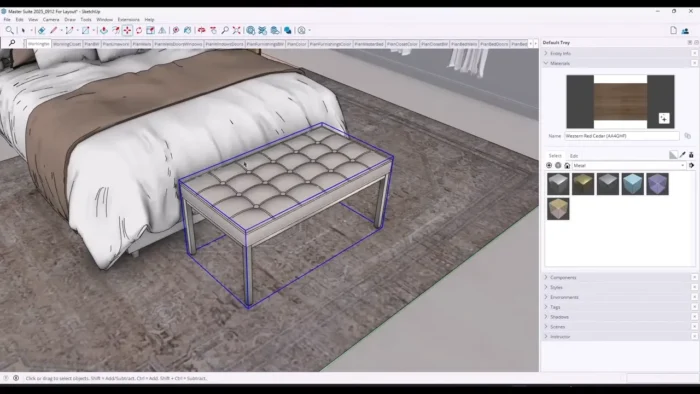
- 3D Warehouse Integration – Pull ready-made furniture, vehicles, building components, and more directly into a project instead of modeling every object from scratch, which massively speeds up interior and product visualization work.
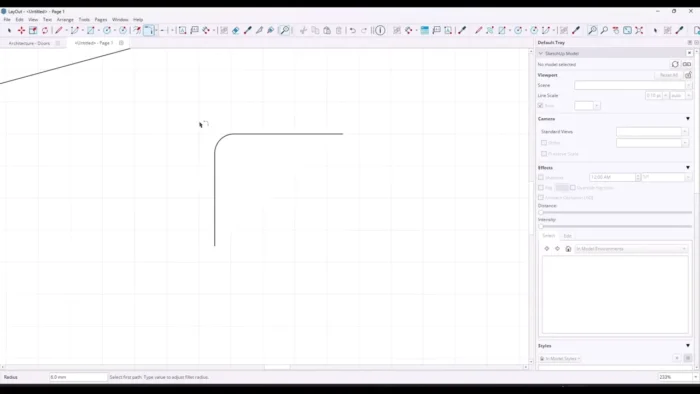
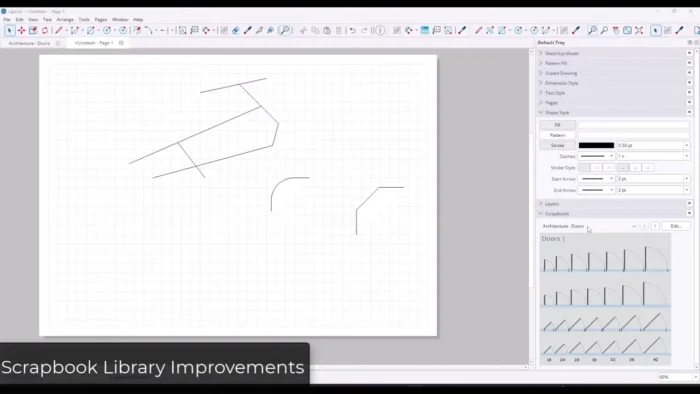
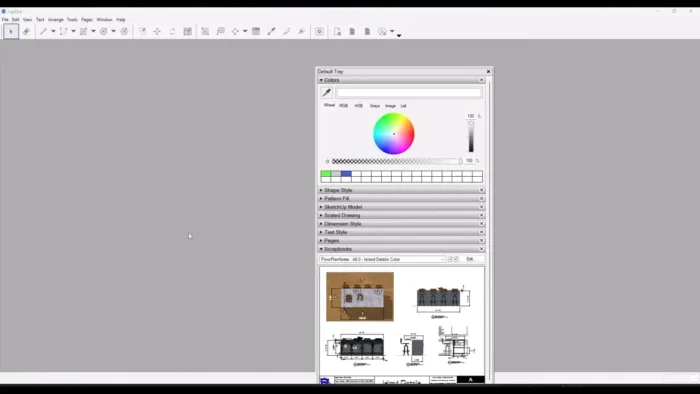
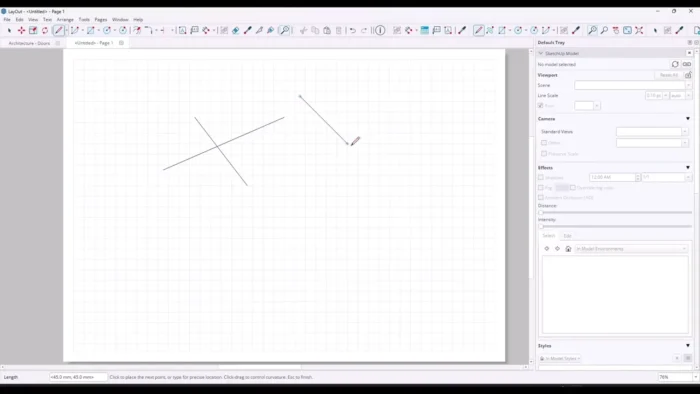
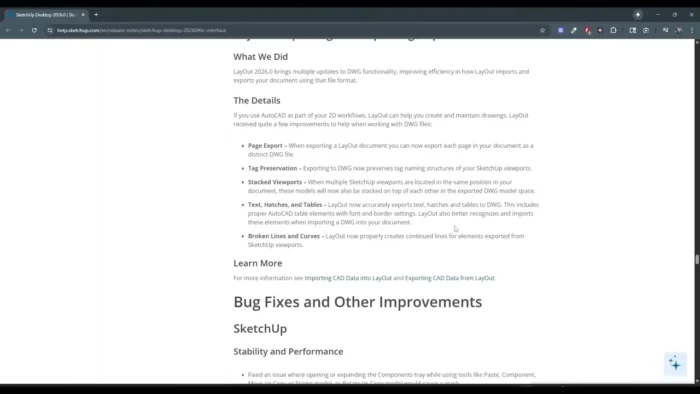
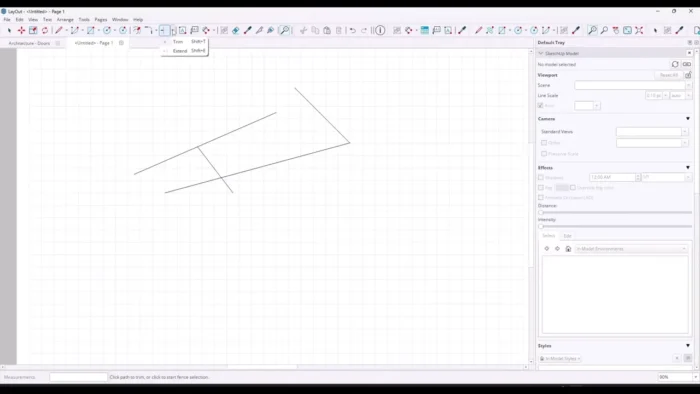
- LayOut Documentation – A dedicated tool for turning 3D models into scaled 2D drawings, construction documents, and presentation sheets, so a single project can go from concept model to client-ready documentation in the same ecosystem.
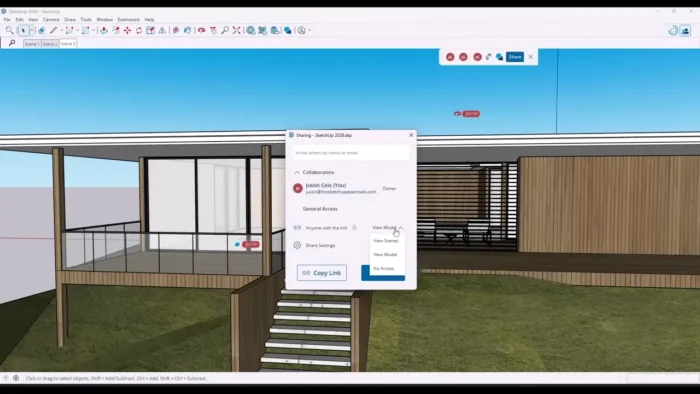
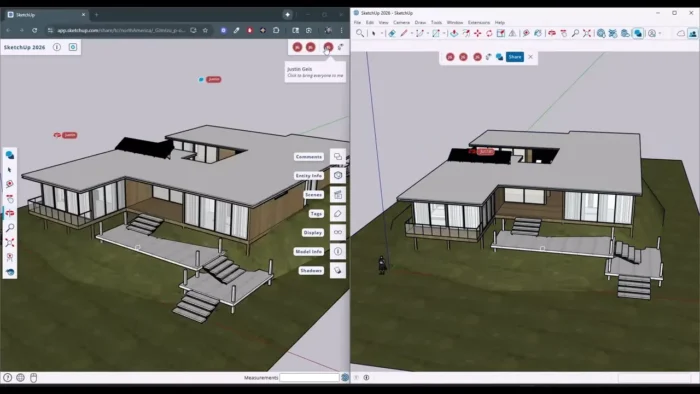
- Trimble Connect Cloud Collaboration – Store, share, and review projects online with a team or client, keeping architects, engineers, and stakeholders working from the same up-to-date model.
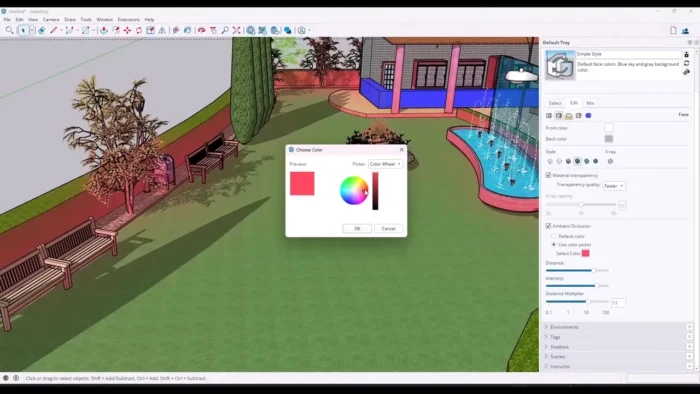
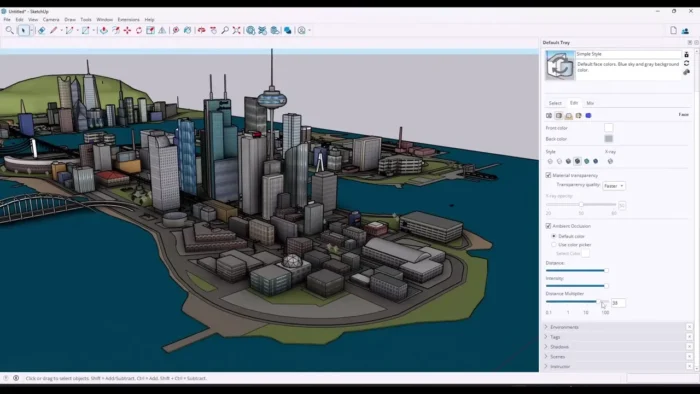
- Custom Materials and Styles – Apply realistic materials and visual styles to communicate design intent clearly, whether for a technical review or a client-facing presentation.
- Layers and Object Organization – Keep complex models manageable by organizing geometry into logical layers, which matters a lot once a project grows beyond a simple single-room design.
- Extension Library – Thousands of available extensions add specialized capability — 3D printing preparation, rendering, energy analysis, advanced modeling tools — letting you customize SketchUp to a specific workflow rather than being limited to its default toolset.
- GPU-Accelerated Viewport – Takes advantage of your graphics card for smoother model navigation and rendering, particularly noticeable on larger, more detailed projects.
- Broad Format Import/Export – Native support for DWG, DXF, STL, and more makes it easier to move models between SketchUp and other design or engineering software without losing fidelity.
System Requirements
| Component | Minimum | Recommended |
|---|---|---|
| Operating System | Windows 10 or 11 (64-bit) | Latest Windows 11 update |
| Processor | Intel or AMD multicore | Faster multicore processor |
| RAM | 8 GB | 16 GB or higher |
| Graphics | Dedicated or integrated GPU supporting modern 3D workflows | Dedicated GPU with more VRAM for large projects |
| Storage | Sufficient space for installation and project files | SSD with additional space for 3D Warehouse assets |
| Internet | Required for installation, licensing, and cloud features | Required |
Large architectural projects or models pulling in many 3D Warehouse components benefit from more RAM and a dedicated GPU to keep the viewport responsive.
How to Download and Install SketchUp Pro on Windows
- Download the installer directly from Trimble’s official SketchUp website.
- Run the downloaded setup file.
- Follow the on-screen installation instructions.
- Launch SketchUp Pro once installed.
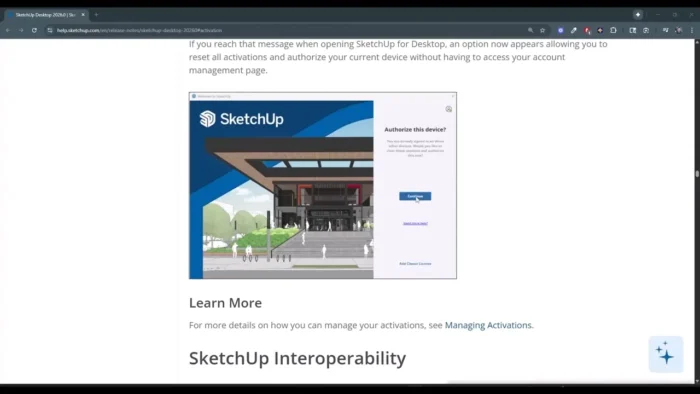
- Sign in with your Trimble account, or start a free trial.
- Activate using your purchased license to unlock full Pro features.
Pros
- Genuinely easy to learn compared to traditional CAD software, without sacrificing professional capability
- 3D Warehouse dramatically speeds up modeling by reusing existing components
- LayOut brings model documentation into the same ecosystem as the 3D work itself
- Trimble Connect makes team and client collaboration straightforward
- Massive extension library lets you tailor the software to specialized workflows
- Strong native Windows performance with GPU acceleration for smoother viewport navigation
Cons
- Highly technical engineering workflows may still require dedicated CAD software alongside SketchUp
- Large, complex projects demand solid hardware to stay responsive
- Full professional feature set is best suited to users who model regularly, not occasional users
- Some advanced capabilities depend on extensions rather than being built in natively
Why Download from WindowsTan?
We link directly to Trimble’s official installer, so you’re getting a clean, malware-checked file with no bundled extras — kept current with the latest official SketchUp release and paired with accurate, up-to-date software information.
Who Should Use SketchUp Pro?
- Architects sketching concepts through to construction documentation
- Interior designers mocking up spaces with real furniture and material references
- Engineers and construction professionals needing accessible 3D visualization
- Product and landscape designers prototyping ideas quickly
- 3D visualization artists and students learning modeling fundamentals
SketchUp Pro vs Traditional CAD Software
SketchUp Pro prioritizes fast, visual 3D creation, making it considerably easier for users who prefer direct modeling over navigating complex technical menus. Traditional CAD software often provides deeper engineering-specific precision and automation, but at the cost of a steeper learning curve.
For design exploration, early-stage concept work, and client presentation, SketchUp’s accessible workflow is a genuine advantage. For highly technical engineering documentation, some professionals still pair it with dedicated CAD tools for the parts of a project that demand that level of precision.
Frequently Asked Questions
Is SketchUp Pro free for Windows? A free trial is available; full use requires a purchased license. Check SketchUp’s official site for current trial and pricing details.
Does SketchUp Pro support Windows 11? Yes, it’s compatible with both Windows 10 and Windows 11 (64-bit).
What file formats does SketchUp Pro support? DWG, DXF, 3DS, KMZ, JPG, PNG, PDF, and STL, among others, for broad compatibility with other design and engineering software.
What is 3D Warehouse? A large library of ready-made 3D models — furniture, vehicles, building components — that you can drop directly into a project instead of modeling from scratch.
Does SketchUp Pro include documentation tools? Yes, LayOut is included for creating 2D drawings, construction documents, and presentation-ready sheets from your 3D models.
Can I collaborate with a team using SketchUp Pro? Yes, Trimble Connect provides cloud-based storage and collaboration so teams and clients can review and work from the same project.
Is SketchUp Pro suitable for beginners? Yes, it’s known for being considerably more approachable than traditional CAD software, though professional-level projects still benefit from learning its precision tools.
Does SketchUp Pro support GPU acceleration? Yes, a dedicated GPU improves viewport responsiveness and rendering performance, particularly on larger or more detailed models.
Final Verdict
SketchUp Pro for Windows earns its popularity by solving a real problem: most 3D modeling software forces you to learn its logic before you can create anything, while SketchUp lets you start building almost immediately. Architects, interior designers, and product designers get genuine value from its push-and-pull modeling, 3D Warehouse library, and the way LayOut and Trimble Connect extend that same accessible workflow into documentation and collaboration.
For deeply technical engineering work, some professionals will still want a dedicated CAD tool alongside it, but for design exploration, client presentation, and turning ideas into detailed 3D models quickly, SketchUp Pro remains one of the most approachable and capable options available on Windows.