
Windows 10 Professional
Windows 10 Professional ISO Free Download (Official Microsoft Source)
Whether you’re doing a clean install, setting up a virtual machine, building a bootable USB drive, or reinstalling Windows after a hardware upgrade, you eventually need the actual Windows 10 ISO file — not a random third-party download, but the genuine disk image straight from Microsoft. Windows 10 Professional adds the business and power-user features Home edition leaves out: BitLocker encryption, Remote Desktop hosting, Group Policy management, and Hyper-V virtualization, making it the edition most IT professionals, developers, and small businesses actually need.
This guide walks through exactly where to get the official ISO directly from Microsoft’s own servers, what Windows 10 Pro includes, system requirements, and how the installation and activation process actually works — no shortcuts, no third-party mirrors.
Overview
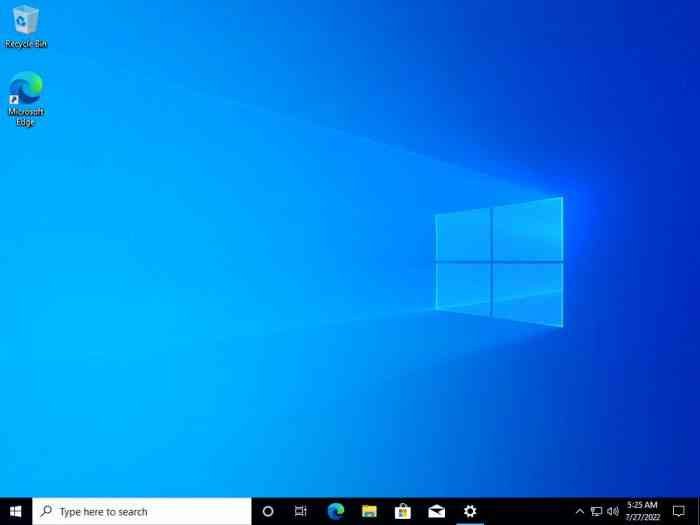
Windows 10 Professional is Microsoft’s business-oriented edition of Windows 10, built on the same core as Home edition but with additional management, security, and virtualization features.
- Purpose: Full desktop operating system for business, development, and power-user workflows
- Ideal users: IT professionals, developers, small businesses, and users who need BitLocker, Remote Desktop, or Hyper-V
- Distribution: ISO disk image, distributed directly by Microsoft for clean installs, VM setup, or bootable media creation
- Major strength: Adds genuine business and productivity features over Home edition while remaining the same familiar Windows 10 experience
Key Features of Windows 10 Professional
- BitLocker Drive Encryption – Full-disk encryption to protect data if a device is lost or stolen, a feature Home edition doesn’t include at all.
- Remote Desktop (Host) – Allows other devices to remotely connect to and control this PC, useful for IT support, remote work setups, or accessing a work machine from elsewhere.
- Hyper-V Virtualization – Built-in virtualization lets you run virtual machines directly without needing separate third-party virtualization software for basic VM needs.
- Group Policy Management – Centralized configuration control, particularly useful in managed business or organizational environments.
- Windows Sandbox – A lightweight, disposable virtual environment for safely testing untrusted applications without affecting your main system.
- Azure Active Directory Integration – Join devices to a business’s Azure AD environment for centralized identity and device management.
- Assigned Access – Lock a device down to run a single app, useful for kiosk-style deployments.
- Enterprise-Grade Security Features – Additional security policy controls beyond what’s available in Home edition.
Windows 10 Pro vs Windows 10 Home
| Feature | Windows 10 Home | Windows 10 Pro |
|---|---|---|
| BitLocker Encryption | No | Yes |
| Remote Desktop (host) | No | Yes |
| Hyper-V Virtualization | No | Yes |
| Group Policy Management | No | Yes |
| Azure AD Join | No | Yes |
| Windows Sandbox | No | Yes |
| Core Windows Experience | Yes | Yes |
If you don’t need business, virtualization, or advanced security management features, Home edition covers general everyday use. Pro is the right choice for developers, IT professionals, and small businesses.
System Requirements
| Component | Minimum |
|---|---|
| Processor | 1 GHz or faster, compatible 32-bit or 64-bit processor |
| RAM | 1 GB (32-bit) or 2 GB (64-bit) |
| Storage | 16 GB (32-bit) or 20 GB (64-bit) available space |
| Graphics | DirectX 9 or later with WDDM 1.0 driver |
| Display | 800 × 600 resolution |
| Internet | Required for updates, some features, and account-based activation |
How to Download the Official Windows 10 Pro ISO from Microsoft
Microsoft provides two official, direct ways to get a genuine Windows 10 ISO — both hosted on Microsoft’s own servers, with no third-party involvement.
- Go to Microsoft’s official Windows 10 software download page.
- Choose either the Media Creation Tool (which can create a bootable USB or download an ISO) or the direct ISO download option, depending on what you need. Microsoft may detect whether you’re browsing from a Windows or non-Windows device and adjust which options are shown.
- If using the Media Creation Tool, run it and select “Create installation media for another PC,” then choose ISO file as the output.
- If using the direct ISO download option, select the edition (Windows 10) and language, then click download — this pulls the file directly from Microsoft’s servers.
- Once downloaded, verify the file if desired, then use it to create a bootable USB drive (via Rufus or the Media Creation Tool itself) or mount it directly for installation/VM setup.
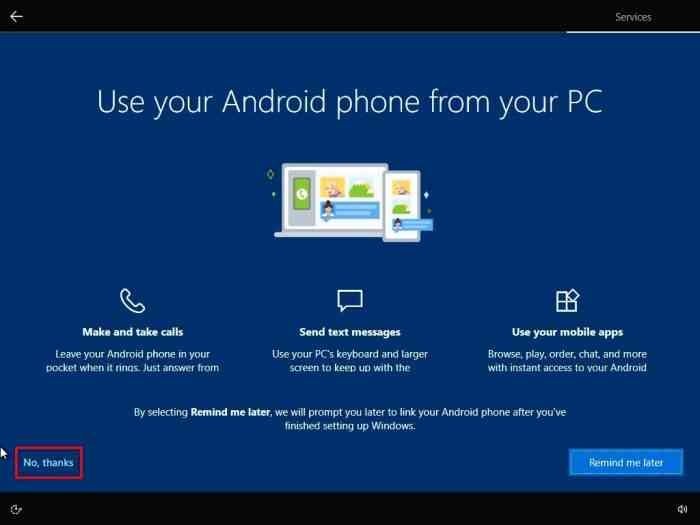
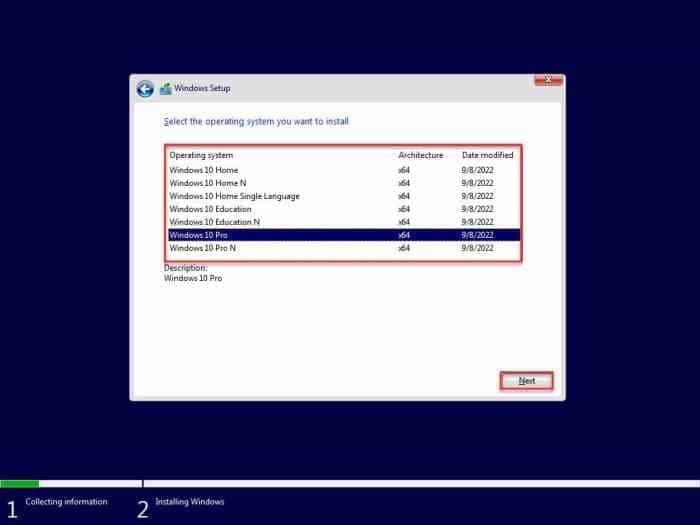
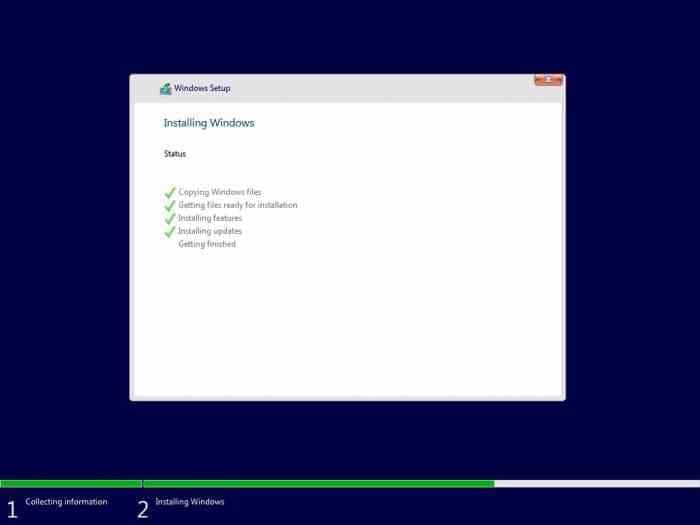
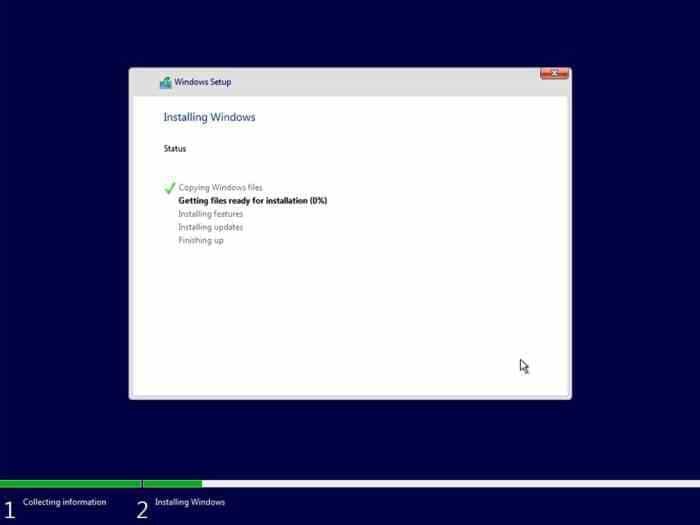
- During installation, you’ll be prompted for a product key, or you can choose to activate later from within Windows.
Activation
The ISO itself installs Windows in a trial state that will display a watermark and have some personalization features restricted until activated. To fully activate Windows 10 Professional, you need a genuine product key, purchased directly from Microsoft or an authorized retailer. If you’re upgrading from a previously activated genuine Windows 10 or Windows 11 installation on the same device, Windows may activate automatically using your existing digital license once connected to the internet.
There’s no legitimate way to activate Windows without a genuine license — third-party “activator” tools or unauthorized keys found online are unlicensed, often flagged as malware, and violate Microsoft’s licensing terms.
Pros
- Genuine, malware-free installation media sourced directly from Microsoft
- Full business feature set: BitLocker, Hyper-V, Remote Desktop, Group Policy
- Works for clean installs, VM setup, or bootable USB creation
- Free to download and try before activation is required
- Familiar, stable Windows 10 experience with long-term update support
- No sketchy third-party installer wrappers or bundled software
Cons
- A genuine product key is required for full activation — the ISO alone doesn’t include one
- Some newer hardware may be better served by Windows 11 depending on support timelines
- Business-focused Pro features may be unnecessary overhead for purely casual home use
- Manual installation requires basic comfort with creating bootable media
Why Download from WindowsTan?
We link only to Microsoft’s own official download pages — no third-party mirrors, no bundled installers, no modified files. That means what you get is exactly what Microsoft distributes: a clean, unaltered ISO with no added risk of malware or tampering, along with accurate, up-to-date information about the current edition and installation process.
Frequently Asked Questions
Is the Windows 10 Pro ISO free to download? Yes, downloading the ISO itself is free directly from Microsoft. A genuine product key is still required for full activation.
Does this ISO come from an official Microsoft source? Yes — the Media Creation Tool and direct ISO download are both hosted and distributed directly by Microsoft.
Can I install Windows without a product key? Yes, you can install and use Windows without activating immediately, though some personalization features will be limited and a watermark will be displayed until you activate with a genuine key.
Is Windows 10 Pro different from Windows 10 Home? Yes — Pro adds BitLocker, Remote Desktop hosting, Hyper-V, Group Policy management, and other business-focused features not included in Home edition.
Can I use this ISO to create a bootable USB drive? Yes, either through the Media Creation Tool directly or by using a tool like Rufus with the downloaded ISO file.
Is an internet connection required? Yes, for downloading the ISO itself and for activation and updates after installation.
Can I upgrade from Windows 10 Home to Pro? Yes, Microsoft offers an in-place upgrade path from Home to Pro if you purchase a Pro license key, without needing to reinstall from scratch.
Is this the same ISO used for clean installs and virtual machines? Yes, the same official ISO file works for a clean install on physical hardware or for setting up a virtual machine.
Final Verdict
For anyone who needs a genuine, unmodified Windows 10 Professional installation — whether for a clean install, a new VM, or building bootable installation media — going straight to Microsoft’s own official download page is the only way to guarantee a clean, malware-free file. Windows 10 Pro’s business features (BitLocker, Hyper-V, Remote Desktop, Group Policy) make it the right choice for developers, IT professionals, and small businesses, while Home edition remains sufficient for general everyday use.
Just remember that downloading the ISO is only step one — full activation requires a genuine product key from Microsoft or an authorized retailer. Avoid any source promising a “pre-activated” version or bundled activation key; that’s not something Microsoft offers, and it’s a clear sign of an unauthorized, potentially unsafe file.