

Wondershare Filmora 15.5.3.19727
Wondershare Filmora Free Download for Windows
Filmora has built its niche by sitting comfortably between the two extremes of video editing software: simpler than Premiere Pro or DaVinci Resolve, but with real editing depth that basic built-in editors don’t offer. It’s the tool a lot of YouTubers, educators, and marketers land on once they’ve outgrown a bare-bones editor but don’t need — or want to learn — a full professional NLE.
Download Filmora directly from Wondershare’s official website for Windows 10 and 11 (64-bit). Its AI toolset has grown into a genuine productivity feature rather than a marketing checkbox — Smart Cutout, object removal, and speech-to-text handle tasks that used to take real manual effort. Whether you’re producing a weekly YouTube upload, an online course, or a business presentation video, Filmora is built to get you from raw footage to a polished export without a steep learning curve standing in the way.
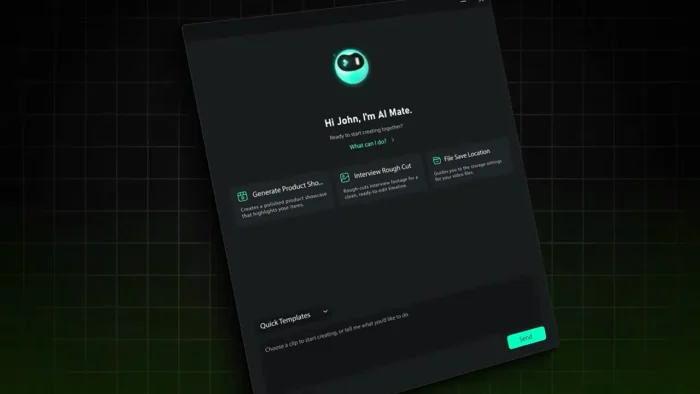
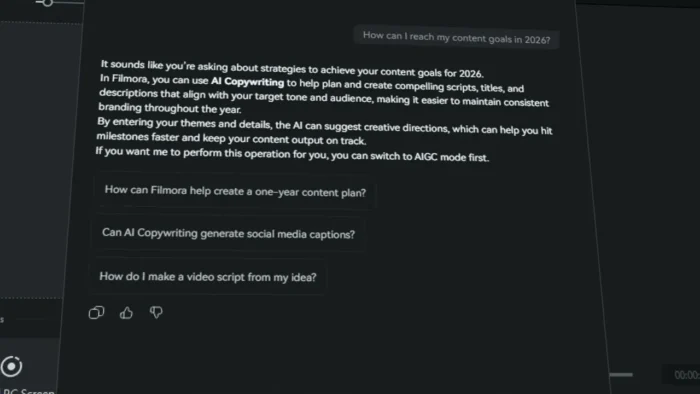
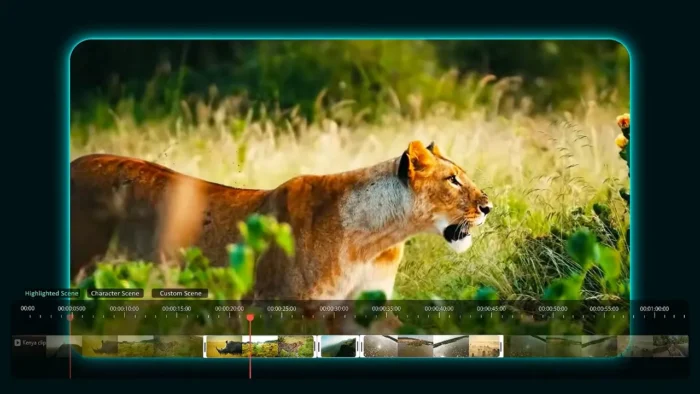
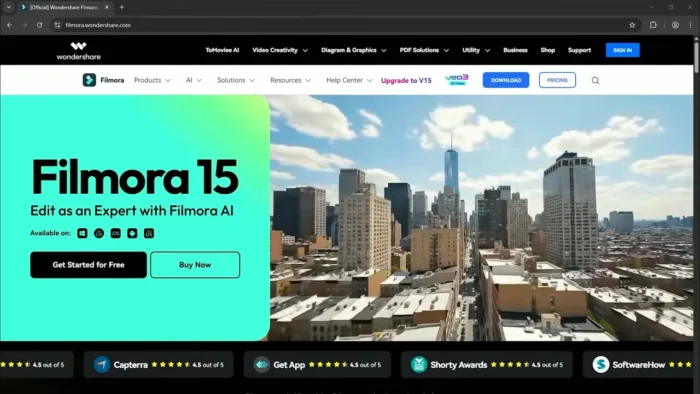
Wondershare Filmora is a consumer NLE. Current Windows line in 2026 is Filmora 15.x (mirrors show 15.7.20). Official file comes from filmora.wondershare.com. The free app exports with a watermark until you pay. “Filmora 15 Pro unlocked” is not a Wondershare build. It is not Premiere.
Download Wondershare Filmora for Windows
Official download from Wondershare.
Timeline editor plus effects store (Filmstock). You download the 64-bit installer, sign in with a Wondershare ID, then pay if you want the watermark gone and paid effects unlocked.
Download Filmora for Windows
Windows 10 / 11 64-bit (Win 7/8.1 still listed) · 15.x · Free trial / watermark · Paid plan removes it
Official download: filmora.wondershare.com / download-filmora-windows.
Install guide: Download / install / activate.
Requirements: Tech specifications.
Do not run Filmora_15_Pro_Unlocked.exe. That is not Wondershare.
Work PCs: one Wondershare ID per seat. Filmstock is online — plan for that.
Install Filmora · Need Premiere instead? · Already licensed?
If you searched for “Filmora 15 full,” “14.5 portable,” or “no watermark crack”
There is no extra unlocked setup.
- Download from Wondershare
- Install the 64-bit app
- Sign in with the Wondershare ID that bought the plan
- Export; paid plans drop the watermark
A “15.7 pre-activated” folder plus a patch is stolen licensing. Grey-market keys are often recycled IDs. Watermark removers from forums usually ship malware.
Your download should start on filmora.wondershare.com
If the EXE is 40 MB named Filmora_Full_2026, leave.
What to do next
- Open Filmora’s site.
- Download Windows 64-bit.
- Run the installer.
- Open Filmora → Login (top right).
- New project. One short clip. Export a test.
Typical folder: C:\Program Files\Wondershare\Wondershare Filmora.
Update from Help / File preferences inside Filmora. You do not need a second “15.7 full” from Uptodown.
ARM Windows: Wondershare’s tech spec lists an ARM build separately from x64. Use the installer they mark for your CPU.
Windows may warn you. Check the publisher.
- Publisher should read Wondershare.
- SmartScreen can appear on a new Filmora setup. Use More info only if the signature is Wondershare.
- Do not turn off Defender to “remove watermark.”
- Do not block Wondershare domains if you use Filmstock / AI features.
Pick the right Windows file
| Product | What you get | Who it is for |
|---|---|---|
| Filmora (current 15.x) | Consumer editor | This page |
| Filmora paid plan | No watermark + extras | After the trial |
| Filmstock | Effects library | In-app store |
| Premiere / CapCut | Other editors | Other vendors |
Not this download
- Filmora 9 / 12 “lifetime” from a file host
- Mac DMG on this Windows page
- FilmoraGo phone APK
Trial and licence
You can install free. Exports stay branded until you buy. Plans and device rules live on Wondershare’s checkout — read them before you pay. Cancel in the Wondershare account if you only wanted a look.
A $10 “Filmora Pro lifetime 2026” key is not Wondershare.
Will it run on this PC?
Wondershare’s current tech spec (x64): Windows 7–11 64-bit, CPU from about Intel 6th gen / Ryzen 3 1300X, 8 GB RAM (16 GB for HD/4K; 32 GB talk for 8K), GPU from GTX 1050 Ti / RX 500 / UHD 630 class with 2 GB VRAM (4 GB+ for 4K), 10 GB to install, SSD for editing, internet for activation and Filmstock. Display 1280×800 min. Update GPU drivers.
| Minimum | Comfortable HD/4K | |
|---|---|---|
| OS | Windows 10/11 64-bit | Same, current patch |
| CPU | 6th-gen Intel / Ryzen 3 1300X | 9th-gen+ |
| RAM | 8 GB | 16 GB |
| GPU | 2 GB VRAM class above | 4 GB+ |
| Disk | 10 GB + media SSD | NVMe for 4K |
Already installed? In-app update. You do not download a second “Pro full.”
Install, first timeline, and sign-in
First run
- Open Filmora.
- Sign in.
- New project. Drop a 30-second clip.
- Cut, one title, export 1080p.
- If the watermark is there, that is the free path — not a broken install.
Uninstall: Settings → Apps, or Wondershare’s uninstall guide.
If it did not work
- Preview stutters — proxy / lower preview / GPU driver.
- Effects missing — Filmstock / plan.
- 50 MB
Filmora_Unlocked— leave.
Why people still install Filmora
- Faster than Premiere for YouTube cuts
- Built-in titles and stock
- 15.x still updated from Wondershare
It will not replace a broadcast house.
Questions before you trust the installer
Is this the official file?
Yes if it came from filmora.wondershare.com and the publisher is Wondershare.
Is Filmora free?
Install yes. Clean paid export no.
15 vs 14?
15.x is the current line. Use Wondershare’s updater.
Safe?
Official Wondershare installer. Forum “Filmora 15 full” files are the risk.
After you have the file
Install from Wondershare. Sign in. Update in-app. Pay Wondershare if you need a clean export.
Download: filmora.wondershare.com
Windows thank-you / installer: download-filmora-windows
Specs: tech-spec
Publisher: Wondershare. Filmora is their mark. Report a page that wrapped this installer in a crack.
Overview
Filmora is a drag-and-drop video editor built to make professional-feeling editing accessible without requiring the depth (or complexity) of a full professional NLE.
- Purpose: Video editing for YouTube, social media, education, marketing, and personal projects
- Main workflow: Import media → edit on the timeline → apply AI tools and effects → color grade → export
- Ideal users: Beginners, content creators, educators, marketers, and professionals who want fast, polished results
- Format support: Broad compatibility across video, audio, and image formats
- Major strength: A genuinely approachable interface paired with real AI-powered editing tools that save meaningful time
Key Features
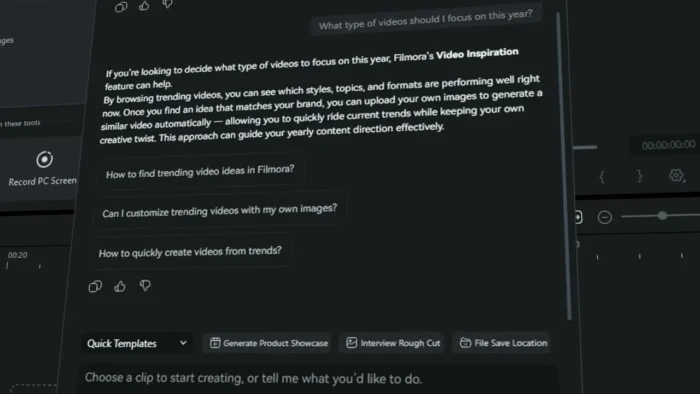
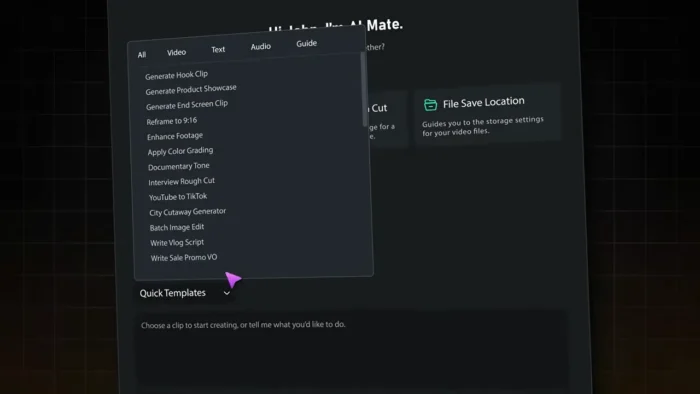
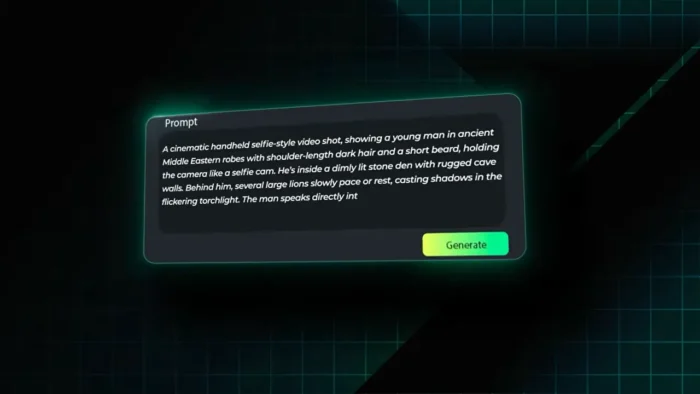
- AI-Powered Editing Tools – Filmora’s AI suite includes Smart Cutout for isolating subjects, Object Removal for cleaning up unwanted elements, Speech-to-Text for automatic transcription and captioning, Audio Enhancement for cleaning up recorded sound, and Text-to-Video for generating footage directly from a written script — a genuinely useful set of shortcuts that would otherwise require separate specialized tools.
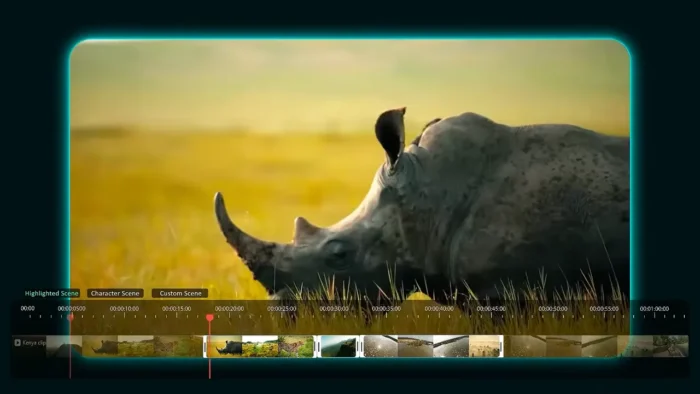
- Professional Timeline Editing – Trim, split, layer, and arrange clips with the kind of multi-track control that lets projects grow in complexity without outgrowing the software.
- Audio Editing Tools – Adjust levels, clean up noise, and enhance recorded sound directly inside the app, so basic audio post-production doesn’t require exporting to a separate DAW.
- Color Correction and Grading – Advanced color tools let you match shots and set a visual mood, moving beyond simple filter presets into genuine color control.
- Creative Assets Library – A large collection of templates, effects, titles, and transitions helps produce platform-ready content quickly without designing every element manually.
- GPU Acceleration – Leverages your graphics card for faster rendering and smoother playback, particularly noticeable on longer or higher-resolution Windows PCs with a dedicated GPU.
- Broad Format Support – Handles modern video (MP4, MOV, AVI, MKV, WebM, AV1, and more), audio (MP3, WAV, AAC, FLAC), and image formats without needing to convert files before importing.
- Cloud Features via Wondershare Account – Signing in unlocks cloud-based productivity features for working across multiple devices, with availability depending on your subscription plan.
- 4K Editing and Export – Full support for editing and exporting in 4K, with performance that scales well on supported hardware.
- Multi-Platform Export Presets – Export settings tailored for different platforms and devices, cutting down on manual configuration for each destination.
Supported File Formats
Video: MP4, MOV, AVI, MKV, MPEG, WebM, FLV, M4V, AV1, and other common formats
Audio: MP3, WAV, AAC, FLAC, OGG, M4A
Image: JPG, PNG, BMP, TIFF, GIF
What’s New
Recent Filmora releases have focused on:
- Continued performance and stability improvements
- Expanded AI-powered editing capabilities
- Refinements to existing tools based on ongoing updates
- Improved GPU utilization for faster rendering on Windows systems
For the specific changelog of your installed version, check Wondershare’s official release notes.
System Requirements
| Component | Minimum | Recommended |
|---|---|---|
| Operating System | Windows 7/8/10/11 (64-bit) | Windows 11 (64-bit) |
| Processor | Intel/AMD dual-core 2 GHz | Multi-core processor, 2.5 GHz or higher |
| RAM | 8 GB | 16 GB for HD and 4K editing |
| Storage | 10 GB available (SSD recommended) | More for large media libraries |
| Graphics | Onboard graphics or better | Dedicated GPU with 2 GB+ VRAM |
| Internet | Required for activation, updates, cloud services, certain AI features | Required |
4K editing and AI-heavy workflows benefit significantly from RAM and GPU specs above the stated minimums.
How to Download and Install Wondershare Filmora for Windows
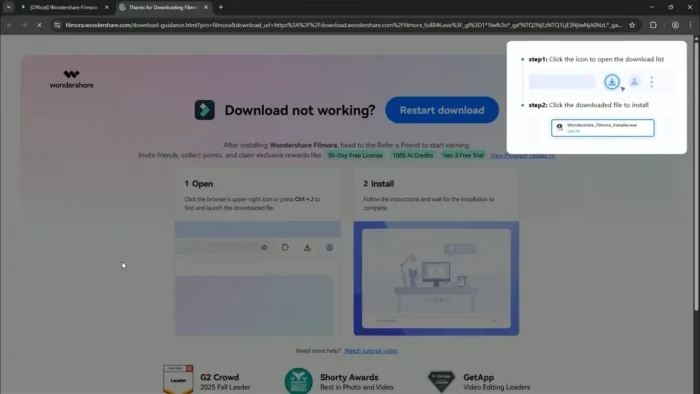
- Download the Filmora installer from Wondershare’s official website.
- Run the downloaded installer file.
- Follow the on-screen installation instructions.
- Launch Filmora once installation completes.
- Sign in with a Wondershare account, or start the free trial.
Free Trial vs Paid License
| Feature | Free Trial | Paid License |
|---|---|---|
| Core editing tools | Yes | Yes |
| AI-powered features | Yes (limited use) | Yes |
| Export without watermark | No | Yes |
| Full effects/template library | Limited | Full access |
| Cloud features | Limited | Full access |
The free trial lets you explore the full editing experience, but exported videos include a watermark until you purchase a license.
Pros
- Genuinely approachable for beginners without feeling limited for more experienced editors
- AI tools (Smart Cutout, Object Removal, Speech-to-Text) save real editing time
- Broad format support means less time converting files before importing
- GPU acceleration keeps rendering and playback smooth on capable Windows hardware
- Large creative asset library speeds up producing platform-ready content
- Supports full 4K editing and export
Cons
- Free trial exports include watermarks, so a paid license is needed for finished, shareable work
- Some AI and cloud features require an internet connection and may depend on subscription tier
- 4K and AI-heavy editing benefit from stronger hardware than the stated minimums
- Less suited to highly technical, effects-heavy professional post-production compared to a full NLE
Why Download from WindowsTan?
We link directly to Wondershare’s official installer, so you’re getting a clean, malware-checked file with no bundled extras — just the genuine Filmora installer, kept current with the latest official release.
Frequently Asked Questions
Is Wondershare Filmora free for Windows? A free trial is available with full access to explore the software; exported videos include a watermark until you purchase a license.
Does Filmora support Windows 11? Yes, it’s compatible with Windows 7 through Windows 11 (64-bit).
Can I edit 4K videos in Filmora? Yes, Filmora supports editing and exporting 4K video, with optimized performance on supported hardware.
Does Filmora include AI editing tools? Yes, including Smart Cutout, Object Removal, Speech-to-Text, Audio Enhancement, and Text-to-Video, among other AI-powered features.
Does Filmora require an internet connection? Yes, for activation, updates, cloud services, and certain AI-powered features. Core editing can generally continue offline once activated.
Does Filmora support GPU acceleration? Yes, it uses your GPU to speed up rendering and improve playback smoothness, especially on 4K projects.
What file formats does Filmora support? A wide range, including MP4, MOV, AVI, MKV, WebM, and AV1 for video; MP3, WAV, AAC, and FLAC for audio; and JPG, PNG, and TIFF for images.
Is Filmora suitable for professional video production? It’s strong for content creators, educators, and marketers who want polished results efficiently; highly technical, effects-heavy professional workflows may still be better served by a full NLE like Premiere Pro or DaVinci Resolve.
Final Verdict
Wondershare Filmora for Windows succeeds by targeting the space between overly simple editors and full professional NLEs — genuinely useful AI tools like Smart Cutout and Speech-to-Text speed up real editing work, while the timeline and color tools offer enough depth for polished, professional-feeling results. YouTubers, educators, marketers, and beginners will find it approachable without feeling limiting as their skills grow.
For highly technical, effects-heavy production work, a full professional NLE may still be the better fit, but for creators who want to move quickly from raw footage to a finished, platform-ready video, Filmora remains one of the most efficient and approachable options available on Windows. The free trial is a straightforward way to test the full toolset before committing to a license.