

Content Highlights
Adobe Photoshop CC 2021 is a professional photo editing and graphic design software for Windows. This version is suitable for Windows 11 and Windows 10 and includes powerful tools for photo editing, retouching, compositing, digital artwork, and graphic design. This page provides information about the Adobe Photoshop CC 2021 offline installer and full setup for Windows.
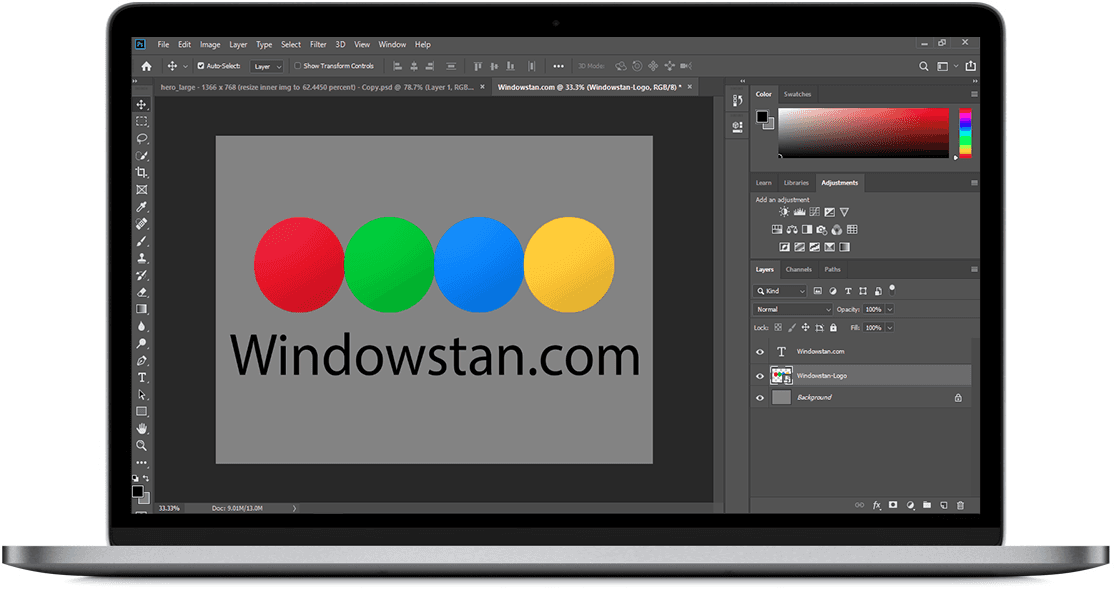
Adobe Photoshop is one of the most widely used image editing applications for photographers, designers, digital artists, and creative professionals. Originally introduced by Adobe in 1990, Photoshop has evolved into a complete image editing and compositing platform with tools for everything from basic photo adjustments to advanced professional workflows.
Photoshop CC 2021 continues that development with several major improvements, including AI-powered Neural Filters, Sky Replacement, Pattern Preview, improved shapes, better cloud document workflows, and other productivity enhancements.
TIP: Affinity Photo for Windows is a popular alternative for users looking for professional photo editing software.
Adobe Photoshop CC 2021 is designed for both beginners and experienced users. It provides precise editing controls while also offering automated tools that can speed up common photo-editing tasks.
Looking for an older version? You can also explore some previous Windows versions of Photoshop below.
Related: Download Picasa for Windows
What's New in Adobe Photoshop CC 2021
Adobe Photoshop CC 2021 introduced several important features and workflow improvements. The biggest highlights include AI-powered Neural Filters, Sky Replacement, Pattern Preview, Live Shapes, improved Discover functionality, and better support for modern creative workflows.
Neural Filters
Neural Filters are one of the most notable additions in Photoshop CC 2021. Powered by Adobe Sensei machine learning technology, these filters can automate complex editing tasks and provide creative effects for portraits, photographs, and other images.
Depending on the filter, users can make adjustments such as changing facial expressions, modifying portraits, colorizing images, and applying other AI-assisted effects. Neural Filters can be accessed from Filter > Neural Filters.
Sky Replacement
Sky Replacement makes it easier to replace the sky in landscape and outdoor photographs. Photoshop automatically detects the sky and creates a mask, allowing users to replace it with one of the available sky presets or a custom image.
The feature also provides controls for adjusting the position, brightness, temperature, scale, and blending of the replacement sky. You can access it from Edit > Sky Replacement. r2
Pattern Preview
Pattern Preview allows designers to see how artwork will repeat as a seamless pattern while working on the document. This is particularly useful for creating backgrounds, textile designs, wallpapers, illustrations, and repeating graphics.
To use the feature, select View > Pattern Preview. Photoshop then displays the artwork as a repeating pattern around the canvas.
Live Shapes
Photoshop CC 2021 improved shape editing with Live Shapes. Users can modify properties such as dimensions, corner radius, and other shape characteristics directly from the Properties panel.
This makes working with rectangles, polygons, lines, and other vector-based shapes more flexible without having to recreate them from scratch.
Improved Discover Panel
The Discover experience provides easier access to Photoshop tools, tutorials, and useful actions. It can help users find editing tools and learn workflows without having to search through every menu manually.
Cloud Documents and Version History
Photoshop CC 2021 provides improved integration with cloud documents. Cloud-based Photoshop documents can be accessed across supported devices and can make it easier to continue work without manually transferring project files.
Version history also helps users review and restore previous versions of supported cloud documents, making collaborative and cloud-based workflows more convenient.
Plugins and Extensions
Photoshop supports plugins and extensions that can add additional tools and functionality to the application. Creative Cloud also provides access to compatible third-party extensions that can expand Photoshop workflows.
Improved Content-Aware Fill
Content-Aware Fill helps remove unwanted objects and areas from an image by filling the selected region using surrounding image information. Photoshop CC 2021 continued to improve this workflow, giving users more control over the sampling area and final result.
Improved Typography and Design Tools
Photoshop CC 2021 includes a range of typography and design improvements that make it easier to work with text, fonts, shapes, and other design elements. These tools provide greater control over the appearance and positioning of creative content.
Smoother Brush Strokes
The brush tool remains one of Photoshop's most important features. Brush smoothing helps users create cleaner and more controlled strokes, which is useful for digital painting, retouching, masking, and illustration work.
Better Layer Workflows
Photoshop provides flexible layer management for complex projects. Users can group layers, copy multiple layers, move content between documents, and organize designs more efficiently.
Adobe Photoshop CC 2021 Feature List
Some of the important features and improvements available in Photoshop CC 2021 include:
- AI-powered Neural Filters
- Sky Replacement
- Pattern Preview
- Live Shapes
- Improved Discover panel
- Cloud document improvements
- Cloud document version history
- Improved Content-Aware Fill workflow
- Improved brush performance and smoothing
- Better layer and design workflows
- Enhanced typography controls
- Improved plugin and extension support
- Modernized user interface and workflow improvements
For current Photoshop information and documentation, visit Adobe's official Photoshop help and product pages.
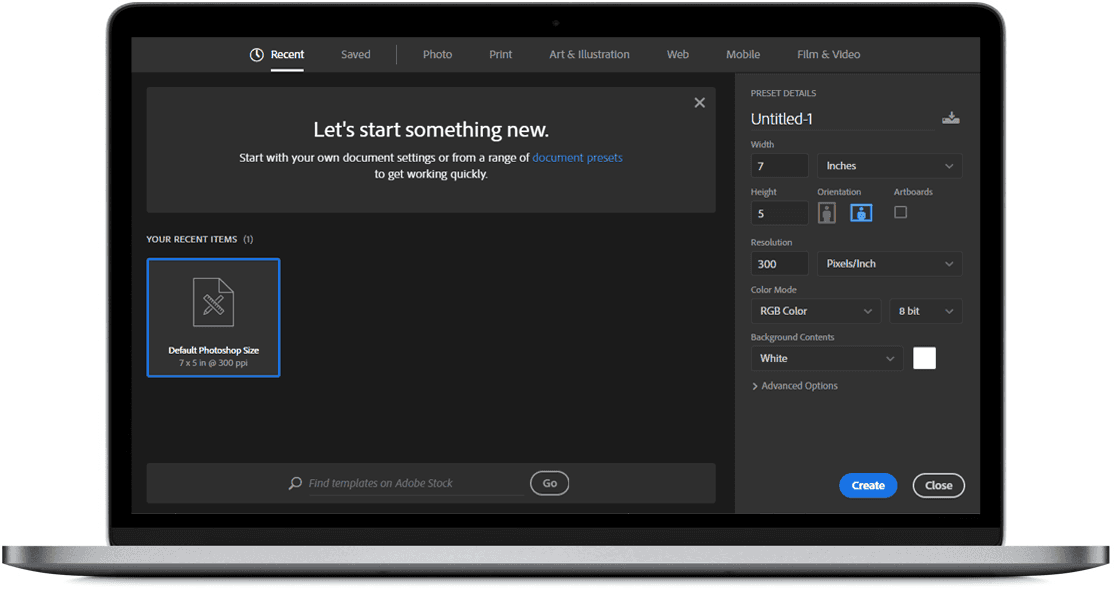
Adobe Photoshop Features
User Interface
Photoshop provides a customizable workspace with organized panels, toolbars, menus, and properties. Users can arrange the interface according to their preferred editing workflow.
Powerful Photo Editing Tools
Photoshop includes tools for cropping, resizing, retouching, color correction, masking, compositing, and detailed image manipulation. These tools make it suitable for both everyday photo editing and professional creative projects.
File Format Support
Photoshop supports a wide range of common image and design formats, including PSD, PSB, JPEG, PNG, TIFF, GIF, BMP, and PDF. The exact import and export options can vary depending on the document type and workflow.
Layers and Masks
Layers and masks allow users to edit individual elements without permanently changing the entire image. They are essential for professional compositing, retouching, graphic design, and non-destructive editing workflows.
Professional Printing Options
Photoshop provides detailed print settings for preparing images and designs for physical output. Users can control document dimensions, resolution, color settings, scaling, and other print-related options.
Performance and Stability
Photoshop is designed to handle demanding image-editing projects, although performance depends on the computer's processor, RAM, graphics hardware, storage, and the size and complexity of the files being edited.
Adobe Photoshop CC 2021 System Requirements
Photoshop CC 2021 is a 64-bit application on Windows, so the old claim that this version supports both 32-bit and 64-bit Windows should be removed. Adobe also lists Windows 10 64-bit among the supported Windows environments for Photoshop. r3
- Operating System: 64-bit Windows 10 or compatible supported Windows environment
- Processor: 64-bit Intel or AMD processor
- RAM: 8 GB recommended for comfortable use
- Graphics: Compatible GPU with up-to-date drivers for GPU-accelerated features
- Storage: Sufficient free disk space for installation and scratch-disk usage
- Display: A display with at least 1280 × 800 resolution is recommended
Download Adobe Photoshop CC 2021
Adobe Photoshop is professional software and is not a permanently free application. Adobe provides Photoshop through its official Creative Cloud plans, while the download below is provided as the WindowsStan full setup/offline installer option for Photoshop CC 2021.
Download Adobe Photoshop CC 2021 [2.40 GB]
For the official Adobe download and current Photoshop options, use Adobe's official website.