

Adobe After Effects 2026 (v26.5.0.89)
Adobe After Effects 2026 Free Download for Windows – Full Guide, Features & Pricing
Adobe After Effects 2026 is the industry-standard motion graphics and visual effects software trusted by filmmakers, YouTubers, and design studios alike. If you’ve ever wondered how those slick title sequences, glowing logo reveals, or Hollywood-grade VFX shots come together, chances are After Effects was involved. This guide walks you through the official way to download After Effects 2026 for Windows, its standout features, system requirements, and honest pros and cons — so you know exactly what you’re getting before you install it.
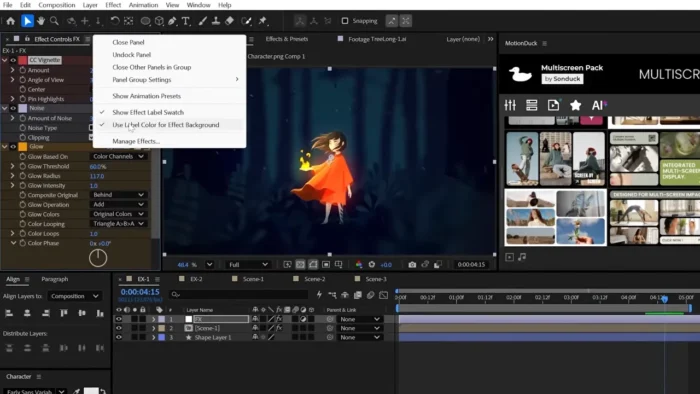
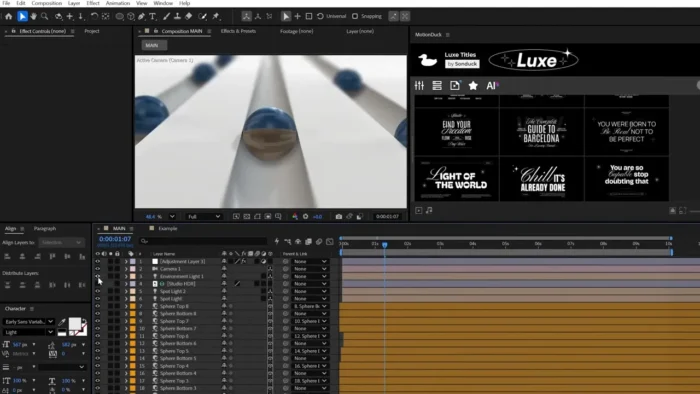
Overview
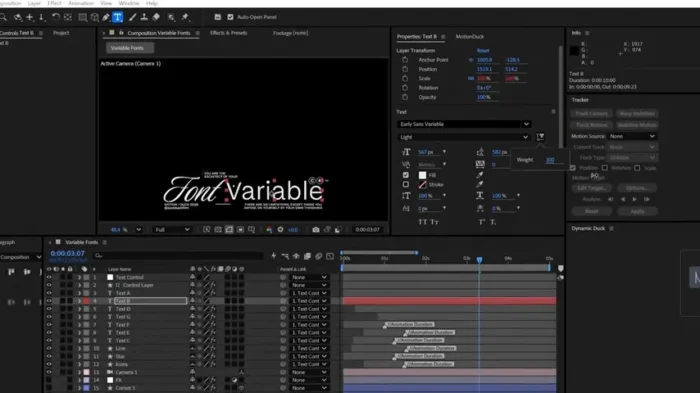
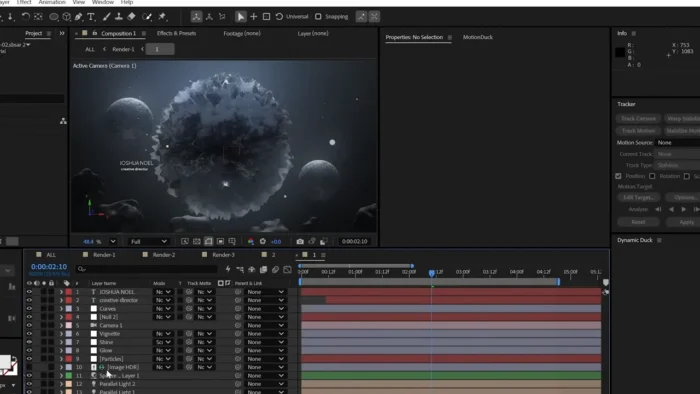
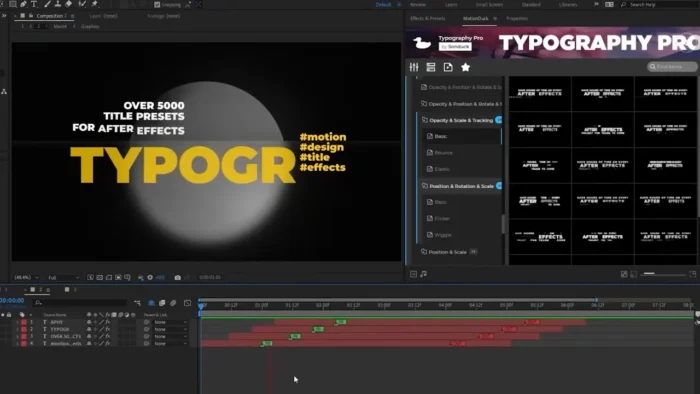
After Effects is built around layers, keyframes, and compositing — not timeline-based editing like Premiere Pro. Think of it as the tool you reach for after your footage is cut, when you need to add motion graphics, visual effects, or polished title sequences.
- Purpose: Motion graphics, compositing, and visual effects for video
- Main workflow: Layer-based animation with keyframes, expressions, and effects
- Ideal users: Video editors, motion designers, filmmakers, content creators, VFX artists
- Formats supported: QuickTime, CinemaDNG, AVC-Intra, XDCAM, RED raw, and more
- Major strengths: Deep Adobe Creative Cloud integration, huge effects library, AI-assisted tools like Roto Brush and Object Matte
Key Features
- AI-Powered Object Matte – Isolate a moving subject with a simple hover-and-click, then clean up stray pixels with refinement brushes. Cuts rotoscoping time dramatically.
- Roto Brush – Separates subjects from backgrounds automatically, even with tricky details like wind-blown hair or semi-transparent objects.
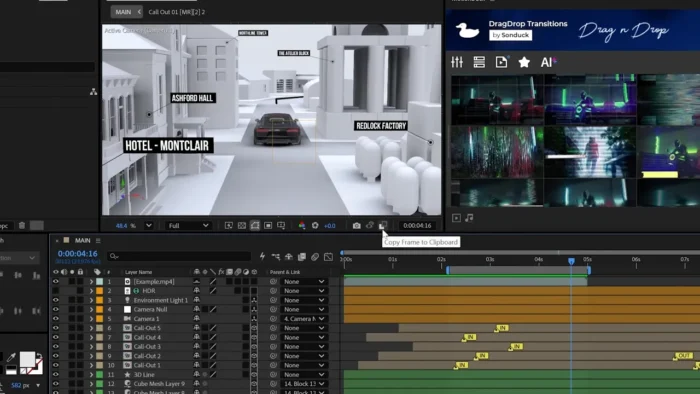
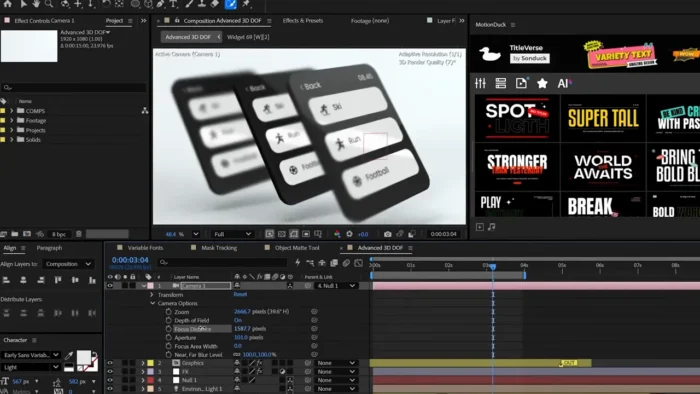
- Advanced 3D Workspace – Mix 2D and 3D elements natively, import Substance 3D materials, and light scenes with realistic shadows and depth passes.
- Content-Aware Fill – Removes unwanted objects (a stray boom mic, a passerby) frame by frame, filling in the gap automatically.
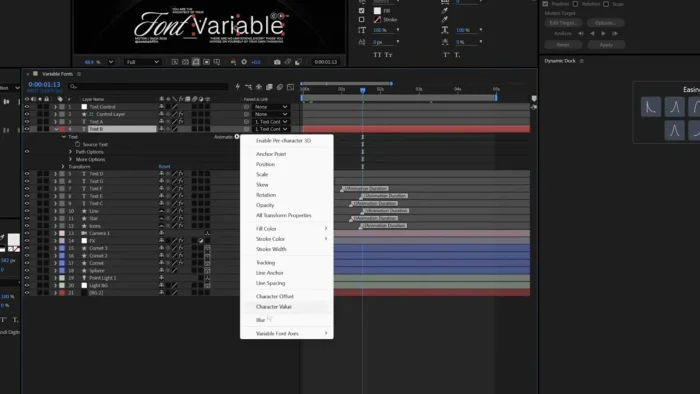
- Keyframe & Expressions Engine – Animate position, scale, rotation, and opacity with precise timing control via the Graph Editor.
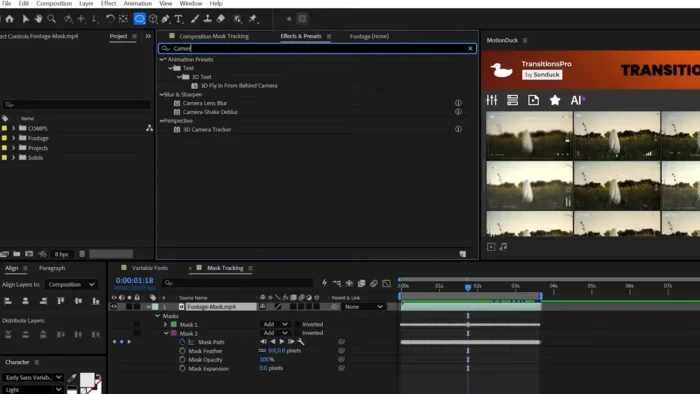
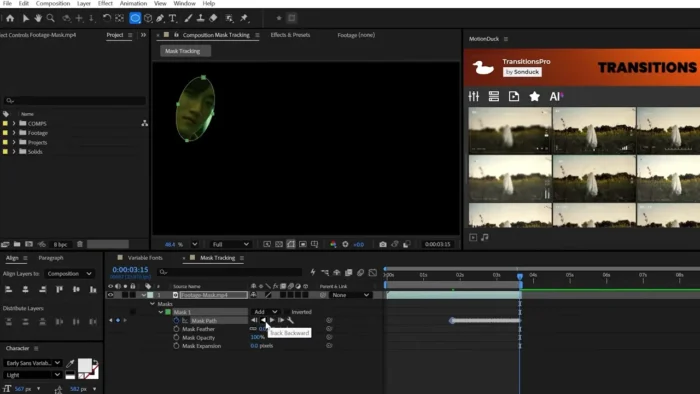
- Motion Tracking – Track a moving object in your footage and lock text, graphics, or effects to it.
- Global Performance Cache – Saves your previews so they’re ready instantly, even after closing and reopening a project.
- Warp Stabilizer VFX – Smooths shaky footage while letting you choose which elements get stabilized.
- Dynamic Link with Premiere Pro – Move compositions between After Effects and Premiere Pro without rendering in between.
- Hundreds of Built-In Effects – Blur, distortion, particles, color grading, and transitions, plus support for third-party plugins like Red Giant and Element 3D.
- Motion Graphics Templates – Build reusable animated titles and lower-thirds that editors can customize inside Premiere Pro.
What’s New in the 2026 Release
- Faster multi-frame rendering, cutting render times on complex compositions
- AI Object Matte for one-click subject isolation
- Expanded native 3D tools with better lighting and shadow support
- A new JavaScript expression engine with up to a 6x performance boost
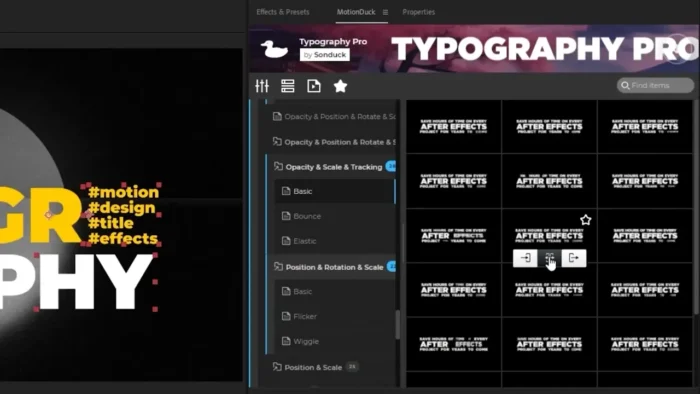
- Quick Apply for instantly searching and triggering presets or effects
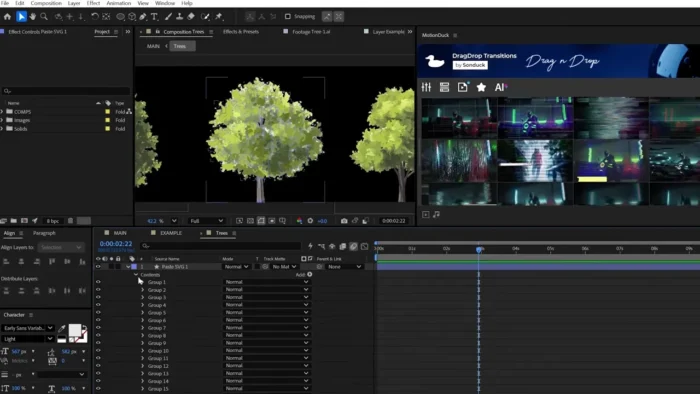
- Improved SVG import flexibility (rasterized or fully editable)
- Better Team Projects collaboration with real-time conflict tracking
System Requirements
| Component | Minimum | Recommended |
|---|---|---|
| Operating System | Windows 10 (64-bit) | Windows 11 (64-bit) |
| Processor | Intel Core i5 or AMD equivalent | Intel Core i7/i9 or AMD Ryzen 7/9 |
| RAM | 8 GB | 16 GB or more |
| Storage | 8 GB available space (SSD recommended) | 15 GB+ on SSD |
| Graphics | 2 GB VRAM, OpenGL 2.0-capable | 4 GB+ VRAM, DirectX 12 support |
| Display | 1280 × 900 | 1920 × 1080 or higher |
| Internet | Required for installation, activation, and updates | Required |
How to Download and Install After Effects Legally
Adobe After Effects is distributed exclusively through Adobe Creative Cloud — there’s no separate offline installer file to download from a third-party site, and any site offering one outside Adobe’s own domain should be treated as untrustworthy.
- Go to Adobe’s official After Effects page and start a free trial or choose a subscription plan.
- Select a plan — Individual, Business, or Student/Teacher pricing is available.
- Create or sign in with your Adobe ID, and enter payment details (you won’t be charged during the trial period if you cancel in time).
- Download the Creative Cloud Desktop App — this is Adobe’s installer and update manager for all Creative Cloud apps.
- Sign in to the Creative Cloud app, go to the Apps section, and click Install next to After Effects.
- Once installed, launch the app directly from your desktop or Start menu.
Because installation runs through Adobe’s own servers, you’re automatically getting a verified, malware-free copy with the latest security patches and AI features — no separate safety check needed.
Pricing
| Plan | Price | Notes |
|---|---|---|
| After Effects (Single App) | ~$22.99/mo | Annual plan, billed monthly |
| Creative Cloud Pro (20+ apps) | ~$34.99/mo (promo), then $69.99/mo | Includes Photoshop, Premiere Pro, Illustrator, and more |
| Students & Teachers | From $19.99/mo (first year) | Requires eligibility verification |
| Business/Teams | ~$37.99/mo per user | Licensed per seat |
| Free Trial | 7 days | Automatically converts to a paid plan unless canceled |
You’ll need a credit card to start the trial, but you won’t be billed until day 8 — and most plans include a 14-day refund window after that if you forget to cancel.
Pros
- Industry-standard toolkit for motion graphics and VFX, used across film, TV, and advertising
- Deep, seamless integration with Premiere Pro, Photoshop, and Illustrator
- AI-assisted tools (Roto Brush, Object Matte, motion tracking) save significant editing time
- Massive third-party plugin ecosystem and active creative community
- Frequent updates with genuinely useful new features, not just bug fixes
- Native 3D workspace removes the need for separate 3D software in many projects
Cons
- Steep learning curve — the interface can overwhelm complete beginners
- Resource-intensive; 4K footage and heavy 3D compositions demand a strong GPU and plenty of RAM
- Subscription-only — there’s no perpetual license or truly free full version
- Project files and cache can balloon quickly on complex compositions
- Not a substitute for a full 3D modeling suite (Cinema 4D or Blender fill that gap)
Free Trial vs. Paid Subscription
| Feature | Free Trial | Paid Subscription |
|---|---|---|
| Duration | 7 days | Monthly/annual |
| Full toolset access | Yes | Yes |
| Rendering without watermark | Yes | Yes |
| Cloud storage | 2 GB | 100 GB (expandable) |
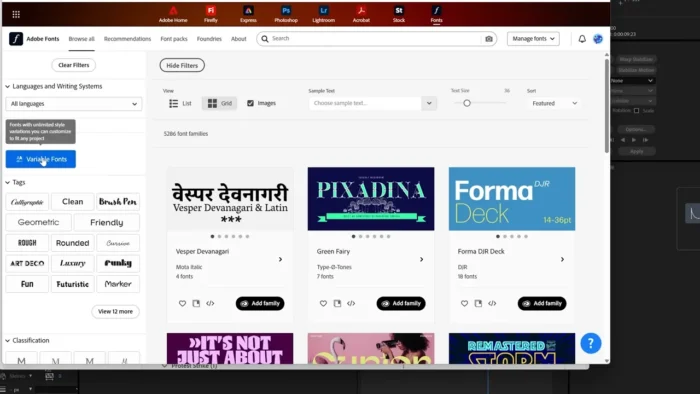
| Adobe Fonts & Stock access | Limited | Full access |
| Team Projects collaboration | No | Yes |
| Technical support | Yes | Yes |
Why a Licensed Copy Beats a Pirated One
It’s worth being direct about this, because it’s a genuinely common question: there is no safe “full version” of After Effects outside Adobe’s own subscription. Cracked or “pre-activated” copies circulating online carry real risks:
- Malware risk: Nearly all pirated software has been altered from the original code, and that’s often where viruses or trojans get hidden.
- No updates or support: You lose access to security patches and Adobe’s technical support entirely.
- Instability: Pirated copies are commonly reported to crash more often, with no way to get help when they do.
- Legal exposure: Downloading or distributing cracked software can carry civil and even criminal liability, especially for businesses.
If cost is the real barrier, the 7-day free trial gives full access to test the software properly, and free alternatives (below) are a legitimate way to get similar capabilities without a subscription.
Free & Budget-Friendly Alternatives
- Blender – Free, open-source, with a capable compositor covering motion tracking, keying, and particle effects.
- DaVinci Resolve – Combines editing and VFX in one app; the free version is fully featured, with the paid Studio edition adding advanced grading tools.
- HitFilm Express – A free option focused on compositing, motion tracking, and basic 3D work.
- Natron – Open-source node-based compositor, good for users who want an After Effects-style workflow without the subscription.
Frequently Asked Questions
Is Adobe After Effects free? There’s no permanent free version, but Adobe offers a genuine 7-day free trial with full feature access.
Does After Effects support Windows 11? Yes, it runs on both Windows 10 and Windows 11 (64-bit).
Can I install After Effects offline? No. Installation and periodic online activation are required through the Creative Cloud Desktop App, since After Effects is cloud-licensed software.
Can beginners use After Effects? Yes, though the learning curve is real. Adobe provides free tutorials, and many users start with animation presets before moving to custom keyframing.
Does After Effects support GPU acceleration? Yes — a dedicated GPU with 4 GB+ VRAM is recommended for smoother 3D rendering and real-time previews.
What happens when the free trial ends? It automatically converts to a paid Creative Cloud subscription unless you cancel beforehand. Adobe won’t charge you without your consent to the plan you selected at signup.
Is After Effects available for Mac? Yes, it supports both Windows and macOS (11 Big Sur and later). There is no native Linux version.
What’s the difference between After Effects and Premiere Pro? Premiere Pro is for video editing (cutting, trimming, sequencing clips). After Effects is for motion graphics and visual effects layered on top of already-edited footage. Many professionals use both together via Dynamic Link.
Final Verdict
Adobe After Effects 2026 remains the benchmark for motion graphics and visual effects, and the 2026 release’s AI-assisted tools — Object Matte, Roto Brush improvements, and a faster expression engine — make it more approachable than earlier versions despite the software’s inherent depth. It’s best suited to video editors, motion designers, and content creators who need professional-grade compositing and are willing to invest time in learning the interface.
Casual users who just want basic video trimming or simple effects may find the subscription cost and learning curve unnecessary — tools like DaVinci Resolve or Blender cover lighter needs for free. But for anyone serious about motion design, After Effects’ combination of AI tools, 3D workspace, and Creative Cloud integration justifies its place as the industry standard. Start with the official 7-day free trial to see if it fits your workflow before committing to a subscription.