

Gameloop (Tencent Gaming Buddy)
Note: Tencent Gaming Buddy is now known as GameLoop, Tencent’s Android gaming emulator for Windows. It allows users to play supported mobile games on a PC using keyboard and mouse controls, with configurable graphics and performance settings.
GameLoop on Goongloo
Tencent Gaming Buddy, now known as GameLoop, is an Android emulator originally developed to let PC users play PUBG Mobile on Windows. It is also associated with the names Tencent Game Assistant and Tencent Gaming Assistant. Unlike general-purpose Android emulators such as BlueStacks, GameLoop has focused on mobile gaming, including PUBG Mobile and other supported titles.
It is important to distinguish PUBG Mobile running through an emulator from PUBG: Battlegrounds, the separate PC game. Both are part of the PUBG franchise, but they are different game versions with different system requirements, gameplay implementations, and platform-specific features.
Players looking for a PC-native battle royale experience should check the official availability and system requirements of the relevant game before downloading it. The mobile version running through an emulator may be an alternative for users who prefer its gameplay, provided their computer meets the emulator’s requirements.
GameLoop is an Android-based gaming emulator. Rather than installing the native PC edition of PUBG: Battlegrounds, users run the supported mobile game in an emulated environment. GameLoop provides game-specific controls and configuration options, although actual performance depends on the computer’s hardware, drivers, operating system, and emulator settings.
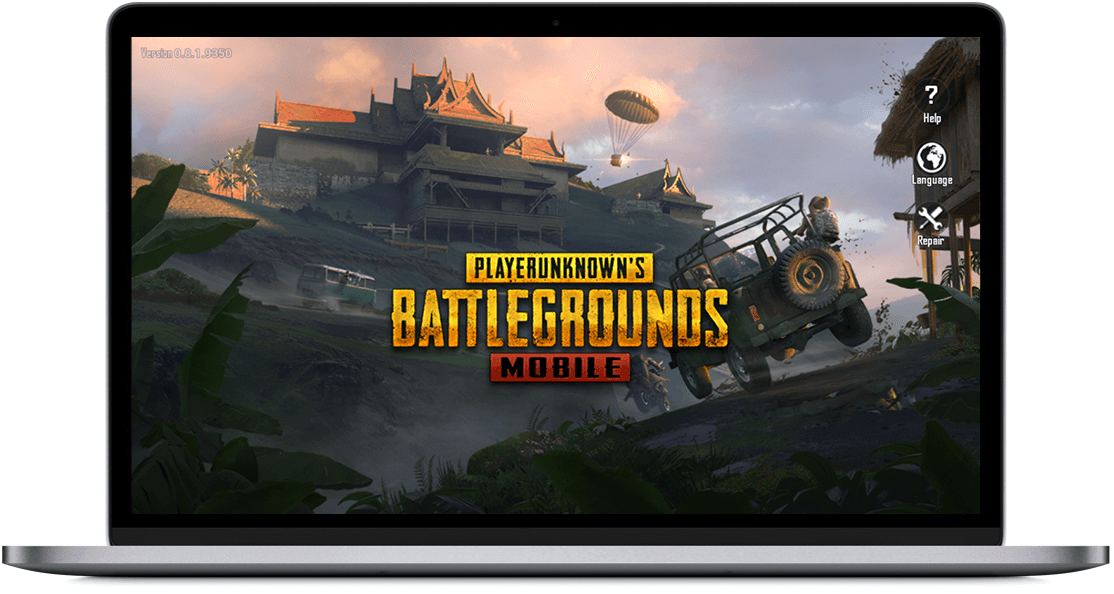
Tencent Gaming Buddy (Tencent Game Assistant)
Playing a mobile game on a computer can be useful if you prefer a larger screen, keyboard and mouse controls, or a desktop gaming setup. Tencent Gaming Buddy was created to simplify this process for PUBG Mobile, and its successor, GameLoop, continues the focus on running supported mobile games on Windows.
Instead of purchasing and installing the separate PC edition of PUBG: Battlegrounds, users can use a compatible emulator to play the mobile edition. The two games are not interchangeable, and their features, performance, matchmaking rules, and system requirements may differ.
GameLoop provides an emulator environment and supported game installation process. Depending on the game and the current emulator distribution, the game may need to download additional files after the initial installer is installed.
What is Tencent Gaming Buddy (TGB)?
Tencent Gaming Buddy, commonly abbreviated as TGB, was the original name of GameLoop’s PUBG Mobile-focused emulator. It enables compatible Windows computers to run supported Android games in an emulated environment. GameLoop includes game integration and control-mapping features intended to make mobile games playable with a keyboard and mouse.
The emulator has been distributed as free software. However, free access to the emulator does not mean every game or in-game item is free. Game availability, purchases, optional content, and regional restrictions depend on the individual game.
Running a mobile game on a computer can reduce the need for a separate mobile device, but it does not guarantee better performance. Results depend on processor capability, available memory, graphics hardware, storage, drivers, background applications, and the emulator’s configuration.
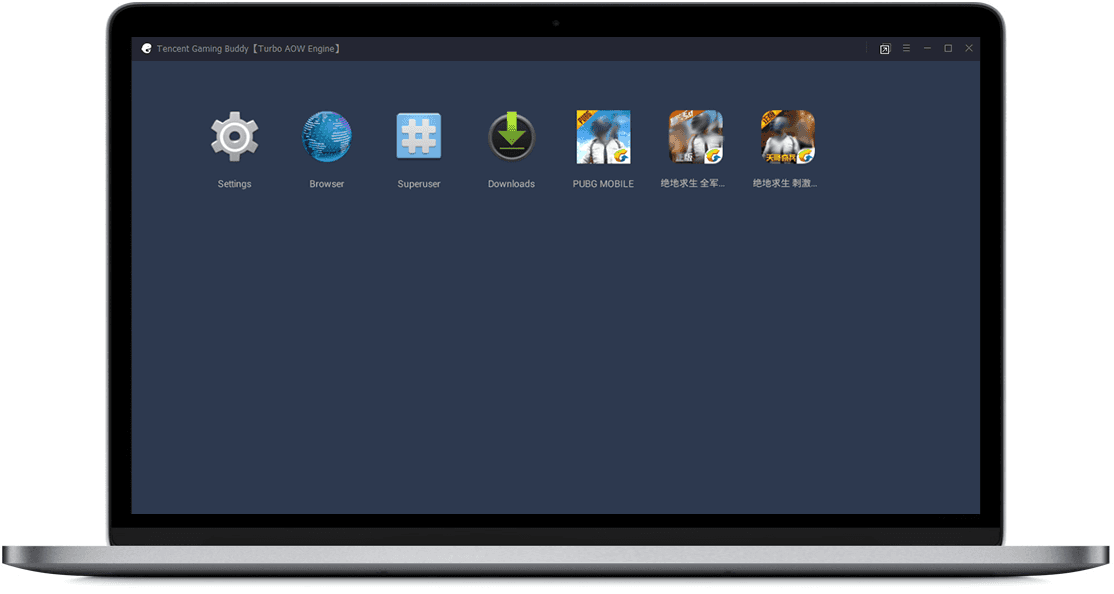
GameLoop includes features designed to support mobile gaming on a computer, such as keyboard mapping and configurable graphics settings. Available features and optimization options vary by game and emulator configuration.
Setup requirements depend on the game and the installed emulator build. Follow the installation instructions provided by the official GameLoop website, allow required game files to download, and adjust the settings if necessary.
Playing a mobile game on a PC can offer more precise input for actions that benefit from a mouse and keyboard. However, the experience differs from playing on a touchscreen, and control preferences depend on the individual player.
GameLoop Supported Games
GameLoop supports a selection of mobile games. Availability can change by region, publisher, and the emulator’s current game catalogue. The following titles have been associated with GameLoop or its earlier distribution:
- PUBG Mobile
- Arena of Valor
- Mobile Legends: Bang Bang
- Clash of Clans
- Clash of Kings
- Lords Mobile
- Yulgang
- Idle Heroes
- Honkai Impact 3rd
This list is provided for reference, not as a guarantee that every title is currently available or supported. Check the GameLoop client or official website for the supported games in your region.
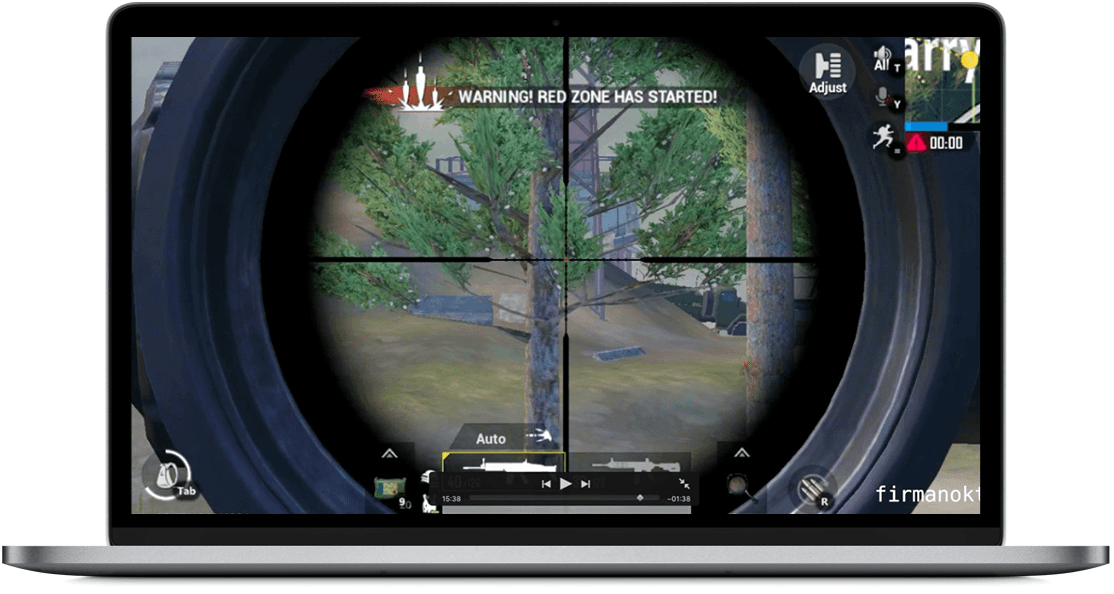
Play PUBG Mobile on PC
PUBG is a battle royale franchise with separate mobile and PC releases. PUBG Mobile is designed for mobile devices, while PUBG: Battlegrounds is a separate PC and console game. The mobile edition has been available as a free-to-play game in supported markets, while platform pricing and availability for other editions depend on the store and region.
Players whose computers do not meet the requirements of a PC-native game may consider playing a supported mobile title through an emulator. However, emulation still requires sufficient hardware resources, and a low-end computer may experience slow performance, stuttering, long loading times, or compatibility issues.
GameLoop provides an emulator-based way to play supported mobile games on Windows. It includes game integration and input-mapping options, but the installation process, available settings, and performance depend on the game and the computer being used.
Tencent Gaming Buddy (TGB) Features
Key features associated with GameLoop and its earlier Tencent Gaming Buddy name include:
- Emulation of supported Android games on compatible Windows computers.
- An installation process designed to simplify game setup.
- Keyboard and mouse control mapping for supported games.
- Configurable display resolution, graphics, and performance settings where available.
- Game-specific integration and configuration options.
- Free emulator software, with separate game purchases or in-game transactions where applicable.
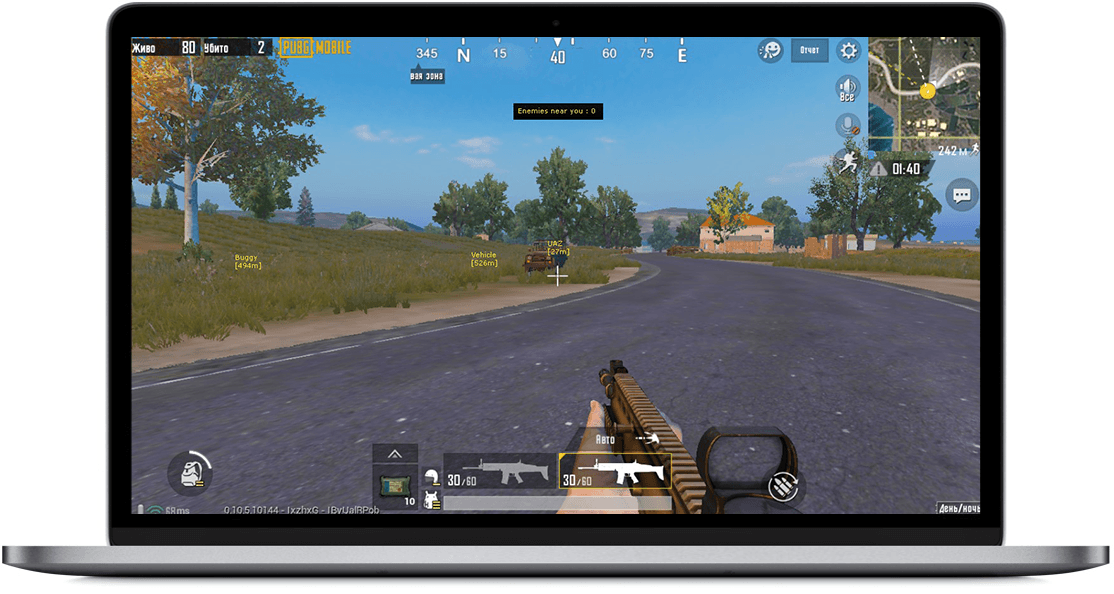
How to Use Tencent Gaming Buddy (GameLoop) on PC
To get started, download the emulator from the official GameLoop website and run the installer. Follow the on-screen instructions, select an installation location if the option is available, and allow the emulator to download any required components and game files.
Installation and download sizes vary depending on the emulator build, the selected game, and additional content. Make sure you have a reliable internet connection and enough free storage before starting the installation.
PUBG Mobile vs. PUBG: Battlegrounds on PC
PUBG Mobile and PUBG: Battlegrounds are separate releases. GameLoop runs the supported mobile version in an emulated environment; it does not convert the mobile game into the native PC edition.
When playing through an emulator, users can map actions to a keyboard and mouse rather than relying on touchscreen controls. The games may also differ in graphics, interfaces, gameplay features, updates, and matchmaking. Emulator users may be placed in separate matchmaking pools or subject to other restrictions, depending on the game and its current rules.
How to Install PUBG Mobile on Windows Using GameLoop
The general process is to install GameLoop, locate PUBG Mobile in the emulator’s game catalogue, and follow the installation prompts. The exact steps and available options may differ depending on the current software interface, operating system, and region.
Use the official GameLoop website to obtain the installer and check whether PUBG Mobile is supported in your region. Downloading from the official source helps reduce the risk of modified or unwanted software.
Follow these general steps to install the emulator and game.
1- Download GameLoop
Visit the official GameLoop website and download the available Windows installer. The installer size can vary, and additional files may be downloaded during setup.
2- Run the installer
Open the downloaded installer and follow the on-screen instructions. If the installer provides a location option, choose a folder or drive with sufficient free storage.
Use the default settings unless you have a specific reason to change them. Only approve installation prompts you understand and trust.
3- Install PUBG Mobile
Open GameLoop and look for PUBG Mobile in the supported game catalogue. If the game is available, select it and follow the prompts to download and install the required files.
Download progress and installation time depend on your internet connection, storage speed, and the size of the required files.
4- Configure and launch the game
Once installation is complete, launch the game and review the available graphics, resolution, and control settings. Choose settings that your computer can handle comfortably. Available resolutions and graphics options depend on the emulator, game, and hardware.
For additional guidance, see this guide to installing PUBG Mobile on Windows using Tencent Gaming Buddy. Some interface details in older tutorials may no longer match the current GameLoop client.
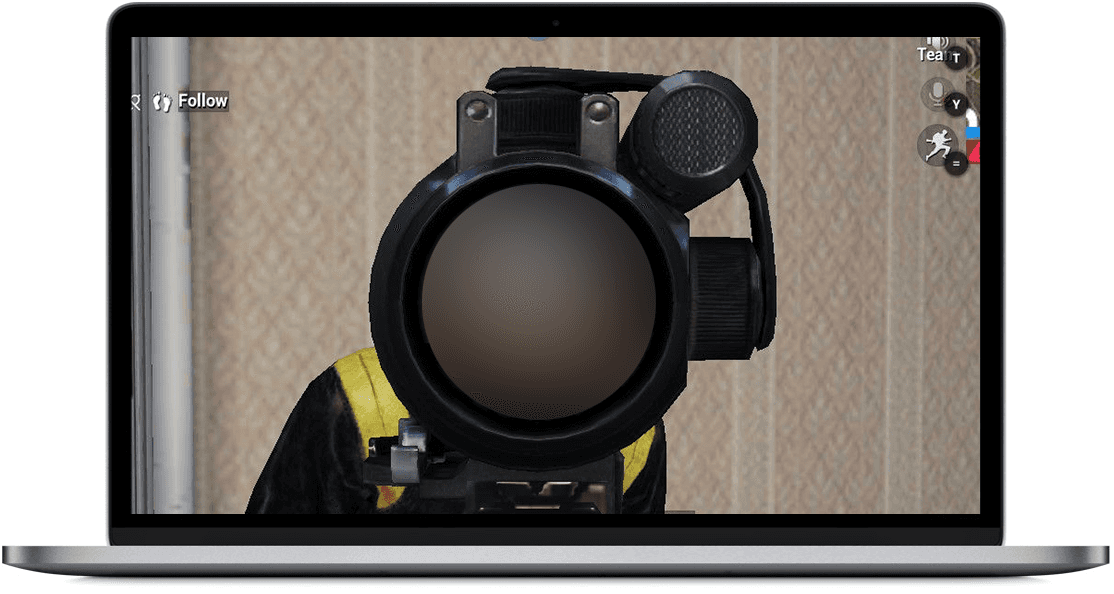
Tencent Gaming Buddy PUBG Controls on PC
When playing a supported mobile game through GameLoop, keyboard and mouse controls can be mapped to in-game actions. The default controls depend on the game and the emulator’s control profile. The following keys are examples commonly associated with shooter controls; verify the current mapping in the game before relying on them.
WASD Move forward, left, backward, and right when assigned to movement. Space Bar Jump or perform another assigned action. C Crouch when assigned. Z Go prone when assigned. Free Look May be mapped to a key and mouse movement. Left Click Fire or perform the action assigned to the primary mouse button. Right Click Aim down sights or perform the assigned secondary action. Shift Sprint when assigned. Mouse Lock Controls mouse capture; behavior depends on the emulator and game. Throwable Items Use the keys assigned to throwable items in the current control profile. Healing Items Use the keys assigned to healing items in the current control profile. F1 May display the control guide, depending on the emulator configuration. F Interact or perform the action assigned to this key.
Open the emulator’s control settings to view or customize key mappings. Controls may change after a game update or when a different control profile is selected.
Tencent Gaming Buddy (GameLoop) FAQs
Which versions of Windows are supported?
Compatibility depends on the current GameLoop release and the requirements of the game you want to play. Check the official GameLoop website and the game’s published requirements before installing. Older Windows releases may not be supported, even if an earlier version of the emulator worked on them.
What are some alternatives to GameLoop for Android games?
Alternative Android emulators include:
- BlueStacks
- MuMuPlayer
- MEmu Play
- Android Studio’s emulator, primarily intended for development and testing
Compatibility and performance vary by emulator, game, and computer. Before choosing an alternative, confirm that it supports the game you want to play and review its system requirements and input features. An emulator’s suitability should be assessed by actual compatibility and performance rather than assumed rankings.
Can I play with friends using Android or iOS devices?
Cross-play and matchmaking depend on the game. PUBG Mobile may apply separate matchmaking rules to emulator users, and these rules can affect which opponents or friends they can play with. Check the game’s current official guidance for emulator matchmaking and party restrictions.
Is PUBG free to play?
PUBG Mobile has been offered as a free-to-play game in supported markets, with optional in-game purchases. PUBG: Battlegrounds has its own distribution and pricing arrangements, which may differ by platform and region. Check the official store listing for the version you intend to play.
How do I download and install PUBG Mobile through GameLoop?
Install GameLoop from its official website, open the emulator, and look for PUBG Mobile in the game catalogue. If it is available, follow the prompts to download the game and its required files. Do not assume that the game is already installed with the emulator.
Can I install other games in GameLoop?
GameLoop’s supported games and installation options depend on its current catalogue and configuration. Check the emulator for available titles and use the installation method it provides. Not every Android game is supported, and installing APK files manually may not work or may cause compatibility and security problems.
If you mainly want to run a range of Android apps or games, consider an emulator designed for broader Android compatibility. Review its official documentation and supported-game information before installing it.
BlueStacks is one alternative for running supported Android apps and games on a desktop computer. Its suitability depends on the specific game and your hardware.
How do I uninstall GameLoop from Windows?
You can generally uninstall GameLoop through Windows’ installed-apps settings. The exact labels depend on your Windows version.
- Open Windows Settings or Control Panel.
- Open the installed apps or Programs and Features section.
- Find GameLoop or Tencent Gaming Buddy in the list.
- Select the uninstall option.
- Follow the prompts to complete removal.
What should I do if loading stops near completion?
A stalled installation or loading screen can be caused by network interruptions, insufficient storage, corrupted files, blocked connections, driver problems, or software conflicts. Try these troubleshooting steps:
- Restart the computer and router if the connection appears unstable.
- Check that enough storage space is available.
- Allow GameLoop through the firewall if it is being incorrectly blocked.
- Update relevant drivers and install pending Windows updates where appropriate.
- Use the official repair or reinstall process if the installation files appear damaged.
For additional guidance, see this guide to troubleshooting PUBG Mobile loading issues in Tencent Gaming Buddy. Avoid disabling antivirus protection as a routine fix; first determine whether a security product is actually blocking a legitimate file.
How much disk space does GameLoop require?
Storage requirements depend on the emulator installer, the selected game, downloaded resources, and subsequent updates. Check the current requirements and leave additional free space for temporary files and future game content.
How can I improve GameLoop performance?
If a game runs slowly, try the following measures before upgrading your hardware:
- Close unnecessary background applications to free up memory and processor resources.
- Update your graphics drivers using the appropriate manufacturer’s official tools.
- Reduce the game’s resolution or graphics quality.
- Adjust the frame-rate setting to a level your computer can sustain.
- Check that Windows power settings and graphics preferences are appropriate for gaming.
- Ensure the computer has sufficient free storage and adequate cooling.
If performance remains poor, compare your computer’s specifications with the current emulator and game requirements. For further help, consult this guide to troubleshooting Tencent Gaming Buddy performance and lag.
What are the system requirements for GameLoop?
System requirements depend on the current emulator release and the game being played. There is no single hardware specification that guarantees compatibility or smooth performance for every title. Before installation, check the official GameLoop requirements and the game’s own requirements.
In general, performance can be affected by:
- Operating system: A supported Windows version with the required updates.
- Processor: A compatible CPU with sufficient processing capacity.
- Memory: Enough RAM for Windows, the emulator, and the game to run together.
- Storage: Sufficient free disk space for the emulator, game files, and additional downloads.
- Graphics: Compatible graphics hardware and up-to-date drivers.
- Virtualization: Certain configurations may require hardware virtualization to be enabled, depending on the emulator and system setup.
How do I fix low game volume or microphone problems?
Check the Windows volume mixer, the emulator’s audio settings, and the game’s own sound controls. Also verify that the correct playback and recording devices are selected and that the microphone has the required Windows permissions.
For more help, see this guide to troubleshooting low sound and microphone problems in Tencent Gaming Buddy.
How do I fix a GameLoop launch error?
Start by restarting the computer and trying again. If the problem continues, check for pending software updates, confirm that the installation is complete, review any error message, and use the emulator’s official repair or reinstall options. The appropriate fix depends on the cause of the error.
What does PUBGM mean?
PUBGM is a common abbreviation for PUBG Mobile, the mobile edition of the PUBG battle royale game.
What if GameLoop will not reinstall?
Restart Windows after uninstalling the emulator, then try the installation again. If the problem persists, check the error message, verify that enough disk space is available, and remove leftover files only when you can identify them safely. Download a fresh installer from the official GameLoop website rather than using an unknown third-party copy.
Can GameLoop conflict with VMware or other virtualization software?
Some emulator configurations can conflict with virtualization features, hypervisors, or other software that uses hardware virtualization. Compatibility depends on the emulator, Windows configuration, and virtualization software. Check GameLoop’s current troubleshooting guidance before disabling virtualization features or uninstalling another application.
Where can I find the GameLoop installer I downloaded?
Downloaded files are commonly saved in the browser’s default Downloads folder unless another location was selected. Open your browser’s download history and use its option to show the file in its folder. The installer is separate from the game files that GameLoop may download during setup.
Should I use a beta version of an emulator?
Beta releases are intended for testing and may contain bugs or compatibility problems. For regular gaming, choose an official stable release when one is available. Download test builds only from a trusted source and review any known limitations before installing them.
Is GameLoop a Good Choice for PUBG Mobile?
GameLoop is a relevant option for players who want to run supported mobile games on a Windows PC using keyboard and mouse controls. Its game integration can make setup more convenient than configuring a general-purpose Android emulator manually.
However, no emulator is guaranteed to provide the best performance on every computer. Compatibility, stability, input response, and frame rates depend on the game, emulator configuration, drivers, and hardware. Compare the available options and check current support before choosing an emulator.
If you already use BlueStacks or another Android emulator, you may prefer to keep using it if it supports your game and runs reliably on your computer. Switching emulators is not always necessary; the best option depends on compatibility, controls, stability, and performance.
Download GameLoop from the official website
For historical reference, Tencent Gaming Buddy was the earlier name associated with GameLoop and its PUBG Mobile emulator. Use the official GameLoop distribution for the current installer instead of relying on archived executable files that may be outdated or difficult to verify.