
Microsoft Says Windows 11 Is Up to 40% Faster on PCs With 8GB RAM
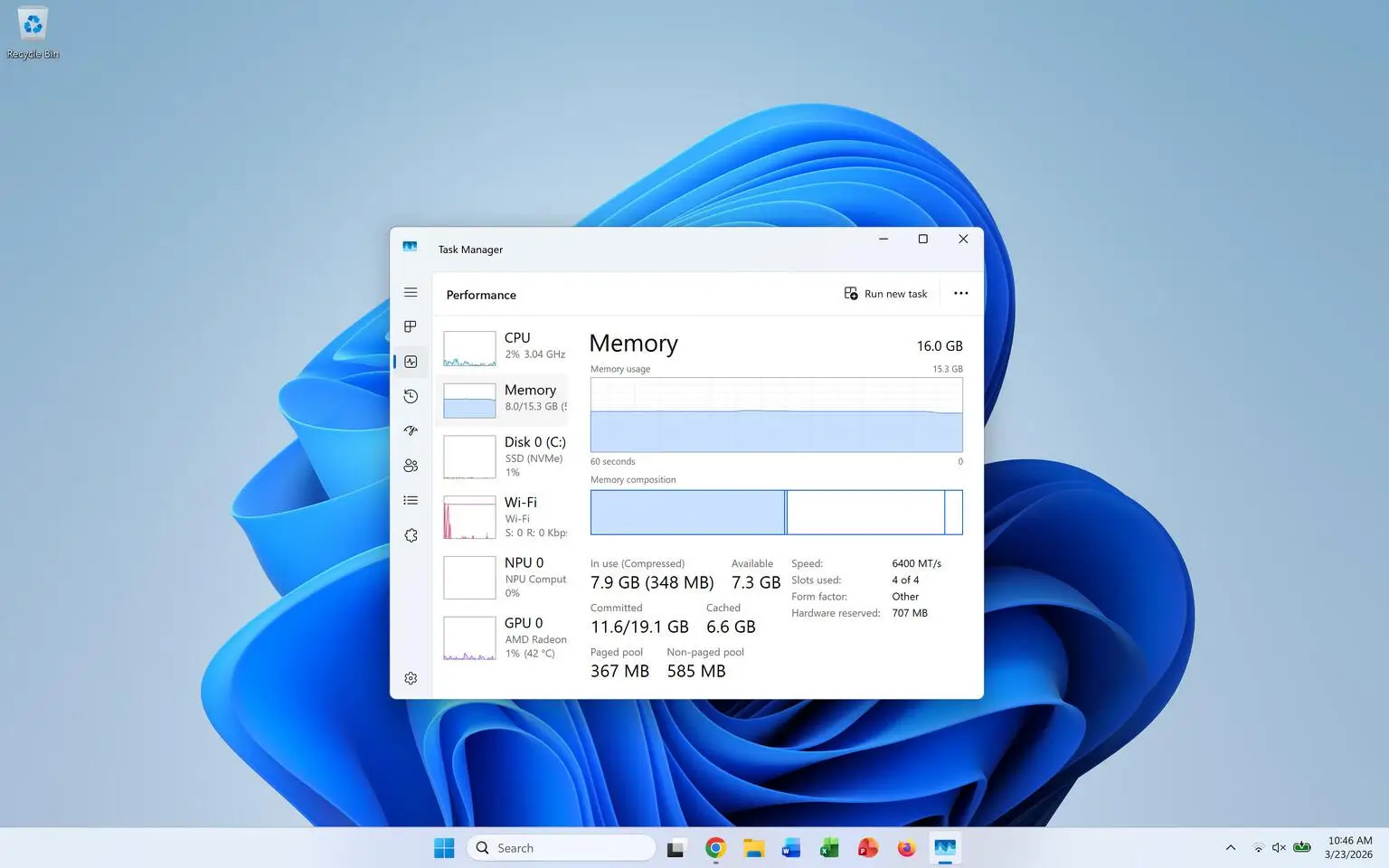
Microsoft is introducing a series of memory optimizations for Windows 11, aiming to improve performance on computers with just 8GB of RAM. The company claims these changes can make everyday activities up to 20% more responsive while improving demanding multitasking workloads by as much as 40% in internal testing.
The announcement could be welcome news for users who experience slowdowns when running multiple applications, opening browser tabs, or switching between everyday tasks. With memory-intensive software becoming increasingly common, making better use of existing hardware has become an important part of improving the Windows experience.
Rather than requiring users to purchase additional RAM, Microsoft’s latest efforts focus on how Windows manages memory, handles background processes, and prioritizes active applications.
According to the company, the optimizations allow Windows to keep up to 2GB more active data in memory. This can reduce the need to reload applications and browser tabs, potentially making everyday interactions feel smoother.
Microsoft reports improvements of up to 20% when opening the Start menu, performing searches, launching File Explorer, accessing Settings, and using Snipping Tool compared with Windows 11 builds from January 2026.
The company also conducted a demanding multitasking test involving 20 Microsoft Edge tabs, 4K video playback, large Office documents, Outlook, and File Explorer. Under this workload, the optimized system reportedly completed the test up to 40% faster.
However, these figures come from Microsoft’s internal laboratory testing. Actual improvements will depend on individual hardware configurations, software versions, and how people use their computers.
The company is also reducing memory consumption across several applications and services. Improvements involving Windows, Edge, and Microsoft 365 reportedly reduced committed-memory growth by up to 900MB during multitasking tests.
Microsoft specifically attributes approximately 360MB in memory savings to improvements across Word, Excel, PowerPoint, and Outlook.
Widgets are receiving attention as well. On computers with 8GB of RAM or less, they will load only when users open them, saving approximately 200MB while remaining inactive.
Microsoft Edge is also helping manage available memory by placing inactive browser tabs into sleep mode after 15 minutes by default. This allows the browser to reduce resource consumption without requiring users to close tabs they may need later.
Additional improvements are planned for Windows components and applications. Microsoft is working on shared components across Search, Widgets, OneDrive, and Photos, while File Explorer, Notepad, Paint, and Windows Search are also expected to benefit from performance optimizations.
Users interested in experiencing the improvements should check for Windows 11 version 26H2, build 26300.9818 or later, according to Microsoft’s guidance.
To check for updates, open Settings, navigate to Windows Update, enable the option to receive the latest updates as soon as they become available, and select Check for updates. Keeping Microsoft Edge, Microsoft 365, and Teams updated is also recommended because some improvements arrive through individual application updates.
These changes represent a positive step toward making Windows 11 more accessible to people using everyday hardware rather than high-end computers. However, Microsoft’s performance figures should be viewed as laboratory results rather than guaranteed improvements for every PC.
There is still room for Windows to become more efficient, particularly as applications continue demanding additional resources. Nevertheless, improving memory management instead of simply encouraging hardware upgrades could make a meaningful difference for millions of existing users. If these optimizations deliver consistent real-world results, users may get a noticeably smoother experience from the computers they already own.