
Windows 11 Secure Boot Deadline Has Passed—PC Makers Explain What Users Should Do Next
Windows 11 Secure Boot Update Guide for PCs
Millions of Windows users are entering a new phase of Microsoft’s Secure Boot transition as the first wave of legacy security certificates has now expired. While the change is largely automatic for supported systems, leading PC manufacturers have released detailed guidance to help users confirm their devices remain protected.
The transition affects Secure Boot, a security feature built into modern PCs that verifies trusted software before Windows starts. By preventing unauthorized bootloaders and malicious code from loading during startup, Secure Boot plays a critical role in protecting systems against low-level attacks.
Microsoft has begun replacing the certificates originally introduced in 2011 with updated 2023 versions. The transition is taking place in stages, with the Microsoft Corporation KEK CA 2011 certificate expiring on June 24, 2026, followed by the Microsoft UEFI CA 2011 certificate on June 27. The Microsoft Windows Production PCA 2011 certificate is scheduled to expire later this year on October 19.
For most consumers, the process requires little or no action. Microsoft has distributed the replacement certificates through Windows Update, while computer manufacturers have released firmware updates to ensure their hardware supports the transition.
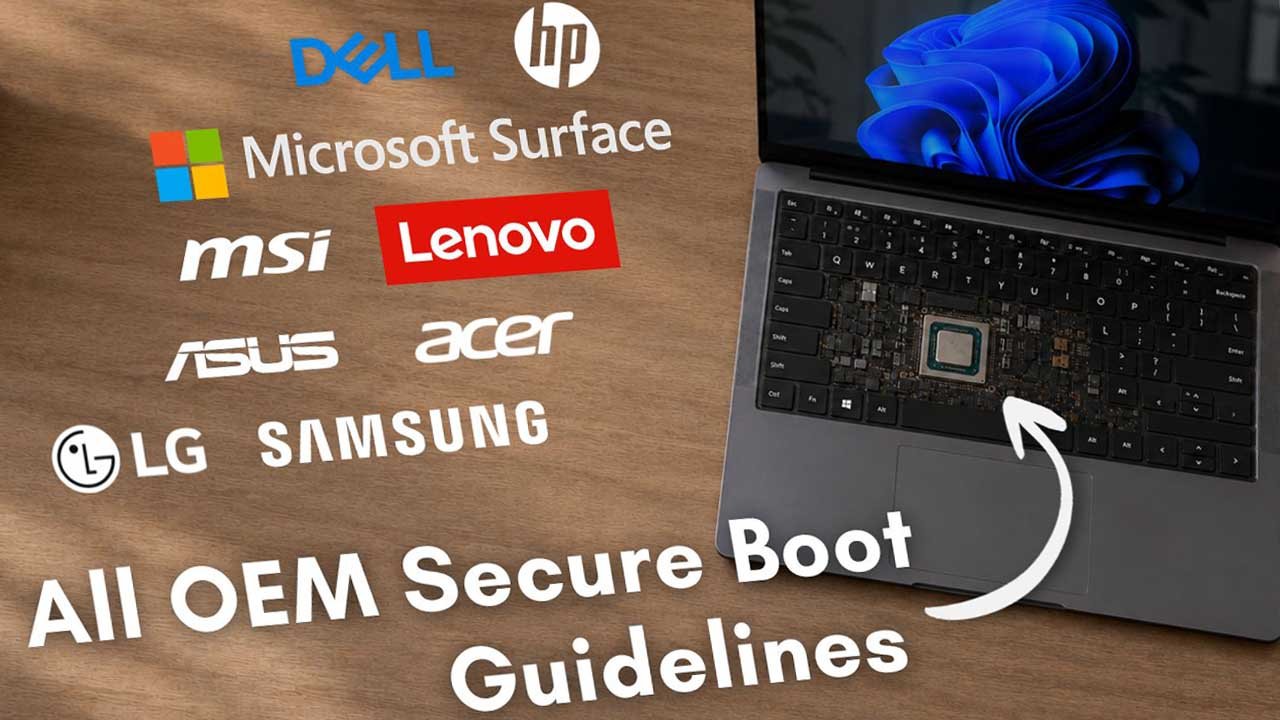
Several of the world’s largest PC vendors—including HP, Dell, ASUS, Lenovo, Acer, MSI, Samsung, LG, and Microsoft’s Surface team—have now published model-specific support documentation explaining which systems are eligible for updates and how customers can verify successful installation.
ASUS says most supported consumer PCs will receive the new certificates automatically through Windows Update. Users experiencing installation delays can manually verify certificate status using PowerShell or trigger the update through Windows’ scheduled Secure Boot task if instructed by the company’s support documentation.
Lenovo has adopted one of the most comprehensive approaches by providing BIOS downloads organized by product family, including ThinkPad, Legion, Yoga, ThinkCentre, and IdeaPad devices. The company also identifies models that have reached the end of their support lifecycle and therefore will not receive firmware updates for the certificate transition.
Dell has similarly released guidance covering its full portfolio, including XPS, Latitude, Inspiron, Alienware, OptiPlex, Precision, and Vostro systems. Newer Dell computers already ship with both the legacy and 2023 certificates installed, while older devices outside the company’s support window may no longer receive firmware updates.
HP has divided its rollout between consumer and commercial systems. Most consumer devices rely on Windows Update after receiving a compatible BIOS version, while enterprise models require specific firmware revisions before certificate installation can proceed. HP has also advised customers to install corrected BIOS releases after earlier firmware versions caused BitLocker recovery issues on some business laptops.
MSI, Acer, Samsung, LG, and Microsoft’s Surface division have issued similar guidance. Depending on the model, updates may arrive automatically through Windows Update or require a BIOS upgrade before the new certificates can be installed. Several manufacturers also recommend backing up BitLocker recovery keys before updating firmware, as BIOS changes can occasionally trigger recovery mode after a restart.
Users can quickly determine whether their system has completed the transition by opening the Windows Security app and navigating to Device Security. A green Secure Boot indicator confirms the new certificates have been successfully installed, while a yellow warning generally means the update is still pending. A red status typically indicates a firmware compatibility issue that may require additional troubleshooting.
Windows 10 users are also included in the rollout. Microsoft’s May 2026 update added Secure Boot certificate status reporting to Windows Security, allowing supported Windows 10 devices to display the same visual health indicators available in Windows 11.
Some users may notice multiple restarts during recent updates as Windows stages firmware changes across several reboot cycles. Microsoft has also created a new SecureBoot folder during the installation process, which is part of the update mechanism and should not be removed.
Although the certificate deadlines have now begun passing, supported PCs running the latest Windows updates are expected to receive the new security certificates automatically. Users with older hardware that has reached end-of-support may need to consult their manufacturer’s support documentation to determine whether additional firmware updates remain available or whether the device is no longer eligible for the transition.