
Windows 10 (version 1809) October 2018
Windows 10 version 1809 (October 2018 Update, Redstone 5) first appeared on 2 October 2018. It followed version 1803. The initial release was pulled within days because of serious bugs, including cases of user files being deleted. A corrected build was re-issued in November 2018.
Despite the rocky launch, 1809 introduced several features that remained part of Windows 10 for years.
What arrived in 1809
Useful additions included:
- Dark mode support in File Explorer
- Your Phone app for linking an Android phone
- Snip & Sketch (replacement for the older Snipping Tool experience)
- Nearby sharing
- Redesigned Game Bar
- Clipboard history (Win + V)
- More Fluent Design elements across the system
- Additional options in Settings and the Photos app
The early October build also contained a serious data-loss bug that caused Microsoft to halt distribution. The November re-release fixed the most critical problems, although some smaller issues lingered for a while.
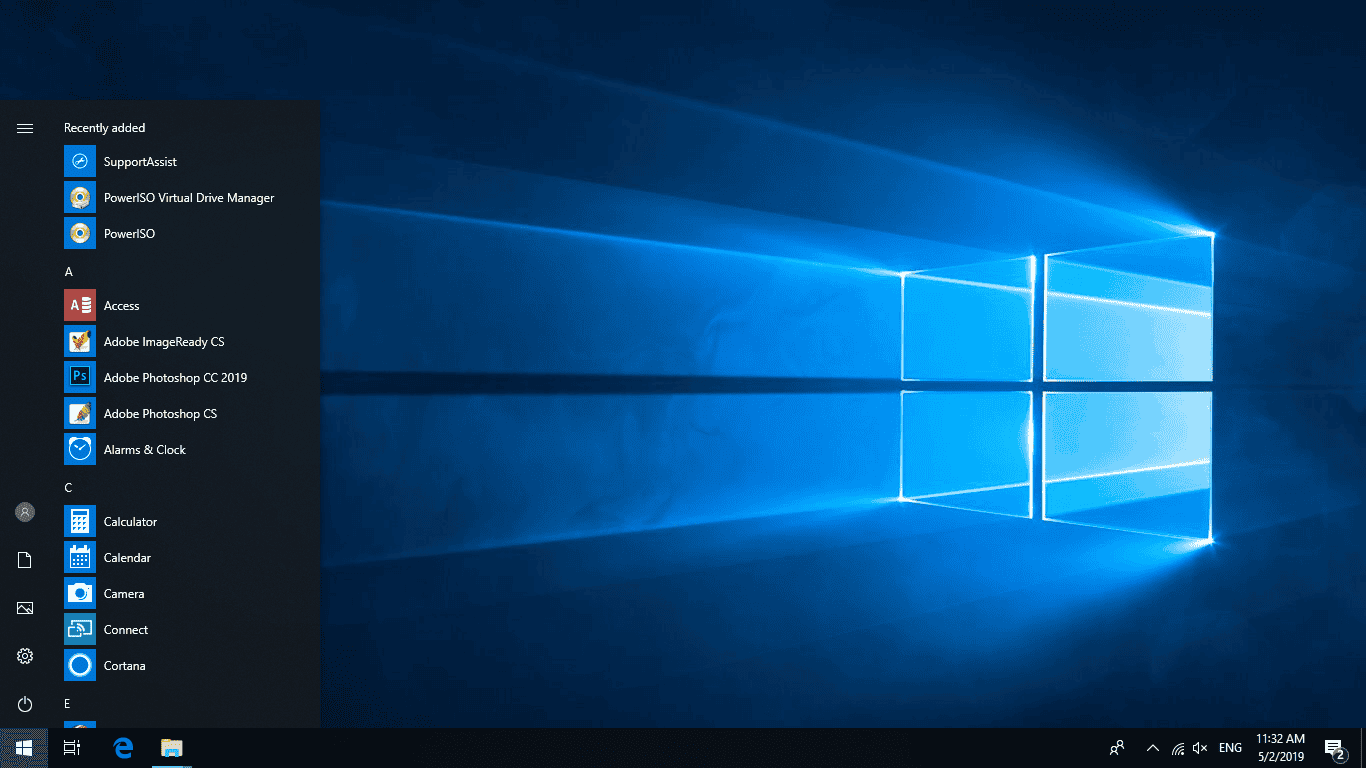
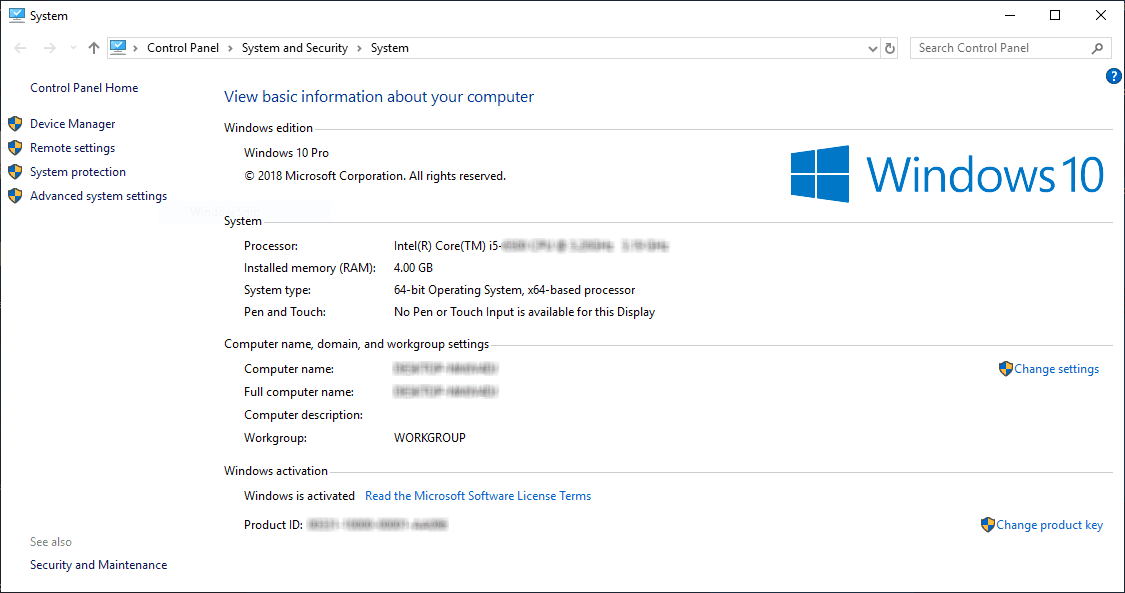
Screenshots
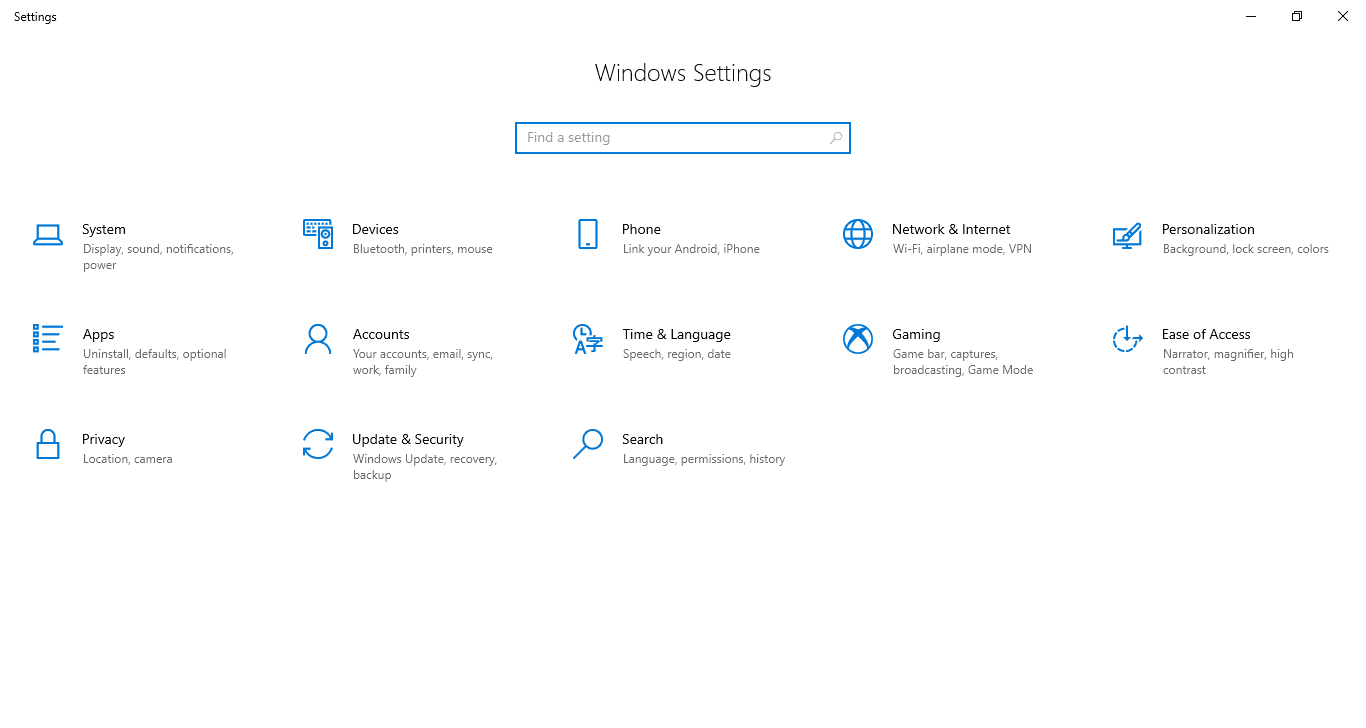
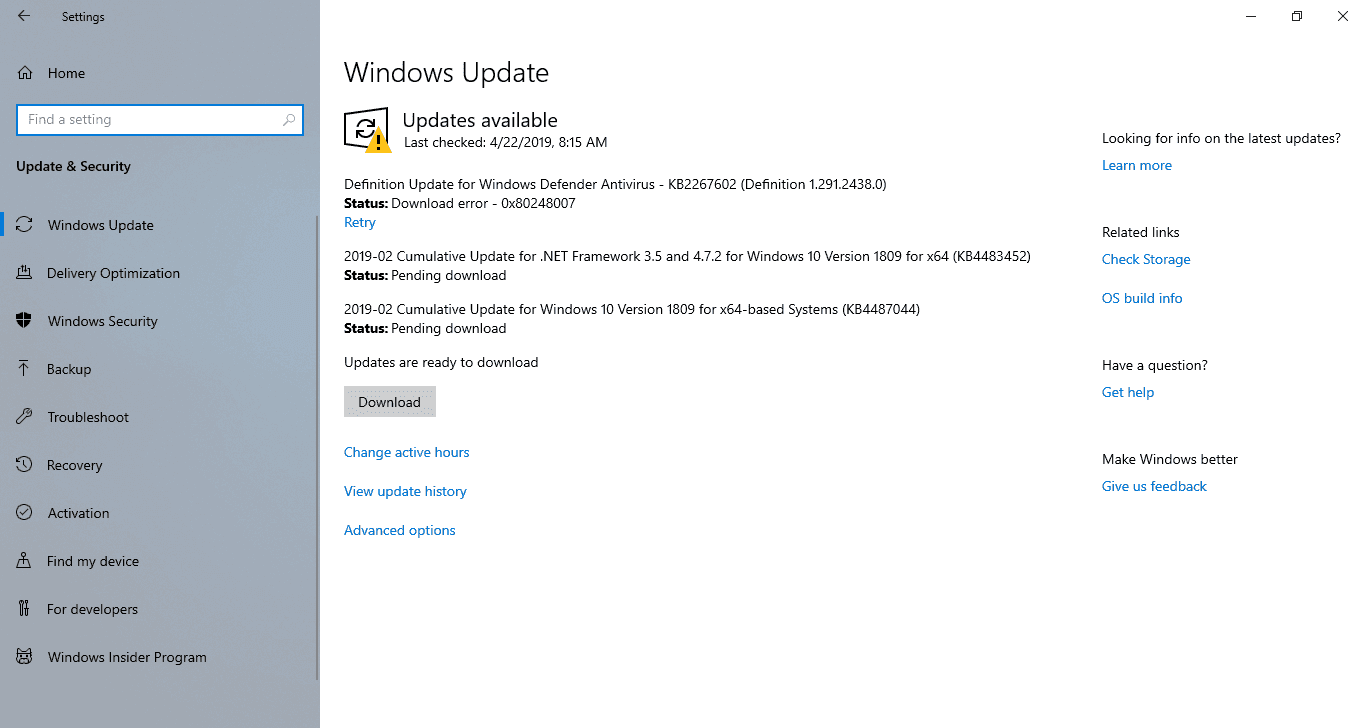
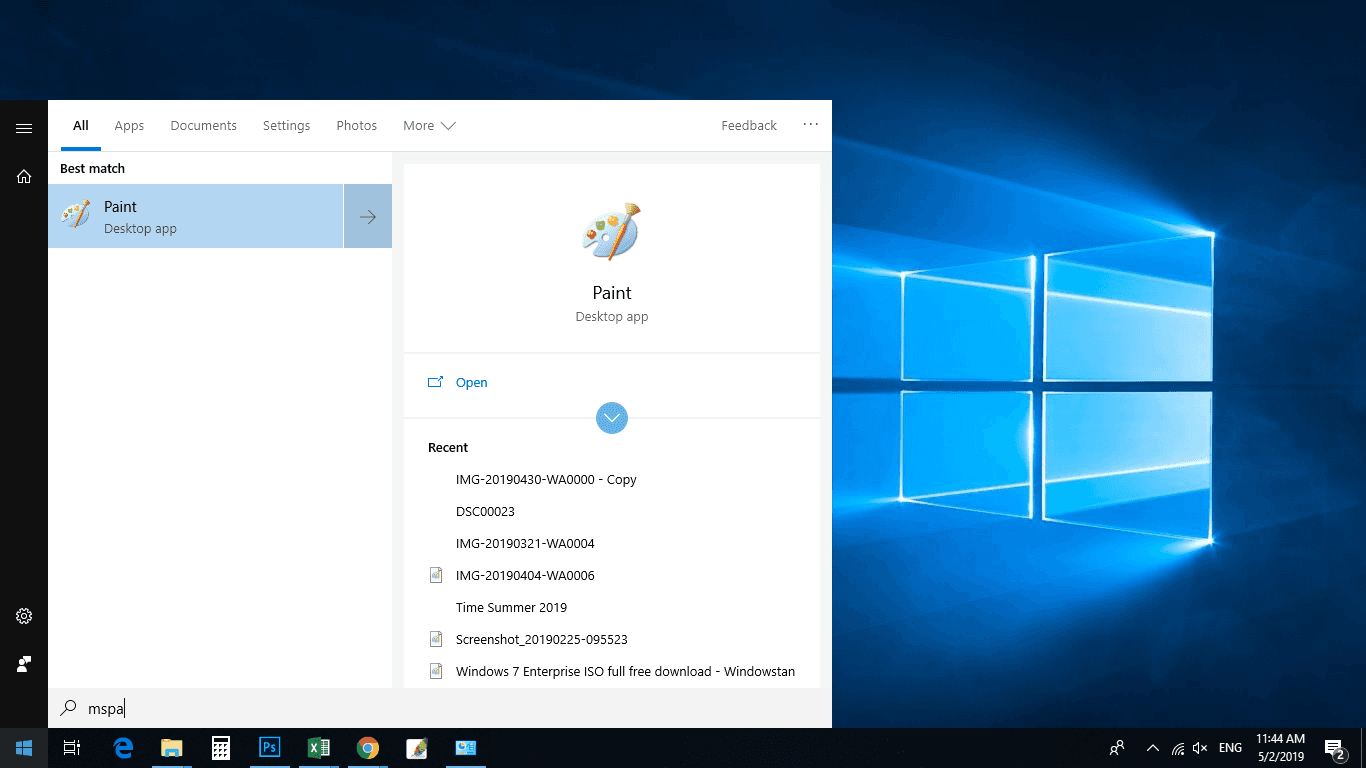
Editions
1809 was available in the usual editions:
- Home
- Pro
- Enterprise
- Education
There is no Ultimate edition of Windows 10.
Download Windows 10 1809
Windows 10 (1809) 64-bit ISO – approx. 5.0 GB
Windows 10 (1809) 32-bit ISO – approx. 3.5 GB
These are the later, corrected 1809 images. If you need a Windows 10 installation that stayed in support the longest, use the final release instead: version 22H2.
Installing the ISO
Create a bootable USB with Rufus or the Media Creation Tool, boot from it, and choose either an upgrade or a clean install. After Windows finishes setting up, check for any remaining cumulative updates that were still published for 1809.
You can also mount the ISO and run setup.exe for an in-place upgrade.
Notes
- Windows 10 reached end of support on 14 October 2025. 1809 stopped receiving regular updates long before that date.
- A genuine product key matching the edition is required for activation.
- For any new installation today, prefer 22H2.
All Windows 10 versions are collected on the main Windows 10 download page.