
Windows 10 (version 1511) – November, 2015
Windows 10 version 1511 (November Update, Threshold 2) was released on 10 November 2015. It was the first major update after the original launch version 1507.
This release focused on polishing the initial Windows 10 experience. It improved the Start menu, made Cortana more usable without a Microsoft account, and fixed a large number of early bugs.
What changed in 1511
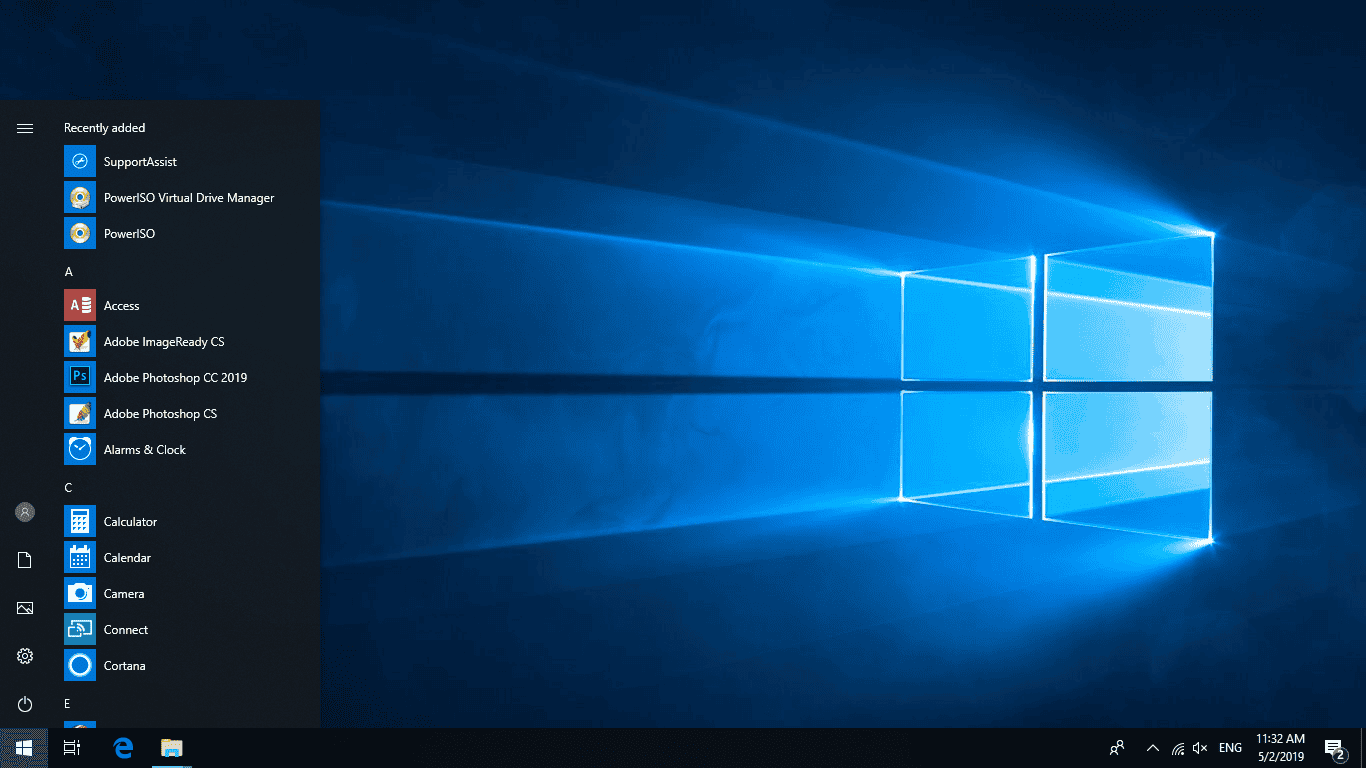
- Start menu could show four medium tiles in a column
- Context menus and right-click options for Start items improved
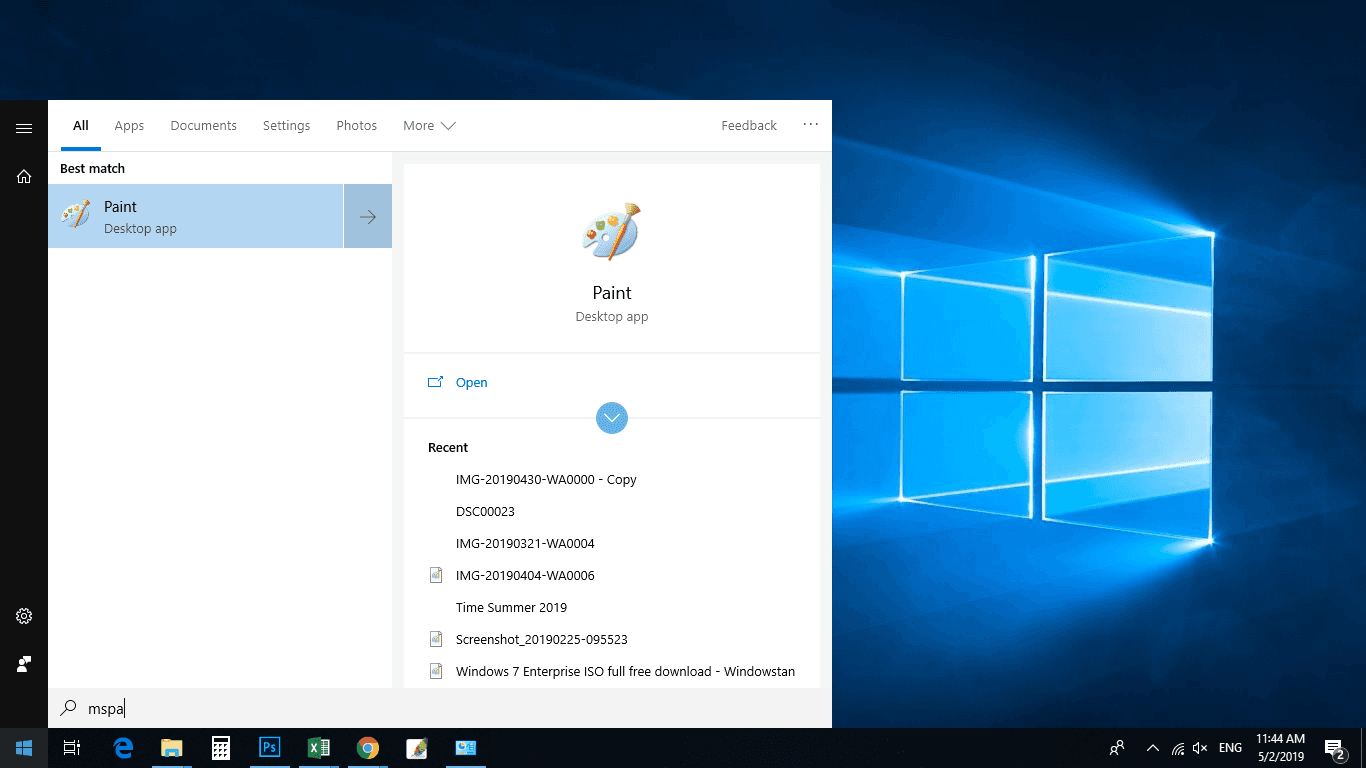
- Cortana could be used without signing in with a Microsoft account
- Visual refinements and less harsh default styling
- Better overall stability compared with the original 1507 release
- Messaging and Skype integration updates
Edge still lacked extensions at this stage, and some users continued to report browser bugs and general rough edges. Enterprise LTSC was not offered for 1511, and language packs were more limited than in later releases.
Screenshots
Editions
1511 was available in Home, Pro, Enterprise and Education. No LTSC edition was released for this version, and Windows 10 has never offered an Ultimate edition.
Download Windows 10 1511
Windows 10 (1511) 64-bit ISO – approx. 3.7 GB
Windows 10 (1511) 32-bit ISO – approx. 2.8 GB
These are the original November 2015 Update images. If you need a Windows 10 installation that remained supported the longest, use the final release: version 22H2.
How to install
Create a bootable USB with Rufus or the Media Creation Tool, boot from it, and choose either an upgrade or a clean install. After Windows finishes the initial setup, run Windows Update to install any remaining cumulative updates that were still published for 1511.
Mounting the ISO and running setup.exe also works for an in-place upgrade.
Notes
- Windows 10 reached end of support on 14 October 2025. Version 1511 stopped receiving regular updates years earlier.
- A genuine product key matching the edition is required for activation.
- For any new installation today, prefer 22H2.
All Windows 10 versions are listed on the main Windows 10 download page.