
Windows 10 (version 1803) – April, 2018
Windows 10 version 1803 (April 2018 Update, Redstone 4) was released on 30 April 2018. It came after version 1709 and introduced Timeline along with several other changes.
This update is mainly remembered for bringing Timeline and Near Share, plus a number of smaller refinements across Settings, Edge, and the rest of the system.
What 1803 added
- Timeline in Task View (activity history across devices)
- Nearby sharing
- Focus Assist (previously Quiet Hours) with more control
- Diagnostic Data Viewer
- Improvements to Microsoft Edge and the Photos app
- More Fluent Design touches
- Game Bar updates
- Additional options throughout Settings
Like many early Windows 10 feature updates, 1803 also shipped with a fair number of bugs. Some users reported performance issues, Edge problems, and incomplete dark-mode support. Many of those issues were addressed in later cumulative updates and in the following feature release (1809).
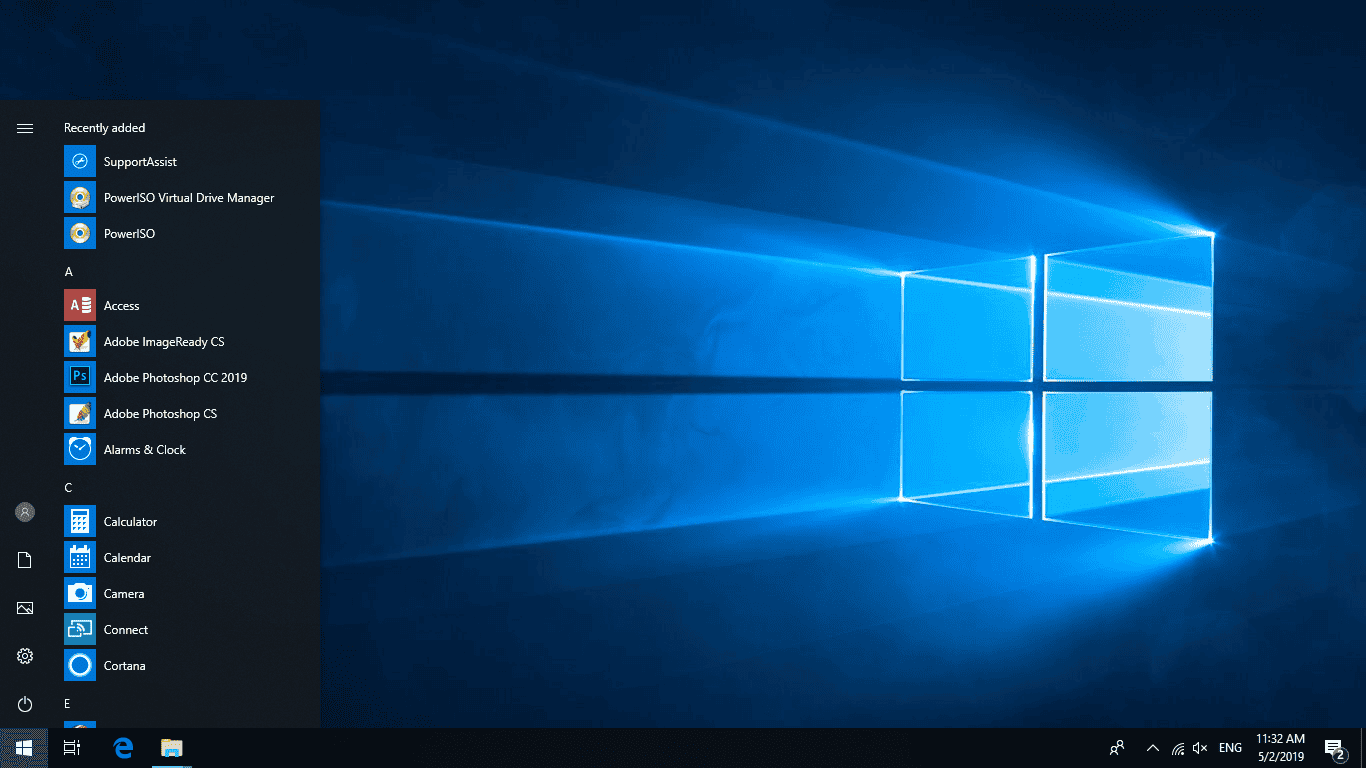
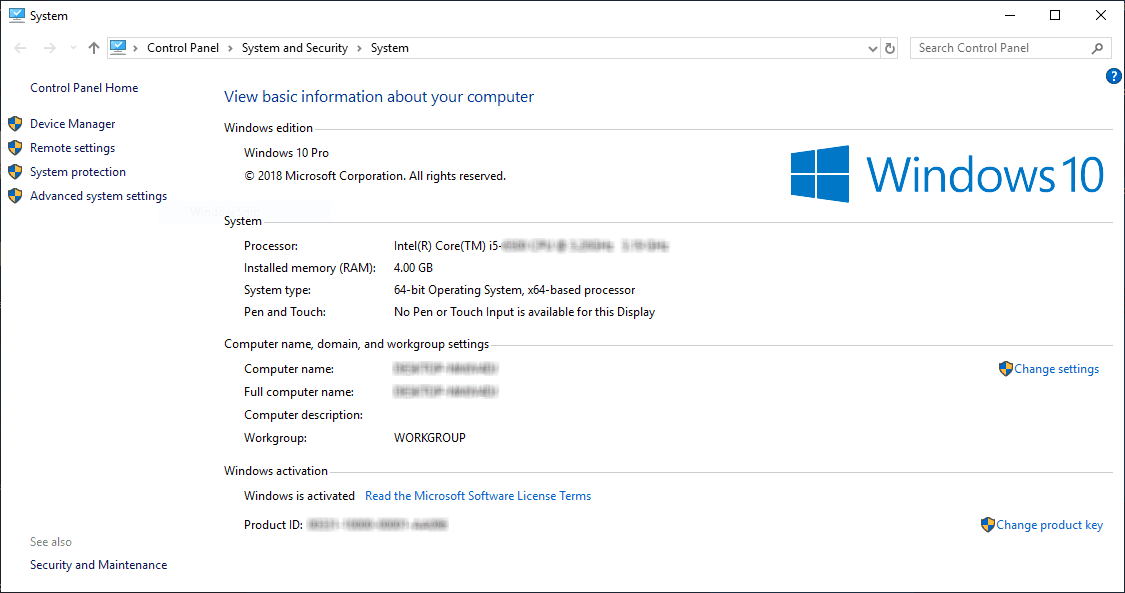
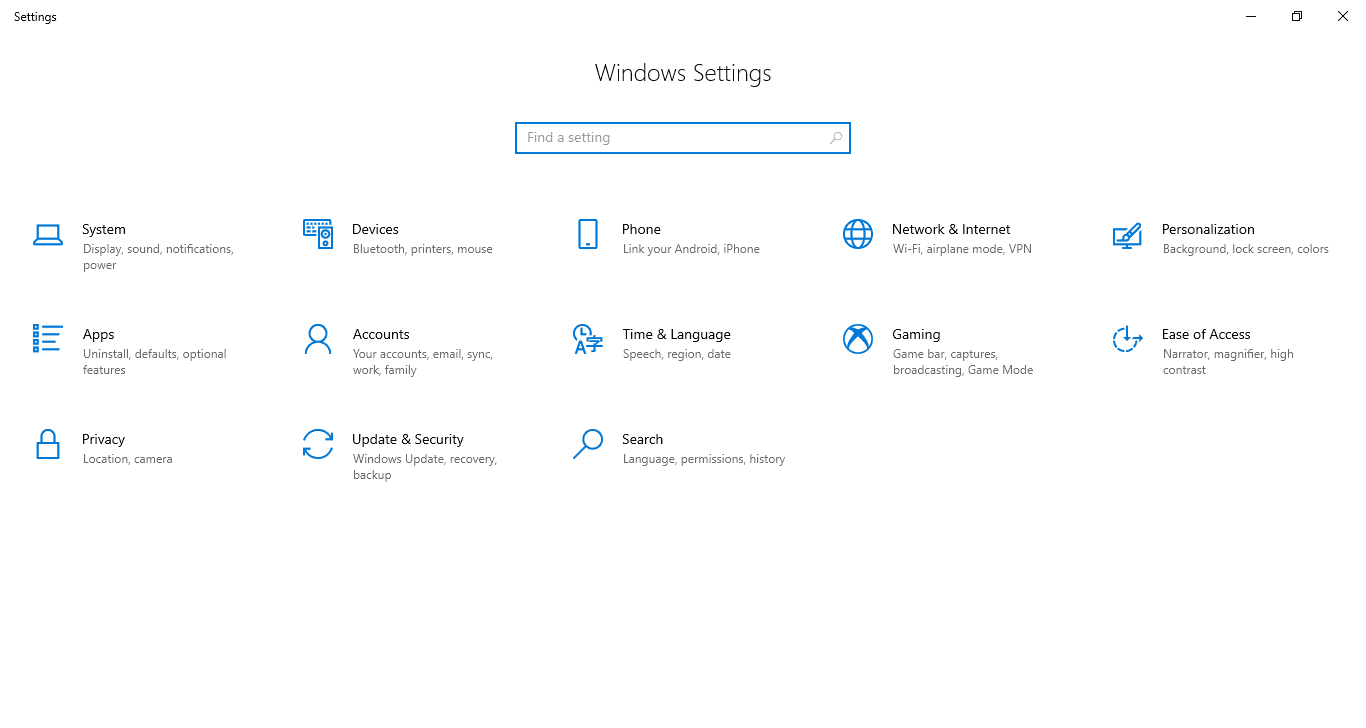
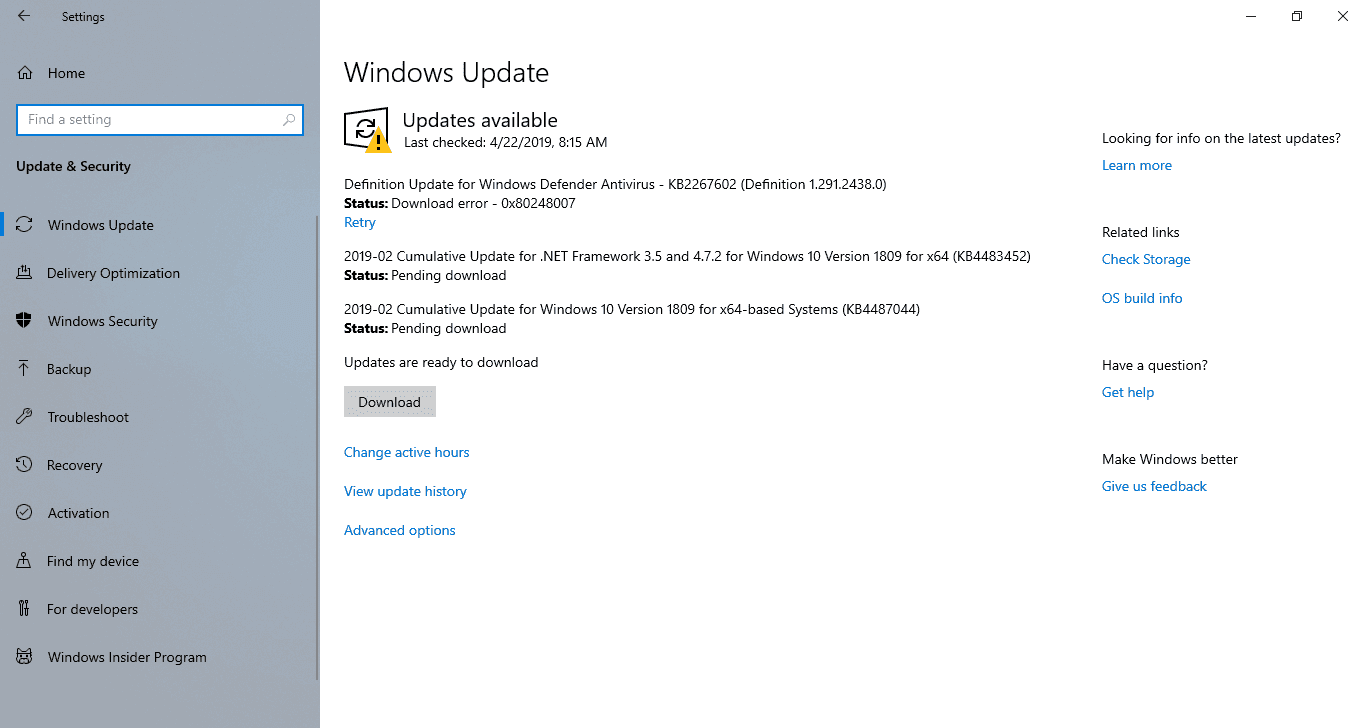
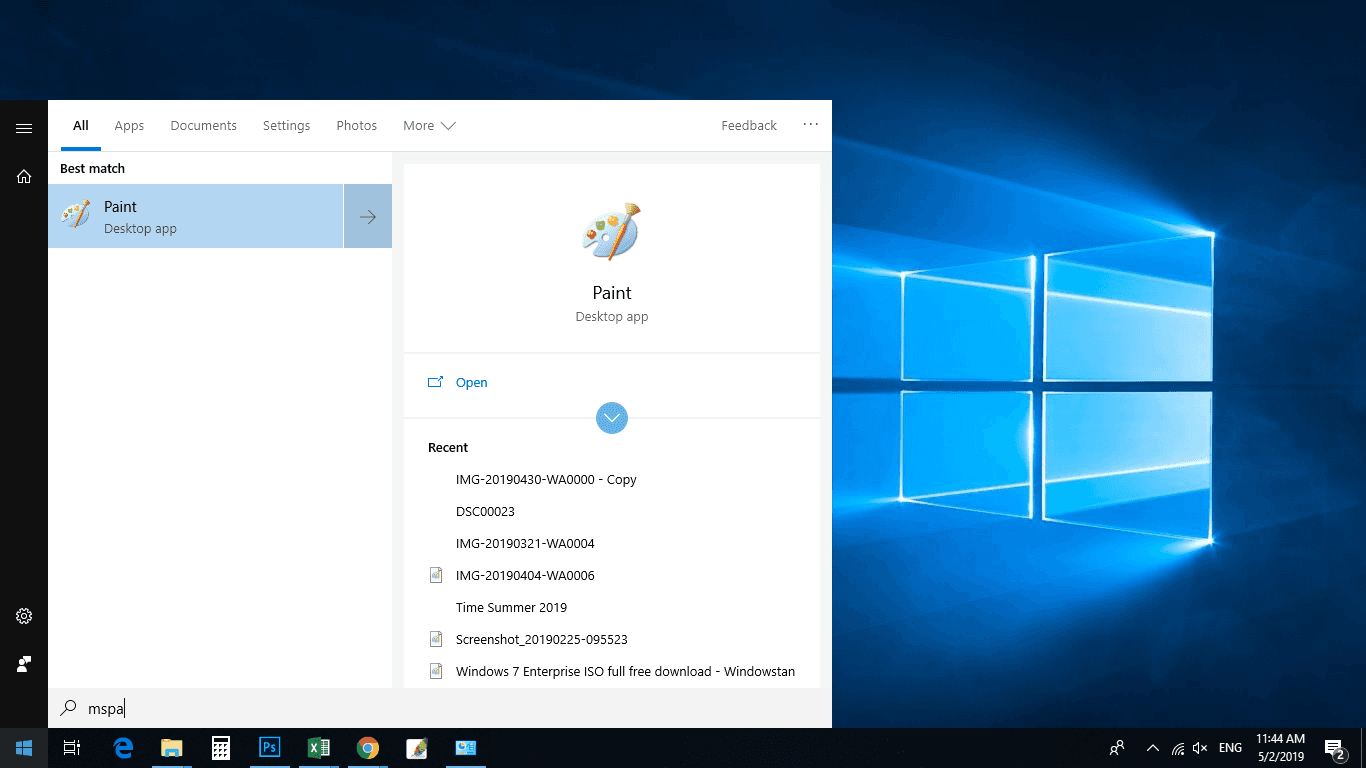
Screenshots
Editions
1803 was available in Home, Pro, Enterprise and Education. Windows 10 has never offered an Ultimate edition.
Download Windows 10 1803
Windows 10 (1803) 64-bit ISO – approx. 4.4 GB
Windows 10 (1803) 32-bit ISO – approx. 3.2 GB
These are the original 1803 images. If you need a Windows 10 installation that remained supported the longest, use the final release: version 22H2.
How to install
Create a bootable USB with Rufus or the Media Creation Tool, boot from it, and choose either an upgrade or a clean install. After Windows finishes the initial setup, run Windows Update to install any remaining cumulative updates that were still published for 1803.
Mounting the ISO and running setup.exe also works for an in-place upgrade.
Notes
- Windows 10 reached end of support on 14 October 2025. Version 1803 stopped receiving regular updates years earlier.
- A genuine product key matching the edition is required for activation.
- For any new installation today, prefer 22H2.
All Windows 10 versions are listed on the main Windows 10 download page.