

Adobe After Effects 2026 for Mac
Adobe After Effects 2026 for Mac – Download, Features & Apple Silicon Performance Guide
If you’re on a Mac and looking to get into motion graphics or visual effects, Adobe After Effects 2026 is very likely the tool every tutorial, YouTuber, and production studio is pointing you toward. It’s the industry standard for animated titles, compositing, and cinematic VFX — and on modern Macs, it runs faster and more efficiently than ever thanks to native Apple Silicon support. Here’s what you actually need to know before downloading it: how the Mac version differs from Windows, which Mac hardware handles it best, real system requirements, and the correct way to get it running on macOS.

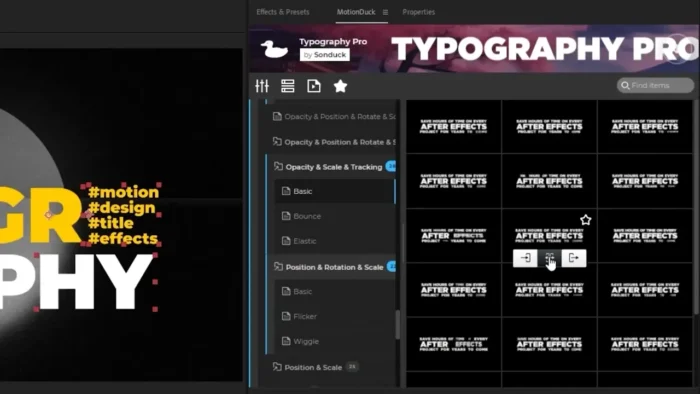
Overview
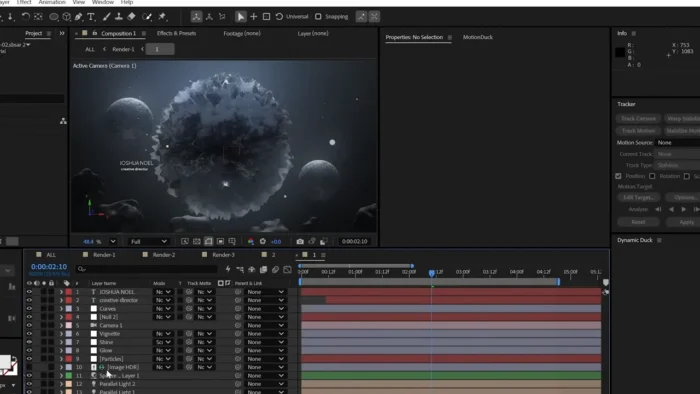
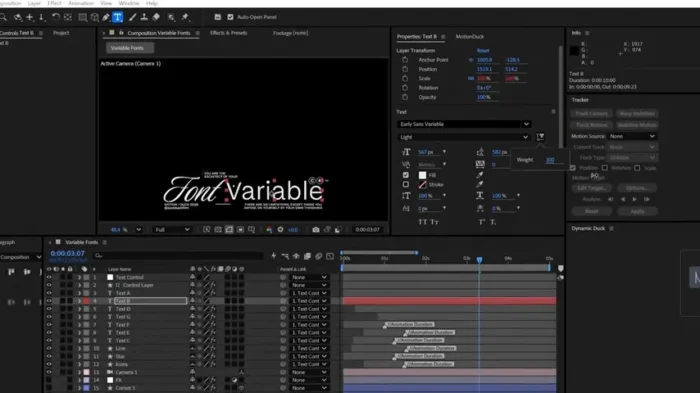
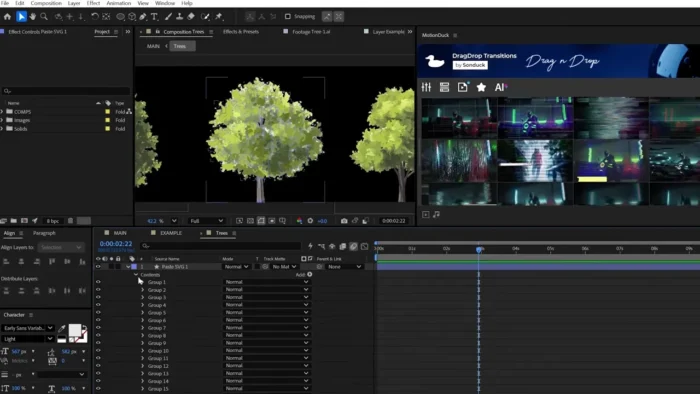
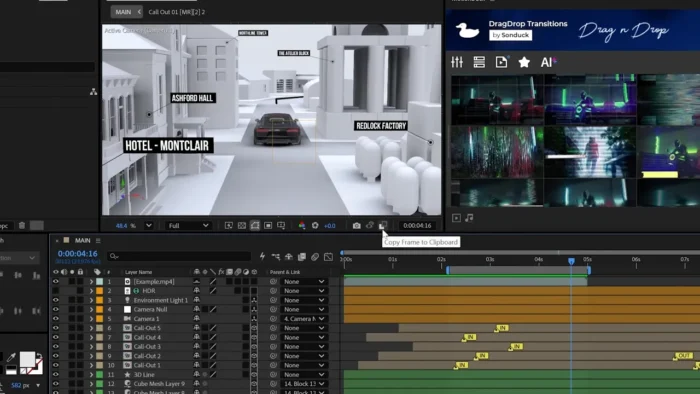
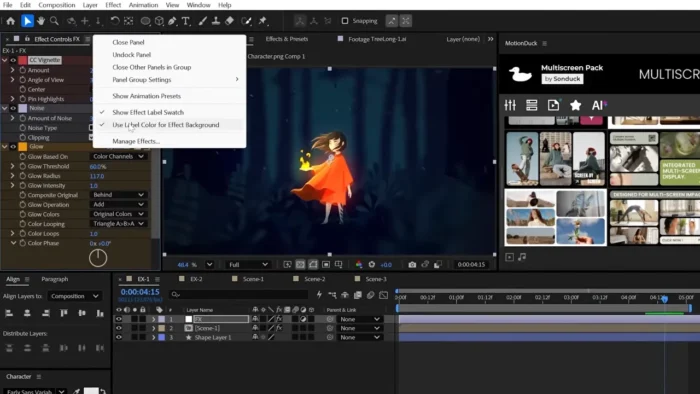
After Effects on Mac is functionally identical to the Windows version in terms of tools — the same layer-based compositing engine, keyframe animation, and effects library — but how it performs and installs is shaped heavily by Apple’s hardware transition to Apple Silicon.
- Purpose: Motion graphics, compositing, and visual effects creation
- Ideal for: Mac-based video editors, motion designers, and content creators already working inside Final Cut Pro, Premiere Pro, or Photoshop workflows
- Chip support: Native support for Apple Silicon (M-series chips), with continued compatibility for Intel Macs
- Major strength on Mac: Unified memory on M-series chips speeds up previews and GPU-accelerated effects noticeably compared to older Intel Macs
Apple Silicon vs. Intel: What Actually Changes
This is the part most articles skip, and it matters a lot for performance expectations.
- M-series Macs (M1 through M4 generations): After Effects runs natively — no Rosetta translation needed. Multi-frame rendering, 3D compositing, and GPU-accelerated previews are noticeably faster, and the unified memory architecture reduces the RAM bottlenecks common on Intel Macs.
- Intel Macs: Still supported, but expect longer render times on heavy 3D compositions and 4K footage. A discrete GPU (AMD Radeon Pro, in most Intel MacBook Pros and iMacs) helps considerably here.
- Practical takeaway: If you’re buying a new Mac specifically for After Effects work, an M-series MacBook Pro or Mac Studio with at least 16 GB of unified memory will outperform even high-end Intel Macs from a few years ago, especially on Roto Brush and 3D-heavy projects.
Key Features
- AI Object Matte – Isolate a subject from its background with a single hover-and-click; runs especially fast on Apple Silicon’s Neural Engine-accelerated workflows.
- Roto Brush – Automatically separates people or objects from backgrounds, handling fine detail like hair or motion blur with far less manual masking.
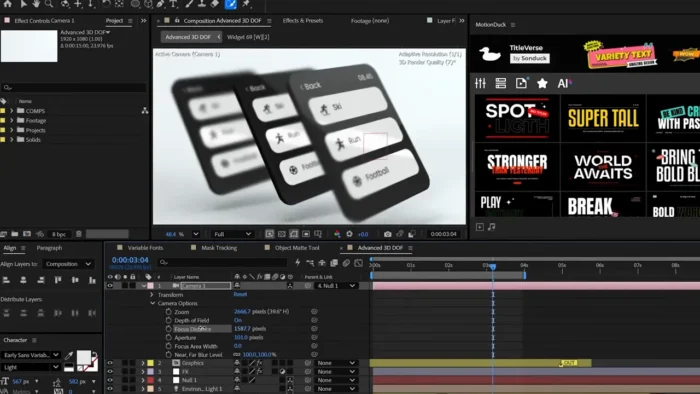
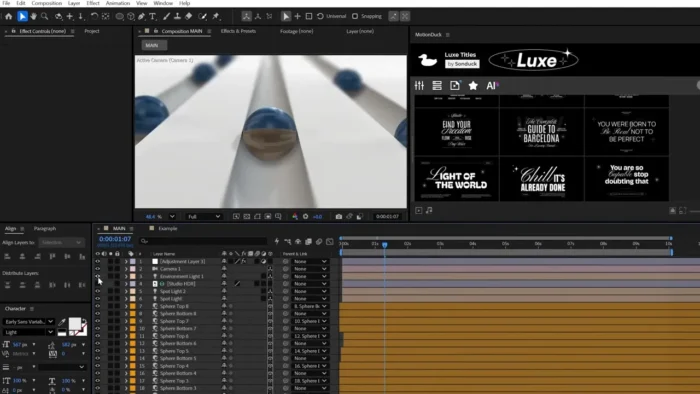
- Native 3D Workspace – Build and animate 3D scenes directly inside After Effects, complete with lighting, shadows, and depth-of-field, without needing a separate 3D app.
- Content-Aware Fill – Remove unwanted objects from video frame-by-frame, with the gaps filled in automatically.
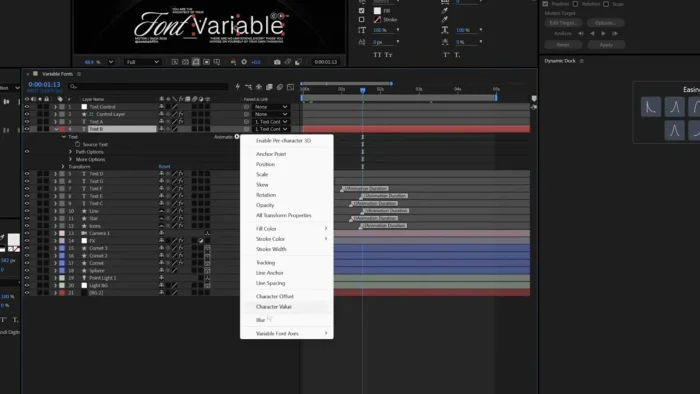
- Advanced Keyframing & Expressions – Precisely control position, scale, rotation, and timing through the Graph Editor, with a faster JavaScript expression engine in the 2026 release.
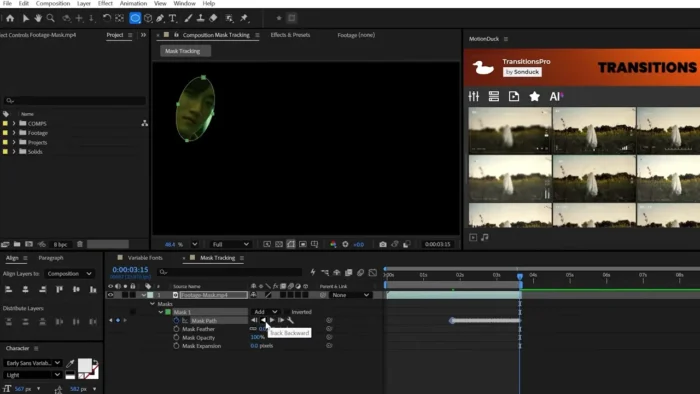
- Motion Tracking – Track a moving object in footage and lock graphics, text, or effects to its movement.
- Dynamic Link with Premiere Pro – Move compositions between apps instantly without intermediate rendering — works the same way on Mac as on Windows.
- GPU-Accelerated Rendering – Uses Metal on macOS to accelerate 3D rendering, ray-traced effects, and real-time previews on supported GPUs.
- Global Performance Cache – Cached previews persist even after closing a project, cutting down repeated wait times during editing sessions.
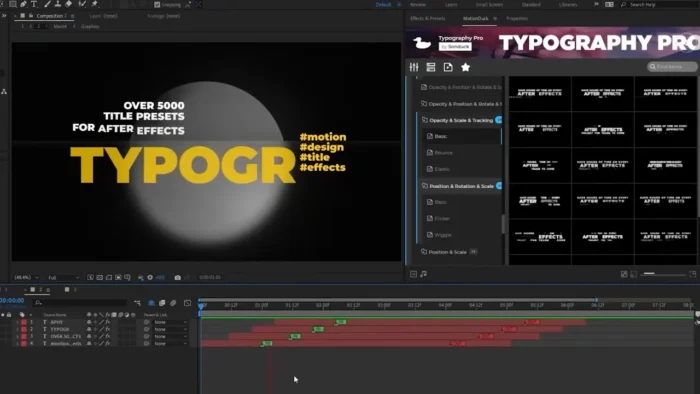
- Motion Graphics Templates – Build reusable animated titles and lower-thirds that transfer cleanly into Premiere Pro projects.
What’s New in the 2026 Release
- Faster rendering through improved multi-frame CPU/GPU handling, with extra gains on Apple Silicon
- AI Object Matte for near-instant subject isolation
- Expanded native 3D tools with more realistic lighting and shadow behavior
- A rebuilt JavaScript expression engine, up to 6x faster than before
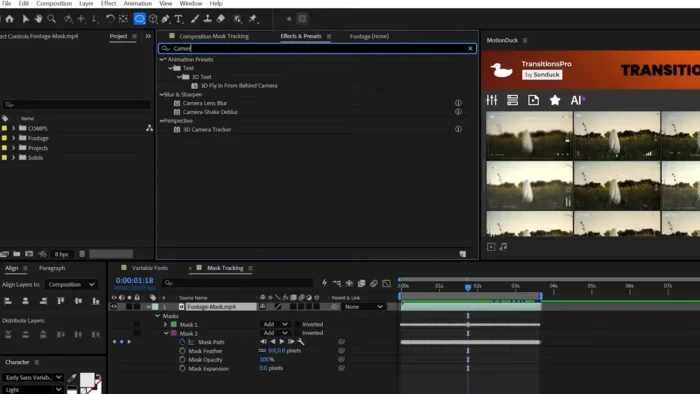
- Quick Apply for instantly searching and triggering presets or effects
- More flexible SVG import (rasterized or fully editable, your choice)
- Improved Team Projects collaboration with real-time conflict tracking
System Requirements for macOS
| Component | Minimum | Recommended |
|---|---|---|
| macOS Version | macOS 11 (Big Sur) | Latest macOS release |
| Chip | Apple M1 or Intel Core i5 (with discrete GPU) | Apple M2 Pro/Max/Ultra or newer |
| RAM (Unified Memory) | 8 GB | 16 GB or more |
| Storage | 8 GB available space (SSD required) | 15 GB+ on internal SSD |
| Graphics | Metal-capable GPU | Dedicated GPU with 4 GB+ VRAM (Intel Macs) |
| Display | 1280 × 900 | 1920 × 1080 or higher |
| Internet | Required for installation, licensing, and updates | Required |
How to Get After Effects 2026 on Your Mac
There’s an important distinction here for Mac users specifically: After Effects is not distributed as a standalone .dmg file you download and run on its own. It’s installed and managed entirely through the Adobe Creative Cloud desktop app, which handles licensing, updates, and app management for every Creative Cloud product.
- Go to Adobe’s official After Effects page and choose the free trial or a subscription plan.
- Sign in with your Adobe ID, or create one if you’re new to Creative Cloud.
- Download the Creative Cloud desktop app for macOS — this is Adobe’s official installer/manager, and it auto-detects whether your Mac is Apple Silicon or Intel to install the correct build.
- Open the Creative Cloud app, go to the Apps tab, and click Install next to After Effects.
- Once installed, launch it from Launchpad or your Applications folder like any other Mac app.
Because the install runs through Adobe’s own servers rather than a third-party download link, you’re automatically getting a verified, correctly-built version for your specific chip — Apple Silicon or Intel — with the latest security updates included.
Pricing
| Plan | Price | Notes |
|---|---|---|
| After Effects (Single App) | ~$22.99/mo | Annual plan, billed monthly |
| Creative Cloud Pro (20+ apps) | ~$34.99/mo (promo), then $69.99/mo | Includes Premiere Pro, Photoshop, Illustrator |
| Students & Teachers | From $19.99/mo (first year) | Eligibility verification required |
| Business/Teams | ~$37.99/mo per user | Per-seat licensing |
| Free Trial | 7 days | Converts to a paid plan automatically unless canceled |
You’ll need a credit card to start the trial, but billing doesn’t begin until day 8, and most plans include a 14-day refund window afterward if you forget to cancel in time.
Pros
- Native Apple Silicon performance means noticeably faster previews and renders on M-series Macs
- Seamless Metal-based GPU acceleration for 3D and ray-traced effects
- Deep integration with Premiere Pro, Photoshop, and Illustrator across the same Creative Cloud account
- AI-assisted tools (Roto Brush, Object Matte) cut down manual masking time significantly
- Automatic correct-build installation — no need to manually pick an Intel or Apple Silicon version
- Frequent, genuinely useful updates rather than just bug fixes
Cons
- No standalone installer — everything routes through the Creative Cloud desktop app
- Subscription-only, with no perpetual license option
- Resource-intensive on 4K or heavy 3D projects, especially on older Intel Macs
- Steep learning curve for beginners new to layer-based compositing
- Project files and cache can grow quickly on complex compositions, so fast SSD storage matters
Why There’s No Legitimate Offline .dmg Installer
It’s worth addressing this directly, since it’s a common search: there is no official, safe, standalone .dmg installer for After Effects that exists outside the Creative Cloud app. Any site offering a direct-download “full version” .dmg file for After Effects is not an authorized Adobe distribution channel, and installing from one carries real risks:
- Mac-specific malware bundled into a modified installer, since macOS’s built-in Gatekeeper protections don’t apply to files distributed outside official channels the same way
- No security updates or bug fixes going forward
- No technical support if the app crashes or corrupts a project
- Potential legal exposure for using unlicensed commercial software
If your goal is testing After Effects before committing to a subscription, the official 7-day free trial gives you the complete, unrestricted app — the safer and, frankly, easier route on Mac specifically since Creative Cloud already knows which chip you’re running.
Free & Budget-Friendly Alternatives for Mac
- DaVinci Resolve – Runs natively on Apple Silicon, combines editing and VFX in one app, and the free version is fully featured.
- Blender – Free, open-source, with strong Apple Silicon (Metal) support and a capable built-in compositor.
- HitFilm Express – A free compositing and VFX tool with solid Mac support for motion tracking and basic 3D work.
- Final Cut Pro (with Motion) – Apple’s own editing suite pairs well with Motion for lighter motion graphics work, at a one-time purchase price rather than a subscription.
Frequently Asked Questions
Is there a free .dmg download of After Effects for Mac? No. After Effects installs only through the Adobe Creative Cloud desktop app, which manages the correct version for your Mac’s chip automatically. There’s no legitimate standalone .dmg installer.
Does After Effects run natively on Apple Silicon Macs (M1–M4)? Yes. It’s fully native on Apple Silicon, with no Rosetta translation needed, and Apple Silicon Macs generally handle rendering and previews faster than comparable Intel Macs.
What’s the minimum macOS version required? macOS 11 (Big Sur) or later.
Can I use After Effects on an older Intel Mac? Yes, it’s still supported, but expect longer render times on heavy 3D or 4K projects. A discrete GPU helps significantly.
Is an internet connection required to use After Effects on Mac? Yes, for installation, initial licensing, and periodic activation checks, since it’s a cloud-licensed subscription app.
Does After Effects support GPU acceleration on Mac? Yes, through Metal, which accelerates 3D rendering and real-time previews on both Apple Silicon and supported Intel Mac GPUs.
How much RAM do I need for smooth performance on Mac? 8 GB is the bare minimum, but 16 GB of unified memory or more is strongly recommended, especially for 3D compositions or 4K footage.
Can beginners on Mac use After Effects effectively? Yes, though there’s a genuine learning curve. Adobe’s built-in tutorials and animation presets are a good starting point before moving into custom keyframing.
What happens after the 7-day free trial ends? It automatically converts to the paid plan you selected at signup unless you cancel beforehand through your Adobe account.
Final Verdict
Adobe After Effects 2026 is an excellent fit for Mac users serious about motion graphics and visual effects, especially on Apple Silicon hardware where native performance genuinely changes the day-to-day editing experience — faster previews, quicker renders, and smoother handling of 3D and AI-assisted tools like Roto Brush and Object Matte. Mac users on M-series chips with 16 GB of unified memory or more will get the smoothest experience; those on older Intel Macs can still use it comfortably for lighter projects but should expect longer render times on complex work.
The only real catch is the subscription model — there’s no offline installer or one-time purchase, and casual users who just need basic editing might be better served by a free alternative like DaVinci Resolve or Blender. But for professional-grade compositing and animation on macOS, After Effects remains the benchmark, and the official 7-day free trial is the right way to see if it fits your workflow before subscribing.