
Logic Pro X for Mac
Logic Pro for macOS Download (Latest Version) – Professional Music Production Software
Plenty of musicians started on GarageBand and eventually hit its ceiling — no real mixing depth, a limited instrument library, nowhere to grow into. Logic Pro is Apple’s answer to exactly that: the same approachable foundation, scaled up into a genuinely professional DAW used to produce major label records, film scores, and podcasts alike, without ever leaving the Apple ecosystem.
What makes it distinct from cross-platform DAWs is how tightly it’s built around Mac hardware specifically — Apple Silicon performance shows up directly in how many virtual instruments and plugins you can run simultaneously before a project starts to strain. Combined with tools like Flex Time, Flex Pitch, and Smart Tempo that solve real, common production headaches, Logic Pro is built to take a rough idea from a single recorded take all the way to a fully mixed, mastered, and even spatial-audio-ready track.
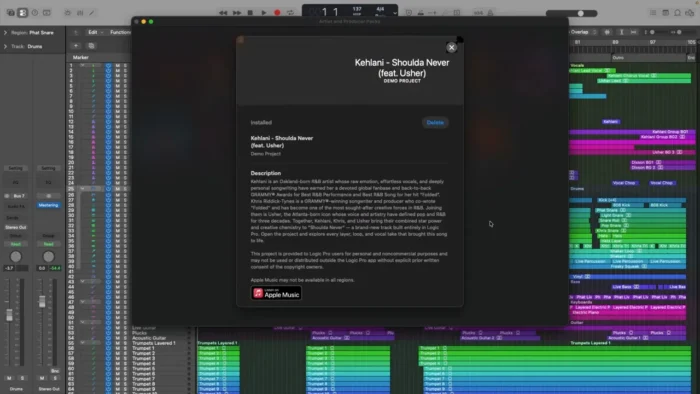
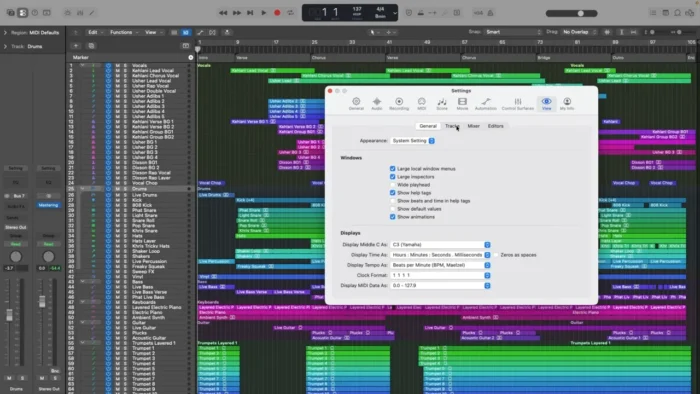
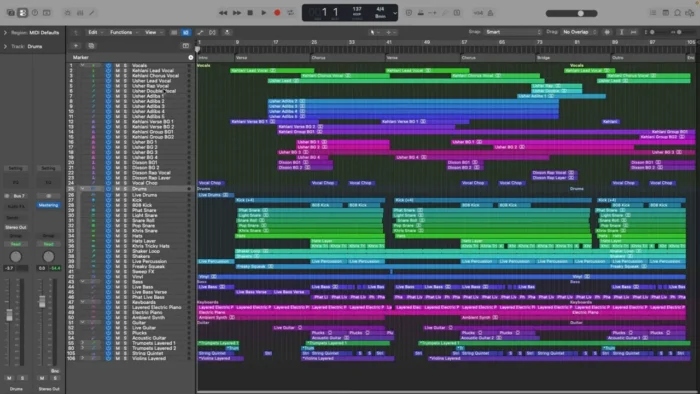
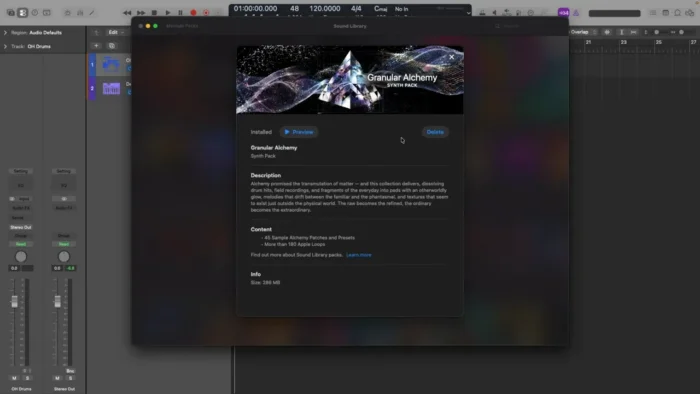
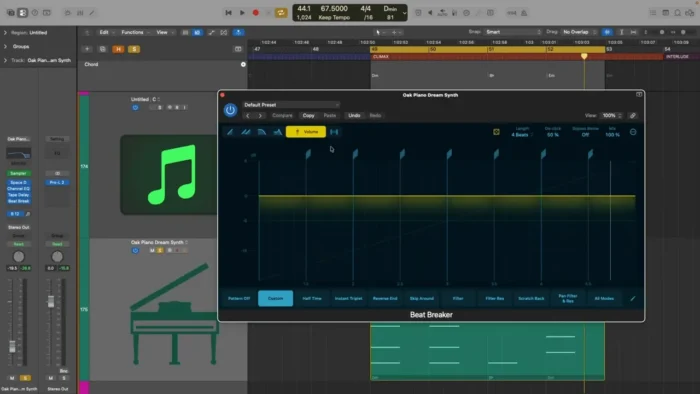
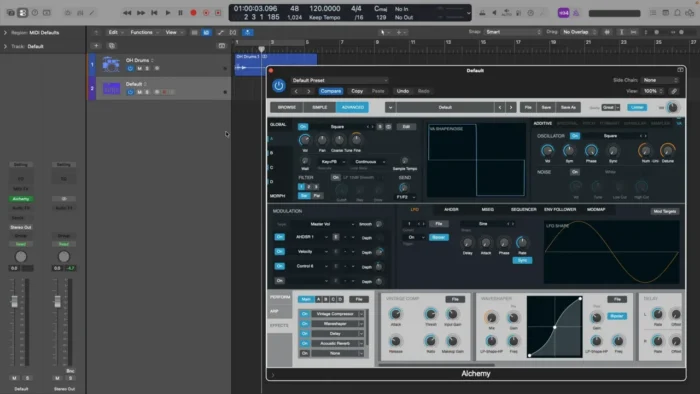
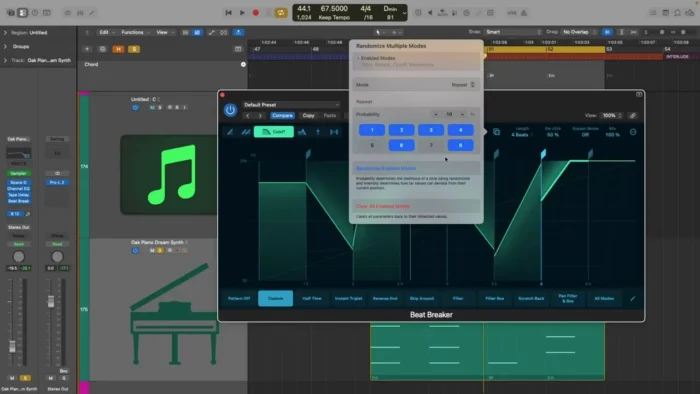
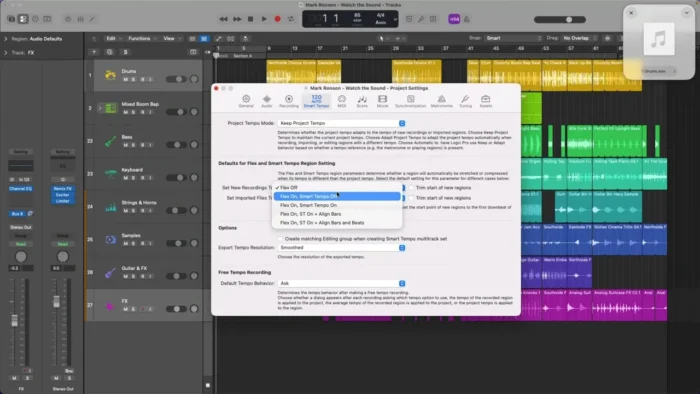
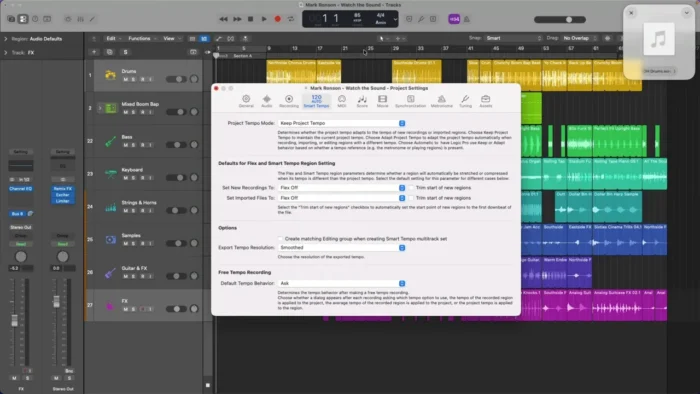
Overview
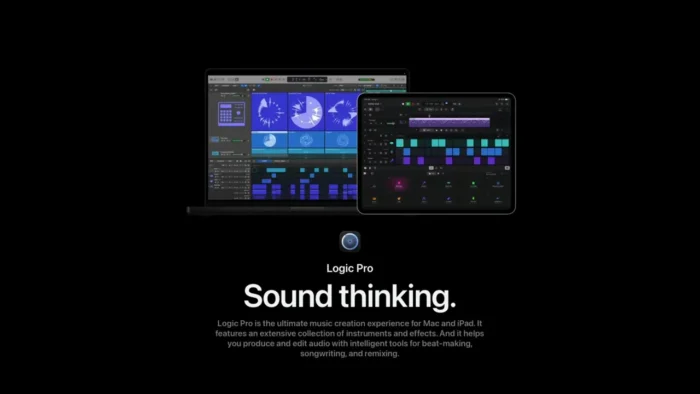
Logic Pro is Apple’s professional, macOS-exclusive digital audio workstation, combining recording, MIDI editing, mixing, virtual instruments, and mastering tools in one application.
- Purpose: Songwriting, recording, editing, mixing, and full music production
- Main workflow: Record or program parts → edit and arrange (audio and MIDI) → mix with built-in effects → master and export
- Ideal users: Music producers, songwriters, recording artists, film composers, sound designers, and podcast creators
- Instrument/effects library: Thousands of included instruments, loops, samples, and processing effects
- Major strength: A complete production pipeline — from raw recording to Dolby Atmos spatial mixing — built specifically to take advantage of Apple hardware
Key Features
- Professional Recording – High-quality audio recording with advanced controls for vocals, instruments, and live performances, covering serious studio-level tracking needs, not just quick voice memos.
- Flex Time – Adjust the timing of recorded audio while preserving natural sound quality, letting you tighten a performance without the artificial, chopped-up feel of basic time-stretching.
- Flex Pitch – Precise pitch editing and vocal tuning tools that let you correct or reshape a melody with real control, rather than a blunt auto-tune effect.
- Smart Tempo – Automatically detects and matches the tempo of imported audio to your project, removing a genuinely tedious manual-alignment step when working with outside recordings or samples.
- Drummer and Beat Production – Virtual session drummers generate realistic, customizable drum tracks, useful for songwriters who need a solid rhythm foundation without programming every hit manually.
- Live Loops – An interactive, grid-based workspace for building arrangements quickly by combining loops and recordings, closer to a performance tool than a traditional linear timeline.
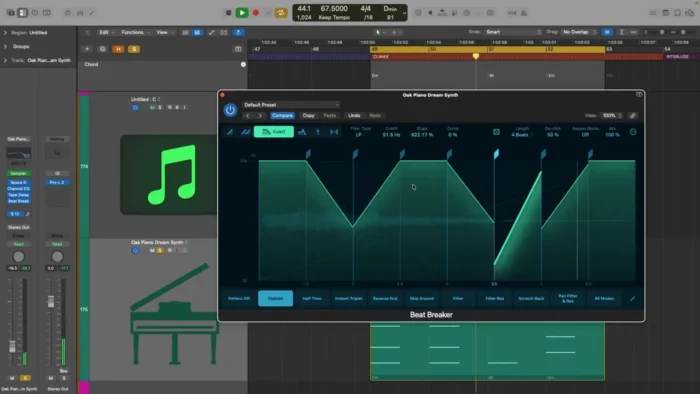
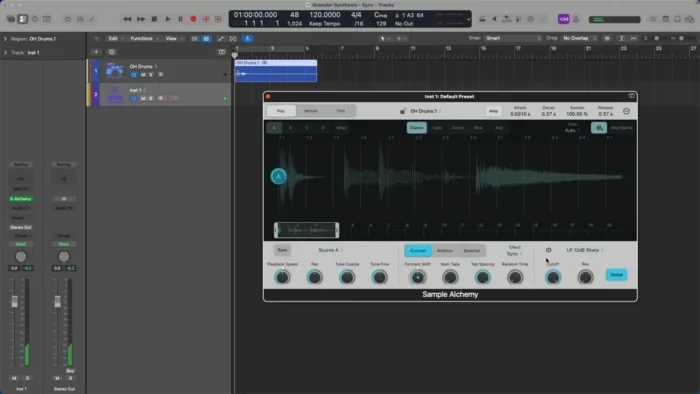
- Virtual Instruments – A wide collection of synthesizers, keyboards, drum machines, and orchestral sounds gives you a genuinely usable palette without needing third-party plugins for most projects.
- Professional Effects Suite – Built-in EQs, compressors, reverbs, delays, and modulation effects cover both corrective mixing and creative sound design in the same app.
- Music Notation – Integrated notation tools let you generate professional scores and lead sheets directly from your recorded or programmed parts, useful for composers who need to share written parts with other musicians.
- Spatial Audio and Dolby Atmos – Advanced tools for mixing immersive spatial audio, putting Logic Pro ahead of most DAWs still catching up to Atmos-format production demand.
Sound Library
Logic Pro ships with thousands of instruments, loops, samples, and effects, giving you enough creative material to start a new project immediately rather than needing to source sounds externally first. Additional sound library content can be downloaded after installation depending on your storage and workflow needs.
System Requirements
| Component | Requirement |
|---|---|
| Operating System | macOS 14.4 or later recommended |
| Processor | Apple Silicon Mac recommended; compatible Intel-based Macs with supported hardware |
| RAM | 8 GB minimum; more recommended for large projects and advanced production workflows |
| Storage | Several GB for minimum installation, plus additional space for the complete sound library |
Large sessions with many virtual instruments, extensive automation, or Dolby Atmos mixing benefit substantially from more RAM and Apple Silicon hardware specifically.
How to Install Logic Pro on macOS
- Download Logic Pro from the official Mac App Store.
- Complete the purchase or trial process if available.
- Install the application on your Mac.
- Launch Logic Pro and complete the initial setup.
- Download additional sound libraries if required.
- Start creating, recording, and mixing your music projects.
Pros
- Genuinely professional music production environment in a single application
- Large, high-quality collection of instruments and effects included out of the box
- Powerful MIDI and audio editing tools, including Flex Time and Flex Pitch
- Excellent integration and performance on Apple hardware, especially Apple Silicon
- Advanced mixing and mastering features, including Dolby Atmos spatial audio support
- Approachable enough for beginners while offering real depth for professionals
- Regular updates that add meaningful new features rather than just bug fixes
Cons
- Available exclusively on macOS — no cross-platform version
- Advanced features (Atmos mixing, deep automation, notation) take real time to learn
- Full sound library requires meaningful additional storage space beyond the base install
Logic Pro vs Other DAWs
Logic Pro is built specifically for macOS users who want a complete music production environment with deep integration into Apple’s hardware and software ecosystem — something cross-platform DAWs, by design, can’t fully match on a Mac. Compared with beginner-focused audio applications, it offers considerably more advanced recording, mixing, composition, and sound design tools, while still maintaining an organized, approachable workflow rather than overwhelming newcomers.
Who Should Use Logic Pro?
- Music producers building full tracks from recording through mastering
- Songwriters who need a fast way to capture and develop ideas
- Recording artists tracking vocals and instruments at a professional level
- Sound designers working with synthesis and creative audio processing
- Film composers needing notation tools alongside production capability
- Podcast creators who want professional-grade audio editing and mixing
Frequently Asked Questions
Is Logic Pro free? No, it’s a paid application available through the Mac App Store, typically with trial availability — check the current App Store listing for details.
Does Logic Pro run natively on Apple Silicon Macs? Yes, and it’s specifically recommended for the best performance, particularly with large projects using many virtual instruments and plugins.
Is Logic Pro available for Windows? No, it’s exclusively available for macOS.
What is Flex Time used for? Adjusting the timing of recorded audio while preserving natural sound quality, useful for tightening a performance without artificial-sounding stretching.
Does Logic Pro support Dolby Atmos mixing? Yes, it includes advanced spatial audio production tools for immersive Atmos mixes.
Is Logic Pro suitable for beginners? Yes, its foundation is approachable for newcomers coming from GarageBand, though the full professional toolset takes time to master.
How much storage does Logic Pro require? The base installation requires several GB, with additional space needed if you download the complete sound library.
Does Logic Pro include virtual instruments and loops? Yes, thousands of instruments, loops, samples, and effects are included, covering most genres and production needs out of the box.
Conclusion
Logic Pro remains one of the most complete and capable music production applications available for Mac, combining professional recording, MIDI and audio editing, a substantial instrument and effects library, and advanced mixing tools — including Dolby Atmos spatial audio — in a single, well-integrated application. Music producers, songwriters, and audio professionals working on macOS get a genuinely reliable studio environment that scales from a first recorded idea to a fully mastered production.
The exclusivity to macOS and the learning curve on its deeper features are worth factoring in, but for anyone committed to producing music on a Mac, Logic Pro offers one of the most complete and professional workflows available on the platform.