

Topaz Video AI for Mac
Topaz Video AI for macOS Free Download (Latest Version)
Old family videos shot on a camcorder. A client’s low-resolution archive footage that needs to look broadcast-ready. Shaky handheld clips that need to feel professional. Topaz Video AI exists specifically for the footage other editors can’t fix — using machine learning models trained to reconstruct detail, motion, and clarity rather than just applying a sharpening filter and hoping for the best.
What sets it apart technically is that it analyzes multiple frames together instead of processing each one in isolation, which is exactly why its upscaling and noise reduction look more natural than older frame-by-frame tools — less flickering, more consistent detail across motion. On macOS, it’s built for creators who need to genuinely rescue or elevate footage: filmmakers restoring old projects, YouTubers upscaling older uploads, or documentary producers working with mixed-quality archival source material.
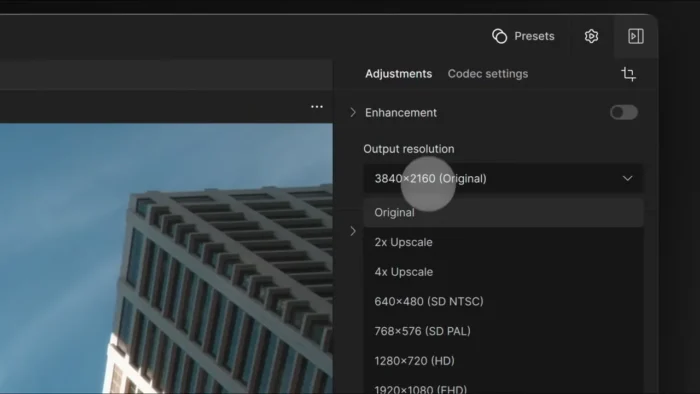
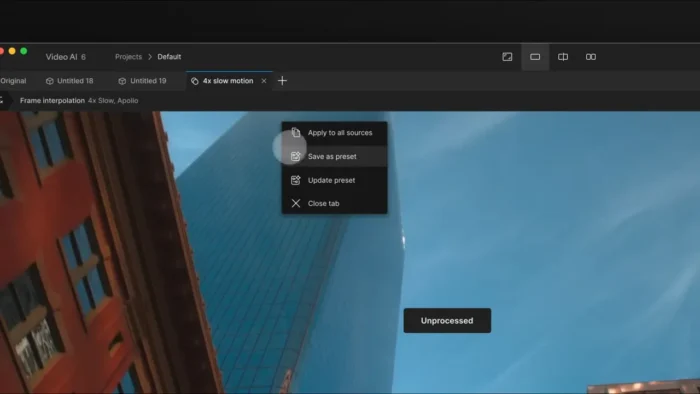
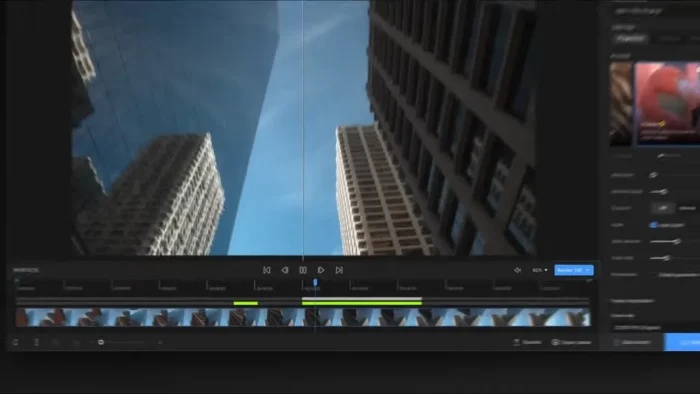
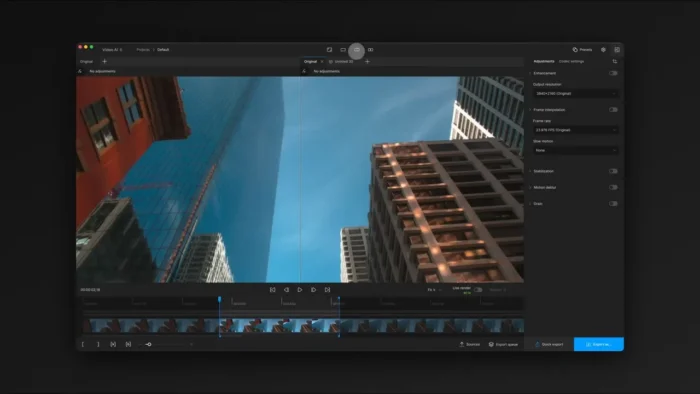
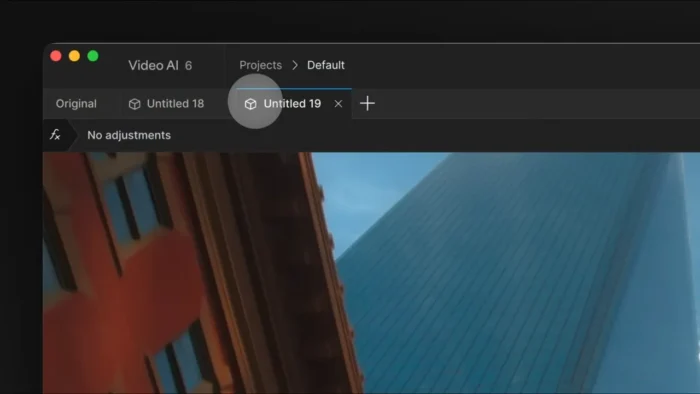
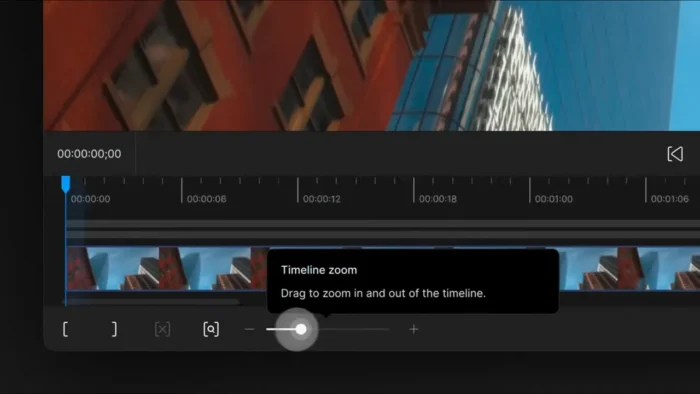
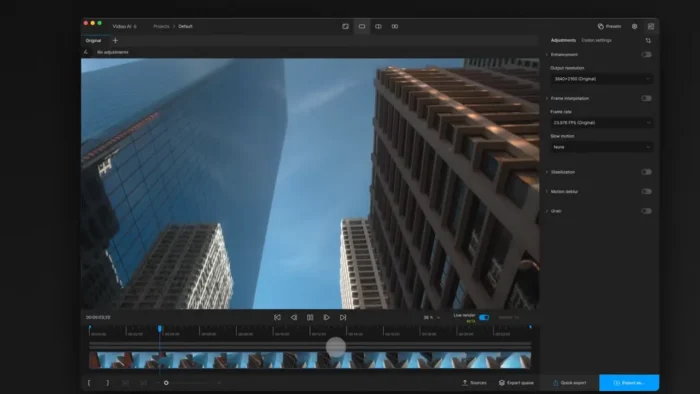
Overview
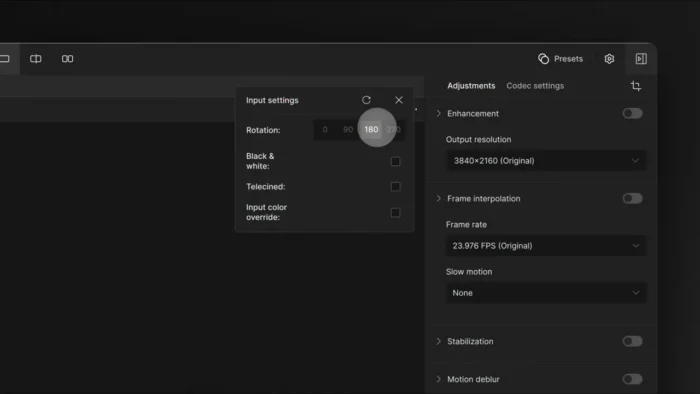
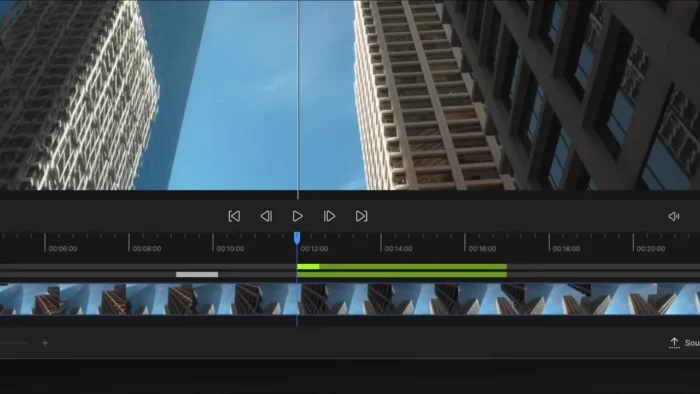
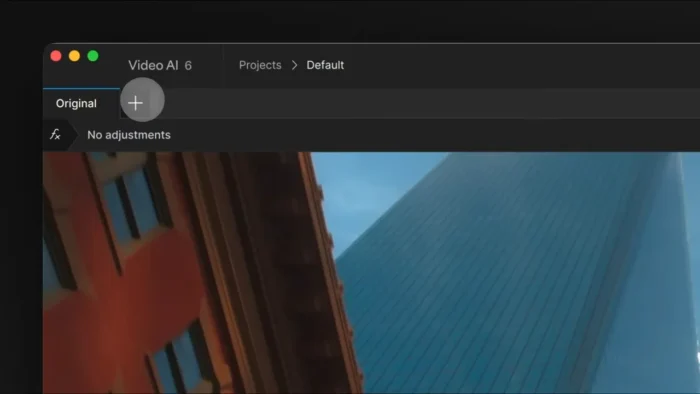
Topaz Video AI is a specialized video enhancement application built around deep learning models that reconstruct detail and motion by analyzing sequences of frames together rather than individually.
- Purpose: AI-powered video upscaling, noise reduction, restoration, stabilization, and frame interpolation
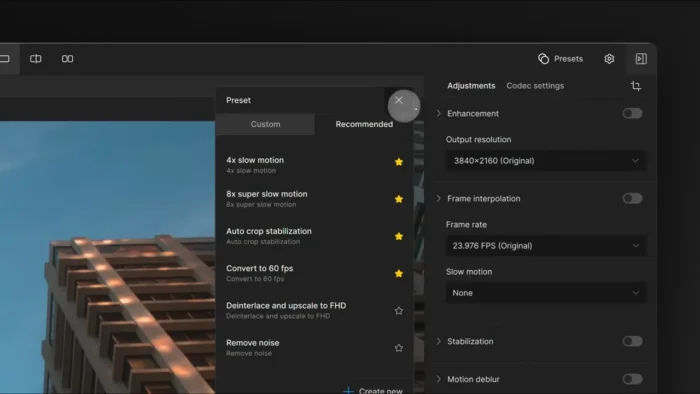
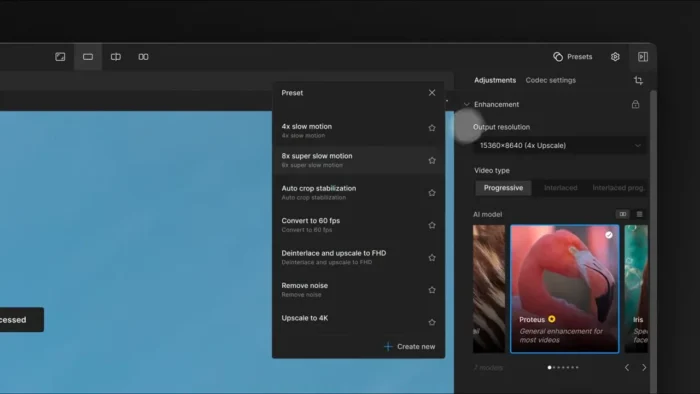
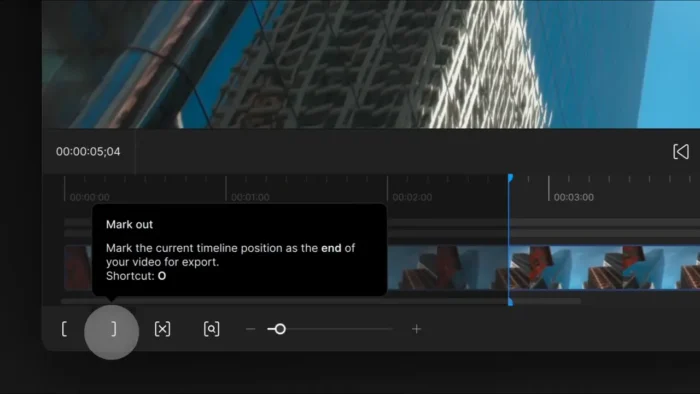
- Main workflow: Import footage → select the appropriate AI model → preview and adjust settings → process (individually or in batch) → export
- Ideal users: Video editors, filmmakers, documentary producers, YouTubers, and anyone restoring older or lower-quality footage
- Export formats: MP4, MOV, and image sequences
- Major strength: Multi-frame AI analysis that produces noticeably more natural results than traditional single-frame enhancement tools, with far less flickering and artifacting
Key Features
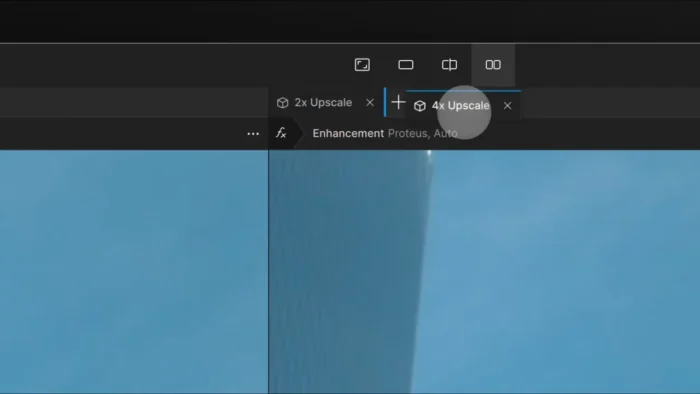
- AI Video Upscaling – Increase resolution while genuinely preserving fine detail, rather than just stretching and softening the image, with results scaling based on source quality and the AI model selected.
- AI Noise Reduction – Removes digital noise, grain, and compression artifacts while keeping the image sharp, which is a common weak point in older or heavily compressed footage.
- Video Restoration – Improves sharpness and reduces artifacts on degraded or aged footage, making it genuinely useful for archival or old home-video restoration work.
- Frame Interpolation – Generates additional frames between existing ones for smoother playback and natural-looking slow motion, rather than the choppy result of simple frame duplication.
- AI-Assisted Stabilization – Reduces camera shake intelligently, producing more professional-looking results than basic stabilization tools that just crop and warp the frame.
- Deinterlacing – Converts interlaced footage (common in older broadcast and camcorder video) into clean progressive format while preserving visual detail.
- Batch Processing – Queue multiple videos for automated processing, a genuine time-saver for anyone working through a large archive or a backlog of footage needing the same treatment.
- Flexible Export Options – Export finished results as MP4, MOV, or image sequences, fitting into whatever downstream editing or delivery workflow you’re using.
- Multiple Selectable AI Models – Different models are tuned for different tasks (upscaling, denoising, restoration), letting you pick the right tool for a specific footage problem rather than relying on one generic filter.
- macOS-Optimized Processing – Runs on both Apple Silicon and Intel Macs, taking advantage of available hardware to manage AI processing loads as efficiently as possible.
What’s New
The latest release includes:
- Performance improvements across processing tasks
- Enhanced AI processing models for sharper, more accurate results
- Workflow optimizations for a smoother editing experience
- Bug fixes and improved compatibility with recent macOS versions
System Requirements
| Component | Minimum | Recommended |
|---|---|---|
| Operating System | macOS 10.15 or later | Latest macOS release |
| Processor | Apple Silicon or Intel | Apple M-series chip |
| RAM | 8 GB | 16 GB or more |
| Storage | Several GB for installation and processing | SSD with generous free space for large video files |
AI processing is genuinely resource-intensive — more RAM and a capable GPU translate directly into faster processing times, especially on 4K source footage or large batch jobs.
How to Install Topaz Video AI on macOS
- Download the latest installer from the official Topaz Labs website.
- Open the downloaded DMG file.
- Drag Topaz Video AI into the Applications folder.
- Launch the application.
- Sign in with your Topaz Labs account if required.
- Start enhancing your videos using the available AI models.
Pros
- Professional-grade AI video enhancement with genuinely natural-looking results
- High-quality upscaling that preserves detail rather than just softening the image
- Excellent denoising performance on grainy or compressed footage
- Smooth, natural frame interpolation for slow motion and playback
- Effective AI-assisted stabilization for shaky handheld footage
- Batch processing support for handling large video libraries efficiently
- User-friendly interface despite the technical depth of what it’s doing
Cons
- Requires a genuinely powerful Mac for optimal performance, especially on 4K or large batch jobs
- AI processing can be time-consuming, particularly for large or high-resolution projects
- Advanced features and model selection may require some experimentation to get the best results for specific footage
- Best suited to users with a specific enhancement or restoration need rather than general-purpose editing
Who Should Use Topaz Video AI?
- Video editors needing to rescue or upscale lower-quality source footage
- Filmmakers and documentary producers working with archival or mixed-quality material
- YouTubers wanting to upscale or clean up older uploads
- Videographers dealing with shaky handheld footage
- Anyone restoring old home videos or degraded recordings
Frequently Asked Questions
Is Topaz Video AI free? No, it’s paid software available from Topaz Labs’ official site. Check their site for current pricing and any trial availability.
Does Topaz Video AI run natively on Apple Silicon Macs? Yes, it supports both Apple Silicon and Intel-based Mac systems.
What video problems can Topaz Video AI actually fix? It’s built for upscaling low resolution, reducing noise and grain, restoring degraded or old footage, smoothing motion through frame interpolation, stabilizing shaky footage, and deinterlacing older video formats.
Is batch processing available? Yes, you can queue multiple videos for automated processing, which is especially useful for large archives or repetitive enhancement tasks.
How long does AI processing take? It varies significantly based on source resolution, selected model, and Mac hardware — high-resolution or large batch jobs can take considerably longer, so budgeting processing time is worth factoring into a project.
What formats can I export to? MP4, MOV, and image sequences.
Does Topaz Video AI replace a full video editor? No — it’s a specialized enhancement tool, not a general editing application. It’s typically used alongside a traditional editor like Premiere Pro, DaVinci Resolve, or Final Cut Pro.
Is a powerful Mac required to use it effectively? A capable Mac significantly improves processing speed, especially for 4K footage or large batch jobs, though it will run on both Apple Silicon and Intel systems meeting the minimum requirements.
Final Verdict
Topaz Video AI for macOS solves a specific, genuinely difficult problem — recovering detail and quality from footage that traditional editing tools simply can’t fix. Its multi-frame AI analysis produces noticeably more natural upscaling, denoising, and stabilization results than older single-frame tools, which matters enormously for anyone restoring archival footage or upscaling older content.
It’s not a general-purpose video editor, and it demands solid Mac hardware to run efficiently, especially on large or high-resolution jobs. But for video editors, filmmakers, and content creators who regularly deal with lower-quality, shaky, or aging footage, Topaz Video AI remains one of the most capable enhancement tools available on macOS.