

Adobe Audition 2026 for Mac
Adobe Audition 2026 Free Download for Mac
Podcasters, sound designers, and audio post-production editors tend to end up in one of two camps: Pro Tools, or Adobe Audition. Audition’s pitch is straightforward — a full digital audio workstation that handles recording, editing, restoration, and mastering, without needing a separate app for cleaning up a noisy voice recording versus mixing a multitrack podcast episode.
What sets it apart from a general music-production DAW is the restoration side: spectral editing that lets you visually spot and erase a click, a hum, or wind noise the same way you’d edit a photo, rather than hunting through a waveform by ear alone. On Mac, the 2026 release runs natively on Apple Silicon, and it plugs directly into Premiere Pro for anyone doing video post-production audio. Whether you’re mastering a podcast episode or cleaning up decades-old archival tape, Audition is built to handle it in one workspace.



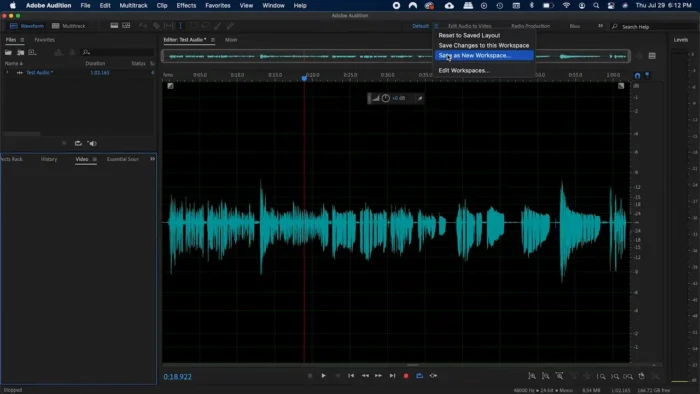
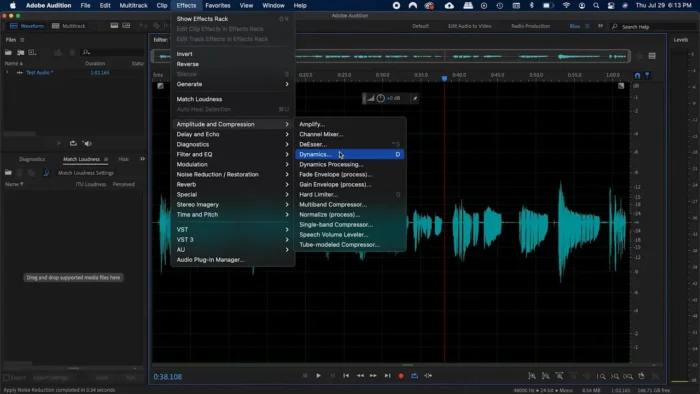
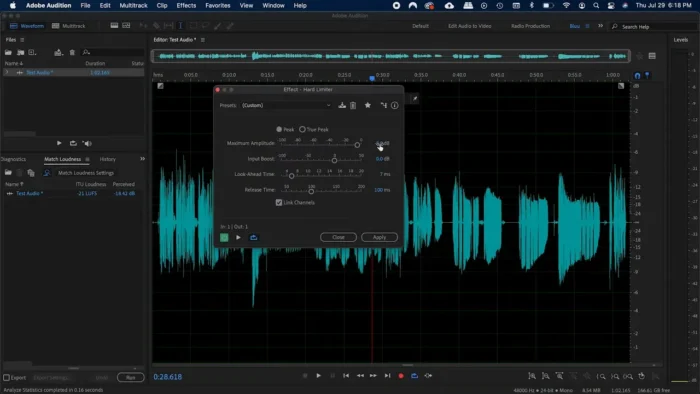
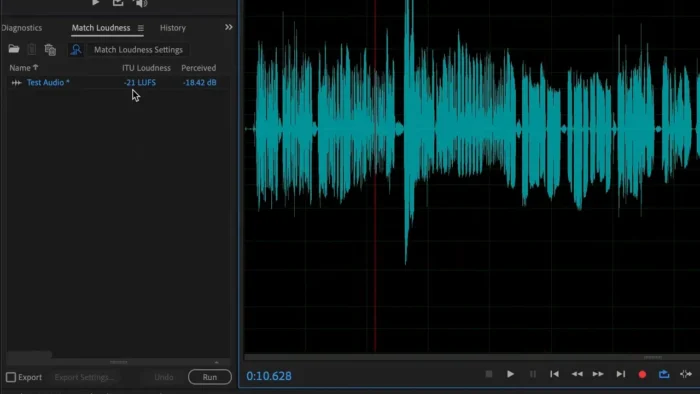
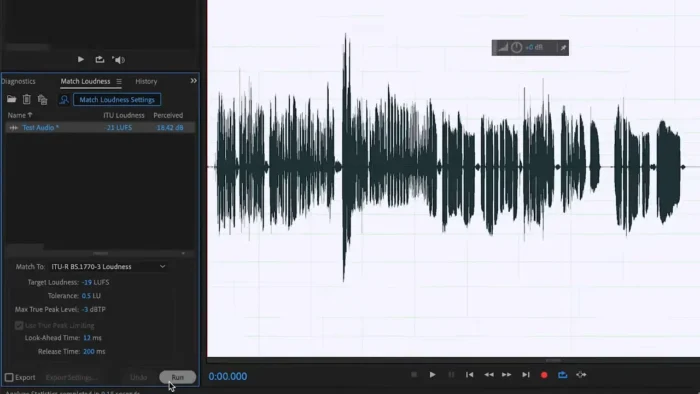
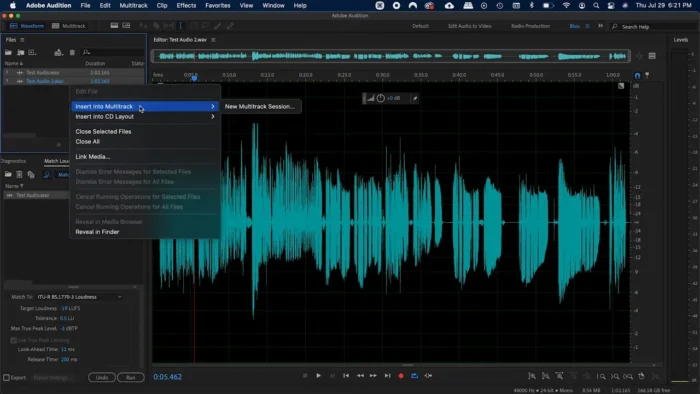
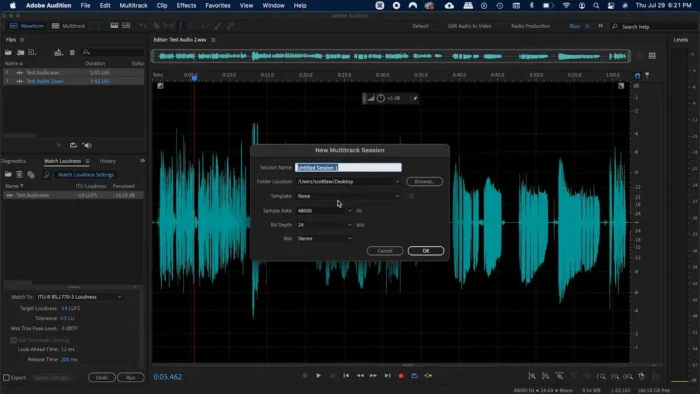
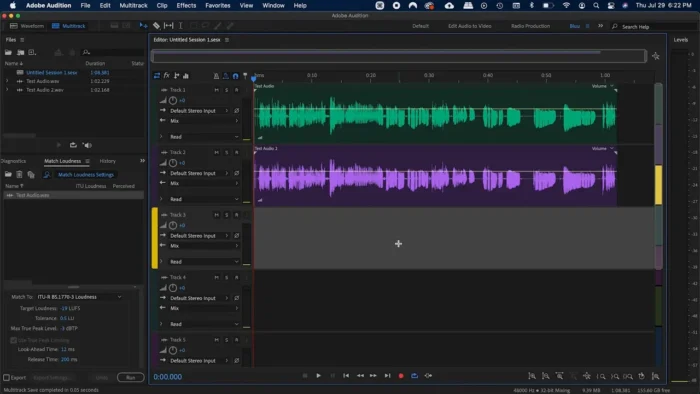
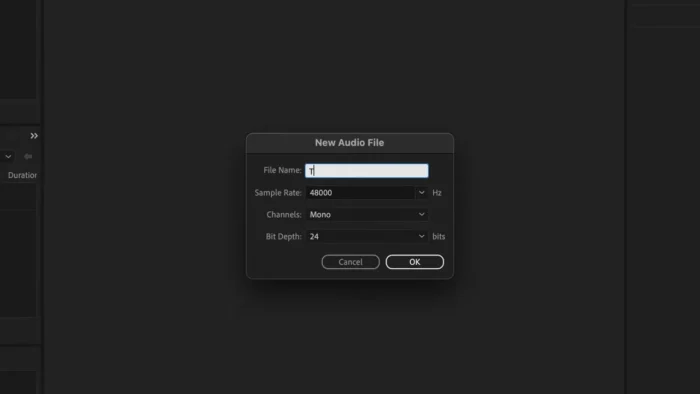

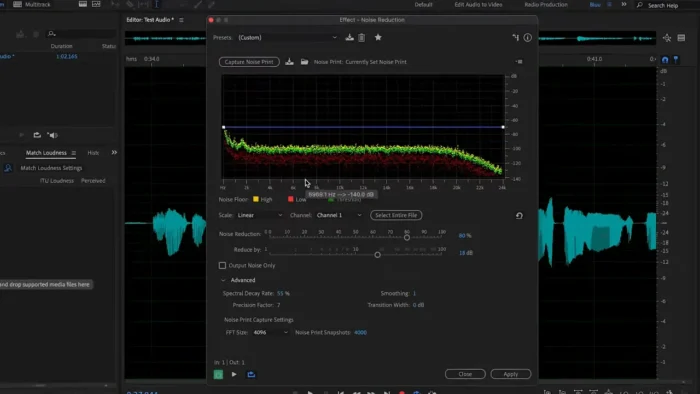
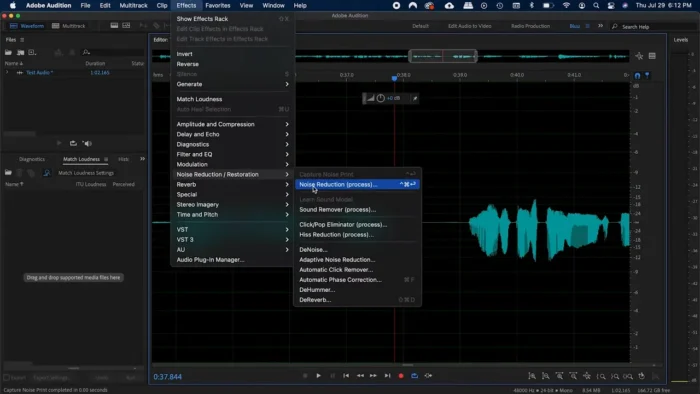
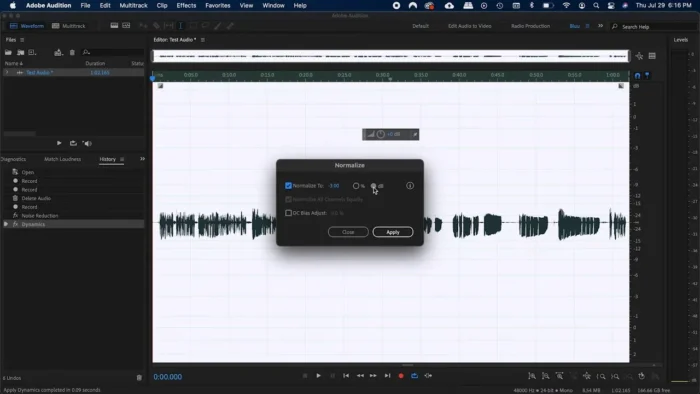
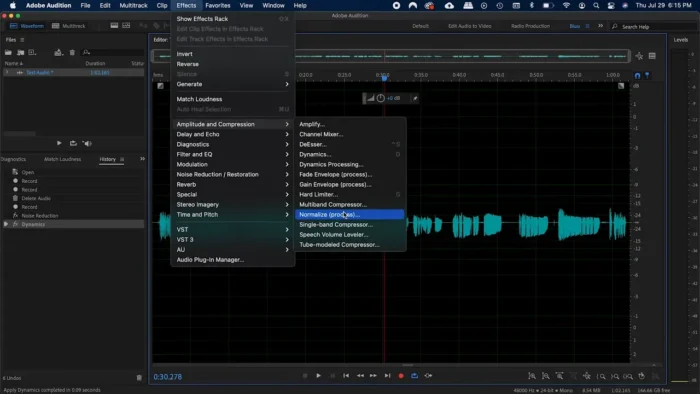
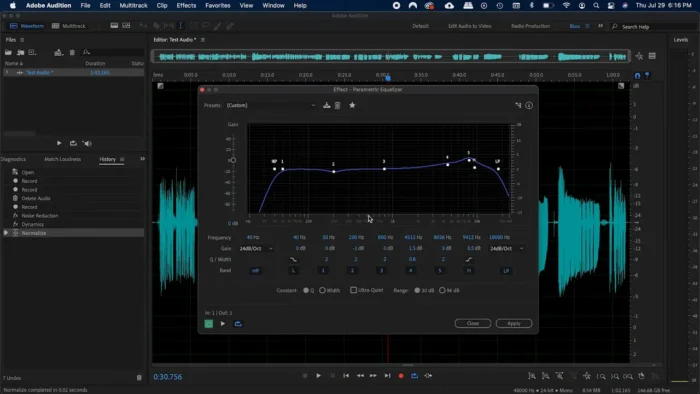
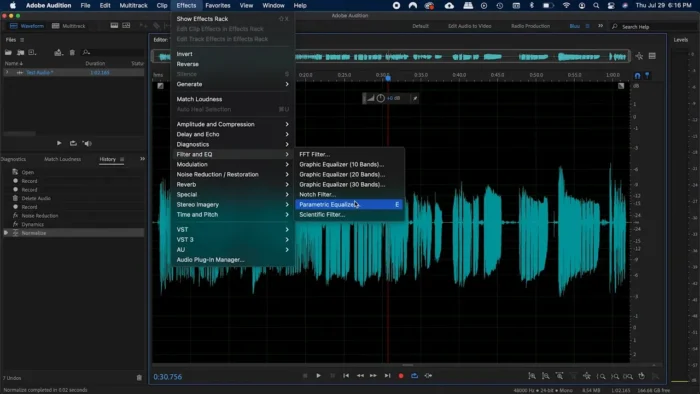
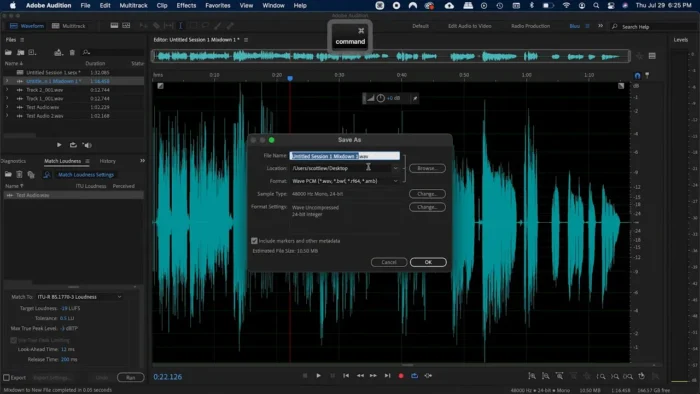

Overview
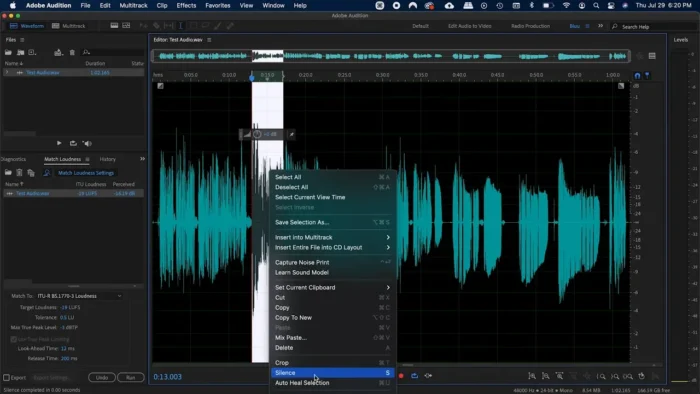
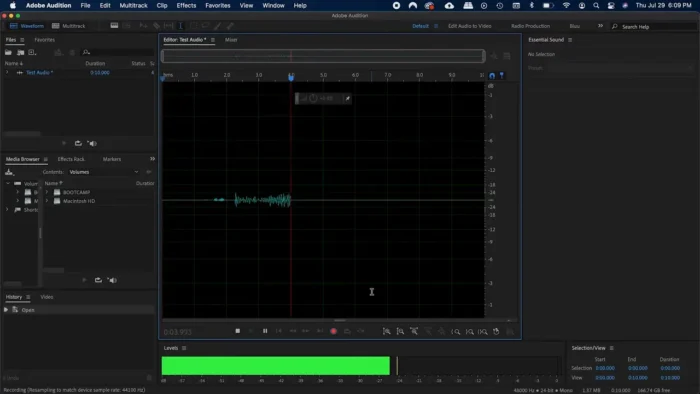
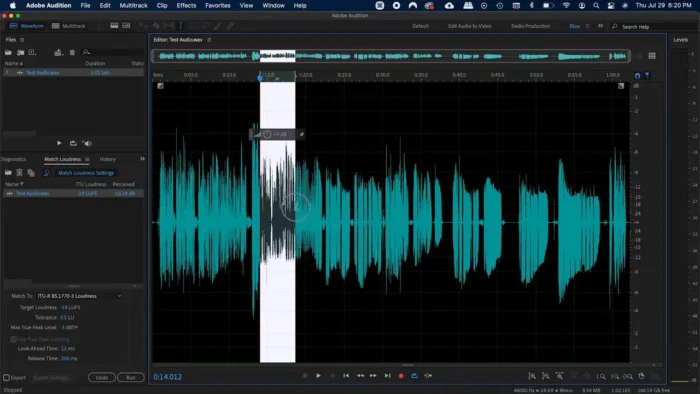
Audition is a professional DAW combining waveform editing, multitrack recording, and spectral (visual) audio editing into a single application.
- Purpose: Record, edit, restore, mix, and master audio
- Main workflow: Record or import audio → edit in waveform or spectral view → mix in the multitrack editor → apply restoration/effects → master and export
- Ideal users: Podcasters, voice-over artists, musicians, sound designers, and video editors handling post-production audio
- Formats supported: Multiple audio formats via import/export, with sample-level editing precision
- Major strengths: Best-in-class spectral restoration tools and tight Premiere Pro integration for video workflows
Key Features
- Spectral Frequency Display – Visually identify and erase specific unwanted sounds — a hum, a click, wind noise — by literally painting them out of a frequency graph, which is far more precise than trying to isolate a problem sound by ear alone.
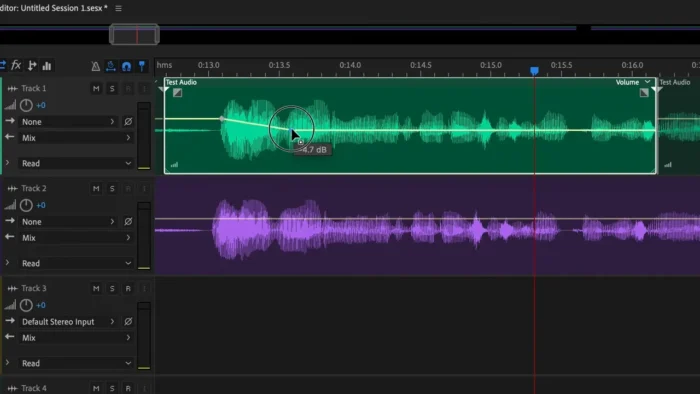
- Multitrack Editor with Bus Routing – Build full podcast episodes, music tracks, or soundtracks across multiple tracks with proper bus routing and real-time effects processing, rather than juggling separate mono clips.
- Noise Reduction & Adaptive Noise Reduction – Learn a room’s background noise profile and remove it consistently across an entire recording, which matters enormously for voice-over work recorded outside a treated studio.
- DeHummer & DeReverb – Target and remove electrical hum or unwanted room reverb specifically, two of the most common problems in amateur or field recordings, without degrading the rest of the audio.
- Automatic Speech Alignment – Sync a cleaner studio voice-over take to match the timing of a rougher reference recording automatically, a genuine time-saver in ADR and dubbing work.
- Essential Sound Panel – Simplifies common tasks like dialogue leveling, music ducking, and loudness normalization into presets, useful for editors who need broadcast-consistent audio without deep mixing expertise.
- Remix Feature – Automatically stretches or compresses a music track to hit a target duration while preserving natural-sounding transitions, handy for fitting a song to an exact video length.
- Roundtrip Editing with Premiere Pro – Send audio directly between Premiere Pro and Audition and back without breaking sync, streamlining dialogue cleanup and sound design for video projects.
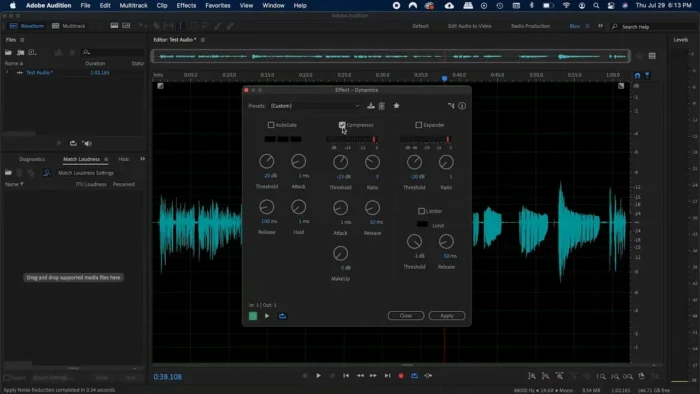
- Built-In Effects Rack – EQ, compression, limiting, reverb, delay, pitch correction, and more can be stacked and applied per clip, track, or full session, covering both corrective and creative sound design needs.
- Diagnostics Panel – Automatically scans for common audio problems (clicks, clipping, silence) across a project, catching issues before they make it into a final master.
What’s New in the 2026 Release
- Faster editing performance and improved multitrack responsiveness
- Enhanced waveform rendering for smoother scrubbing on large projects
- Better handling of large, multi-track sessions
- Optimized hardware acceleration
- Deeper Apple Silicon support, improving real-time effects processing on M-series Macs
For the full changelog specific to your installed version, check Help > About Audition inside the app.
System Requirements
| Component | Minimum | Recommended |
|---|---|---|
| Operating System | macOS 12 or later (check current release notes) | Latest macOS release |
| Processor | Apple Silicon or Intel 64-bit | Apple M-series chip |
| RAM | 4 GB | 8 GB or more |
| Storage | Sufficient for installation + project files | SSD with ample free space for large sessions |
| Internet | Required for activation, updates, Creative Cloud services | Required |
Large multitrack sessions and high-resolution restoration work benefit from more RAM than the stated minimum, particularly on projects with many simultaneous tracks and real-time effects.
How to Install
Audition installs through the Adobe Creative Cloud desktop app, not as a separate standalone installer.
- Visit Adobe’s official Audition page and choose a free trial or subscription plan.
- Sign in with your Adobe ID, or create a new one.
- Download the Creative Cloud desktop app for macOS.
- In the Creative Cloud app, open the Apps tab and click Install next to Audition.
- Launch Audition from Launchpad or Applications once the install completes.
A valid subscription or active free trial is required to keep using the software after setup.
Pros
- Spectral editing makes precise noise removal genuinely accurate rather than guesswork
- Strong restoration toolkit — DeHummer, DeReverb, adaptive noise reduction — handles problems other DAWs leave to plugins
- Multitrack mixing is capable enough for podcasts, music, and full soundtrack work
- Seamless Premiere Pro roundtrip editing for video post-production audio
- Essential Sound Panel makes broadcast-consistent audio achievable without deep mixing expertise
- Solid Apple Silicon performance for real-time effects and large sessions
Cons
- Subscription-only, with no perpetual license
- Advanced restoration and mixing tools have a learning curve for newcomers to audio editing
- Primarily post-production focused — less suited to MIDI-heavy music composition than a dedicated music DAW
- Some Creative Cloud features require an active internet connection
Frequently Asked Questions
Is Adobe Audition free? No, but a free trial is available to test the full toolset before subscribing.
Does Audition run natively on Apple Silicon Macs? Yes, and the 2026 release includes further performance optimization for M-series chips.
Is there a standalone offline installer? No. Audition installs and updates through the Adobe Creative Cloud desktop app.
Can I use Audition for podcast production? Yes — its multitrack editing, noise reduction, and loudness normalization tools are well-suited to podcast and voice-over workflows specifically.
Does Audition work with Premiere Pro? Yes, roundtrip editing lets you send audio between the two apps without breaking sync, which is useful for video dialogue cleanup and sound design.
Is Audition suitable for music production? It supports multitrack recording, mixing, and mastering, though it’s more focused on editing and post-production than MIDI-based composition compared to a dedicated music DAW.
What is spectral editing used for? It displays audio as a visual frequency graph, letting you identify and remove specific unwanted sounds — clicks, hums, wind noise — with much greater precision than editing by ear alone.
How much RAM do I need for large projects? The stated minimum is 4 GB, but 8 GB or more is strongly recommended for multitrack sessions with real-time effects and restoration processing.
Final Verdict
Adobe Audition 2026 for Mac is a genuinely complete audio post-production tool, and its spectral editing and restoration features remain some of the most precise available in any DAW — a real advantage for anyone dealing with noisy field recordings, archival audio, or dialogue cleanup. Podcasters, voice-over artists, and video editors working alongside Premiere Pro will find its workflow tightly integrated and efficient.
Musicians focused primarily on MIDI composition may find a dedicated music production DAW better suited to that specific workflow, but for editing, restoring, mixing, and mastering recorded audio, Audition remains one of the strongest options on Mac, especially with its continued Apple Silicon performance improvements in the 2026 release.