

CorelDRAW Graphics Suite 2026 for Mac
CorelDRAW Graphics Suite Free Download for Mac
Illustrator gets most of the attention in design conversations, but CorelDRAW has quietly stayed the go-to choice for a specific kind of work: precise vector illustration paired with genuinely strong page layout and print production tools, all in one package instead of separate apps. It’s less about flashy digital-first illustration and more about the practical, production-ready side of design — logos, brochures, packaging, signage, and layouts that need to go to print correctly the first time.
On Mac, CorelDRAW Graphics Suite runs natively on Apple Silicon and feels genuinely at home in macOS rather than like a ported Windows app, which matters if you’ve been burned by clunky cross-platform software before. Whether you’re a freelance brand designer building a logo from scratch or a small business handling your own marketing materials, the suite bundles vector illustration, photo editing, and font management together so you’re not juggling three separate subscriptions to get one project finished.
Overview
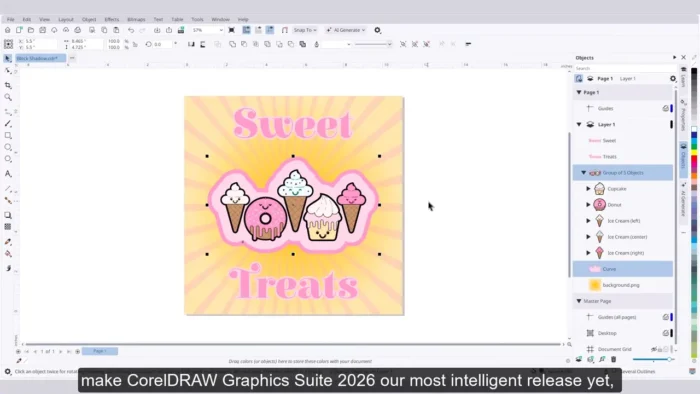
CorelDRAW Graphics Suite combines vector illustration, page layout, bitmap photo editing, and font management into a single application suite rather than separate standalone apps.
- Purpose: Vector illustration, page layout, photo editing, and typography for print and digital design
- Main workflow: Illustrate or lay out in CorelDRAW → edit photos in Corel PHOTO-PAINT → manage fonts via Corel Font Manager → export for print or digital delivery
- Ideal users: Graphic designers, brand designers, illustrators, marketing professionals, and small businesses handling their own design work
- File formats supported: CDR, AI, PSD, PDF, SVG, EPS, PNG, JPG, TIFF, DWG, DXF
- Major strength: A genuinely complete, print-focused design workflow in one package, with especially strong page layout and typography tools
Key Features
- Professional Vector Illustration – Advanced drawing tools, curves, shapes, and layer-based editing give you complete control over building anything from a simple logo to a complex, multi-layer illustration.
- Advanced Page Layout – Design brochures, posters, presentations, and multi-page documents with flexible page management, making CorelDRAW as much a layout tool as an illustration one.
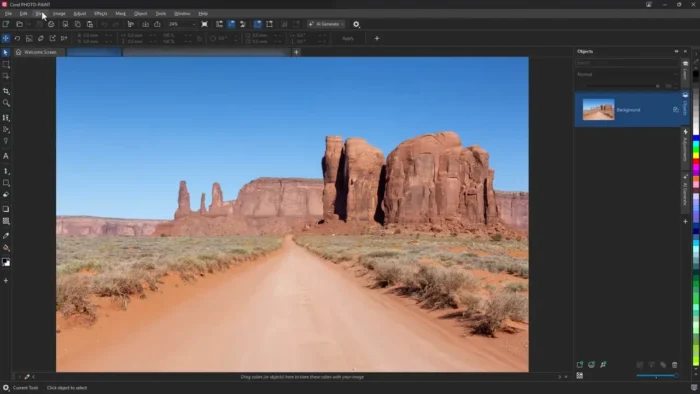
- Photo Editing via Corel PHOTO-PAINT – A dedicated raster editing application handles color adjustment, retouching, and effects, and combines cleanly with vector artwork in the same project.
- Typography and Font Management – Advanced text controls, spacing adjustments, text effects, and a dedicated Font Manager app keep large font libraries organized instead of scattered across your system.
- PowerTRACE Bitmap-to-Vector Conversion – Convert a scanned sketch or raster logo into clean, editable vector artwork automatically, a genuine time-saver compared to manually retracing by hand.
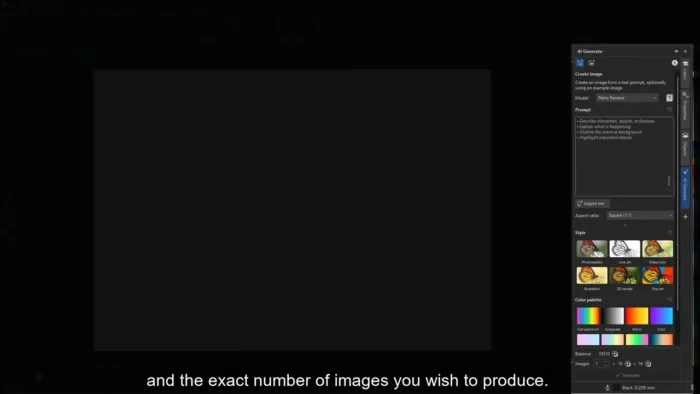
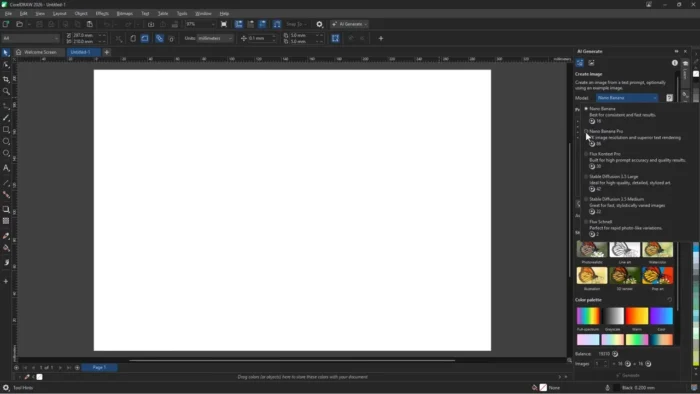
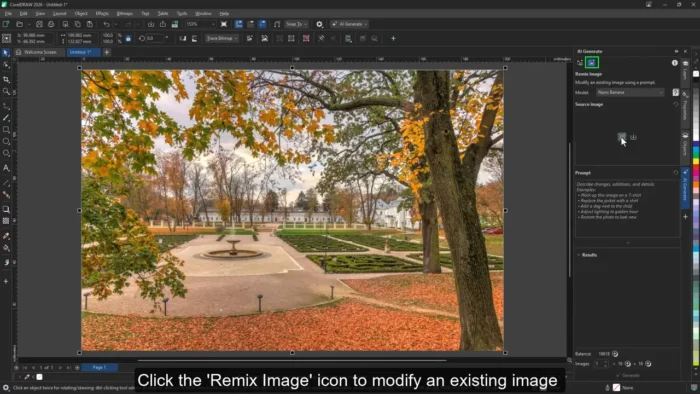
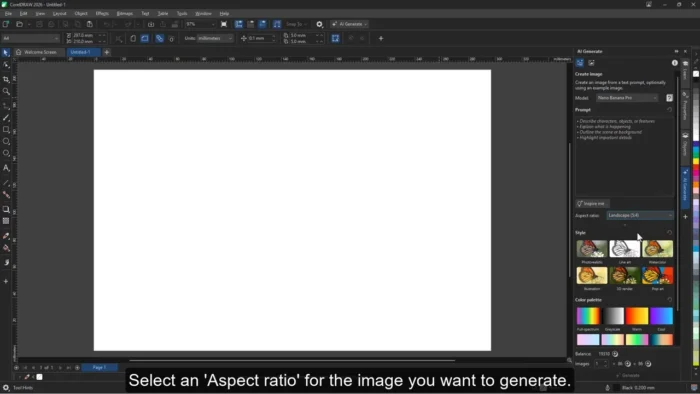
- AI-Assisted Design Tools – Intelligent image enhancement and automated design improvements speed up repetitive parts of the workflow without taking creative control away from the designer.
- Professional Color Management – Advanced transparency, gradients, fills, and color adjustment tools help ensure what you design matches what actually prints.
- Wide File Format Support – Native compatibility with CDR, AI, PSD, PDF, SVG, EPS, and even CAD formats like DWG and DXF, which smooths collaboration with designers and clients using different software.
- Apple Silicon & Retina Optimization – Runs natively on M-series Macs with genuine performance gains on large illustrations and high-resolution images, plus crisp rendering on Retina displays.
- iPad Workflow Integration – Extends part of the creative process to iPad, useful for sketching or reviewing work away from the desktop.
Creative Applications Included
CorelDRAW Graphics Suite isn’t a single app — it’s a bundle of specialized tools:
- CorelDRAW – Vector illustration and page layout
- Corel PHOTO-PAINT – Professional raster image editing
- Corel Font Manager – Font organization and management
- PowerTRACE – Bitmap-to-vector conversion
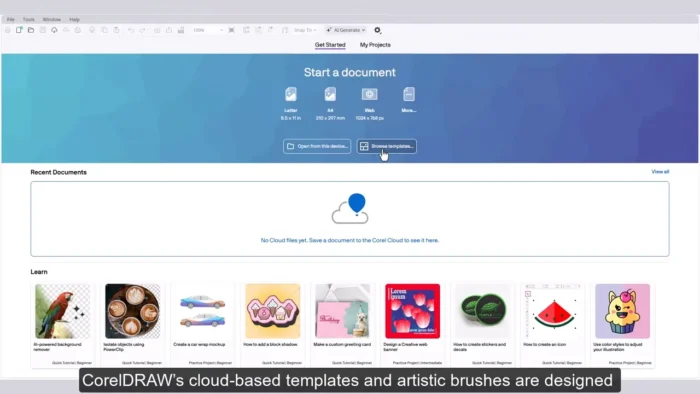
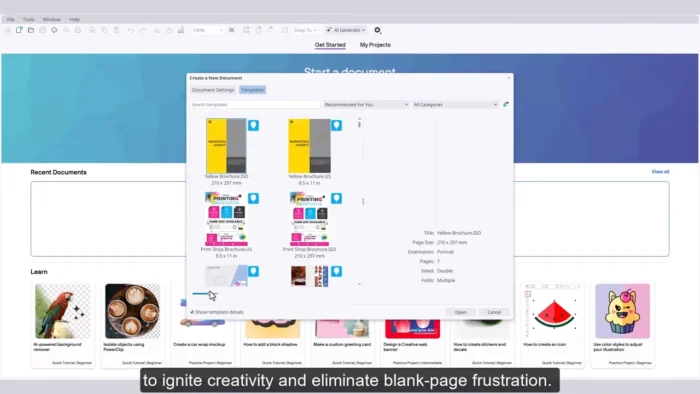
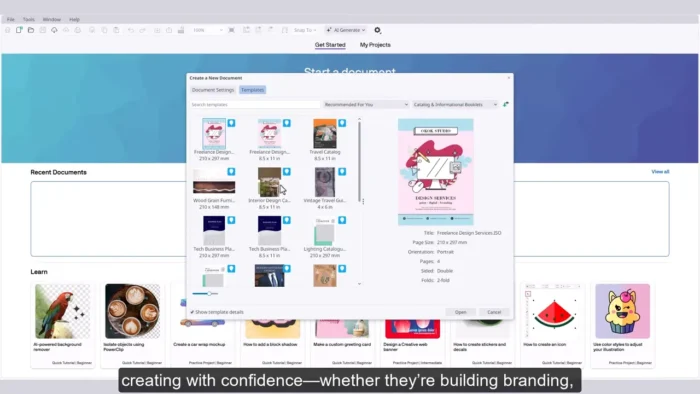
- Additional design resources and templates included with the suite
macOS-Specific Features
- Native Apple Silicon support
- Retina display compatibility
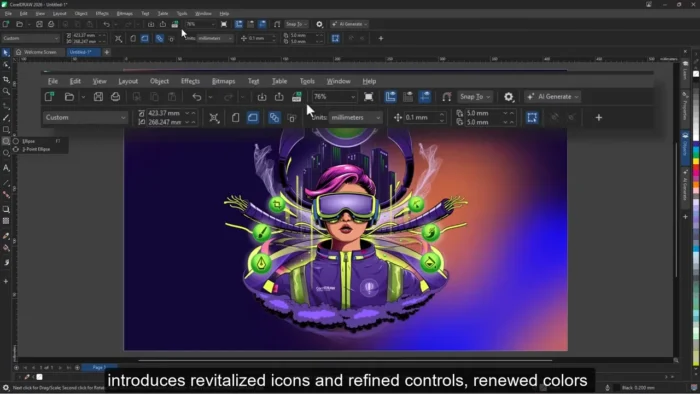
- macOS-optimized interface rather than a ported Windows layout
- Touch Bar support on compatible devices
- iPad workflow integration
- Cloud-based collaboration features
System Requirements
| Component | Minimum | Recommended |
|---|---|---|
| Operating System | macOS Monterey or later | Latest macOS release |
| Processor | Apple Silicon or Intel multicore | Apple M-series chip |
| RAM | 8 GB | More for large, complex projects |
| Storage | At least 4 GB free | SSD with additional space for asset libraries |
| Display | 1280 × 800 | 1920 × 1080 or higher |
| Internet | Required for installation, account verification, updates | Required for cloud collaboration features |
Complex, multi-page projects and high-resolution image editing benefit from more RAM and SSD storage beyond the stated minimums, especially on Apple Silicon Macs where extra headroom translates directly into smoother performance.
Pros
- Complete design suite — illustration, layout, photo editing, and font management — in one package
- Genuinely strong print production and page layout tools, not just illustration
- PowerTRACE makes bitmap-to-vector conversion fast and clean
- Native Apple Silicon performance with real speed gains on large projects
- Wide file format support smooths collaboration across different design tools
- AI-assisted tools speed up repetitive tasks without removing creative control
Cons
- Advanced tools take real time to learn, especially for users new to vector design
- Full feature set may be more than casual or occasional users need
- Best performance requires modern Mac hardware, particularly for large files
- Cloud collaboration features depend on an active internet connection
Who Should Use CorelDRAW Graphics Suite?
- Graphic and brand designers building logos and identity systems
- Illustrators who need precision vector tools alongside layout capability
- Marketing professionals producing brochures, packaging, and print materials
- Print specialists and small businesses handling their own design work in-house
- Students learning professional, production-focused design workflows
CorelDRAW vs Other Design Applications
CorelDRAW focuses specifically on professional vector design, layout creation, and print-ready workflows, with particular strength in typography and page layout control. It’s especially popular among designers who need precise control over how a document will actually print, not just how it looks on screen.
Designers whose work is mostly digital illustration, photo manipulation, or animation may find other specialized applications a better fit, depending on the specific demands of that workflow.
Frequently Asked Questions
Is CorelDRAW Graphics Suite free? No, it’s commercial software. Check Corel’s official site for current trial availability and pricing options.
Does CorelDRAW run natively on Apple Silicon Macs? Yes, it’s optimized for Apple Silicon with noticeable performance improvements over Intel Macs on large illustrations and high-resolution images.
What file formats does CorelDRAW support? A wide range, including CDR, AI, PSD, PDF, SVG, EPS, PNG, JPG, TIFF, DWG, and DXF.
Does the suite include photo editing tools? Yes, Corel PHOTO-PAINT is included as a dedicated raster image editor alongside CorelDRAW’s vector tools.
Is CorelDRAW suitable for beginners? It’s approachable for newcomers, though mastering its full advanced toolset — especially typography and page layout features — takes practice.
Does CorelDRAW support iPad workflows? Yes, it offers iPad workflow integration as part of its macOS ecosystem features.
How does CorelDRAW compare to Illustrator? CorelDRAW places more emphasis on integrated page layout and print production alongside vector illustration, while some designers prefer Illustrator for pure digital illustration workflows. The right choice depends on your specific project needs.
Is an internet connection required to use CorelDRAW? Yes, for installation, account verification, and updates. Cloud collaboration features also require an active connection.
Final Verdict
CorelDRAW Graphics Suite for Mac is a genuinely complete design solution for professionals who need vector illustration, page layout, and print production working together rather than across separate apps. Brand designers, illustrators, and marketing professionals producing print-ready materials will get real value from its typography controls, PowerTRACE conversion tool, and strong file format compatibility.
Casual users or those focused purely on digital illustration may find its full feature set more than they need, and getting the smoothest experience does call for modern Mac hardware. But for designers and small businesses handling branding, packaging, and print materials in-house, CorelDRAW remains a strong, well-rounded choice on macOS.