
DaVinci Resolve Studio 21 for Mac
DaVinci Resolve Studio 21 Free Download for Mac
Most professional post-production pipelines involve bouncing footage between three or four different applications — one for editing, another for color, a separate one for audio, maybe a fourth for visual effects. DaVinci Resolve Studio exists to collapse all of that into a single app. Built by Blackmagic Design, it’s the tool that started as a color-grading powerhouse and grew into a genuinely complete editing, VFX, and audio suite without losing what made it exceptional at color in the first place.
On Mac, that matters even more given how well it’s optimized for Apple Silicon — 4K and 8K timelines that would choke a less-optimized app stay responsive on M-series chips. Whether you’re grading a feature film, cutting a documentary, or just want one app that handles a YouTube video from raw footage to final export, Resolve Studio is built to cover the entire workflow without switching software.
Overview
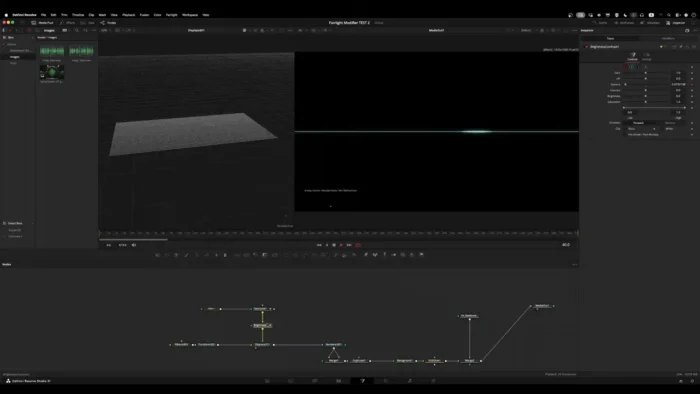
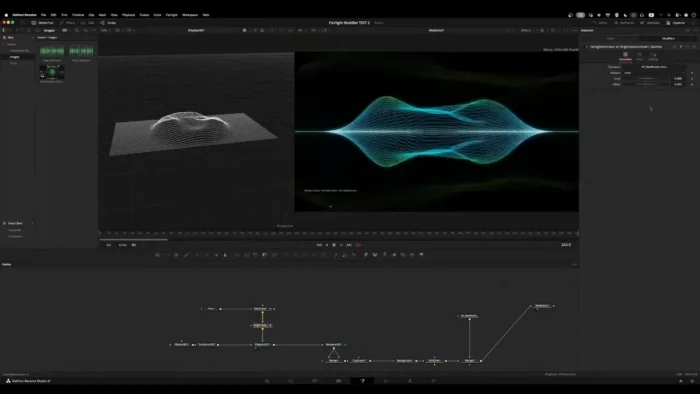
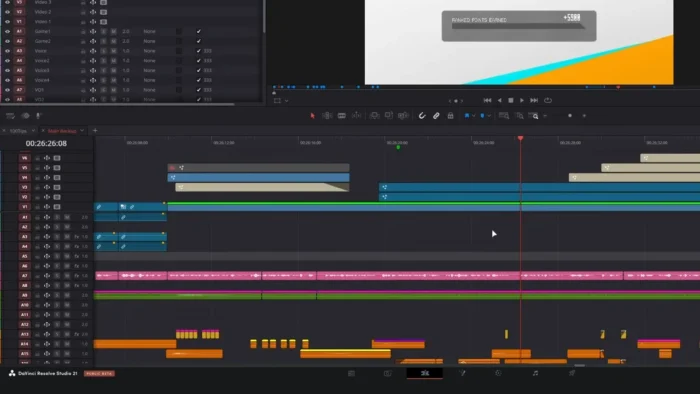
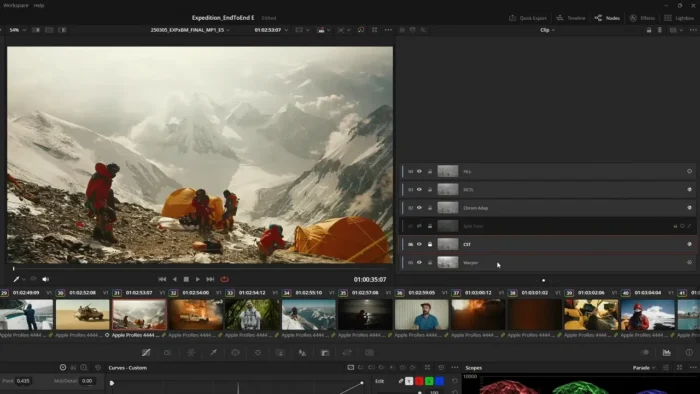
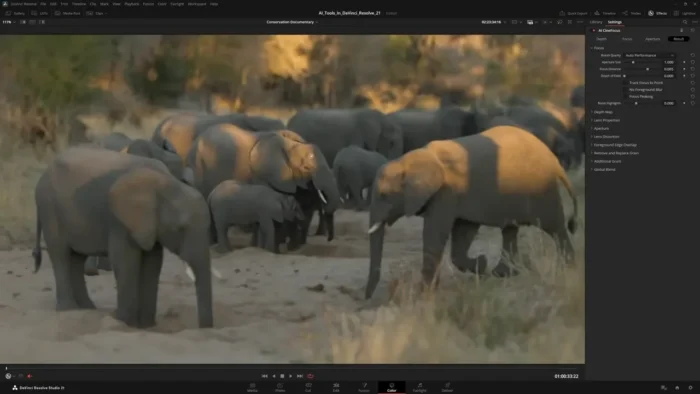
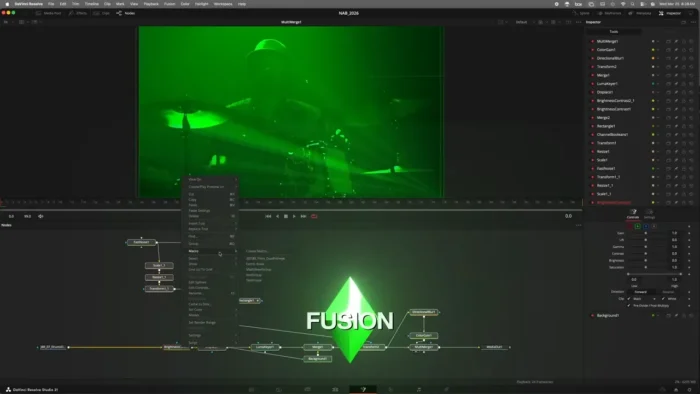
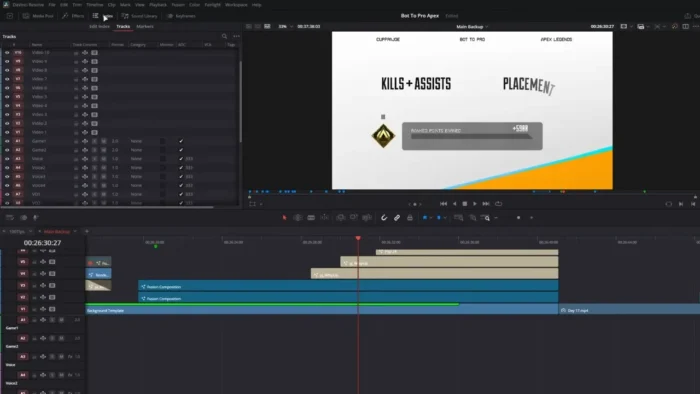
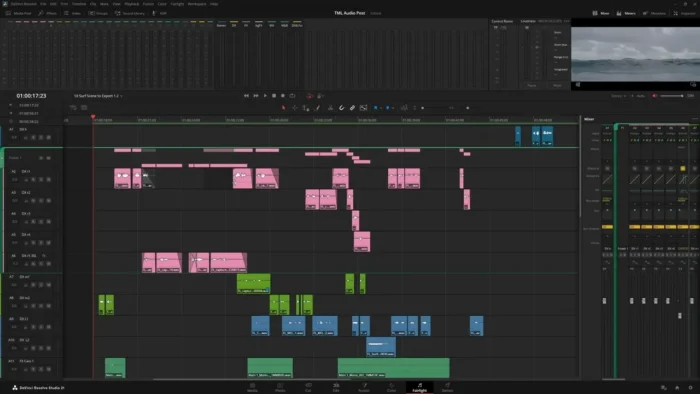
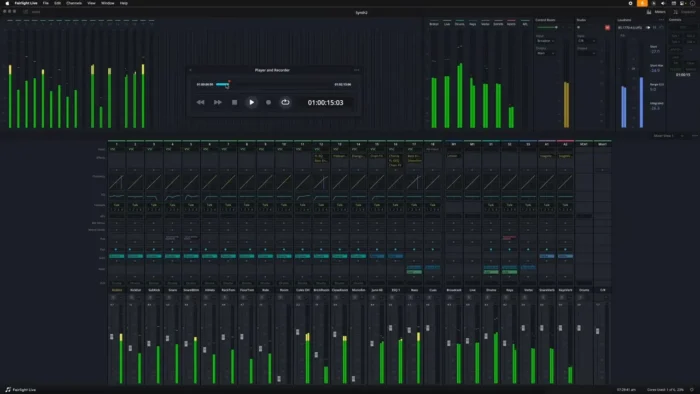
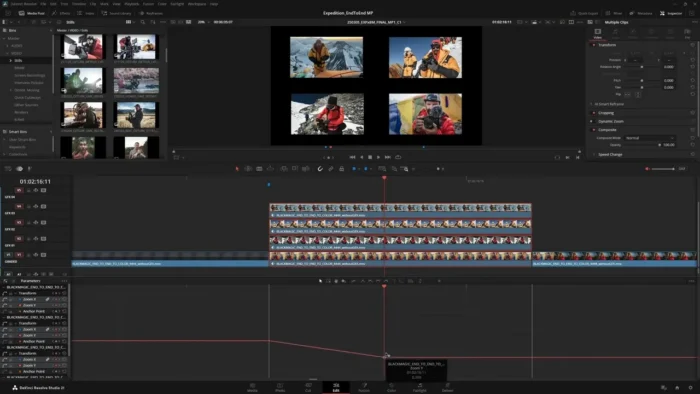
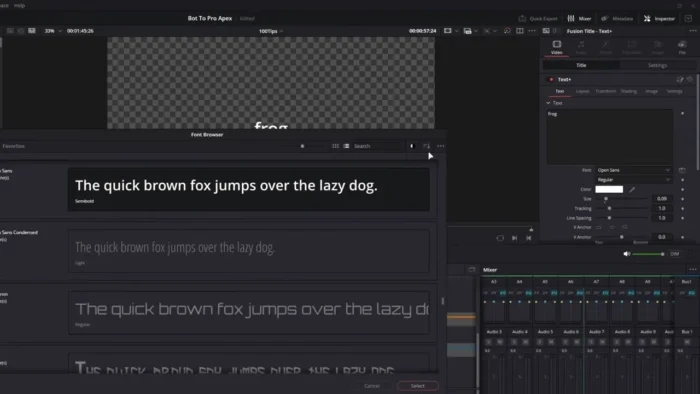
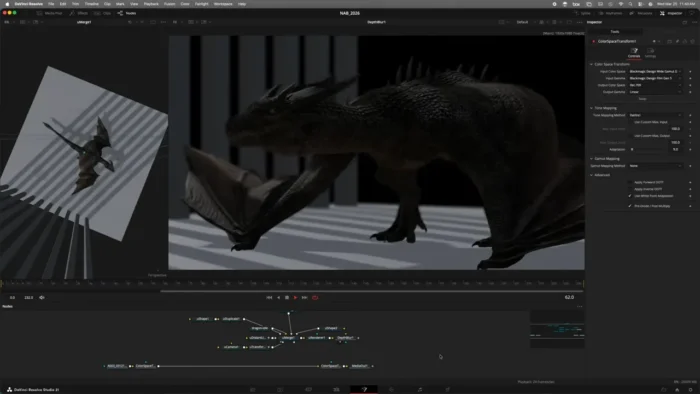
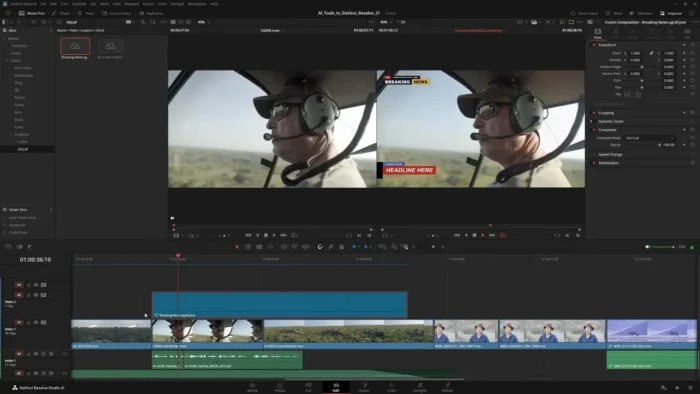
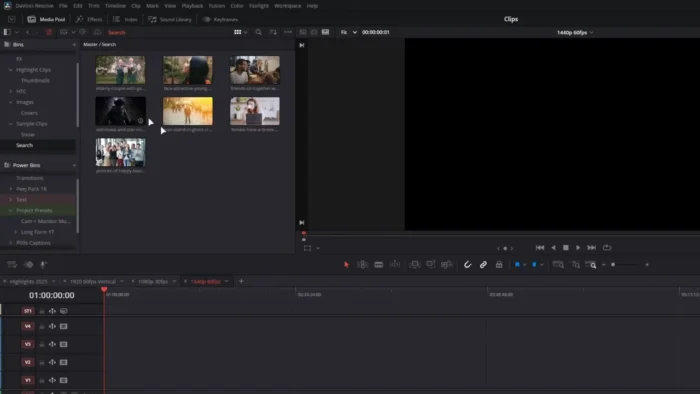
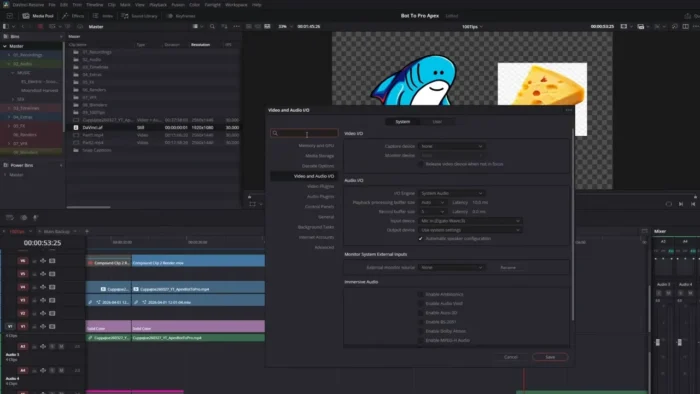
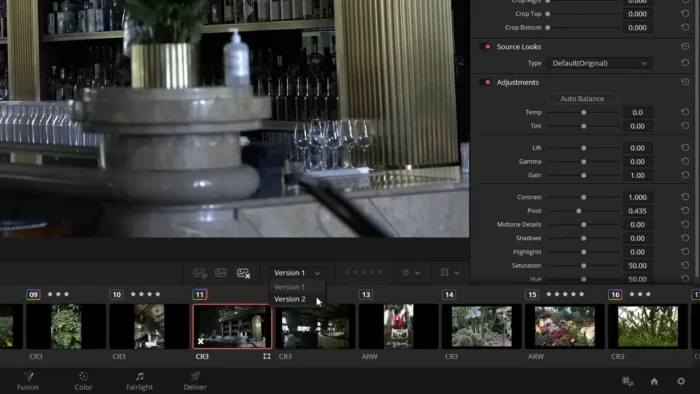
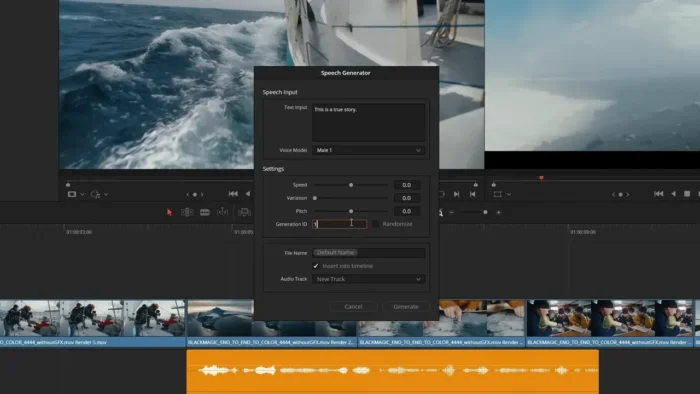
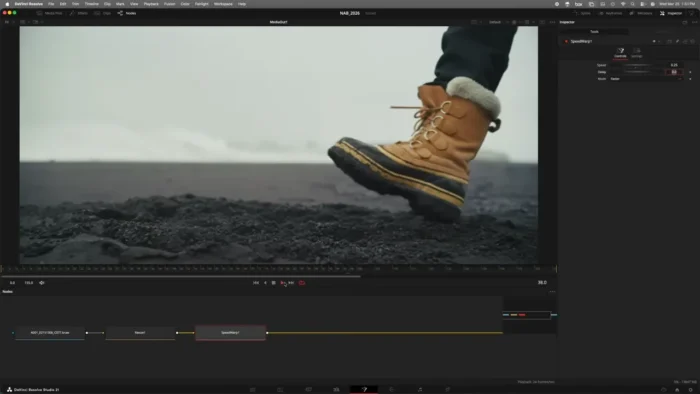
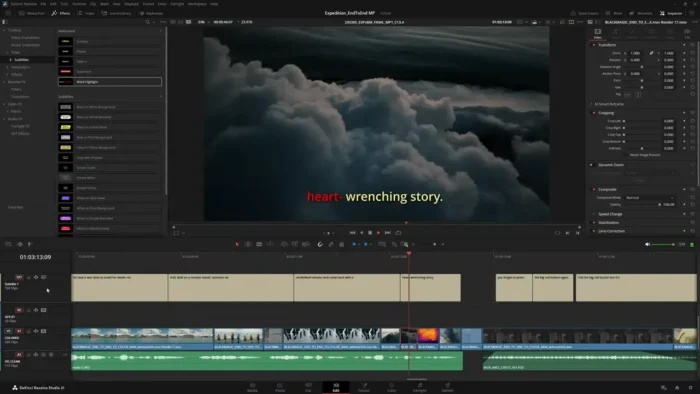
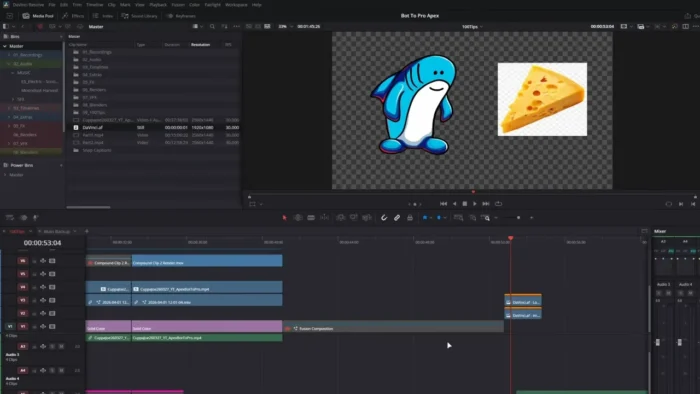
DaVinci Resolve Studio is an all-in-one post-production application organized around four core pages: Edit, Color, Fusion (VFX/motion graphics), and Fairlight (audio).
- Purpose: Complete post-production — editing, color grading, visual effects, and audio mixing — in one integrated app
- Main workflow: Import and edit footage on the Edit page → grade on the Color page → add effects via Fusion → mix audio in Fairlight → deliver
- Ideal users: Filmmakers, colorists, video editors, and content creators who want a unified pipeline instead of switching between separate apps
- Formats supported: Blackmagic RAW, ProRes, H.264, H.265, HDR, and Dolby Vision, across 4K, 6K, and 8K workflows
- Major strengths: Industry-leading node-based color grading combined with genuinely capable editing, VFX, and audio tools in the same environment
Key Features
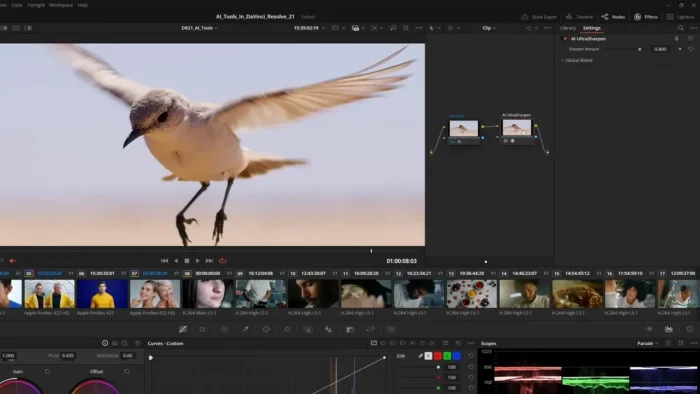
- Node-Based Color Grading – Resolve’s color page uses a node system that lets you stack, combine, and isolate grading adjustments with a level of control most other editors’ built-in color tools simply don’t offer, which is why it remains the industry standard for professional colorists.
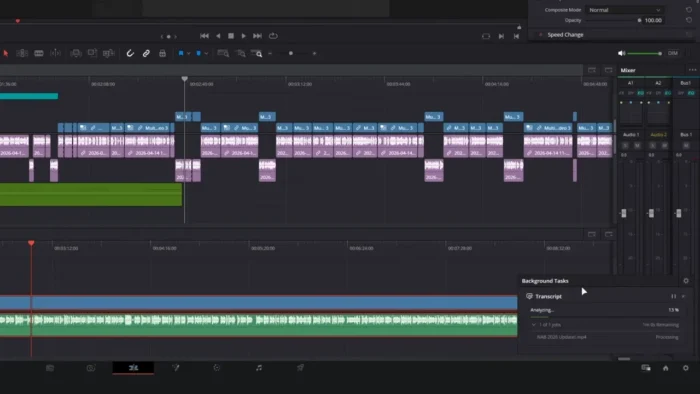
- Fairlight Audio Post-Production – A full audio mixing and mastering workspace lives inside the same app, so dialogue cleanup, music mixing, and final mastering don’t require exporting to a separate DAW.
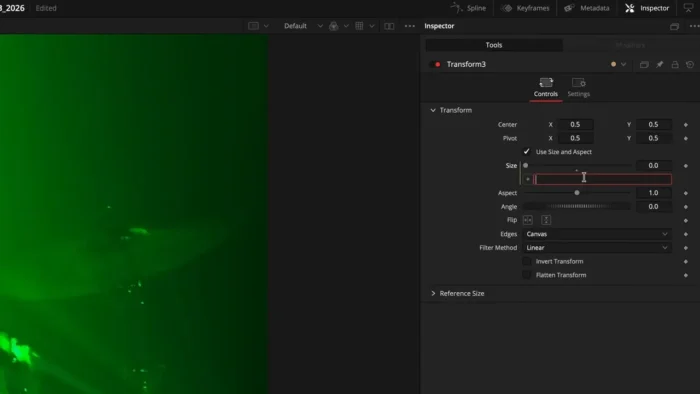
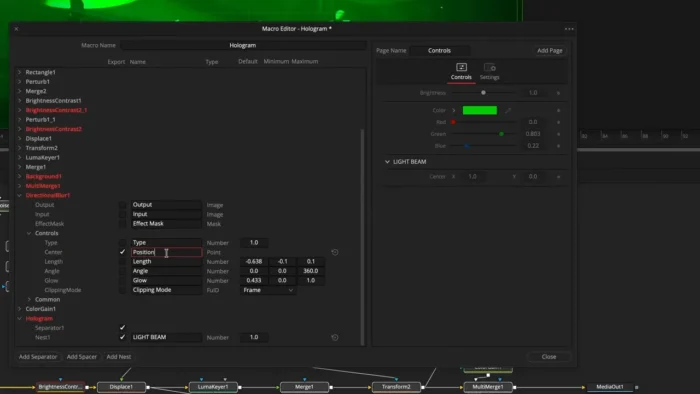
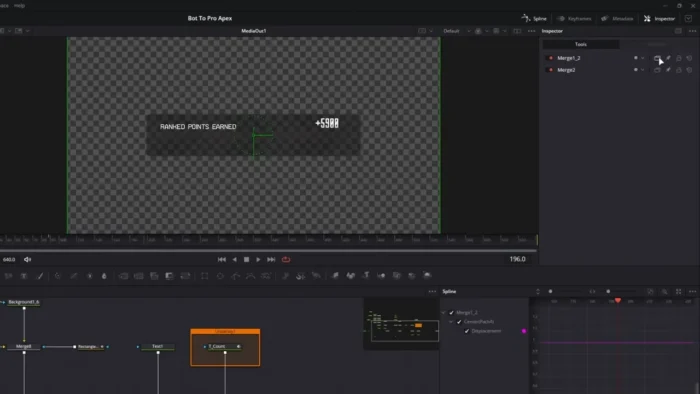
- Fusion Visual Effects & Motion Graphics – Node-based compositing and VFX tools handle everything from simple title animations to complex multi-layer composites without leaving the timeline.
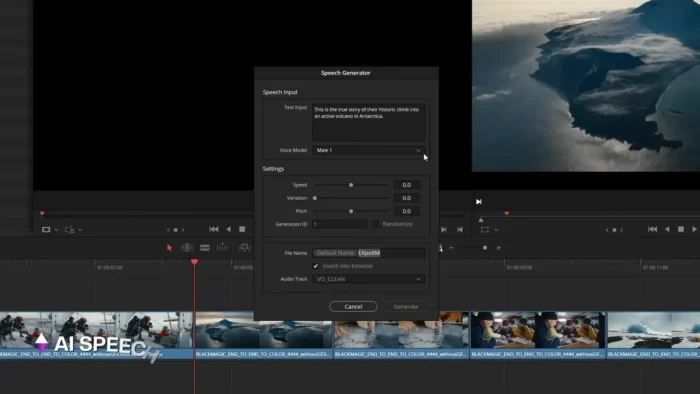
- AI-Powered Magic Mask – Automatically selects a person or object across a moving shot for targeted color or effects adjustments, cutting down what used to be tedious manual rotoscoping.
- Smart Reframe – Automatically reframes footage for different aspect ratios, useful for quickly repurposing a widescreen edit into vertical formats for social media.
- Multicam Editing with Synchronization – Sync and cut between multiple camera angles automatically based on audio or timecode, streamlining interview and live-event editing.
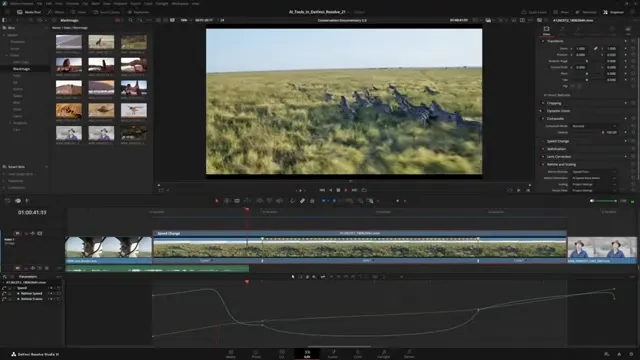
- Optical Flow Retiming – Produces smooth slow-motion or speed-ramped footage using motion-estimation algorithms, rather than simple frame duplication that looks choppy.
- Advanced Object Tracking – Track a moving object through a shot to attach effects, blurs, or graphics that follow it precisely across frames.
- Blackmagic Cloud Collaboration – Multiple editors, colorists, and sound engineers can work on the same project simultaneously, which is genuinely useful for teams instead of passing project files back and forth.
- Professional HDR & Dolby Vision Support – Grade and deliver HDR content correctly for modern streaming platforms, with proper metadata handling built in.
What’s New
Recent DaVinci Resolve Studio updates have focused on both AI tooling and raw performance:
- Improved AI-powered editing features across the app
- Enhanced Magic Mask accuracy and processing speed
- Faster 4K and 8K playback on Apple Silicon Macs
- Improved color management and grading tools
- Better Fusion performance for motion graphics workflows
- Enhanced Fairlight audio processing tools
- Improved overall stability and support for modern camera formats
For the exact changelog of your installed version, check the release notes within the app or on Blackmagic Design’s official site.
System Requirements
| Component | Minimum | Recommended |
|---|---|---|
| Operating System | macOS 13 or later | Latest macOS release |
| Processor | Apple Silicon (M1–M4) or Intel Mac with supported GPU | Apple M-series chip |
| RAM | 16 GB | 32 GB or more for professional 4K/8K workflows |
| Graphics | Dedicated GPU with 4 GB+ VRAM | Higher VRAM GPU for 8K and heavy Fusion work |
| Storage | Sufficient free space for installation and project files | Fast SSD with generous space for media and cache |
Heavy Fusion compositing or multi-layer 8K timelines benefit substantially from RAM and GPU specs above the stated minimums.
How to Install DaVinci Resolve Studio on Mac
Unlike Adobe’s subscription apps, DaVinci Resolve Studio is a genuine one-time purchase, and Blackmagic Design distributes a direct installer from their official site.
- Download the DaVinci Resolve Studio installer for macOS from Blackmagic Design’s official website.
- Open the downloaded installer package.
- Follow the on-screen installation instructions.
- Move the application to your Applications folder.
- Launch DaVinci Resolve Studio and complete activation using your purchased license key.
Note that Blackmagic also offers a free version of DaVinci Resolve with a large subset of features; Studio unlocks the full feature set — including advanced noise reduction, HDR grading tools, and higher-resolution project support — via a paid license.
Pros
- Combines editing, color, VFX, and audio in one genuinely capable application
- Industry-standard node-based color grading, used across film and television
- One-time purchase rather than a recurring subscription
- Strong Apple Silicon optimization for smooth 4K/8K playback and rendering
- AI tools like Magic Mask and Smart Reframe save real time on repetitive tasks
- Blackmagic Cloud enables genuine multi-user collaboration on the same project
Cons
- Steep learning curve given the sheer number of tools across four different pages
- Full 8K and heavy Fusion work demands serious hardware (RAM, GPU, storage)
- Studio’s advanced features require a separate paid license on top of the free version
- Occasional compatibility gaps with newer camera formats until updates catch up
DaVinci Resolve Studio vs Other Video Editors
DaVinci Resolve Studio offers advanced color grading, built-in visual effects, professional audio production, AI-powered creative tools, and a complete post-production workflow in one application.
Other editors often require pairing with separate software for color grading, VFX, or audio mixing, with limited integration between those different production stages — meaning more file exporting and re-importing between apps.
Frequently Asked Questions
Is DaVinci Resolve Studio free? No — Resolve Studio is a paid, one-time license purchase. Blackmagic Design also offers a free version of DaVinci Resolve with a substantial (but more limited) feature set.
Does DaVinci Resolve Studio run natively on Apple Silicon? Yes, it’s optimized for M-series chips, with continued performance improvements for 4K and 8K playback in recent updates.
Is there a subscription required? No. Unlike many professional creative apps, Resolve Studio uses a one-time purchase model rather than a recurring subscription.
What’s the difference between the free and Studio versions? Studio adds features like advanced noise reduction, HDR grading tools, higher-resolution project support, additional Fusion effects, and multi-user collaboration through Blackmagic Cloud.
Does Resolve Studio support 8K editing? Yes, with sufficient hardware — a strong GPU, ample RAM, and fast storage are recommended for smooth 8K workflows.
Can I edit, grade, and mix audio all in the same app? Yes, that’s the core design of Resolve Studio: the Edit, Color, Fusion, and Fairlight pages cover the entire post-production pipeline in one application.
Does it support HDR and Dolby Vision? Yes, including proper metadata handling for professional HDR and Dolby Vision delivery.
Is DaVinci Resolve Studio suitable for beginners? It’s more approachable than it looks thanks to Cut and Edit page presets, but the full toolset — especially Fusion and advanced color grading — has a real learning curve for newcomers.
Final Verdict
DaVinci Resolve Studio for Mac stands out by genuinely delivering on the all-in-one promise — editing, Hollywood-grade color grading, visual effects, and professional audio production all live in the same application, without the usual round-tripping between separate tools. Filmmakers, colorists, and editors who want a unified pipeline, especially on Apple Silicon hardware where performance is strongest, will find real value here.
The learning curve is real given how much the app can do, and serious 8K or Fusion-heavy work demands solid hardware to match. But for professionals and serious hobbyists who want deep color control and a complete post-production workflow without a subscription, DaVinci Resolve Studio remains one of the strongest options available on macOS.