

Microsoft Office 2021 for Mac
Microsoft Office 2021 for Mac – Professional Productivity Suite Guide
Office 2021 is Microsoft’s follow-up to Office 2019, built for the same audience: people who want the full Word, Excel, PowerPoint, Outlook, and OneNote experience as a one-time purchase rather than an ongoing Microsoft 365 subscription. It keeps the traditional desktop-first workflow while picking up meaningful refinements across each app — better charts in Excel, threaded comments in PowerPoint, improved editing tools in Word.
This guide covers what’s actually new compared to Office 2019, how each application has improved, system requirements, and the correct way to purchase and activate a genuine copy on macOS.



Overview
Microsoft Office 2021 for Mac is a one-time-purchase productivity suite and the direct successor to Office 2019, focused on offline, desktop-based use rather than the cloud-centric model of Microsoft 365.
- Applications included: Word, Excel, PowerPoint, Outlook, OneNote
- Purpose: Document creation, data analysis, presentation design, note-taking, and email/calendar management
- Ideal users: Students, professionals, and businesses who prefer a one-time purchase over a recurring subscription
- Licensing model: Perpetual license (buy once, use indefinitely, receive security updates for a defined support period)
Key Features by Application
Microsoft Word 2021
- Modern document design tools and an improved overall editing experience
- Smart Lookup integration for contextual research without leaving the document
- Advanced formatting options for professional layouts
- Drawing and annotation support for marking up documents directly
- Professional document sharing tools
Word 2021 handles everything from quick notes to complex, formatted business documents.
Microsoft Excel 2021
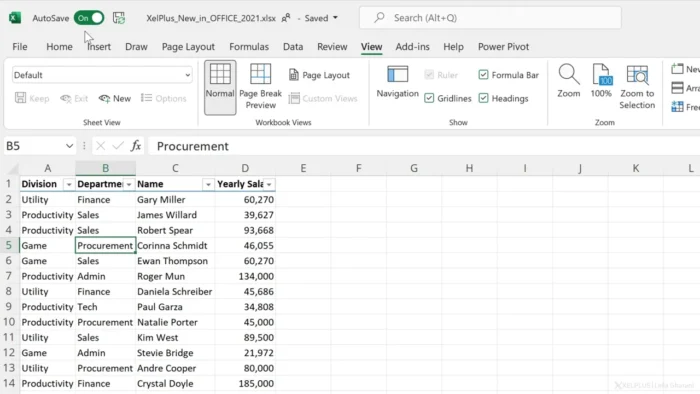
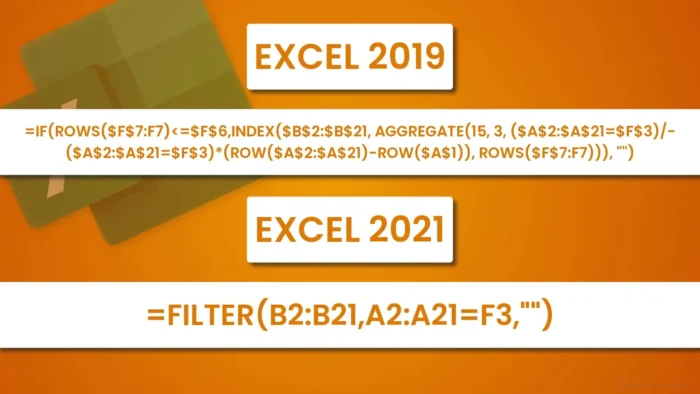
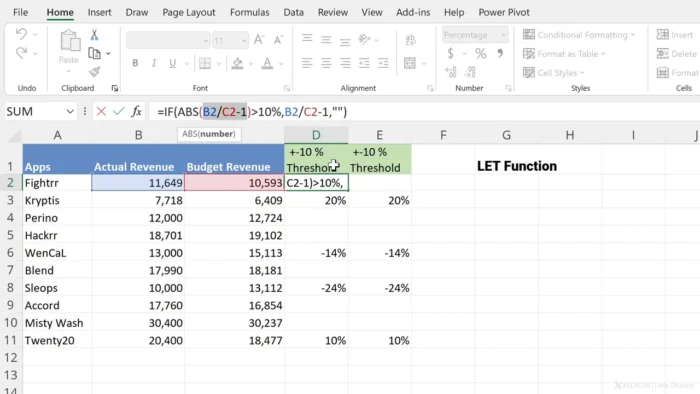
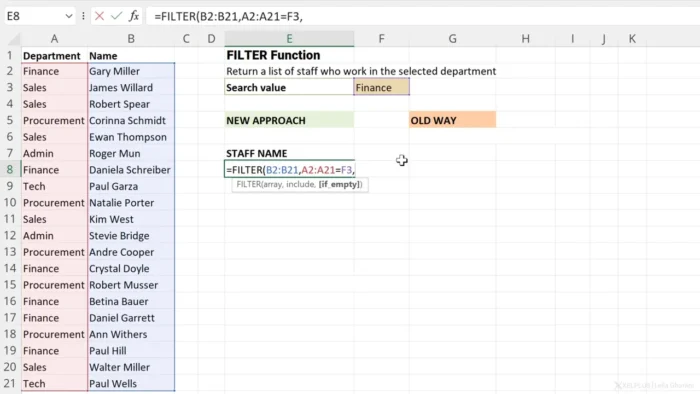
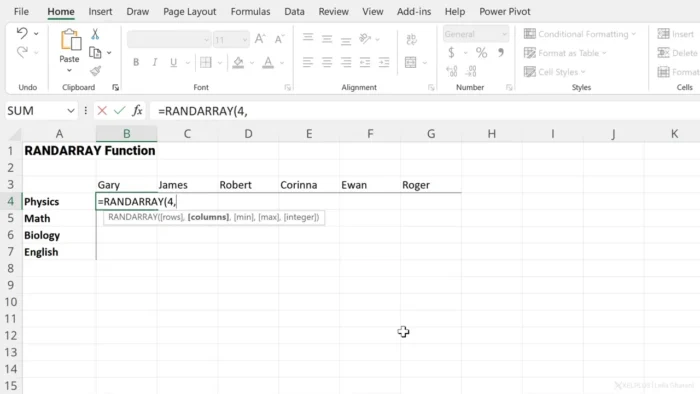
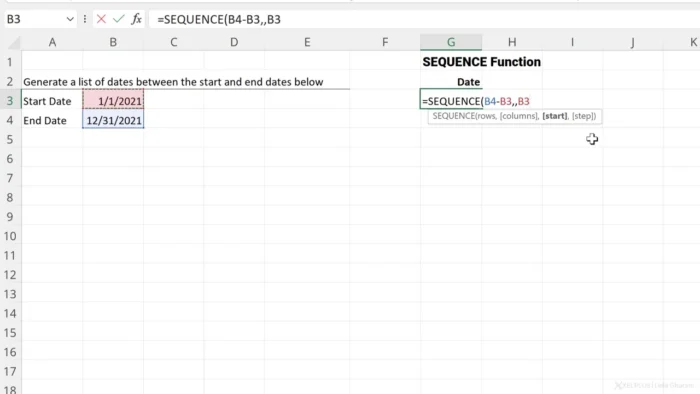
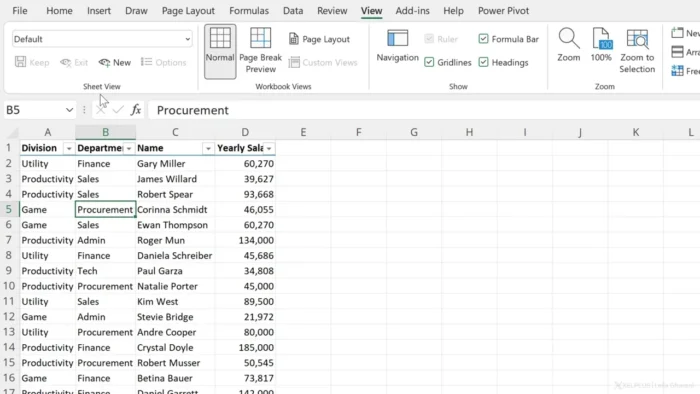
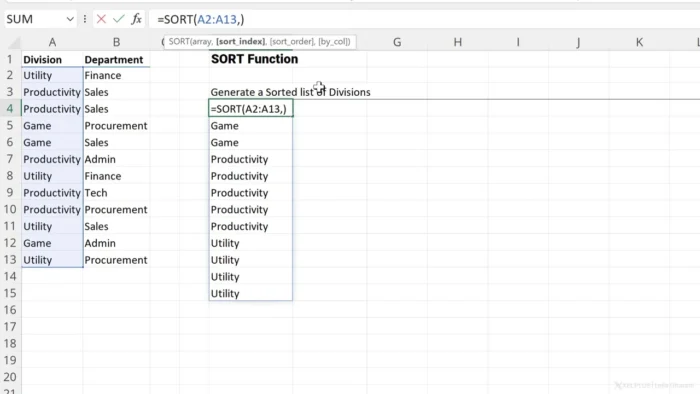
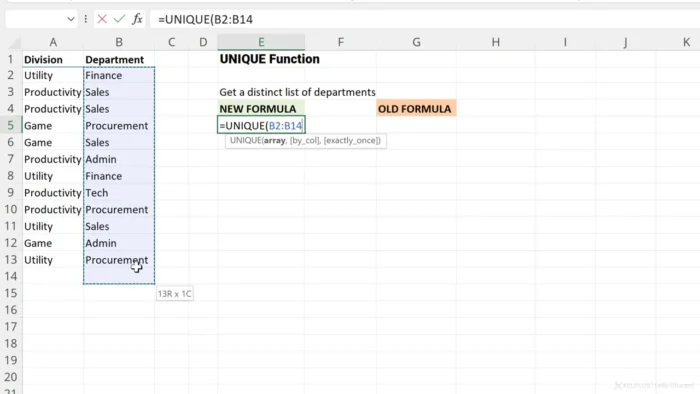
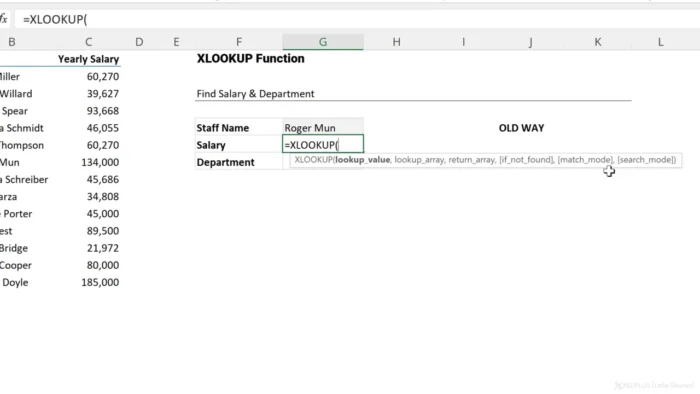
- Advanced formulas and functions for deeper analysis
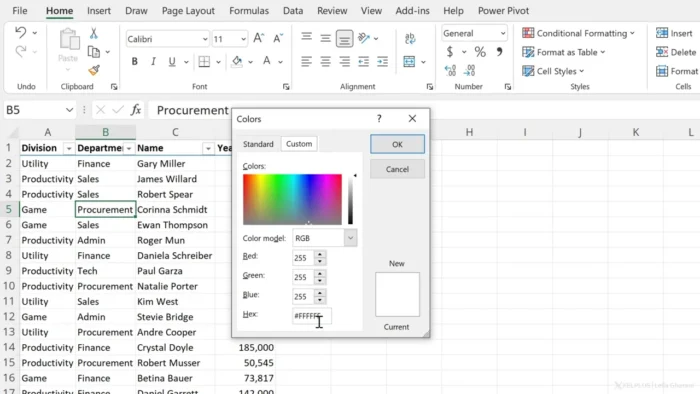
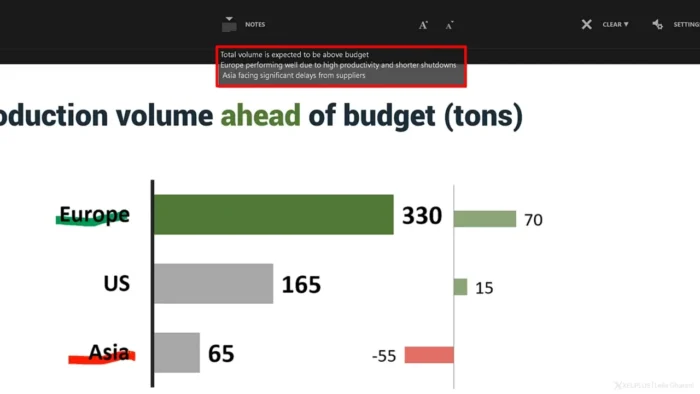
- Improved charts and data visualization
- Built-in data analysis tools
- Slicers and other productivity improvements for working with large datasets
- Better overall spreadsheet performance
- Familiar keyboard shortcuts carried over from previous versions
Excel 2021 is built for financial analysis, reporting, calculations, and general data management.
Microsoft PowerPoint 2021
- New slide transitions and improved animation controls
- Presenter View enhancements for smoother live delivery
- Threaded comments for clearer collaborative feedback
- 4K presentation export support
- Professional presentation templates to start faster
PowerPoint 2021 makes it easier to build polished presentations for work, education, or personal projects.
Microsoft OneNote 2021
- Store notes, images, audio, and video in one organized notebook
- Organize ideas and projects across multiple notebooks
- Sync notes across devices tied to your Microsoft account
- Share notebooks with others for collaborative note-taking
- Useful across school, business, and personal planning contexts
Microsoft Outlook 2021
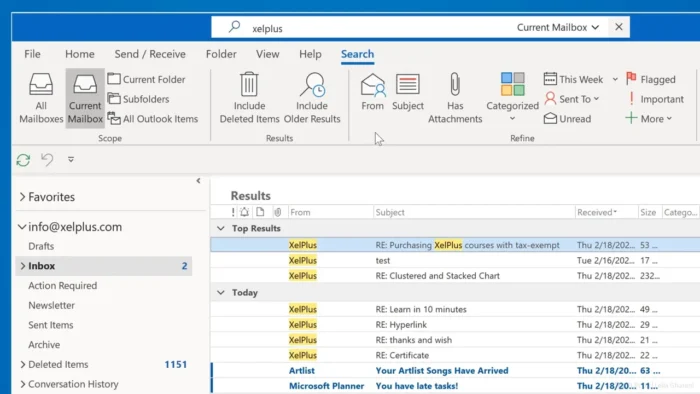
- Email organization tools for a cleaner, more manageable inbox
- Calendar and contact management in one integrated app
- Conversation view for following email threads more easily
- Task organization tools built into the same workspace
Outlook 2021 covers both communication and scheduling in a single, complete application.
Key Benefits
- No subscription required — a genuine one-time purchase
- Full offline productivity once installed and activated
- Familiar Microsoft Office interface for users coming from Windows or older Mac Office versions
- Excellent file compatibility with .docx, .xlsx, and .pptx formats used elsewhere
- Optimized for modern macOS systems
- Suitable for students, professionals, and businesses alike
Technical Details
| Detail | Information |
|---|---|
| Application Name | Microsoft Office 2021 for Mac |
| Platform | macOS |
| Architecture | 64-bit |
| Applications Included | Word, Excel, PowerPoint, OneNote, Outlook |
| Languages | Multilingual support |
| Storage Requirement | Approximately 10 GB free space |
| Licensing | One-time purchase (perpetual license) |
System Requirements
| Component | Minimum |
|---|---|
| Operating System | macOS 11 or later |
| Processor | 64-bit compatible processor |
| RAM | 4 GB or higher recommended |
| Storage | 10 GB available disk space |
How to Get Microsoft Office 2021 for Mac Legitimately
Office 2021 is sold directly by Microsoft as a one-time purchase tied to a genuine product key and Microsoft account — it’s not something distributed as a standalone installer outside that process.
- Purchase Office 2021 for Mac (Home & Student or Home & Business, depending on your needs) from Microsoft’s official store or an authorized retailer.
- Sign in with or create a Microsoft account.
- Redeem your product key through your Microsoft account to link the license.
- Download the official installer directly from your account’s Office setup page.
- Install the applications and activate by signing in with the same Microsoft account.
Activating through a genuine product key and account is also what keeps the software eligible for official security updates — unlicensed copies circulating outside Microsoft’s own channels don’t receive these updates and carry real malware risk, since they’ve typically been modified from the original installer.
Office 2021 vs Microsoft 365
Microsoft Office 2021:
- One-time purchase
- Full offline usage
- Stable, unchanging desktop applications
- No recurring subscription required
Microsoft 365:
- Continuous feature updates over time
- Cloud storage integration (OneDrive)
- More advanced real-time collaboration features
- Subscription-based, billed monthly or annually
The right choice depends on whether you value long-term feature updates and cloud integration (Microsoft 365) or a stable, one-time purchase with no ongoing cost (Office 2021).
Performance and Productivity
Microsoft Office 2021 prioritizes stability, speed, and file compatibility over constant feature additions. It’s built for everyday productivity with the traditional desktop Office workflow users already know — reports in Word, analysis in Excel, presentations in PowerPoint, and communication through Outlook, all in one dependable package.
Pros
- Genuine one-time purchase option, no recurring billing
- Full functionality works offline once installed and activated
- Familiar, reliable interface carried over from previous Office versions
- Strong file compatibility across Word, Excel, and PowerPoint formats
- Complete set of core productivity applications in one suite
Cons
- No continuous feature updates the way Microsoft 365 receives
- Higher upfront purchase cost compared to a monthly subscription
- Fewer built-in cloud collaboration features compared with Microsoft 365
Frequently Asked Questions
Is Microsoft Office 2021 a subscription? No, it’s a one-time purchase with a perpetual license, distinct from the subscription-based Microsoft 365.
What’s different between Office 2021 and Office 2019? Office 2021 includes refinements across each app — improved charts and data tools in Excel, threaded comments and better Presenter View in PowerPoint, and general editing improvements in Word — while keeping the same one-time-purchase, offline-first model.
How do I activate Office 2021 for Mac? By purchasing a genuine license, redeeming the product key through a Microsoft account, and signing in during setup, which is required for the software to function and receive security updates.
Will Office 2021 receive new features over time? No, it receives security updates for a defined support period, but new features are reserved for Microsoft 365 subscribers going forward.
Can I use Office 2021 without an internet connection? Yes, once installed and activated, the core applications work fully offline. An internet connection is required for initial activation and periodic license checks.
Is Office 2021 compatible with files from Windows versions of Office? Yes, file compatibility is maintained across formats like .docx, .xlsx, and .pptx between Mac and Windows.
Should I choose Office 2021 or Microsoft 365? If you want a stable, one-time purchase without ongoing costs, Office 2021 is the better fit. If you want continuous updates, more cloud storage, and multi-device flexibility, Microsoft 365 is the stronger choice.
Final Words
Microsoft Office 2021 for Mac is a solid, reliable productivity suite for users who prefer traditional desktop software over a subscription model — Word, Excel, PowerPoint, Outlook, and OneNote all received genuine improvements over the 2019 release while keeping the same straightforward, offline-first approach.
It won’t receive new features the way Microsoft 365 continues to, so it suits users who specifically want a stable, one-time purchase rather than an evolving service. Whichever you choose, activating through a genuine Microsoft account and product key is what keeps the software secure and properly supported over its lifetime.