

Microsoft Office 2024 for Mac
Microsoft Office 2024 for macOS – Complete Productivity Suite Guide
Microsoft Office 2024 is the newest generation of Microsoft’s desktop productivity suite for Mac, built for people who want Word, Excel, PowerPoint, Outlook, and OneNote with a refreshed interface, AI-assisted writing and design tools, and native support for both Apple Silicon and Intel Macs. It continues the same core idea as Office 2019 and 2021 before it: a complete, professional Office experience as a purchase rather than a subscription.
This guide covers what’s genuinely new in the 2024 release, how each application has improved, system requirements, and the correct way to purchase and activate a legitimate copy on macOS.



Overview
Microsoft Office 2024 for macOS is the latest release in Microsoft’s traditional, purchase-based Office lineup, adding AI-powered productivity tools and improved cloud collaboration on top of the familiar desktop application set.
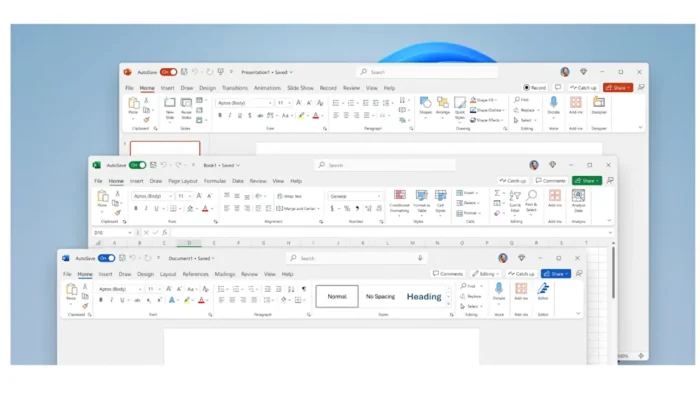
- Applications included: Word, Excel, PowerPoint, Outlook, OneNote, and Access
- Purpose: Document creation, spreadsheet analysis, presentation design, email/calendar management, and database organization
- Ideal users: Students, professionals, and businesses who want modern Office tools without committing to an ongoing subscription
- Platform support: Native compatibility with both Apple Silicon and Intel-based Macs
Key Features
Modern macOS Interface
- Redesigned interface aligned with current macOS design language
- Improved navigation and smoother overall workflow
- Optimized for Retina displays and full-screen mode
Advanced Collaboration
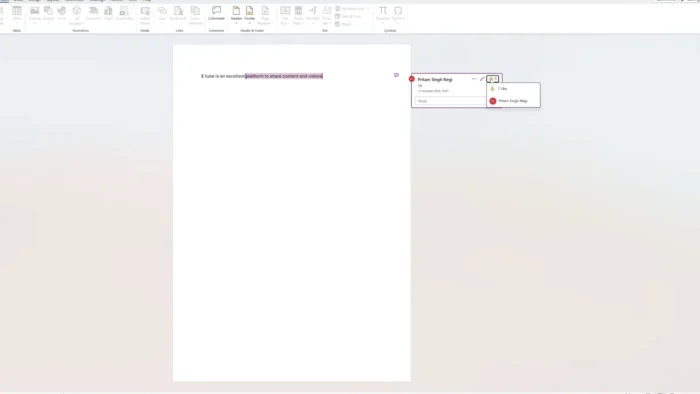
- Real-time document collaboration
- Improved sharing tools
- Better OneDrive and SharePoint integration
- Faster syncing across devices
AI-Powered Productivity
- Smart writing suggestions in Word
- Intelligent data analysis tools in Excel
- Improved design recommendations in PowerPoint
- Automated insights surfaced across Office applications
Enhanced Security
- Advanced threat protection
- Improved file-level security
- Better privacy controls
- Multi-factor authentication support, tied to your Microsoft account
Included Applications
Microsoft Word 2024
- AI-powered writing suggestions
- Improved templates
- Enhanced translation tools
- Focus Mode for distraction-free writing
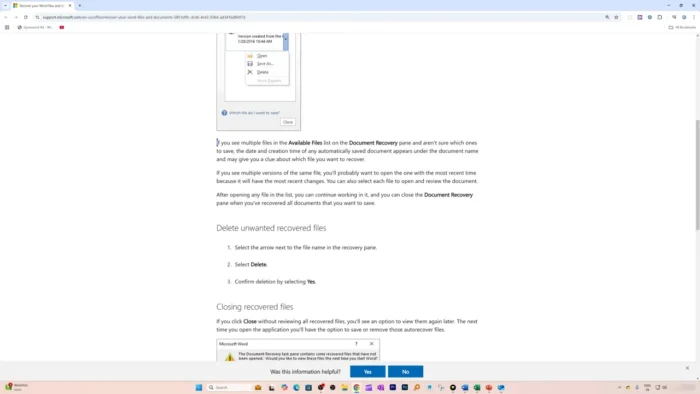
- Better document recovery
Microsoft Excel 2024
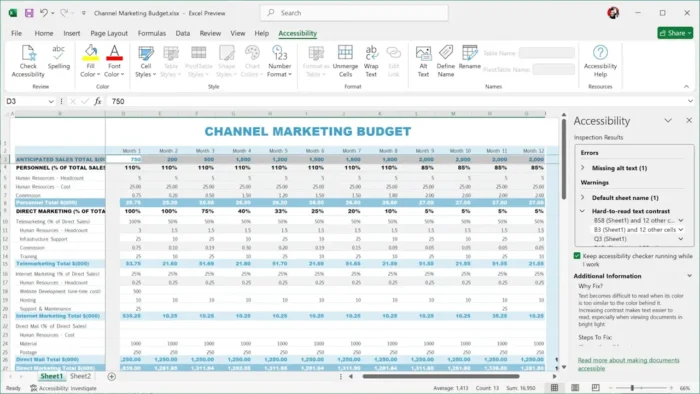
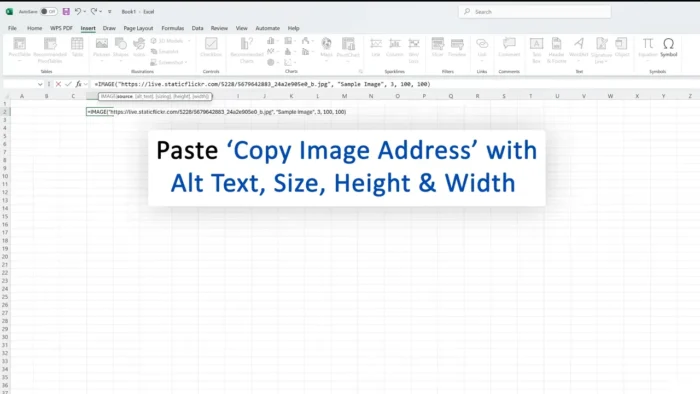
- Improved formulas and dynamic arrays
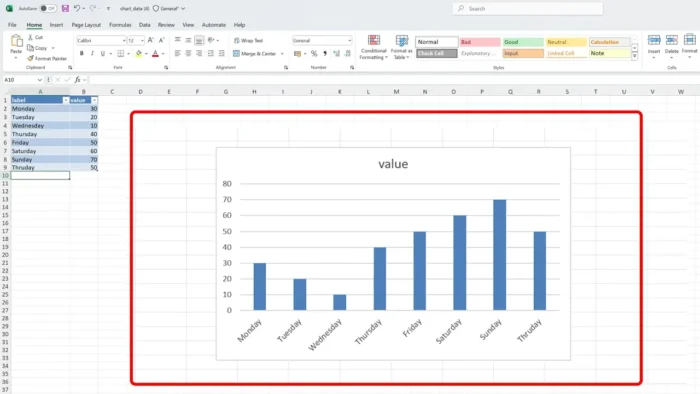
- Better data visualization and charts
- Advanced analysis tools
- Faster calculations on large spreadsheets
Microsoft PowerPoint 2024
- Enhanced animations and new transitions
- AI design suggestions for faster slide building
- Presenter improvements for live delivery
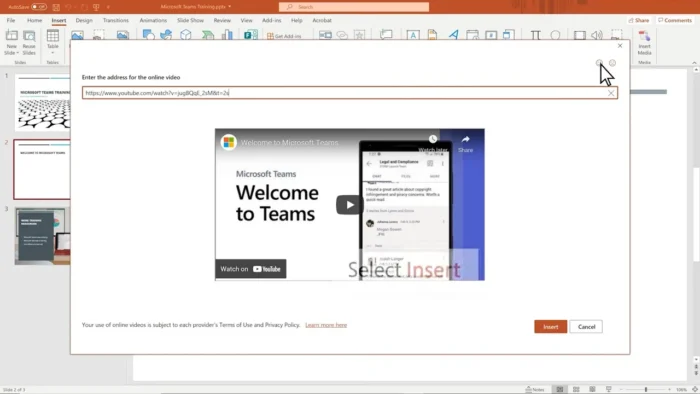
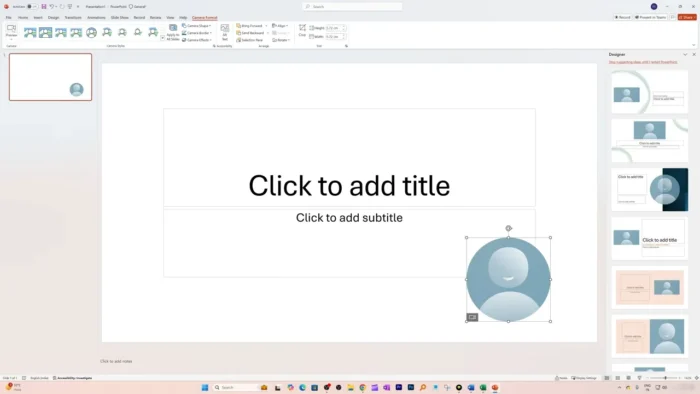
- Better multimedia support, including live camera integration during presentations
Microsoft Outlook 2024
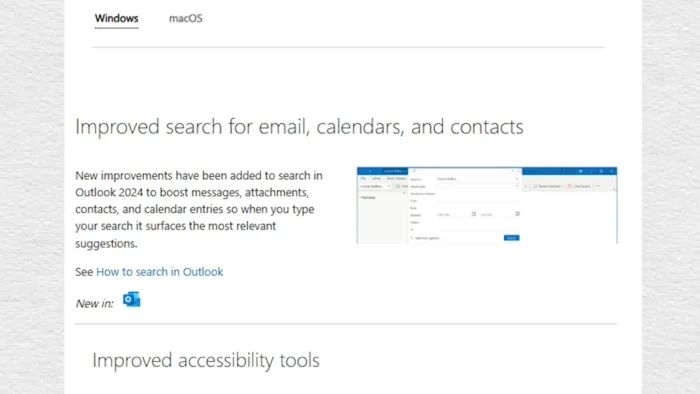
- Improved search speed and accuracy
- Smart inbox organization
- Better calendar integration
- Scheduled email sending
Microsoft OneNote 2024
- Better note organization and tagging
- Multimedia support (images, audio, video)
- Improved handwriting support
- Cross-device synchronization tied to your Microsoft account
Microsoft Access 2024
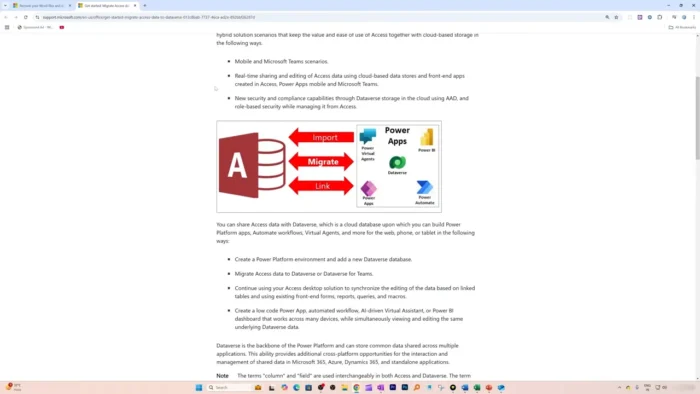
- Database management tools for organizing and analyzing larger datasets, useful for users managing structured business or research data beyond what a spreadsheet comfortably handles
What’s New in Office 2024
| App | Highlights |
|---|---|
| Word | Automatic document recovery improvements, better writing assistance, updated templates |
| Excel | New functions, faster calculations, improved data analysis, enhanced charts |
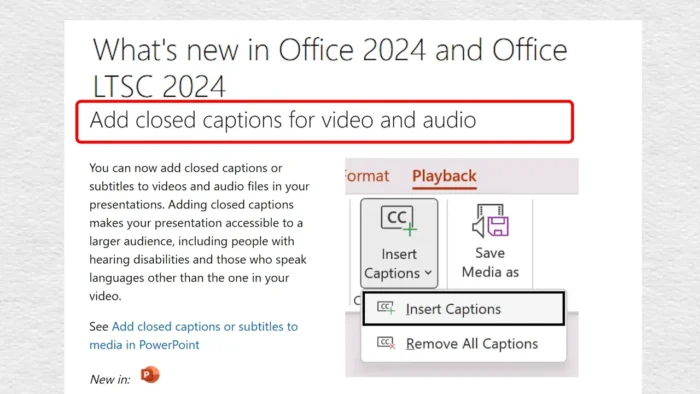
| PowerPoint | Live camera support, better animations, improved recording tools |
| Outlook | Faster search, better email management, improved accessibility |
| OneNote | Better handwriting support, improved organization tools |
System Requirements
| Component | Requirement |
|---|---|
| Operating System | macOS 12 Monterey or later |
| Processor | Apple Silicon or Intel Core processor |
| RAM | 4 GB or higher recommended |
| Storage | 10 GB free space recommended |
How to Get Microsoft Office 2024 for Mac Legitimately
Office 2024 is sold directly through Microsoft, either as a one-time purchase or bundled into a Microsoft 365 subscription, and activation is tied to a genuine product key and Microsoft account — it isn’t distributed as a standalone installer file outside that process.
- Purchase Office 2024 for Mac from Microsoft’s official store or an authorized retailer, choosing the one-time purchase edition or a Microsoft 365 plan depending on your needs.
- Sign in with or create a Microsoft account.
- Redeem your product key (for one-time purchases) or confirm your subscription through your Microsoft account.
- Download the official installer directly from your account’s Office setup page.
- Install the applications and activate by signing in with the same Microsoft account.
Genuine activation through your Microsoft account is also what enables ongoing security updates and access to cloud features like OneDrive syncing and multi-factor authentication — installer files circulating outside Microsoft’s official channels typically can’t receive these updates and carry real malware risk, since they’ve been modified from the original.
Microsoft Office 2024 Advantages
- One-time purchase option available (in addition to subscription plans)
- Full functionality without requiring a constant internet connection once activated
- Professional-grade applications across the full suite
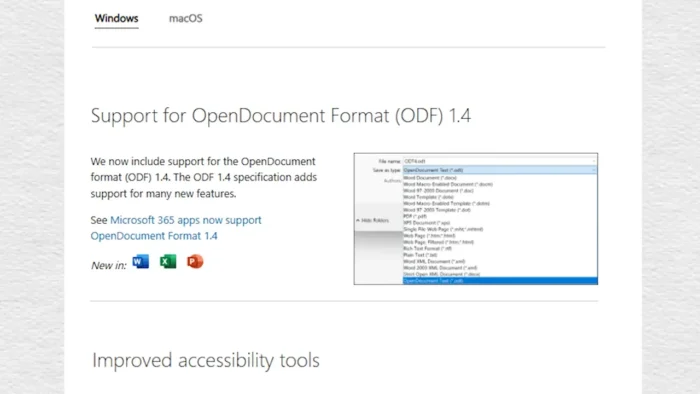
- Excellent document compatibility with older Office file formats
- Improved performance over previous versions
- Native optimization for both Apple Silicon and Intel Macs
Limitations
- Not free software — genuine activation requires a paid license
- Fewer continuous feature updates compared to a Microsoft 365 subscription
- Some advanced cloud features (real-time collaboration, larger OneDrive storage) require an active Microsoft 365 subscription rather than the one-time purchase edition
- Higher upfront cost for the one-time purchase compared to a monthly subscription, depending on how long you plan to use it
Microsoft Office 2024 vs Microsoft 365
Office 2024 (one-time purchase):
- Pay once
- Fixed feature set at time of purchase
- Offline-first experience
- No monthly subscription
Microsoft 365:
- Continuous updates over time
- Cloud storage included (OneDrive)
- More advanced real-time collaboration features
- Subscription-based, billed monthly or annually
If you want AI features, cloud storage, and continuous updates as they roll out, Microsoft 365 is the stronger long-term choice. If you want a stable, fixed feature set with no recurring cost, the one-time purchase edition of Office 2024 fits better.
Frequently Asked Questions
Is Microsoft Office 2024 free? No, genuine use requires either a one-time purchase license or a Microsoft 365 subscription, both activated through a Microsoft account.
Does Office 2024 include AI features? Yes, including smart writing suggestions in Word, intelligent data analysis in Excel, and AI design recommendations in PowerPoint.
Does Office 2024 run natively on Apple Silicon Macs? Yes, it’s optimized for both Apple Silicon and Intel-based Macs.
Can I use Office 2024 without an internet connection? Yes, once installed and activated, the core applications work offline. An internet connection is required for initial activation, updates, and certain cloud-based features.
What’s the difference between the one-time purchase and Microsoft 365? The one-time purchase gives you a fixed set of features for a single upfront cost with no ongoing fees. Microsoft 365 is subscription-based but includes continuous feature updates, more cloud storage, and deeper collaboration tools.
Is Microsoft Access included? Yes, Access is included for database management and analyzing larger structured datasets.
How do I activate Office 2024 for Mac? By purchasing a genuine license or subscription, then signing in with your Microsoft account and redeeming your product key or confirming your subscription during setup.
Is Office 2024 compatible with older Office file formats? Yes, it maintains strong compatibility with .docx, .xlsx, .pptx, and other established Office formats.
Final Review
Microsoft Office 2024 for macOS is a genuinely capable, modern update to Microsoft’s traditional Office lineup — the AI-assisted writing and design tools, improved collaboration features, and native Apple Silicon optimization make it a meaningful step up from earlier versions. Word, Excel, PowerPoint, Outlook, OneNote, and Access all received real improvements rather than just a version number bump.
Best for: students, professionals, businesses, and anyone who wants dependable offline productivity tools, whether through a one-time purchase or a Microsoft 365 subscription depending on which fits your workflow and budget better. Whichever path you choose, activating through a genuine Microsoft account is what keeps the software secure, updated, and properly supported.