
Windows 10 (version 1903)
Windows 10 version 1903 (19H1 / May 2019 Update) landed on 21 May 2019. It followed version 1809 and was one of the more substantial feature updates of that year.
Windows 10 1903 – May 2019

Microsoft had planned an April release but pushed it back a few weeks. When it finally arrived, 1903 brought a visible redesign of several everyday parts of Windows plus a set of practical under-the-hood improvements.
Key changes in 1903
This update is remembered for a few clear improvements:
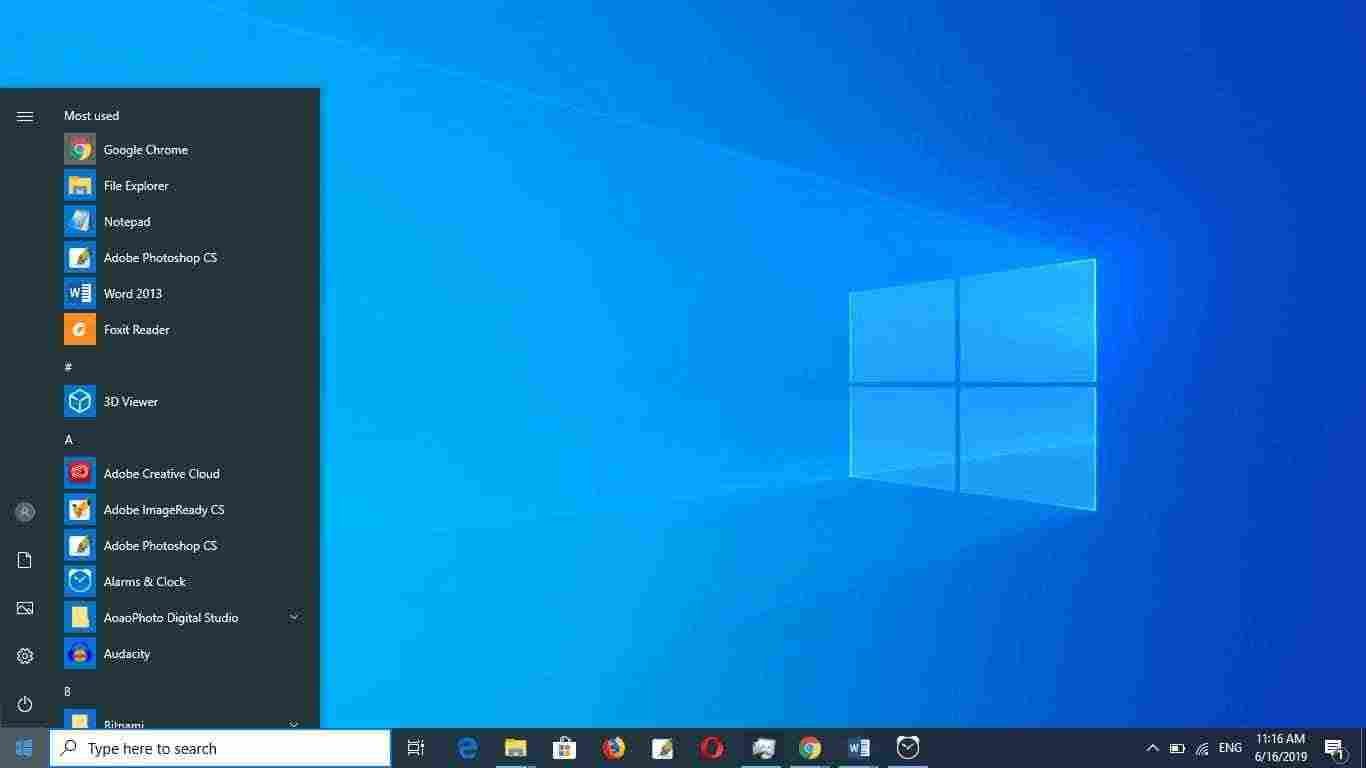
- A lighter, less cluttered Start menu
- Search and Cortana split into two separate experiences
- Windows Search could index and find files across the whole PC more effectively
- New system icons and a refined light theme
- More built-in apps could be uninstalled
- Windows Update status icon in the system tray
- Reserved storage (roughly 7 GB) to help updates install more reliably
- Windows Sandbox for testing software in an isolated environment
- Several Notepad enhancements
A few older interface pieces (People bar, certain account banners, friendly dates in File Explorer) were also trimmed or simplified.
More detailed coverage of the changes is available in this feature overview of version 1903.
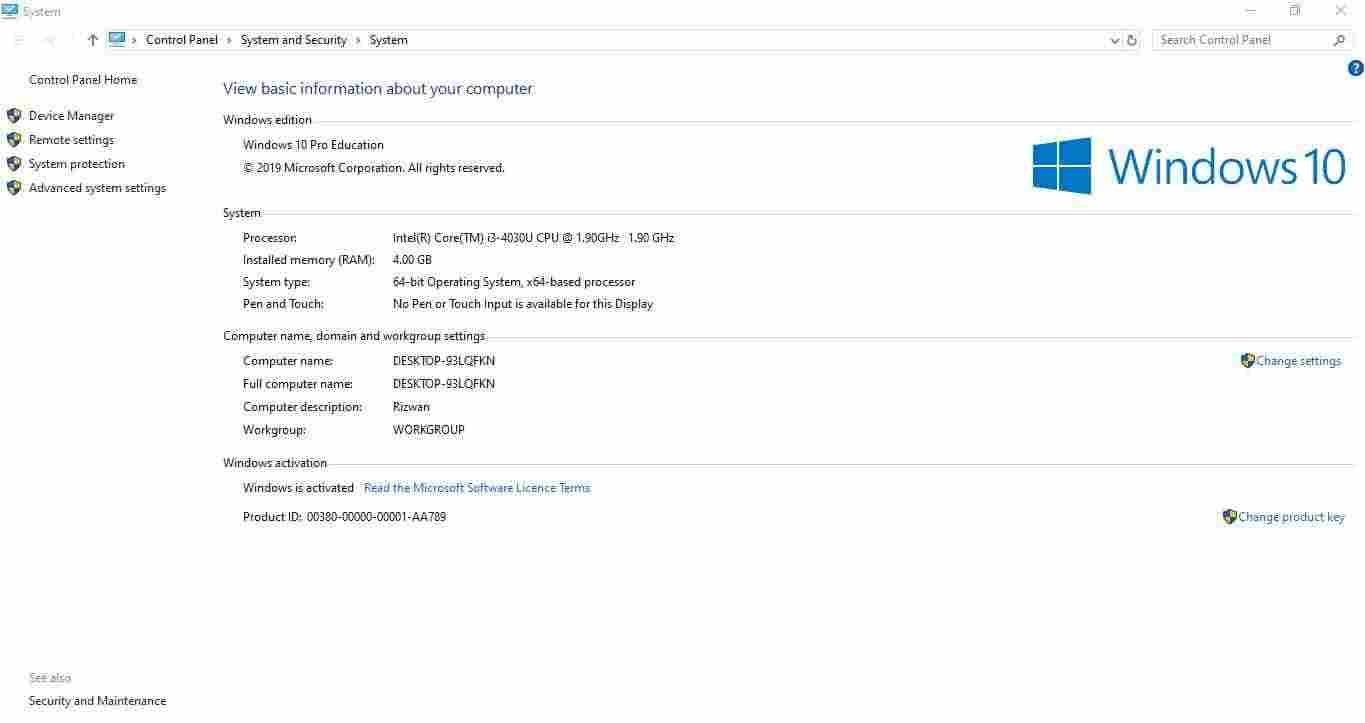
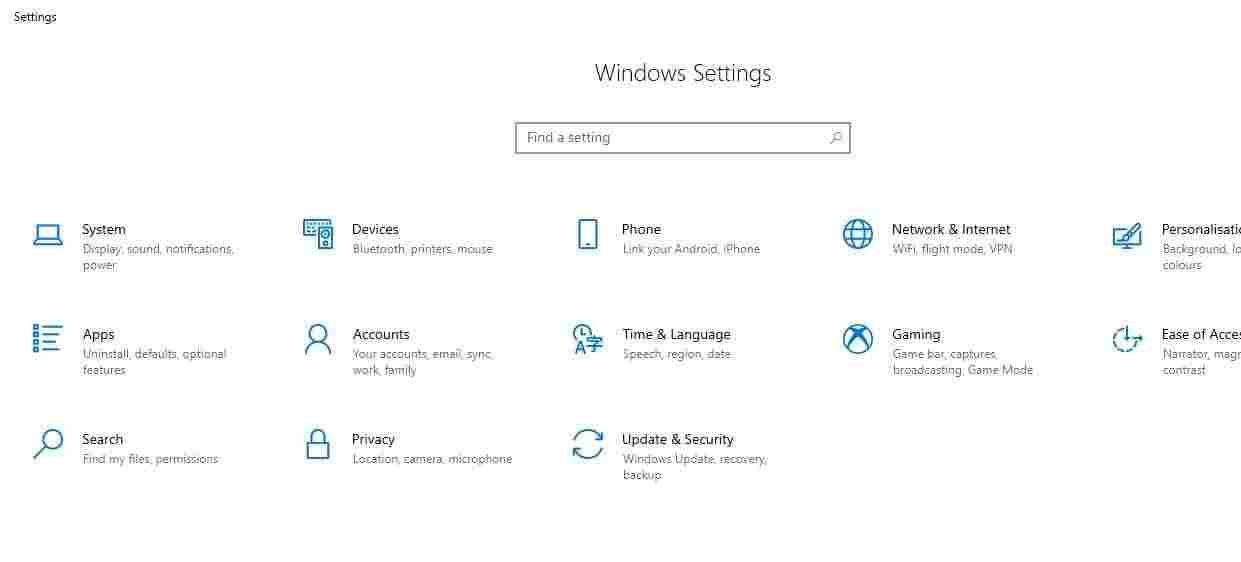
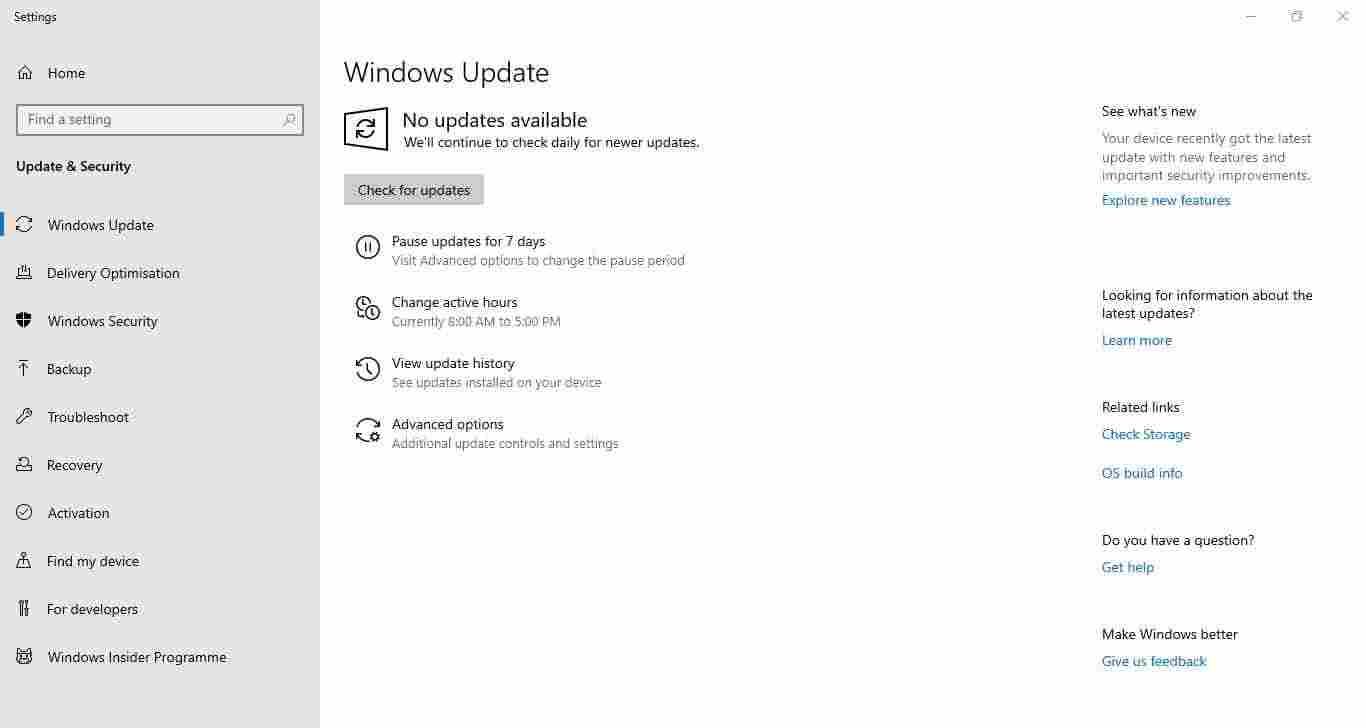
Screenshots
Editions
1903 was released in the standard four editions:
- Home – suitable for most personal computers
- Pro – adds BitLocker, Hyper-V, Remote Desktop host and domain join
- Enterprise – volume-licensed edition with extra security and management tools
- Education – intended for schools and academic institutions
Windows 10 has never had an Ultimate edition.
Download Windows 10 1903
Windows 10 (1903) 64-bit ISO – approx. 5.0 GB
Windows 10 (1903) 32-bit ISO – approx. 3.5 GB
These files are the original 1903 images. If you need a Windows 10 installation that received updates for the longest time, use the final release instead: version 22H2.
How to install
Create a bootable USB with Rufus or the Media Creation Tool, boot from it, and select either an upgrade or a clean install. After Windows finishes the initial setup, run Windows Update so any remaining cumulative updates for 1903 can install.
Mounting the ISO and launching setup.exe also works for an in-place upgrade.
Notes
- Windows 10 reached end of support on 14 October 2025. Version 1903 stopped receiving regular updates years earlier.
- A genuine product key that matches the edition is still required.
- For any new install today, 22H2 remains the preferred Windows 10 build.
All Windows 10 versions are listed on the main Windows 10 download page.