
Windows 10 (version 2004 20H2)
Windows 10 version 20H2 (also known as the October 2020 Update) was released on 20 October 2020. It followed version 2004 (20H1) and was delivered mainly as an enablement package on top of the May 2020 Update.
Windows 10 20H2 – October 2020

20H2 was a relatively small feature update. Microsoft focused on refinements, performance, and a few visible interface changes rather than a large set of new capabilities.
What’s new in Windows 10 20H2
Key changes in this release included:
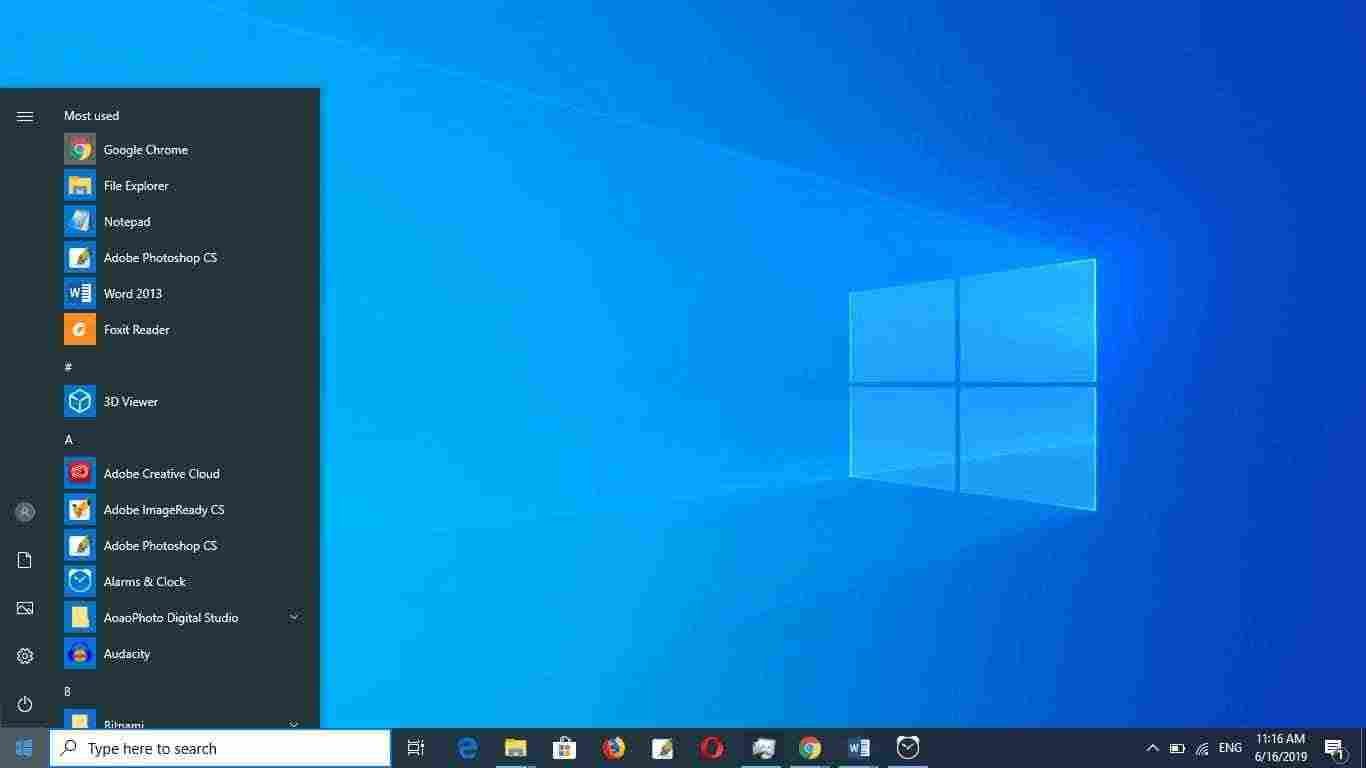
- New Start menu design with a more simplified look (theme-aware tiles)
- Alt + Tab now shows open Edge browser tabs by default
- Improved notification management and Focus Assist refinements
- Tablet mode improvements for 2-in-1 devices
- Modern Device Management (MDM) enhancements for businesses
- Better performance and stability on systems already running version 2004
Many of the bigger interface updates people sometimes associate with this period (separate Search and Cortana, light theme, new icons, etc.) were actually introduced in earlier releases such as 1903 and 2004. 20H2 itself was more of a polish and enablement update.
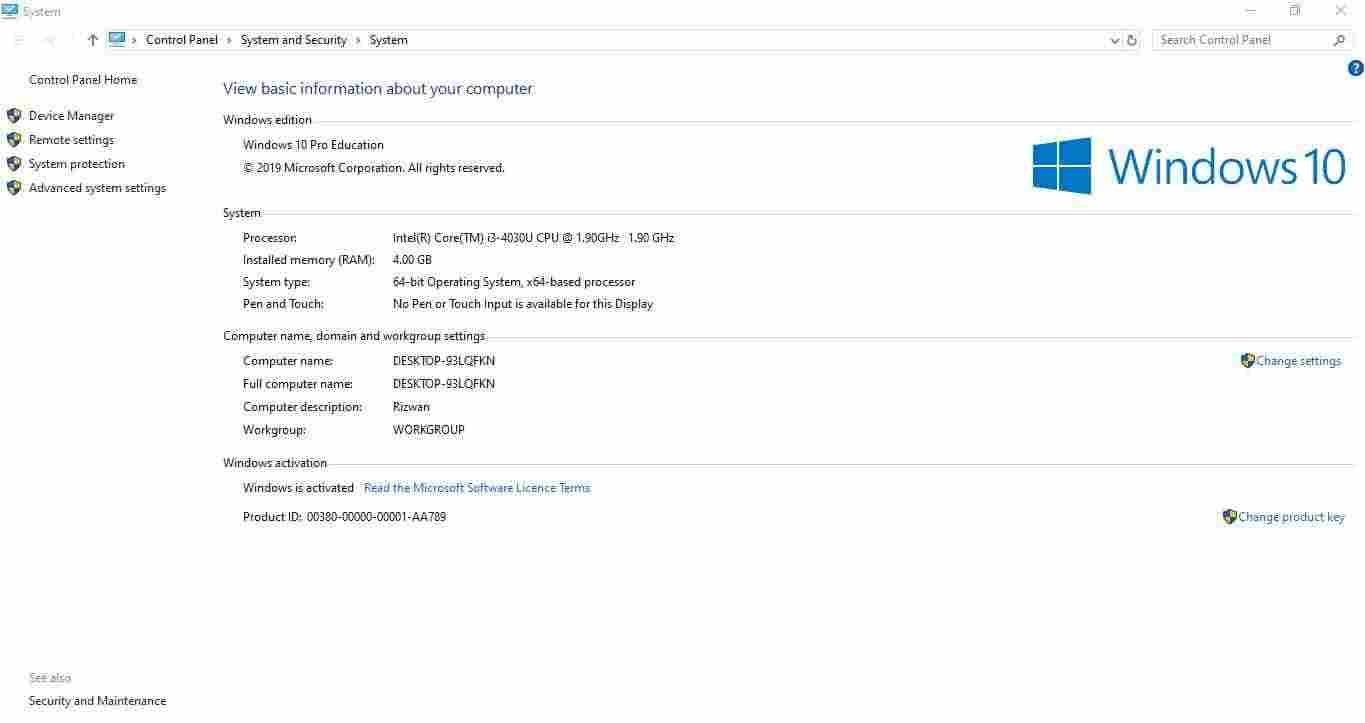
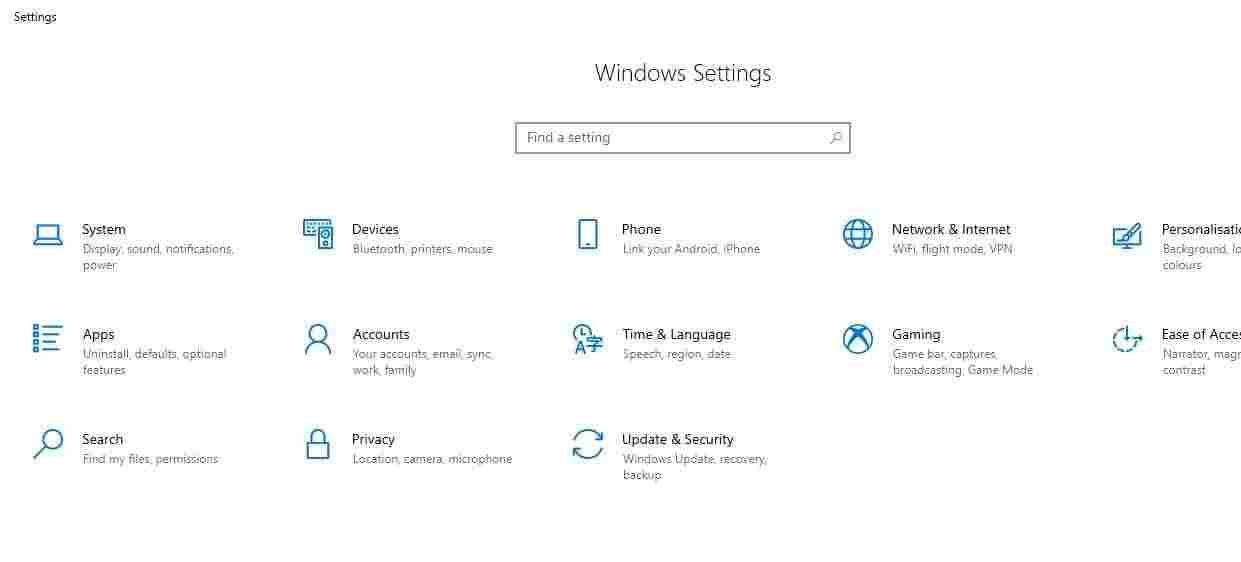
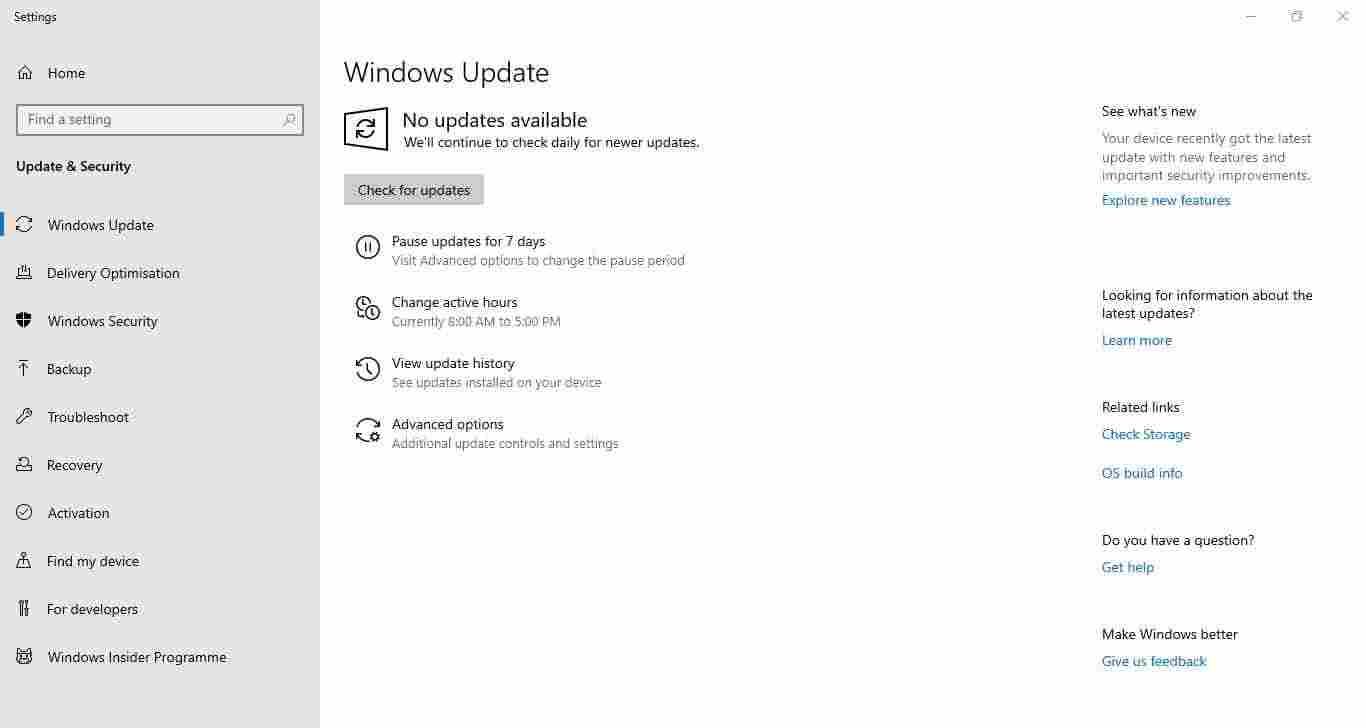
Windows 10 Screenshots
Windows 10 Editions
20H2 was available in the standard editions:
- Home – everyday personal use
- Pro – professionals and small businesses (BitLocker, Hyper-V, domain join, Remote Desktop)
- Enterprise – organisations needing advanced management and security (volume licence required)
- Education – schools and academic institutions
There is no Ultimate edition of Windows 10. Most individual users only need Home or Pro.
How to get Windows 10 20H2
Because this version is no longer current, the most reliable way is a direct ISO download:
Download Windows 10 (20H2) 64-bit ISO (≈ 5.7 GB)
Download Windows 10 (20H2) 32-bit ISO (≈ 4.2 GB)
You can also use the Windows 10 Media Creation Tool or the Update Assistant, although those tools usually point to newer builds now.
If you want the final and longest-supported Windows 10 release, go to the main Windows 10 ISO page (version 22H2).
How to install from ISO
1. Download the 64-bit or 32-bit ISO.
2. Create a bootable USB with Rufus or the Media Creation Tool.
3. Boot from the USB and choose Upgrade or Custom (clean) install.
4. After setup finishes, run Windows Update to install any remaining cumulative updates that were still available for 20H2.
You can also mount the ISO in File Explorer and run setup.exe for an in-place upgrade.
Notes
- Windows 10 reached end of standard support on 14 October 2025. 20H2 stopped receiving regular updates well before that date.
- A genuine product key matching the edition is still required for activation.
- For almost all users still needing Windows 10, version 22H2 is the better choice.
More Windows 10 versions and download options are listed on the main Windows 10 download page.