
Parallels Desktop Business Edition for Mac
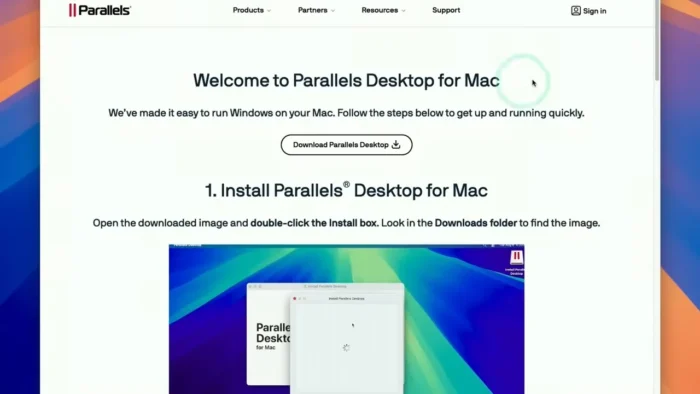
Parallels Desktop Business Edition Free Download for Mac
There’s always that one Windows-only application standing between a company and going fully Mac — a legacy accounting tool, a client’s proprietary software, an internal system nobody’s rebuilt for macOS. Parallels Desktop Business Edition exists to remove that blocker entirely, letting Windows applications run right alongside native Mac apps without rebooting into a separate operating system every time you need them.
What makes the Business Edition specifically relevant for organizations rather than individual users is the management layer on top: centralized deployment, user access controls, and license management that let an IT team roll out and maintain Windows virtual machines across a whole fleet of Macs, rather than configuring each one by hand. Whether you’re a developer testing cross-platform compatibility or a business running mixed Mac and Windows environments, Parallels Desktop is built to make that coexistence genuinely seamless.

Overview
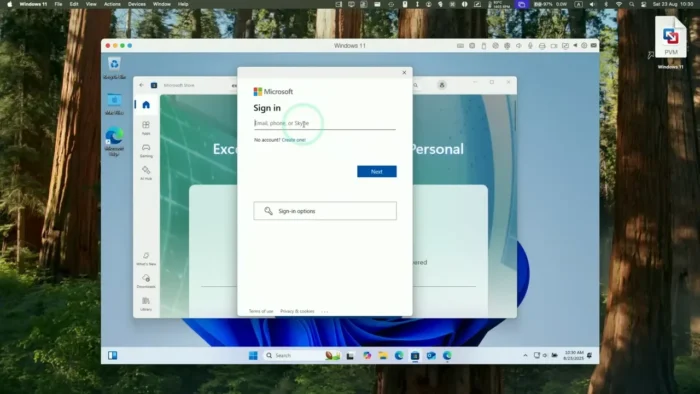
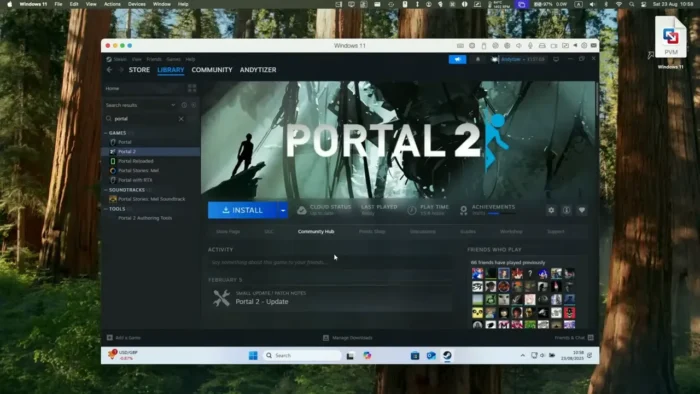
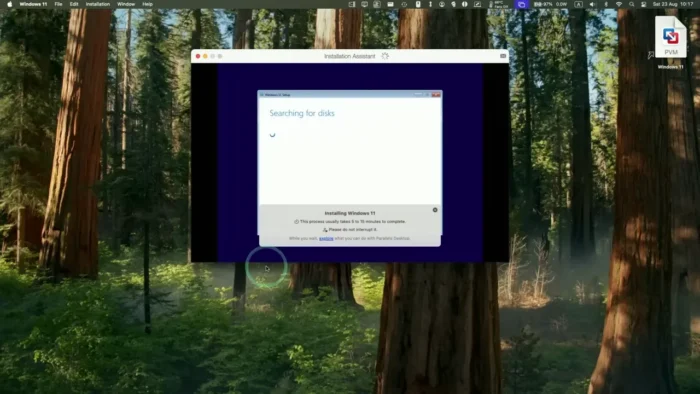
Parallels Desktop Business Edition is a virtualization platform that runs Windows (and other operating systems) as virtual machines directly inside macOS, without requiring a restart to switch between environments.
- Purpose: Run Windows applications and other operating systems alongside macOS, with business-grade management tools
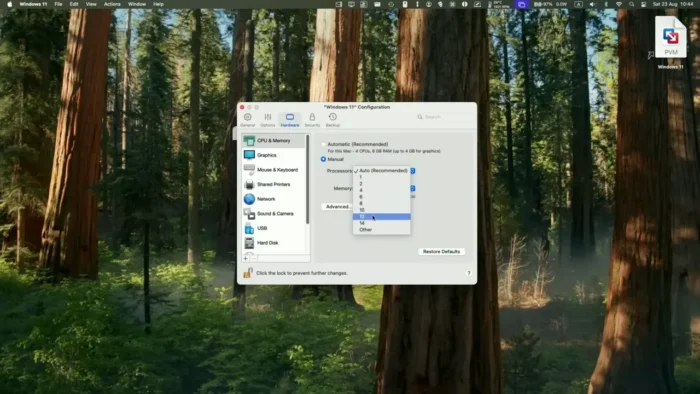
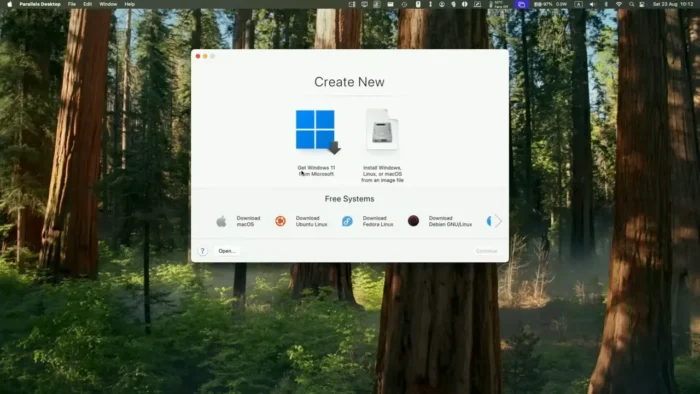
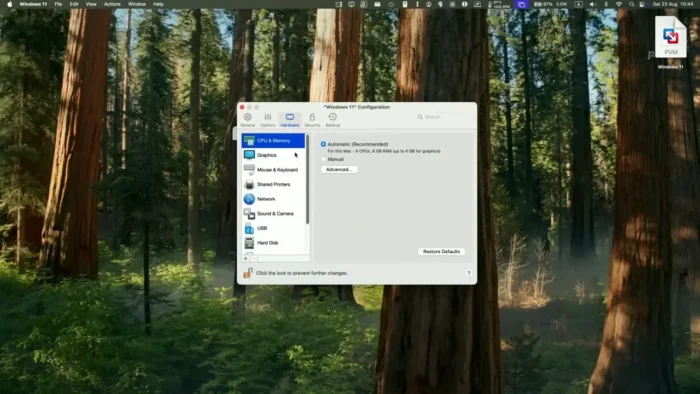
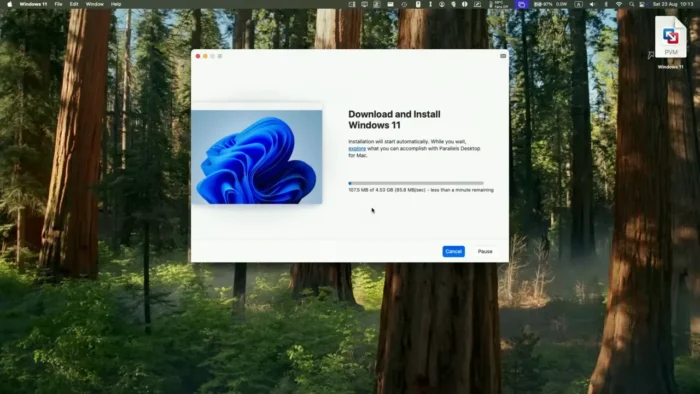
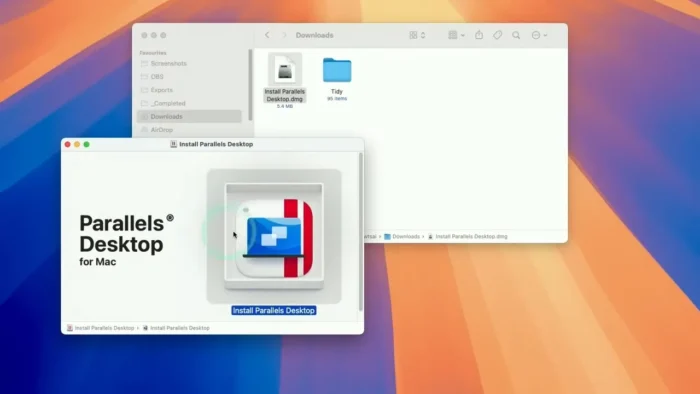
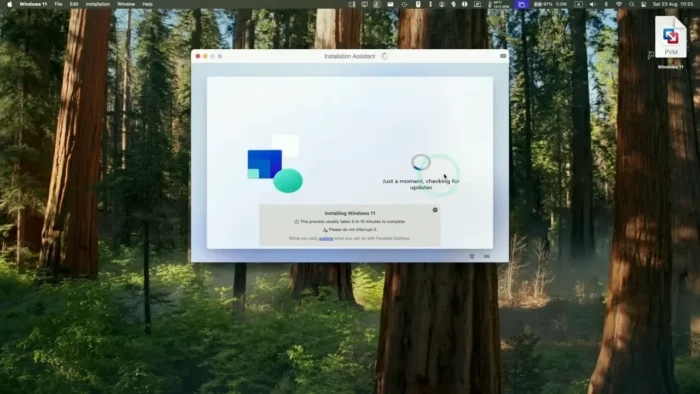
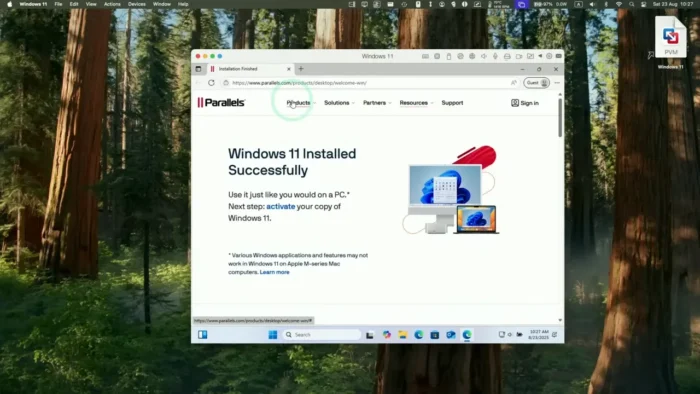
- Main workflow: Create a virtual machine → install Windows or another OS → run applications alongside native Mac software → manage deployments centrally
- Ideal users: Businesses with mixed Mac/Windows environments, IT administrators, developers, and testing teams
- OS support: Windows, various Linux distributions, and other supported operating systems as virtual machines
- Major strength: Genuine seamless integration between macOS and Windows, plus centralized administration tools built specifically for organizational deployment
Key Features
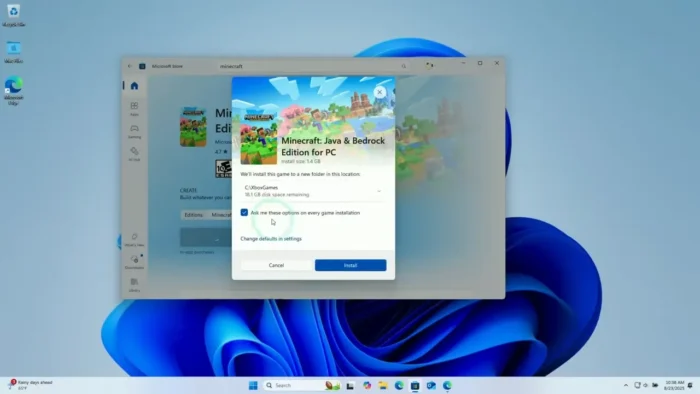
- Run Windows Applications Without Rebooting – Windows-only software runs directly alongside native Mac applications, so switching to a Windows tool doesn’t mean losing access to everything else you’re working on in macOS.
- Multiple Operating System Support – Beyond Windows, create and manage virtual machines running various Linux distributions and other supported operating systems, useful for developers testing across platforms.
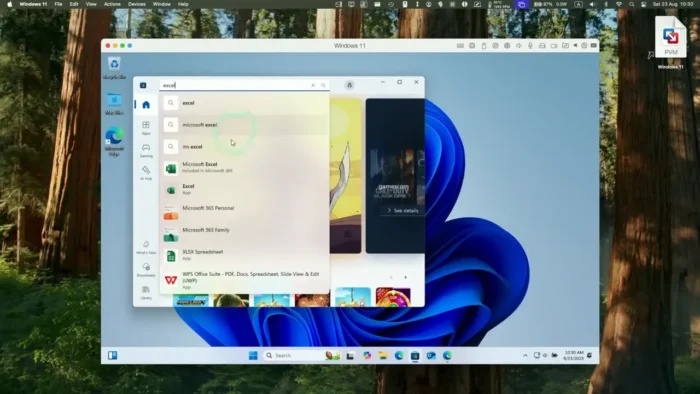
- Seamless macOS–Windows Integration – Copy and paste between systems, share files and folders, and open Windows files directly with Mac applications, which removes the friction usually associated with running two separate operating systems.
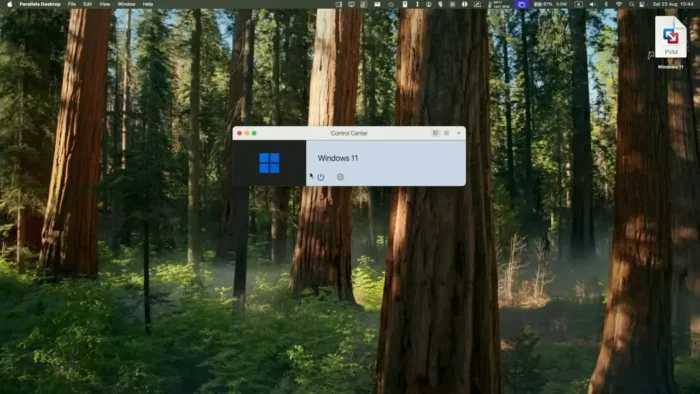
- Centralized Virtual Machine Management – Business users get administration tools for configuring, deploying, and maintaining virtual machines across an organization, rather than manually setting up each Mac individually.
- Business Security Controls – Secure user access, virtual machine restrictions, and centralized license management give IT departments actual control over how virtual environments are used across the company.
- Developer and Testing Environments – Spin up isolated virtual machines for software testing, cross-platform compatibility checks, or OS-specific development work without needing separate physical machines.
- Hardware-Accelerated Performance – Support for modern hardware acceleration keeps demanding applications running smoothly inside the virtual machine rather than feeling sluggish compared to native software.
- Graphics and Peripheral Support – DirectX and OpenGL compatibility, plus support for USB devices, printers, and other connected hardware, so specialized Windows software and peripherals continue working as expected.
- Migration Tools – Built-in tools to move documents, applications, settings, and user data from an existing Windows environment onto the Mac-based virtual machine, easing the transition for new deployments.
- Enterprise Administration Tools – Centralized deployment and configuration tools make it practical for IT departments to manage many Mac devices running virtual machines at once.
System Requirements
| Component | Requirement |
|---|---|
| Operating System | macOS 10.12 or later |
| Processor | Apple Silicon or Intel |
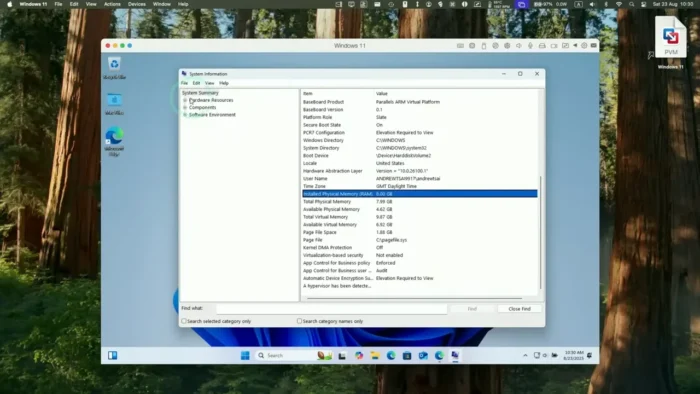
| RAM | Sufficient to run macOS and virtual machines simultaneously (more RAM supports smoother multitasking) |
| Storage | Adequate free space for virtual machine files and guest operating systems |
| Internet | Required for activation, updates, and online services |
Actual RAM and storage needs scale with how many virtual machines you run and which guest operating system and applications they host — heavier Windows workloads need correspondingly more resources set aside.
Pros
- Run Windows and macOS applications simultaneously without rebooting
- Genuinely smooth file sharing and copy-paste integration between operating systems
- Strong business management tools for centralized deployment across an organization
- Supports multiple guest operating systems, not just Windows
- Useful, isolated environments for development and cross-platform testing
- Professional security controls suited to IT-managed environments
Cons
- Running virtual machines consumes real system resources, so overall Mac performance depends on available RAM and storage
- Best suited to users who need regular, ongoing access to Windows applications rather than occasional use
- Performance for demanding workloads depends heavily on the host Mac’s hardware specifications
- Business-grade management features require some IT setup and configuration to use effectively
Who Should Use Parallels Desktop Business Edition?
- Businesses operating in mixed Mac and Windows environments
- IT administrators managing virtual machine deployment across multiple Macs
- Software developers needing isolated environments for testing and development
- QA and testing teams checking cross-platform compatibility
- Designers or professionals who rely on specific Windows-only tools
Parallels Desktop vs Traditional Dual Boot Solutions
Unlike dual-boot setups, which require a full restart and force you to work in one operating system at a time, Parallels Desktop lets you run Windows applications while continuing to work directly inside macOS. For professionals who switch between operating systems frequently throughout the day, that difference translates into a genuinely faster, less disruptive workflow — no lost time waiting for a reboot just to check one Windows-only tool.
Frequently Asked Questions
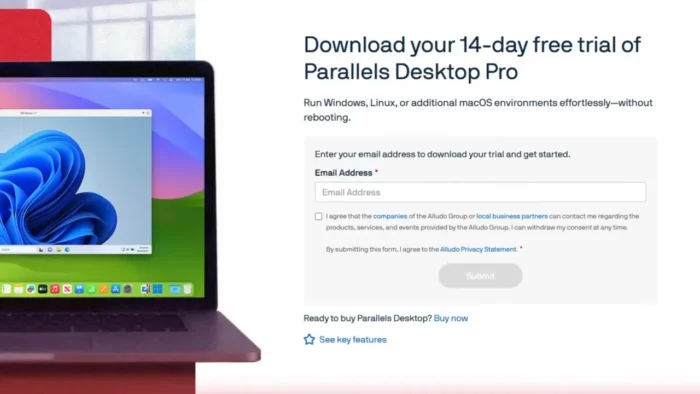
Is Parallels Desktop Business Edition free? No, it’s commercial software licensed for business use. Check Parallels’ official site for current pricing and trial availability.
Does Parallels Desktop run natively on Apple Silicon Macs? Yes, it supports both Apple Silicon and Intel-based Mac systems.
Can I run operating systems other than Windows? Yes, Parallels Desktop supports various Linux distributions and other operating systems as virtual machines, in addition to Windows.
Do I need to restart my Mac to use Windows applications? No — that’s the core advantage over dual-boot setups. Windows applications run alongside native macOS applications without rebooting.
Can I share files between macOS and the Windows virtual machine? Yes, copy-paste and file/folder sharing between the two environments is built in.
Is Parallels Desktop suitable for IT-managed business deployments? Yes, the Business Edition specifically includes centralized administration, user access controls, and license management designed for organizational use.
How much RAM do I need to run Parallels Desktop smoothly? Enough to comfortably run macOS and your virtual machines at the same time — the more demanding your Windows workload, the more RAM you should allocate.
Can Parallels Desktop be used for software development and testing? Yes, it’s commonly used to create isolated environments for cross-platform testing, OS-specific development, and compatibility checks.
Final Verdict
Parallels Desktop Business Edition for Mac solves a genuinely common organizational problem — the need to run Windows-only software without giving up macOS or maintaining separate physical machines. Its seamless integration between operating systems, combined with centralized management tools built specifically for IT departments, makes it a practical choice for businesses running mixed environments.
Individual users with only occasional need for a Windows application might find a lighter solution sufficient, but for organizations, developers, and testing teams that need reliable, ongoing access to Windows applications alongside macOS, Parallels Desktop Business Edition remains one of the most complete virtualization solutions available for Mac.