
Windows 11 (version 22H2)
Windows 11 version 22H2 was released on September 20, 2022. It was the first major feature update for Windows 11 and followed the original 21H2 release from 2021.
Important: Windows 11 version 22H2 is now a historical release. Support for the Home, Pro, Pro Education, Pro for Workstations, and SE editions ended on October 8, 2024. This page is maintained as an archive and reference for the 22H2 release and its ISO files.

Windows 11 22H2 ISO — September 2022 release, 64-bit.
windowstan.com
Windows 11 22H2, also known as the Windows 11 2022 Update, introduced a number of changes to the Windows 11 experience, including improvements to the Start menu, File Explorer, Task Manager, accessibility, security, and system management.
What was new in Windows 11 22H2?
Unlike the original Windows 11 release, version 22H2 focused on refining the existing interface while adding several useful productivity, accessibility, and security features. Some features were also delivered through subsequent cumulative updates during the 22H2 servicing period.
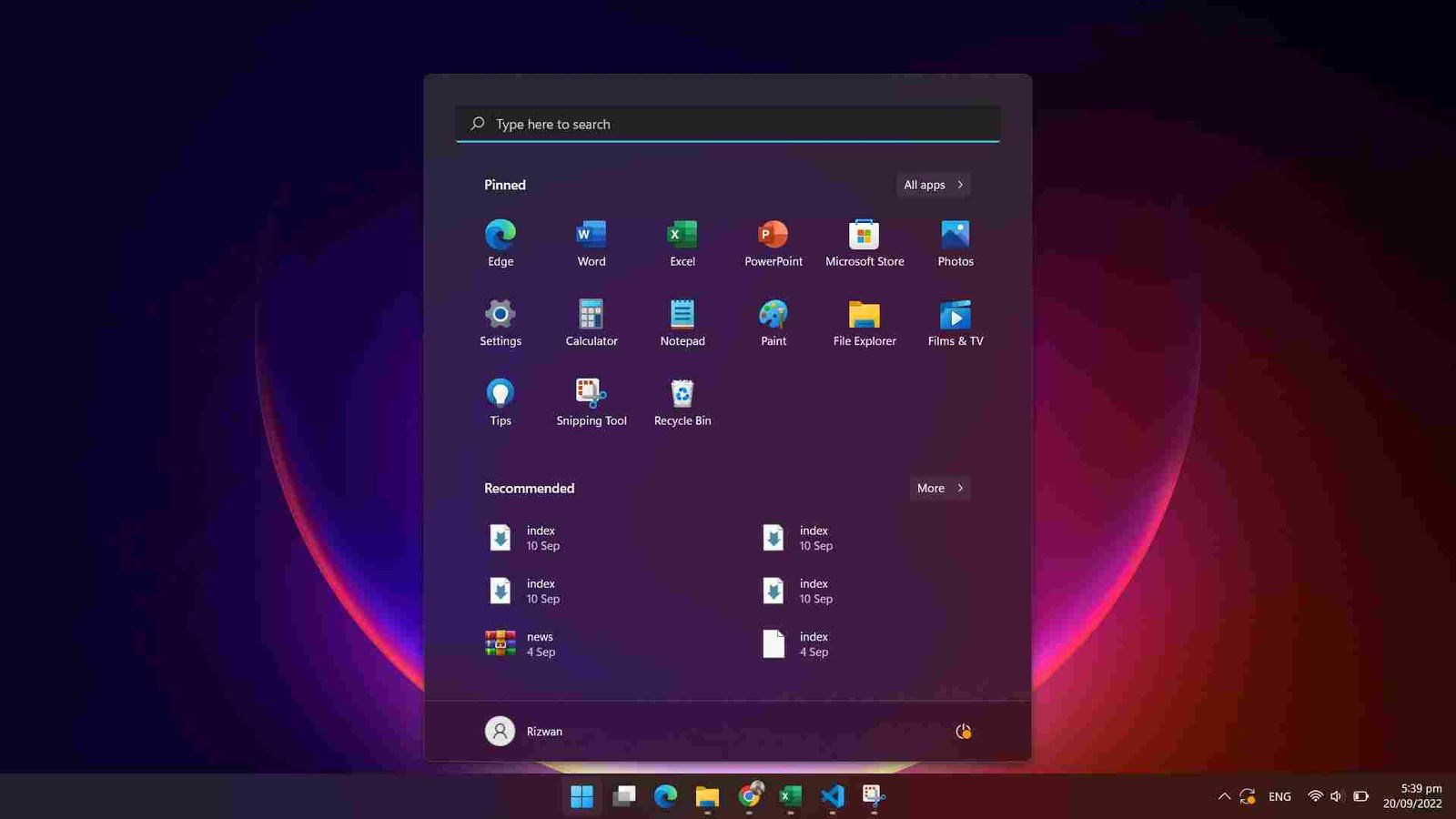
- Start menu improvements: Additional layout and personalization options were introduced for the Start menu.
- File Explorer improvements: Microsoft introduced tabs in File Explorer and other navigation and management enhancements during the 22H2 update cycle.
- Task Manager updates: Task Manager received a redesigned interface and an Efficiency mode for reducing the resource usage of supported processes.
- Accessibility: Windows 11 22H2 added or improved features such as system-wide Live Captions, Voice Access, Focus sessions, and Narrator improvements.
- Security: Smart App Control, Enhanced Phishing Protection, Credential Guard improvements, and additional security protections were introduced or expanded.
- Microsoft Pluton: Windows 11 22H2 added support for Microsoft’s Pluton security processor on compatible hardware.
- Windows Update improvements: Microsoft introduced additional controls for update notifications and servicing behavior, particularly for managed devices.
Because Windows 11 continued receiving feature improvements through monthly updates, not every change associated with 22H2 appeared on the original September 2022 release. Some features were introduced later during the 22H2 servicing cycle.
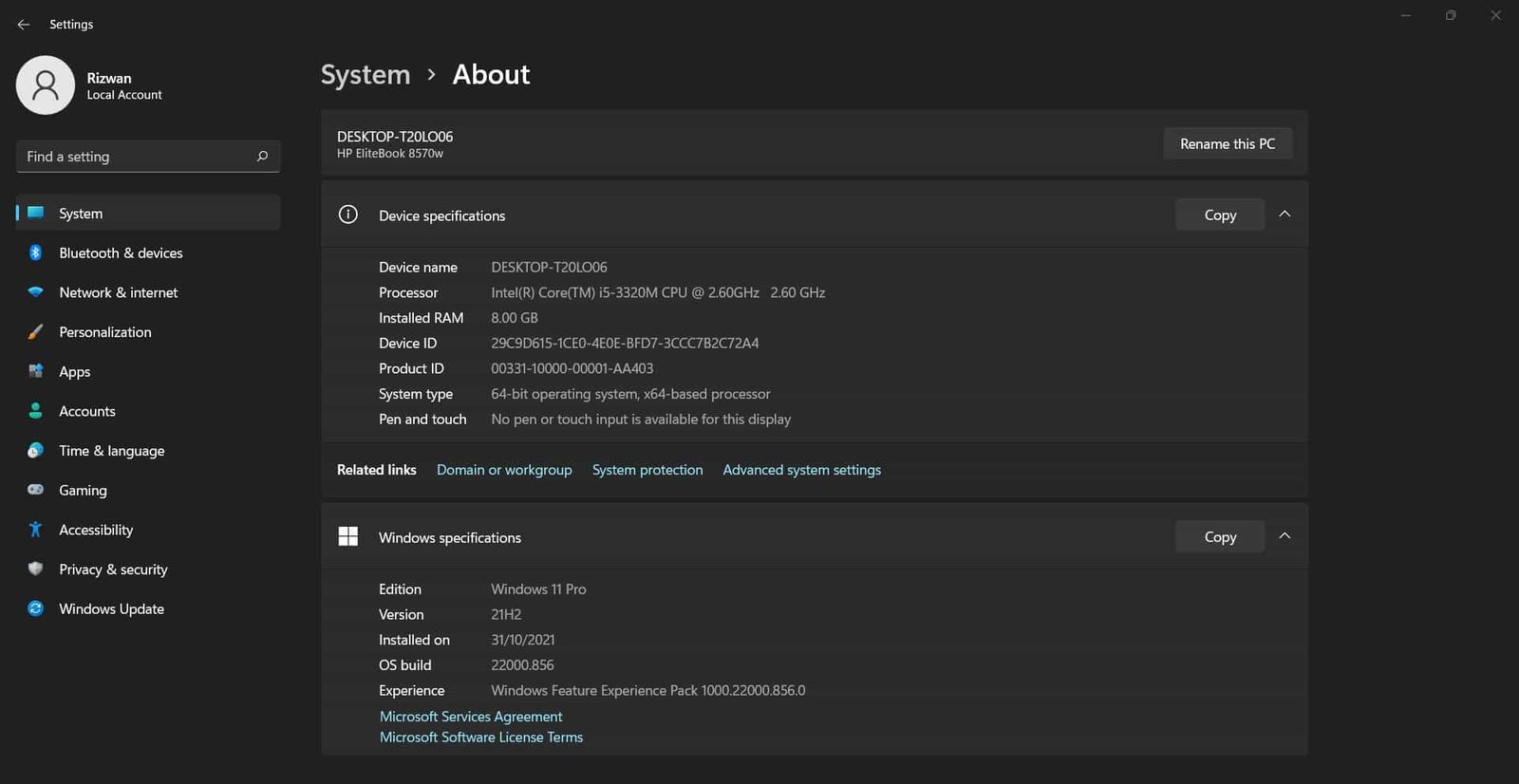
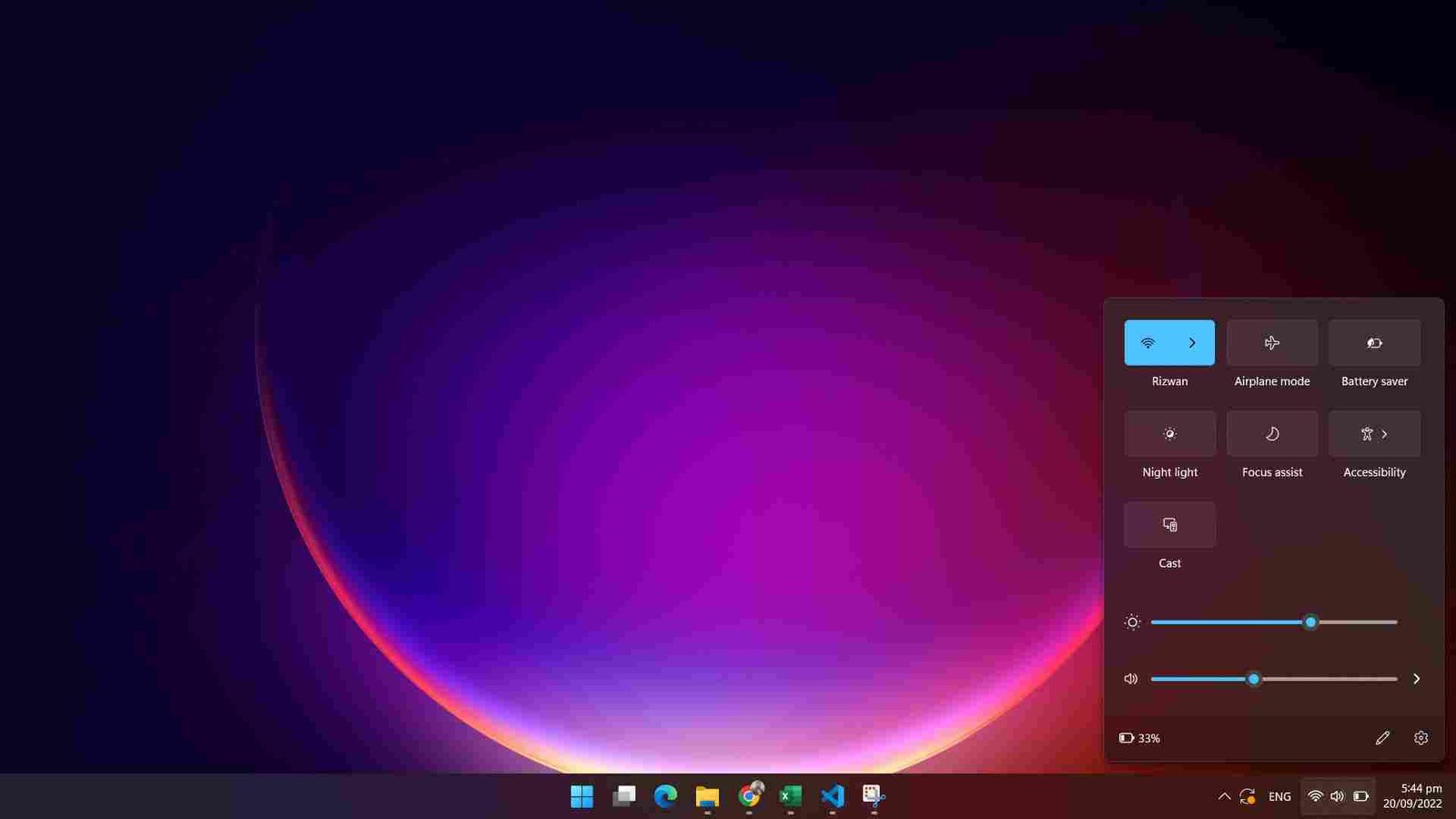
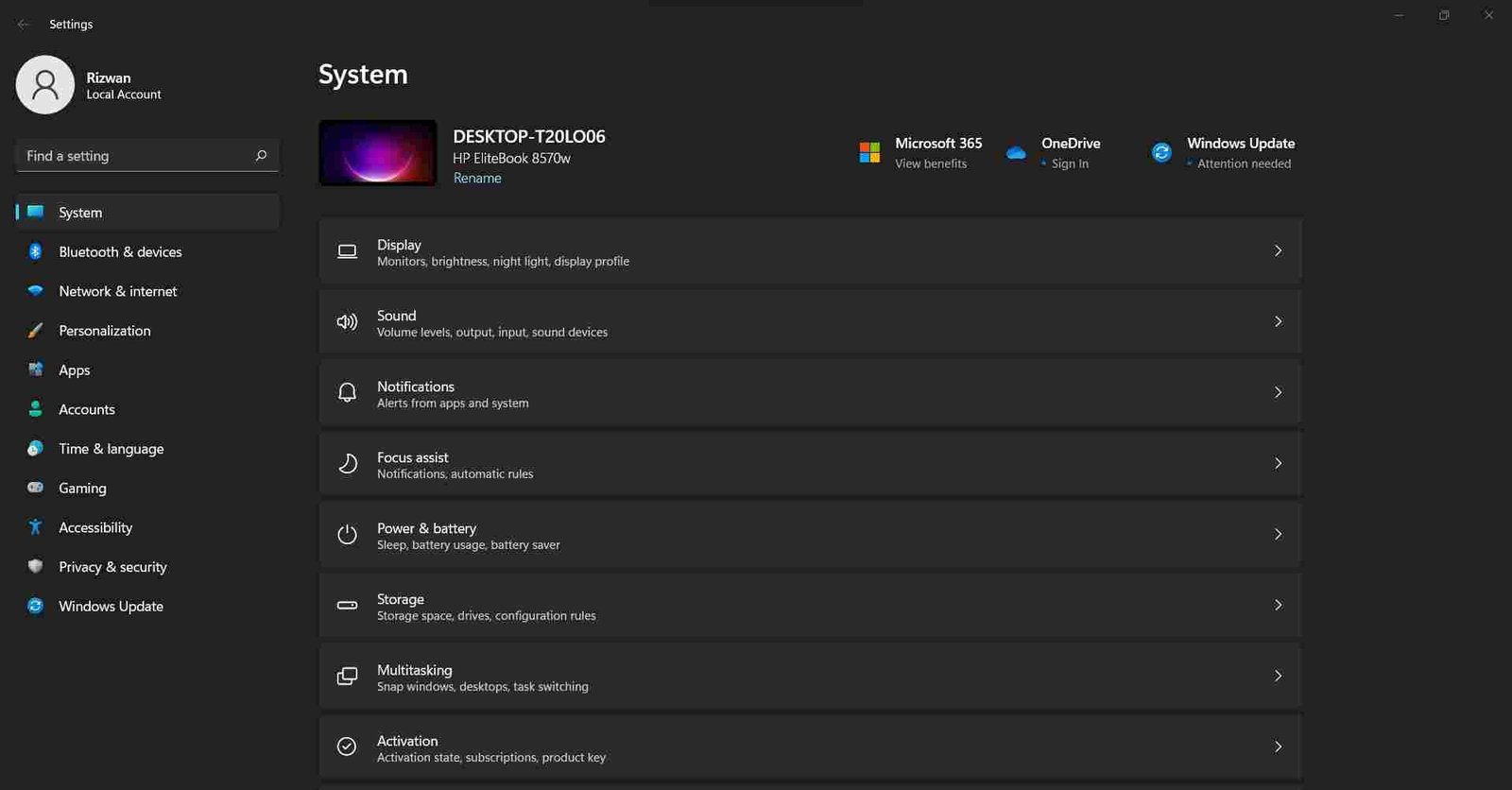
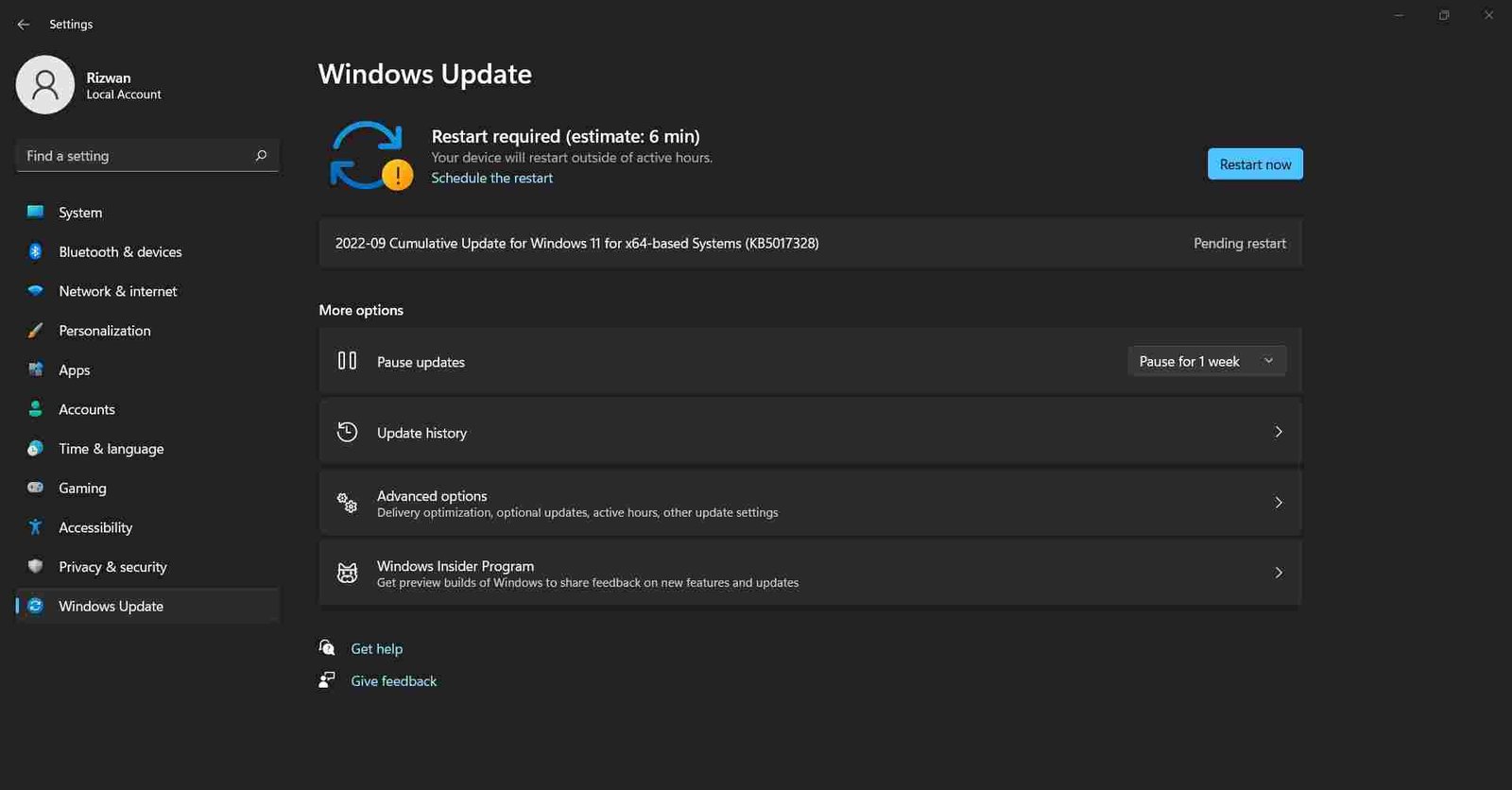
Windows 11 Screenshots
Windows 11 Editions
Windows 11 22H2 was available across several editions, including Home, Pro, Pro Education, Pro for Workstations, Enterprise, Education, and other specialized editions. Availability and licensing depended on the edition and deployment channel.
Windows 11 Home and Pro
Windows 11 Home was intended for general-purpose consumer PCs, while Windows 11 Pro added features aimed at professional and business environments, including BitLocker, Hyper-V, Group Policy management, and domain-related capabilities.
Windows 11 Enterprise and Education
Windows 11 Enterprise was designed for organizations that needed centralized management, security, and deployment capabilities. Windows 11 Education was intended for educational institutions and was distributed through Microsoft’s academic licensing channels.
There was no Windows 11 Ultimate edition. Microsoft continued the edition structure used for its modern Windows releases rather than bringing back the old Windows 7 Ultimate branding.
Download Windows 11 22H2 ISO
Windows 11 is 64-bit only; there is no official 32-bit Windows 11 ISO. Therefore, any Windows 11 22H2 ISO offered as a 32-bit edition is not an official Windows 11 installation image.
For historical or testing purposes, an ISO can be useful for creating installation media, installing Windows 11 in a virtual machine, or examining an older Windows release. However, because 22H2 is no longer supported, it should not be treated as the recommended version for a new everyday installation.
Windows 11 22H2 ISO (64-bit)
| Edition | Availability |
|---|---|
| Windows 11 Home | Windows 11 ISO |
| Windows 11 Pro | Windows 11 ISO |
| Windows 11 Enterprise | Windows 11 ISO |
| Windows 11 Education | Windows 11 ISO |
Note: The general Windows 11 download page may point to a newer supported release rather than 22H2. If you specifically need 22H2 for archival, compatibility, or testing purposes, use the dedicated 22H2 ISO link below.
Download Windows 11 22H2 64-bit ISO
How to install Windows 11 22H2
You can install Windows 11 22H2 from a bootable USB drive or by mounting the ISO from an existing Windows installation. For a clean installation, create bootable media with a compatible USB drive and boot the computer from it.
If you are using an installation USB, the general process is:
- Back up important files before starting a clean installation.
- Create a bootable Windows 11 USB using the ISO and a suitable installation-media tool.
- Restart the computer and open its boot menu or firmware boot options.
- Select the USB installation media.
- Choose the language, time, and keyboard settings when Windows Setup starts.
- Select Install now and enter a product key if required. Depending on the device, activation may occur automatically when Windows connects to the internet.
- Choose the appropriate installation type and target drive. Be careful when selecting partitions because a clean installation can erase existing data.
- Allow Windows Setup to copy the files and restart the computer.
- Complete the initial Windows setup after installation.
Installing Windows 11 22H2 in a Virtual Machine
Windows 11 22H2 can also be installed in virtualization software such as VirtualBox or VMware, provided that the virtual machine is configured with the hardware and security features required by Windows 11.
- Create a new Windows 11 virtual machine.
- Attach the Windows 11 22H2 ISO as the virtual optical drive.
- Configure the virtual machine according to Windows 11 requirements, including supported firmware and security features where required by the virtualization platform.
- Start the virtual machine and follow the Windows Setup process.
For a more detailed installation walkthrough, see our Windows 11 installation guide.
Windows 11 22H2 Support Status
Windows 11 22H2 is no longer supported for the standard Home and Pro editions. Microsoft ended servicing for these editions on October 8, 2024. Supported Windows 11 releases should be used for normal day-to-day systems so that the device can continue receiving security and quality updates.
This makes the 22H2 ISO primarily useful as an archived Windows release, rather than a current Windows installation recommendation.
Windows 11 System Requirements
Windows 11 22H2 follows the core Windows 11 hardware requirements. The minimum requirements include:
- Processor: 1 GHz or faster, with 2 or more cores, on a compatible supported processor.
- Memory: 4 GB RAM.
- Storage: 64 GB or larger storage device.
- Firmware: UEFI with Secure Boot capability.
- TPM: Trusted Platform Module (TPM) version 2.0.
- Graphics: DirectX 12 or later with a WDDM 2.0 driver.
- Display: High-definition display larger than 9 inches diagonally, with 8 bits per color channel.
- Internet and account: Windows 11 Home and Windows 11 Pro for personal use require internet connectivity and a Microsoft account during initial setup.
Hardware requirements can vary for specific Windows features. Microsoft recommends checking the supported processor list and the current Windows 11 requirements before installing the operating system.
Windows 11 22H2 FAQs
When was Windows 11 22H2 released?
Windows 11 version 22H2 was released on September 20, 2022.
Is Windows 11 22H2 still supported?
No. Support for the standard Home and Pro editions of Windows 11 22H2 ended on October 8, 2024. Enterprise and Education editions followed a longer servicing schedule.
Is Windows 11 22H2 available in 32-bit?
No. Windows 11 is available only as a 64-bit operating system. There is no official 32-bit Windows 11 22H2 ISO.
How can I check my Windows version?
Press Win + R, type winver, and press Enter. Windows will display the installed version and OS build information.
Can I still install Windows 11 22H2?
An archived 22H2 installation image can still be used where appropriate, such as testing, virtual machines, or compatibility work. However, it is an unsupported Windows release and should not be confused with a current supported version.
Where can I find the latest Windows 11 version?
For a current installation, use the main Windows 11 download page rather than this archived 22H2 page.
